Menus and Toolbars
Use this page to configure the IntelliJ IDEA menus and toolbars.
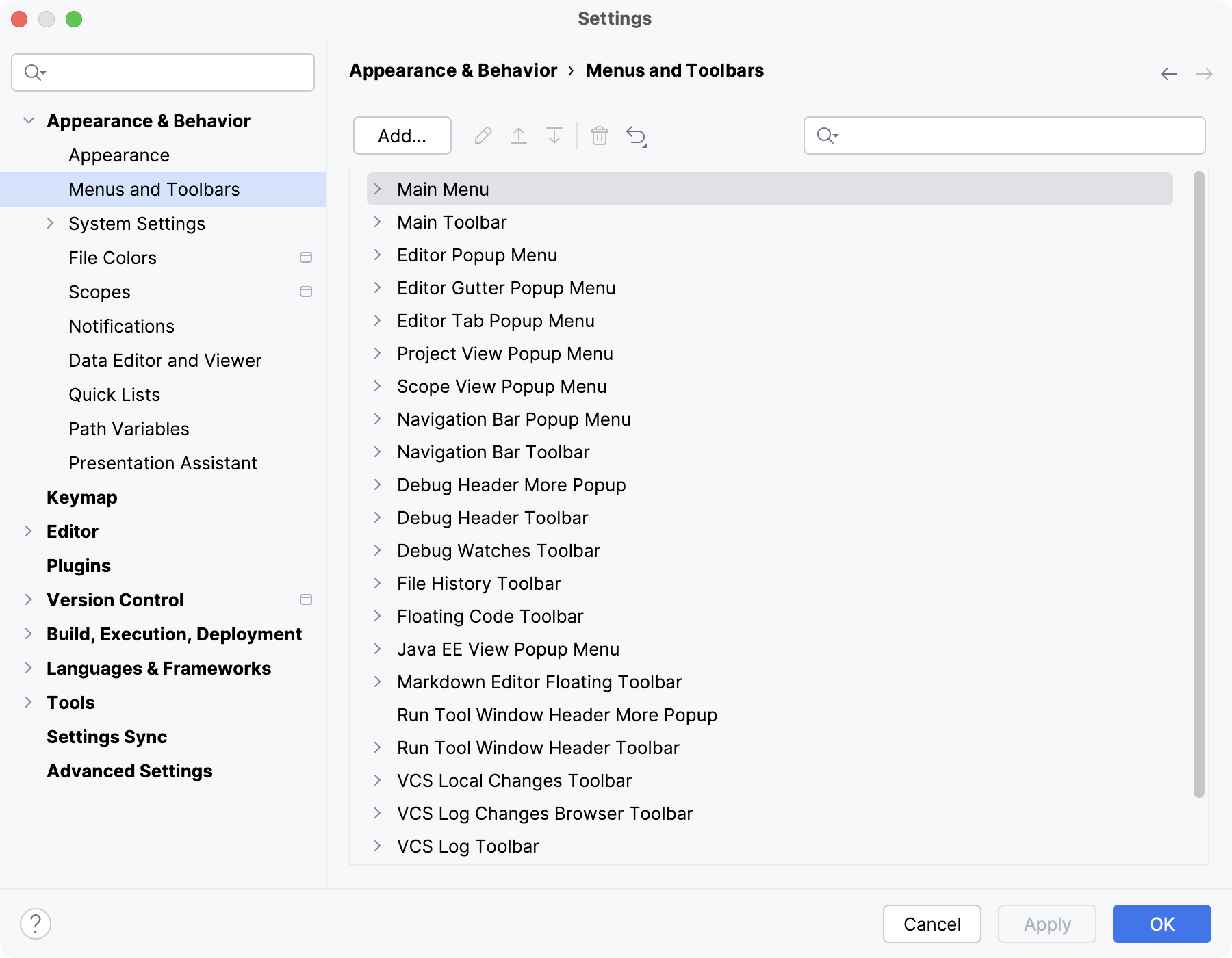
The list shows items in various menus and toolbars, grouped according to the areas of their use.
To configure an item, expand the corresponding node and select the desired item. Use the buttons on the toolbar to edit or remove the selected item, or add a new item under the selected node.
Button | Description |
|---|---|
Add | Open the Add Action dialog where you can select an action and assign an icon to it if necessary. |
| Delete the selected item from the list. |
| Associate an icon with the selected menu item. In the Choose Action Icon dialog, specify the path to the desired image. |
| Move the selected item up. |
| Move the selected item one position down. |
| Discard changes and restore default settings, either for the selected item or for all items. |


