Alter the program's execution flow
While debugging an application, you typically follow the normal flow of a program. However, there are cases when you need to deviate from it.
This can be required in order to reproduce certain conditions or to test how the program deals with special cases, such as null or an exception. Also, this is convenient when you need to skip particular parts of the program that aren't related to the problem you are currently examining.
Return to a previous stack frame
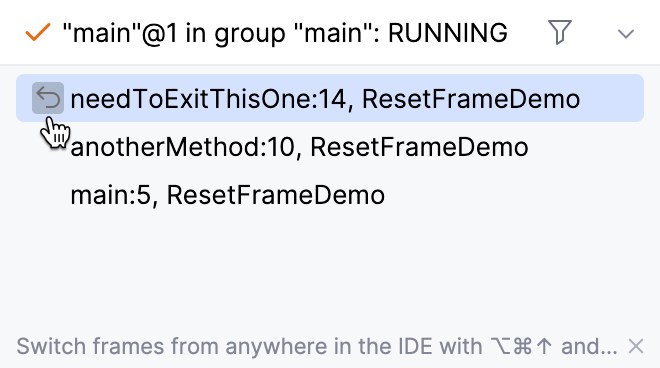
IntelliJ IDEA lets you fall back to a previous stack frame in a program's execution flow. This can be useful, for example, if you've mistakenly stepped too far and want to re-enter a method where you missed a critical spot.
In the Threads tab, hover over the frame you want to reset, then click the Reset Frame button that appears.
Use breakpoint expressions
In order to change the flow of your program, you can use non-suspending breakpoints that evaluate an expression when hit. This is useful, for example, when you want to automatically modify your variables during debugging.
In the example, resetting readyToExit to false will make the printHello method be executed over and over until we disable the breakpoint that resets it.
Also, breakpoint expressions can be utilized to add some logic that you want to be only used during debugging.
In the example above, you can use a breakpoint to change the value of the addDebugLogic flag, which would in turn add the required debug-specific behavior.
Add a non-suspending breakpoint with an expression
Add a breakpoint at the line where you want to modify the program state.
Go to breakpoint properties.
In the properties of the new breakpoint, clear the Suspend checkbox and enter the expression that will modify the program state in the Evaluate and log field.
Force return from the current method
You can exit a method before it reaches the return statement and make it return an arbitrary value. This is useful when the problem is related to the return value of the method and not to how it's produced. Force return helps you test how the return values are handled by the program without having to reproduce the conditions that lead to these values.
When you use Force return, the instructions after the current execution point are disregarded.
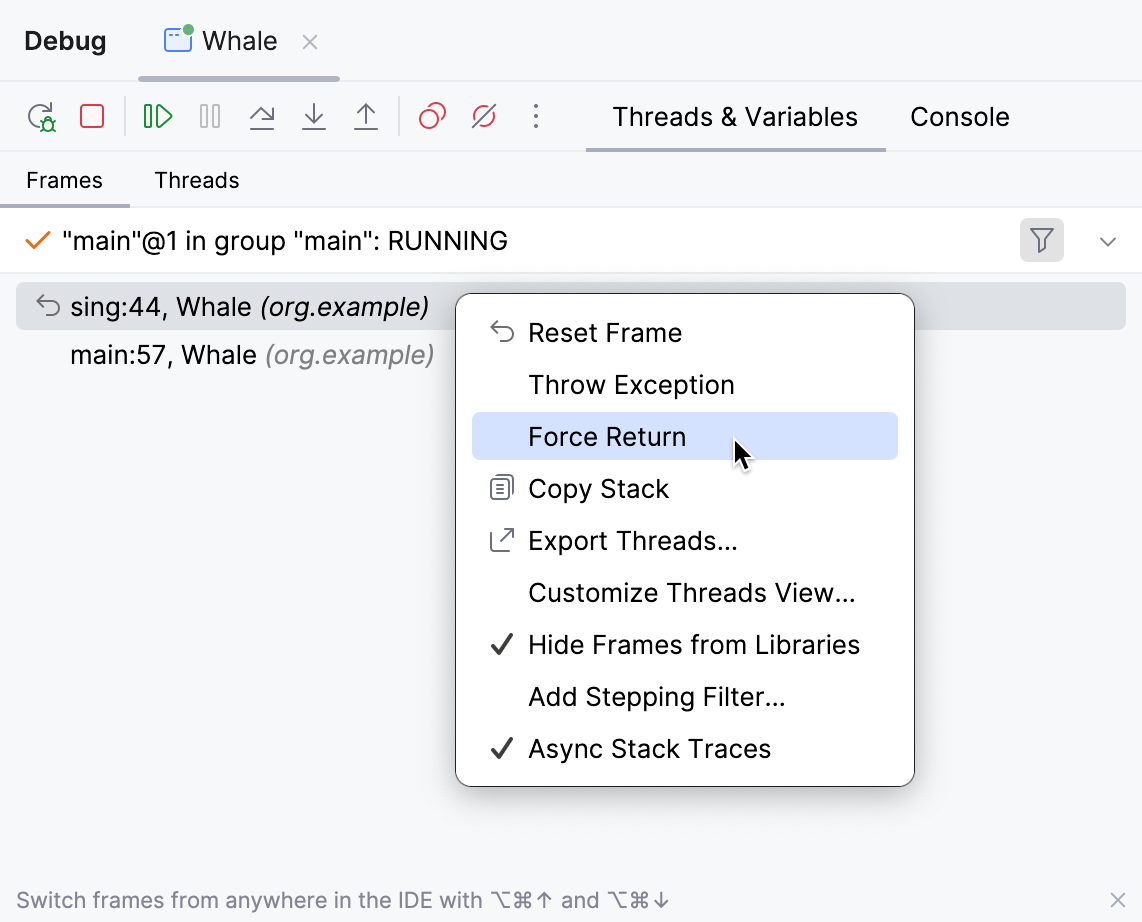
Make sure the current method is selected on the Frames tab, then right-click anywhere in the tab and select Force Return.
If the method returns a value (its return type is not
void), specify the value or an expression that will calculate it.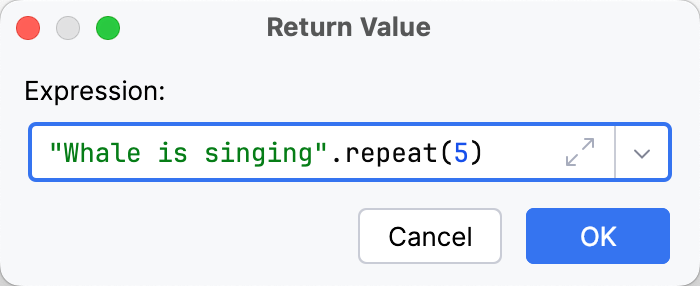
Expressions are evaluated in the local context and can use any local variables that have already been declared. The return value must conform to the method's return type.
If the execution point is currently in a
try,catch, orfinallyblock and there are lines of code infinallythat have not been executed, select whether you want to skip them.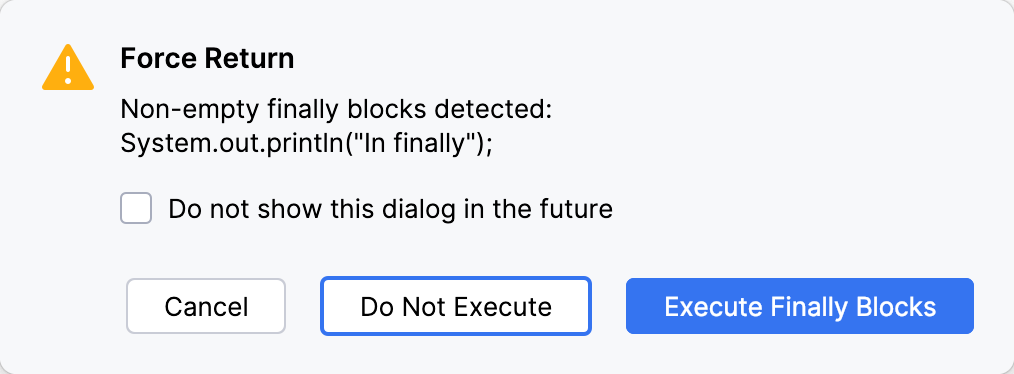
Throw an exception
IntelliJ IDEA lets you throw an exception or error from the currently executed method. This is useful when you want to test how a particular type of exception is handled without having to reproduce the cause or modify the code.
Select the current method on the Frames tab, then right-click anywhere in the tab and select Throw Exception.
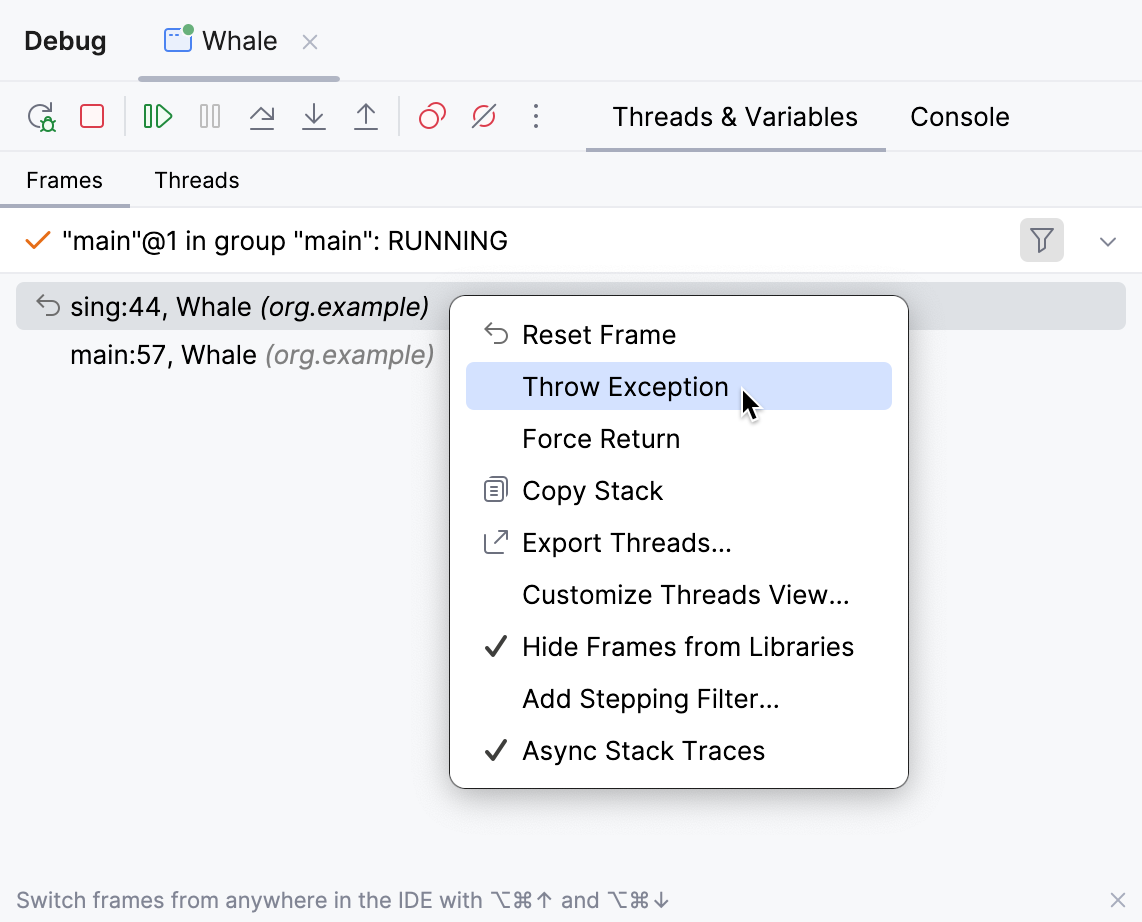
Create the exception (this can be any
ThrowableincludingErrorand checked exceptions that are not handled by the method). Do not use thethrowkeyword in the expression, for example:new NullPointerException()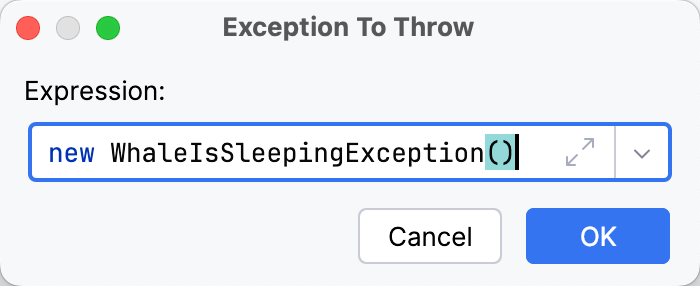
Reload modified classes
When you're making changes to your code, you might want to immediately see how they will behave at runtime without shutting down the process. The HotSwap mechanism lets you do that by reloading the classes changed during a debugging session.
Reload all changed files
Right-click in the editor and select Compile and Reload Modified Files.
Click Apply HotSwap in the Code changed popup. It appears after you make changes to the code while debugging.
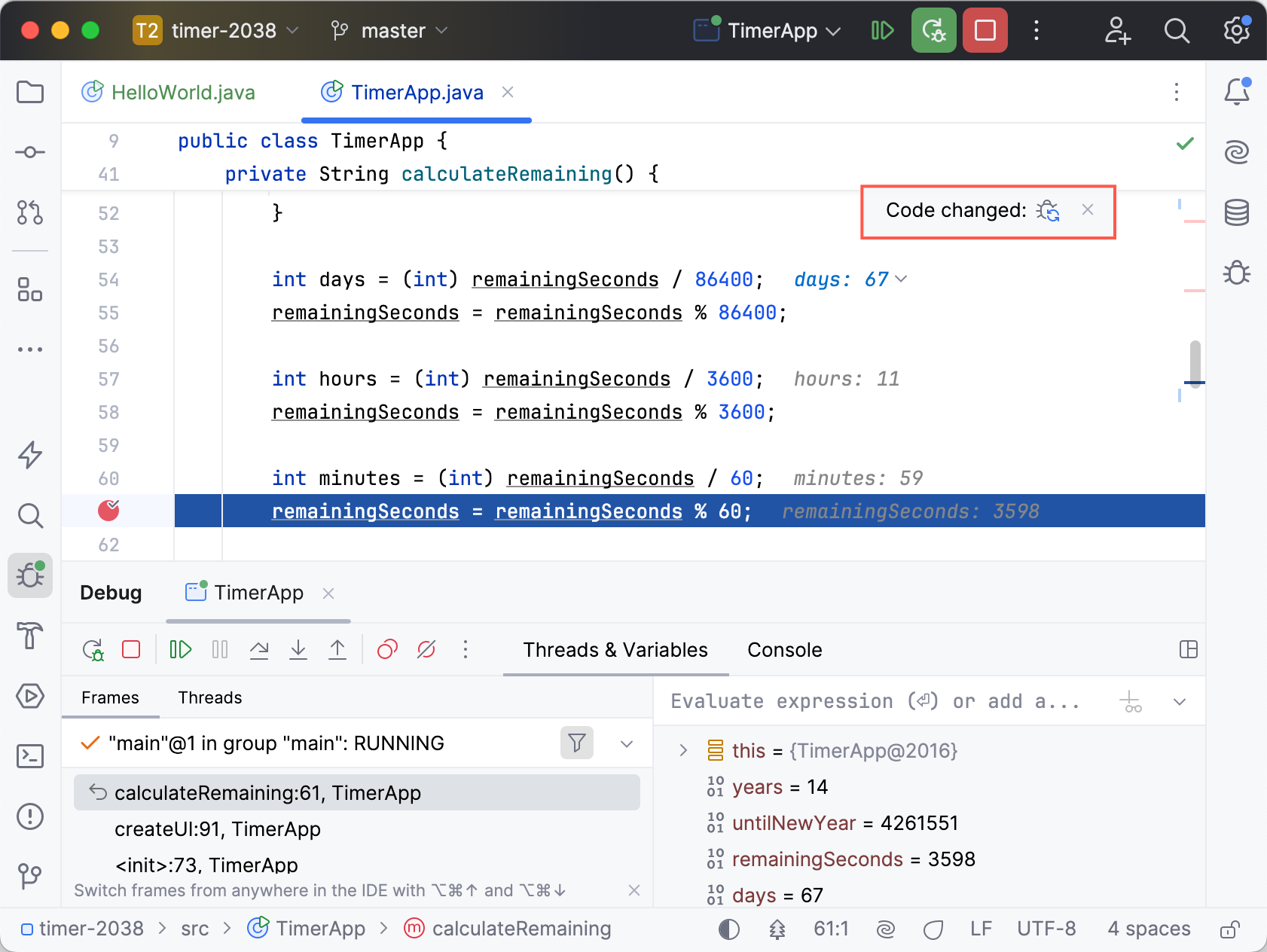
Recompilation happens automatically if the Build project before reloading classes option is enabled in . Otherwise, you need to recompile the files before reloading ( Ctrl+Shift+F9).
The scope of recompilation depends on the build tool. For example, Gradle and Maven recompile the whole module, whereas IntelliJ IDEA's build system only recompiles the changed files.
Reload a single changed file
Press Ctrl+Shift+A.
In the Search Everywhere dialog that opens, type
Compile And Reload File, select the corresponding action, then press Enter.
You can configure automatic reloading of classes after they have been recompiled using the Reload classes after compilation option in . You can turn automatic reloading on/off, or configure the debugger to ask you whether to reload the file in each specific case.
HotSwap limitations
Due to VM design, HotSwap has the following limitations:
it is only available if a method body is modified. Changing signatures is not supported.
adding and removing class members is not supported
if the modified method is already in the call stack, the changes will take effect only after the program exits the modified method. Until that moment, the method body remains unchanged. In this case, the frame is displayed as obsolete.
If you want to remove the limitations imposed by the standard VM, you can use the Dynamic Code Evolution VM with unlimited support for reloading classes at runtime.