Create Web application elements
The elements and deployment settings of a Web application are defined in the Web module deployment descriptor web.xml, which is created automatically when you enable Web application support for a module.
For the sake of consistency with the User Interface, the module deployment descriptors are also referred to as Assembly Descriptors.
You can use the editor and edit the source code using the IntelliJ IDEA coding assistance.
Define templates for Web application elements
IntelliJ IDEA does not provide the default templates for creating servlets, listeners, and filters. However, you can define these templates yourself.
Servlets as a part of a Web application are created and configured through the <servlet> and <servlet-name> elements in the web.xml Web Application deployment descriptor.
Press Ctrl+Alt+S to open settings and then select .
On the Files tab, click
 to create a new file template.
Name the new template
Servletand specifyServletas the file name. Make sure that the extension isjava.Paste the following code as the template body:
#if (${PACKAGE_NAME} && ${PACKAGE_NAME} != "")package ${PACKAGE_NAME};#end #parse("File Header.java") import javax.servlet.*; import javax.servlet.http.*; import javax.servlet.annotation.*; import java.io.IOException; @WebServlet(name = "${Class_Name}", value = "/${Class_Name}") public class ${Class_Name} extends HttpServlet { @Override protected void doGet(HttpServletRequest request, HttpServletResponse response) throws ServletException, IOException { } @Override protected void doPost(HttpServletRequest request, HttpServletResponse response) throws ServletException, IOException { } }Apply the changes and close the dialog.
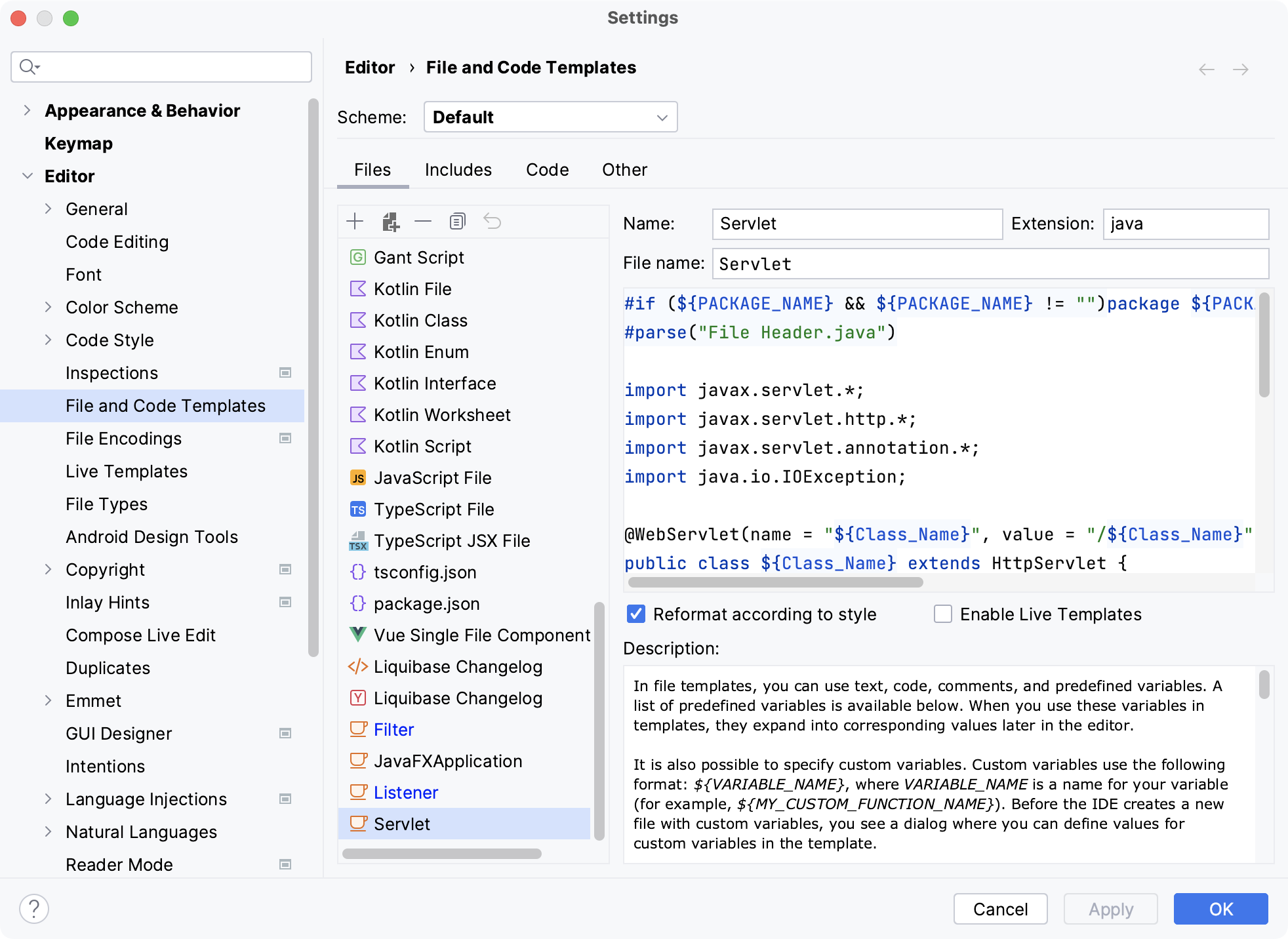
The Servlet element defines the name of the servlet and specifies the compiled class that implements it. Alternatively, instead of specifying a servlet class, you can specify a JSP.
The Servlet element also contains definitions of initialization attributes.
Note that you can map URL pattern that associates the servlet with the set of URLs that call the servlet using annotations in the editor.
A listener receives notifications on any events related to the Web application, such as deployment/undeployment of the Web application, activation/deactivation of an HTTP session, as well as on adding, removing, and replacing attributes of the application/session.
Press Ctrl+Alt+S to open settings and then select .
On the Files tab, click
to create a new file template.Name the new template
Listenerand specifyListeneras the file name. Make sure that the extension isjava.Paste the following code as the template body:
#if (${PACKAGE_NAME} && ${PACKAGE_NAME} != "")package ${PACKAGE_NAME};#end #parse("File Header.java") import javax.servlet.*; import javax.servlet.http.*; public class ${Class_Name} implements ServletContextListener, HttpSessionListener, HttpSessionAttributeListener { public ${Class_Name}() {} @Override public void contextInitialized(ServletContextEvent sce) { /* This method is called when the servlet context is initialized(when the Web application is deployed). */ } @Override public void contextDestroyed(ServletContextEvent sce) { /* This method is called when the servlet Context is undeployed or Application Server shuts down. */ } @Override public void sessionCreated(HttpSessionEvent se) { /* Session is created. */ } @Override public void sessionDestroyed(HttpSessionEvent se) { /* Session is destroyed. */ } @Override public void attributeAdded(HttpSessionBindingEvent sbe) { /* This method is called when an attribute is added to a session. */ } @Override public void attributeRemoved(HttpSessionBindingEvent sbe) { /* This method is called when an attribute is removed from a session. */ } @Override public void attributeReplaced(HttpSessionBindingEvent sbe) { /* This method is called when an attribute is replaced in a session. */ } }Apply the changes and close the dialog.
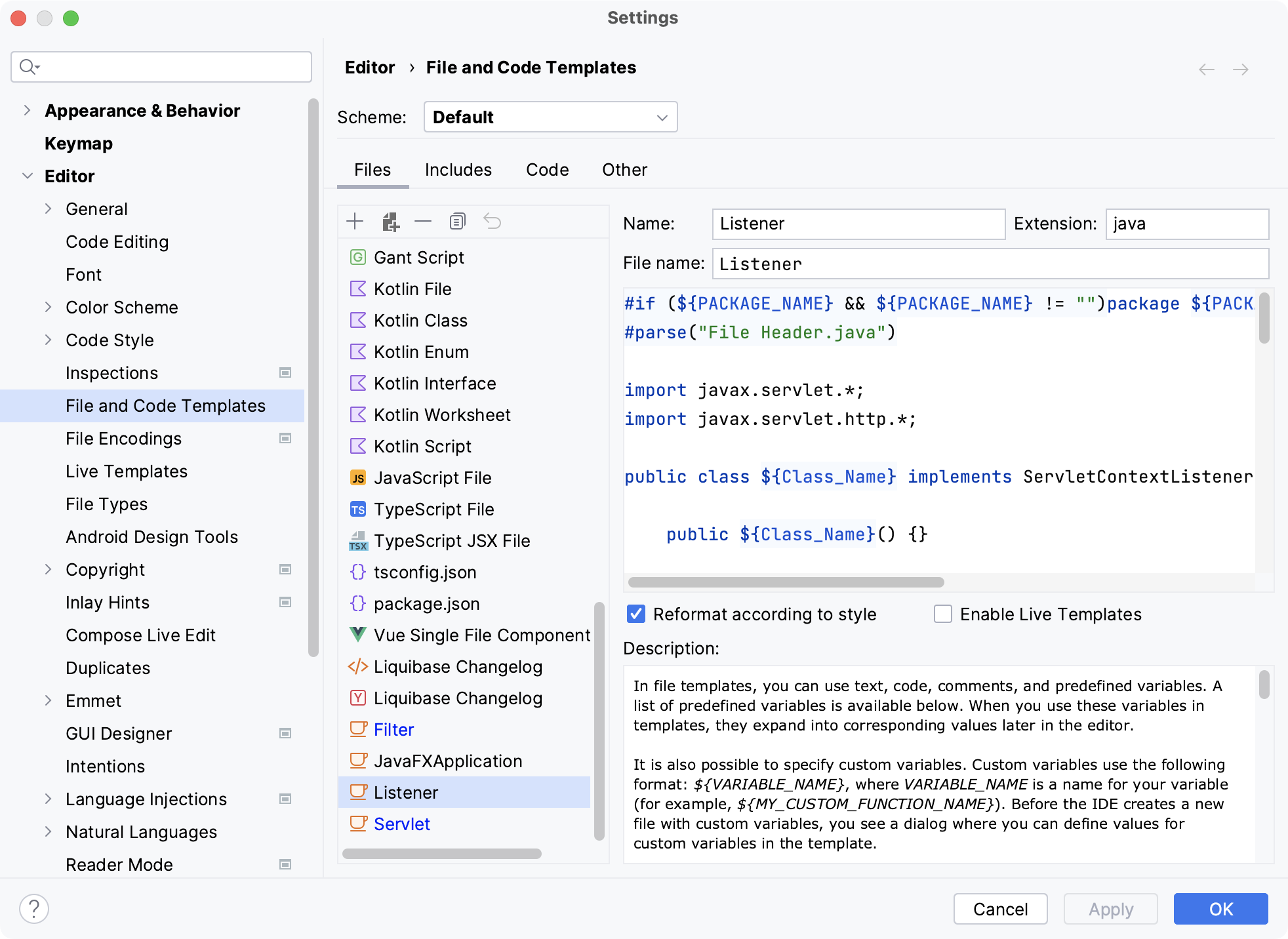
Press Ctrl+Alt+S to open settings and then select .
On the Files tab, click
to create a new file template.Name the new template
Filterand specifyFilteras the file name. Make sure that the extension isjava.Paste the following code as the template body:
#if (${PACKAGE_NAME} && ${PACKAGE_NAME} != "")package ${PACKAGE_NAME};#end #parse("File Header.java") import javax.servlet.*; import javax.servlet.annotation.*; @WebFilter(filterName = "${Class_Name}") public class ${Class_Name} implements Filter { public void init(FilterConfig config) throws ServletException { } public void destroy() { } @Override public void doFilter(ServletRequest request, ServletResponse response, FilterChain chain) throws ServletException, IOException { chain.doFilter(request, response); } }Apply the changes and close the dialog.
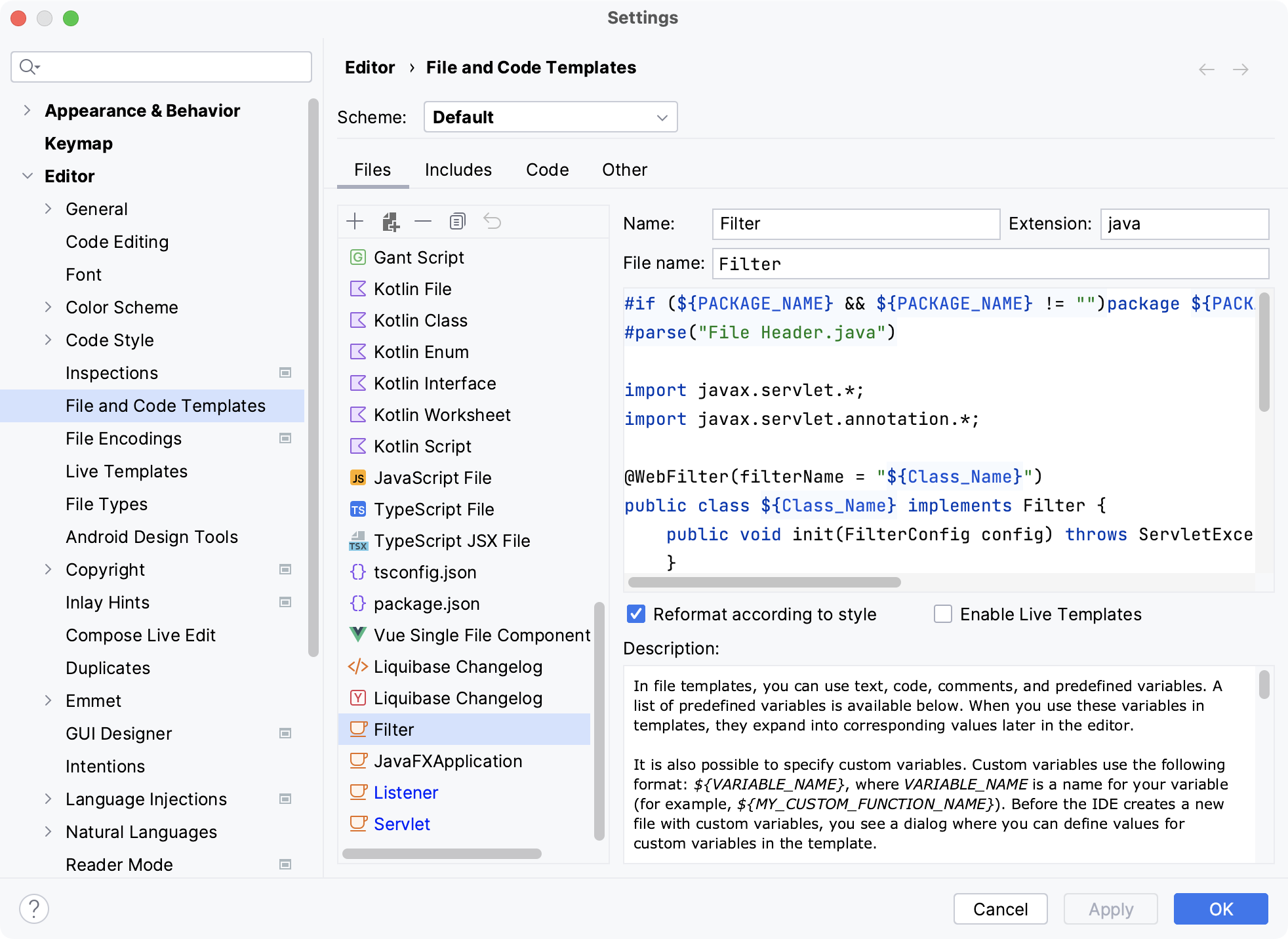
Add an element
Before you add a new element, make sure that you have created a file template for it.
In the Project tool window (Alt+1 or ), right-click a package located in a Web module and select Servlet, Filter, or Listener.
Name the new element and click OK.