Module dependency diagrams
When you work with a large multi-module project, sometimes it is more convenient to check how modules and their dependencies are connected in a graph.
You can view, analyze, and manage UML diagrams for the following modules:
Project modules - which are part of your multi-module project.
Java modules - which are part of the Jigsaw project that comes with JDK 9.
To view and manage such diagrams, make sure you have the JDK 9 or a later version installed.
View module dependencies diagram
In the main menu, go to (Alt+1), select an item (project/module) for which you want to view a diagram.
Right-click the selected item and from the context menu, select (or press Ctrl+Alt+Shift+U).
From the list that opens, select a type of the diagram you want to create.
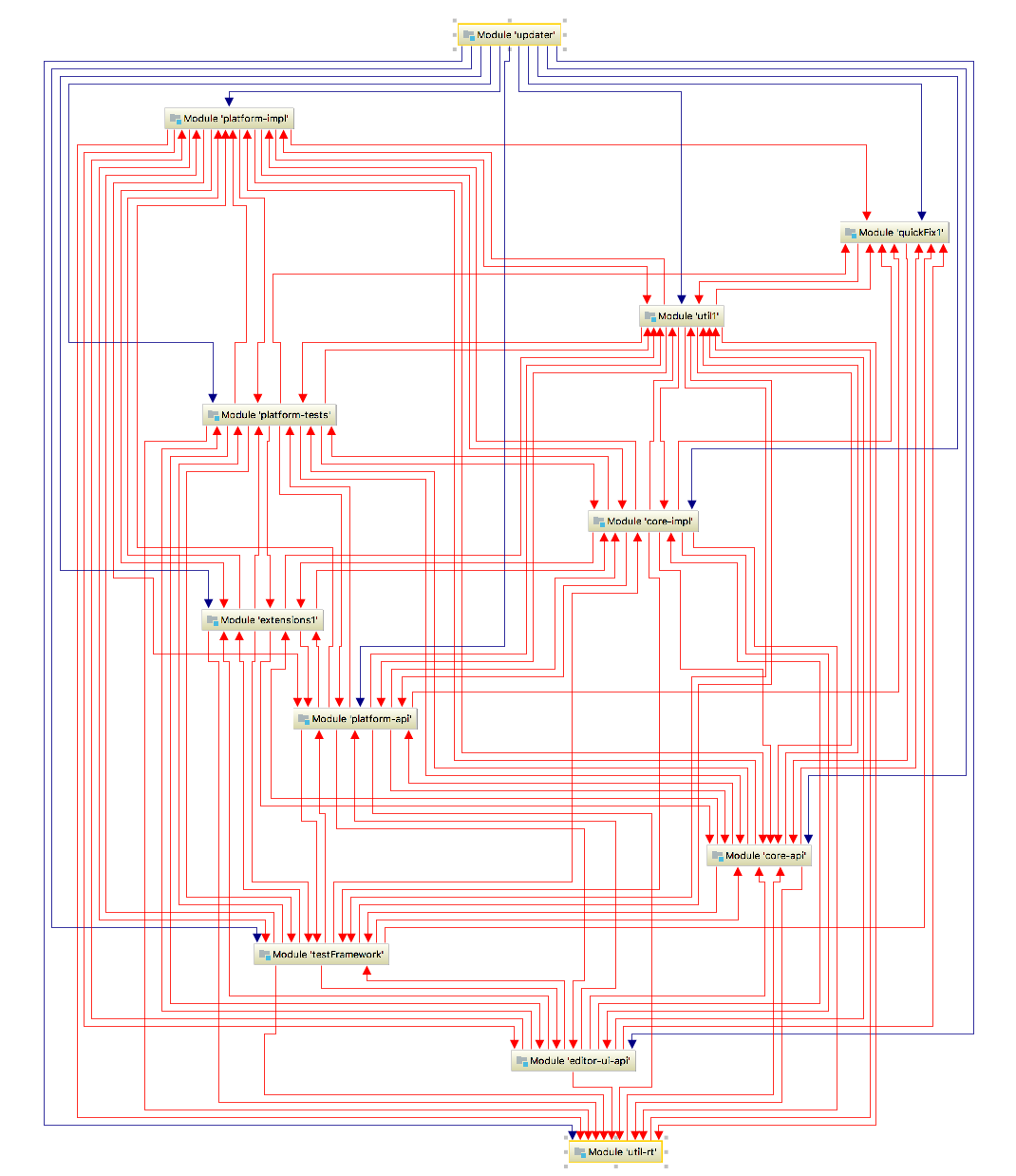
IntelliJ IDEA displays a module and its dependencies.
When you work with Java modules, keep the following in mind:
IntelliJ IDEA allows only one Java module per one IntelliJ IDEA module.
You can create a diagram for the JDK module as well. For example, right-click the java.jnlp file and from the context menu select Java Modules Diagram.
You can open the module-info.java file in the editor and from the context menu also create a diagram.
Analyze module diagrams
After you have generated a module dependencies diagram you can analyze modules and their dependencies.
For Project modules, UML conventions are followed when IntelliJ IDEA displays connections (arrows) between module dependencies. However, IntelliJ IDEA uses the following colors to display certain connections between modules and dependencies:
blue arrows are reserved for libraries and modules dependencies
green – for test dependencies
red – for circular dependencies
In projects with Java modules, you can easily spot named or automatic modules since IntelliJ IDEA displays them in different colors:
brown is reserved for IntelliJ IDEA modules
yellow is reserved for named modules (contain module-info.java)
blue is reserved for automatic modules
IntelliJ IDEA displays connections between modules and transitive dependencies with bold arrows. In this case, you can always see what gets pulled in with the module.
Manage module dependencies diagram
IntelliJ IDEA lets you manage your diagram performing basic diagram actions such as jumping to the source code, finding usages, and so on.
Check the following useful actions:
If you have a large graph with lots of modules and connections – use Alt+mouse to zoom in on different parts of your diagram.
You can jump to the source code – select the desired item and press F4
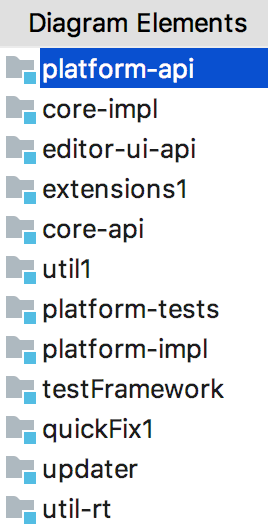
You can quickly locate a module or a library if you have too many items in your graph - press Ctrl+F and from the list that opens, select the element you're looking for.
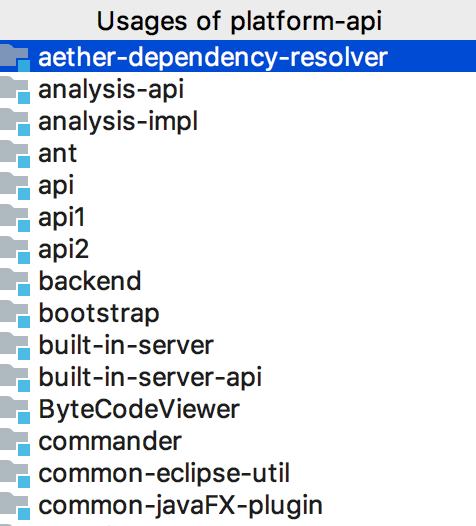
You can view usages of the diagram element in the project files – select the desired element and press Ctrl+Alt+F7.