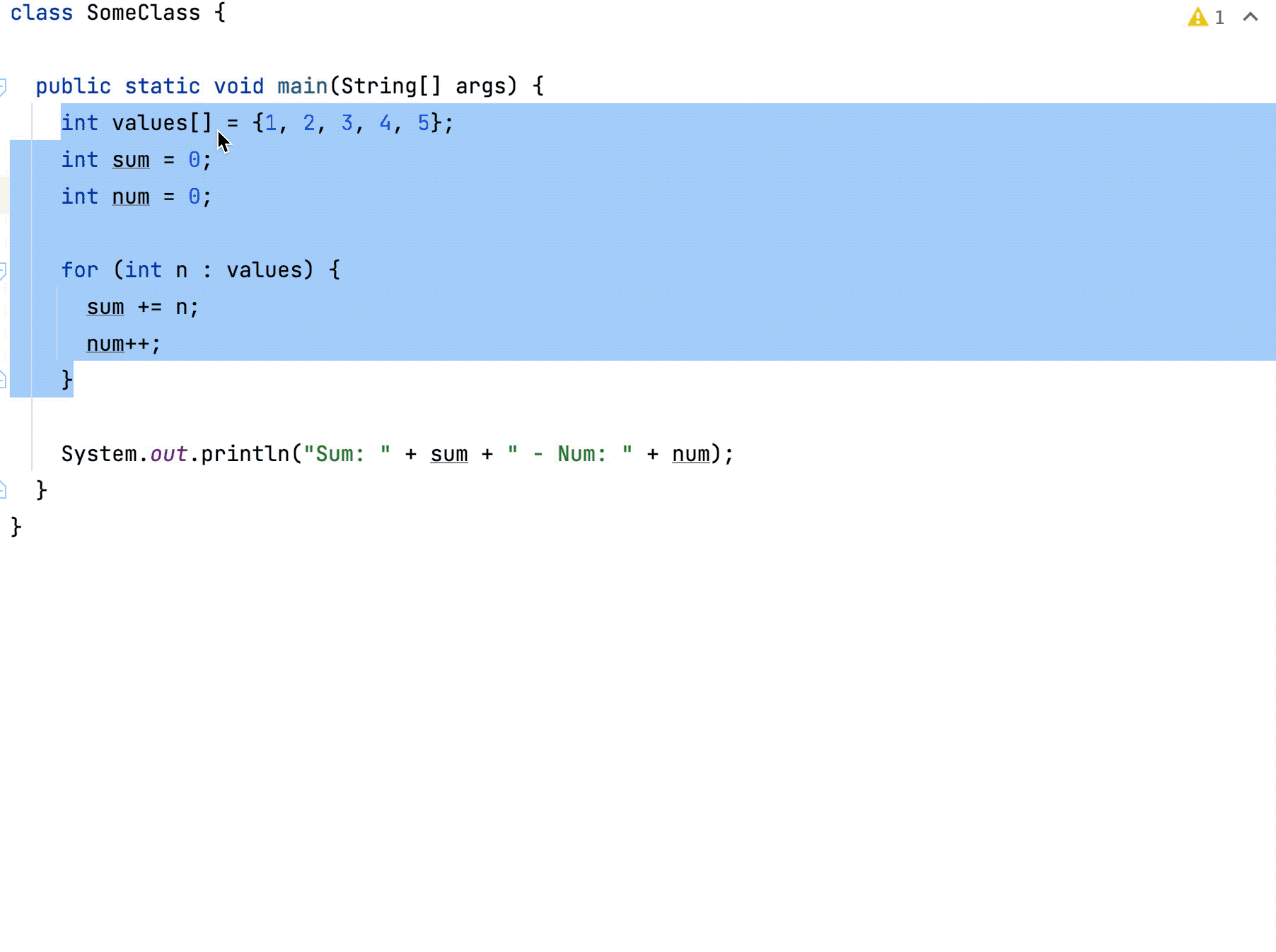
Extract method
The Extract Method refactoring lets you take a code fragment that can be grouped, move it into a separated method, and replace the old code with a call to the method.
When you extract the method, you need to check for variables. If there is one output variable, it is used as a return value for the extracted method. In case there are multiple output variables, the Extract Method refactoring may not be applied, and the error message appears.
There are several workarounds to allow Extract Method work in this case. For example, you may introduce a special data-class that contains all output values.
Extract method
Select a code fragment you want to extract to a method.
Press Ctrl+Alt+M or go to in the main menu.
Alternatively, on the floating toolbar that appears when a code fragment is selected, click Extract and select Method.
If IntelliJ IDEA detects code that is only partially duplicated, it suggests extracting a parameter to proceed with the refactoring.
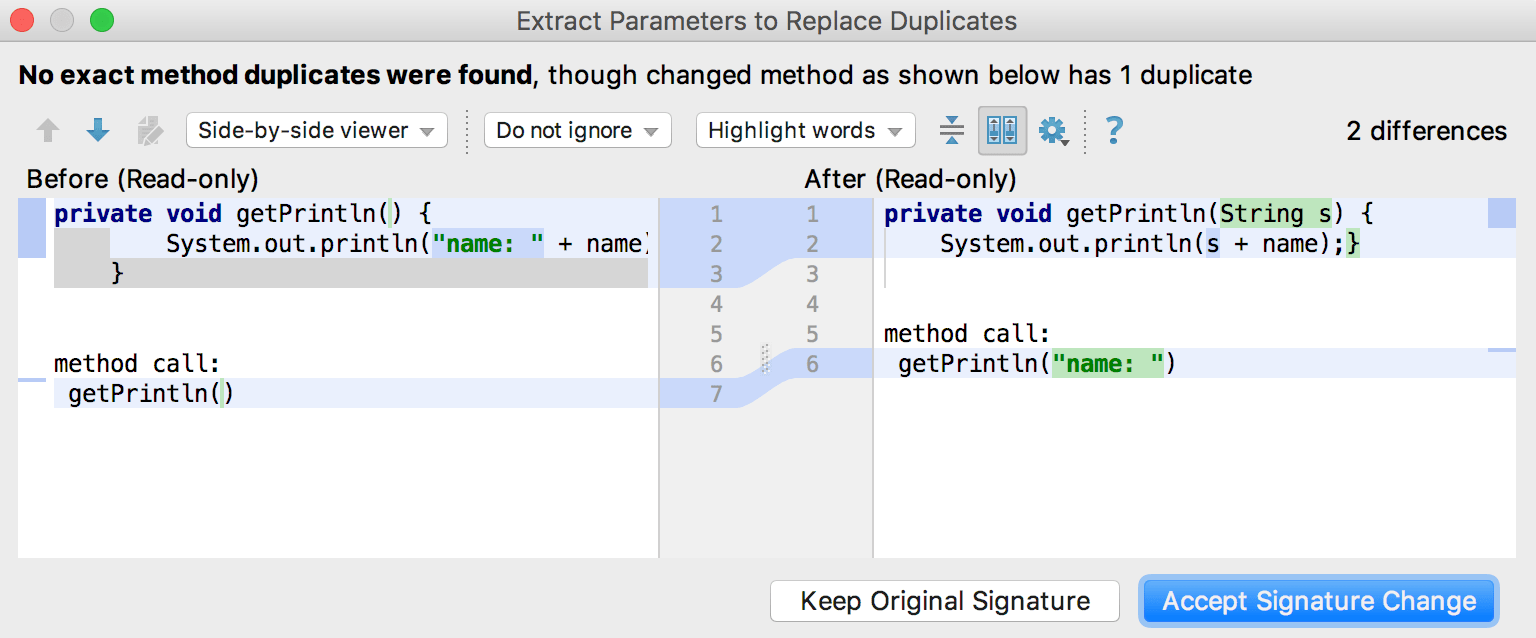
Example
Let's extract the a+b expression into a method (function for Kotlin), and replace duplicates .
Before | After |
|---|---|
public void method() {
int a=1;
int b=2;
int c=a+b;
int d=a+c;
}
|
public void method() {
int a=1;
int b=2;
int c=add(a,b);
int d=add(a,c);
}
...
private int add(int a, int b) {
return a+b;
}
|
Before | After |
|---|---|
fun method(){
val a = 1
val b = 2
val c = a + b
val d = a + b
}
|
fun method(){
val a = 1
val b = 2
val c = add(a, b)
val d = add(a, b)
}
private fun add(a: Int, b: Int) = a + b
|
Extract a method using Java records
Starting with the Java 16 version, you can extract a method using Java records. That might be helpful when you have multiple variables. In these cases, the IDE first suggests wrapping these variables into a new record or bean class and then performing method extraction.