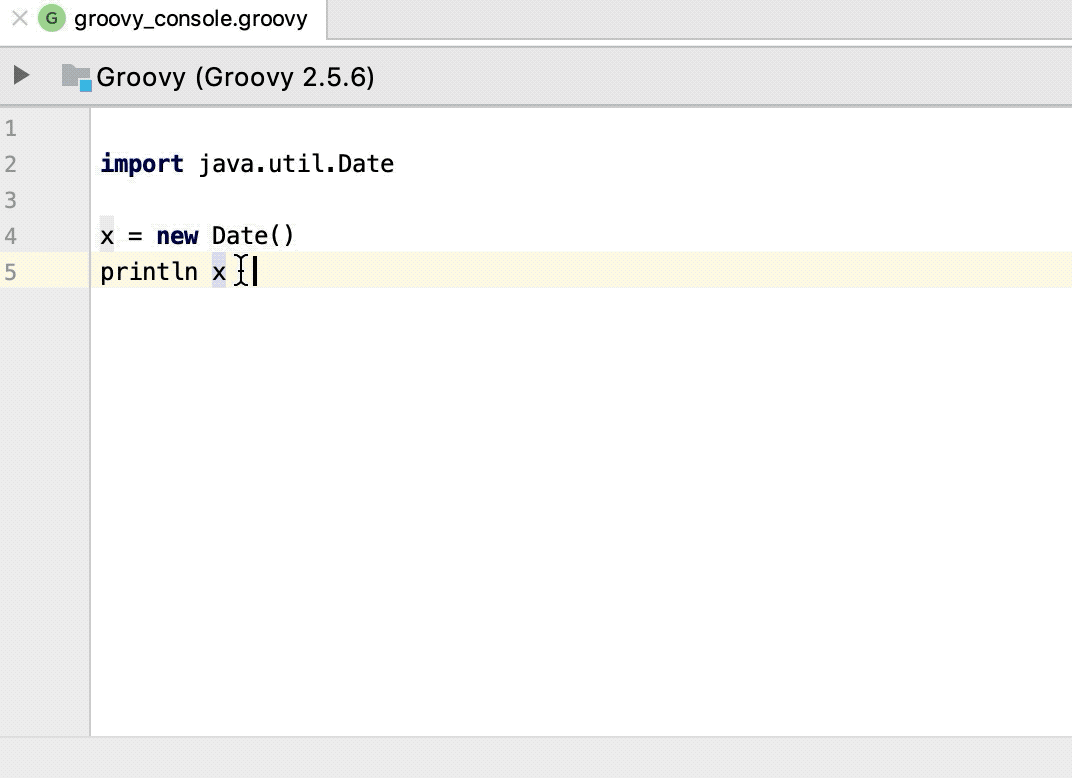
Groovy Interactive Console
You can open an interactive Groovy console in any project, including a Java one, and use the console as a temporary file to write and evaluate your code.
If dependencies in your project contain a Groovy library, then the specified Groovy library is used to launch the Groovy console. If the dependencies do not contain a Groovy library, then the bundled Groovy library will be used.
In the main menu, go to .
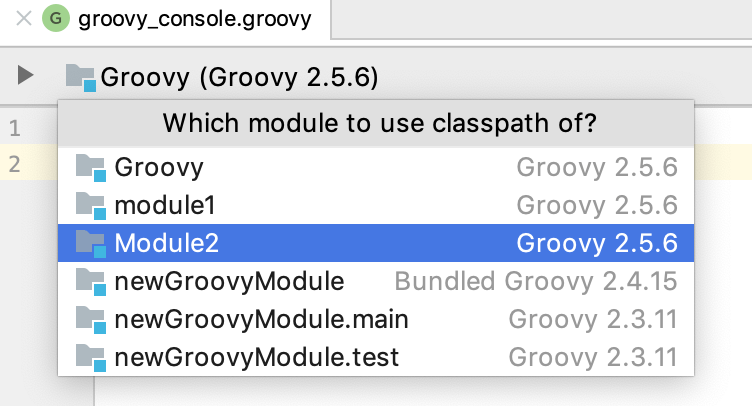
If you have more than one module in your project, click the project's name on the console toolbar and select a module from the list to change a classpath for the console.
The Groovy console starts in a separate tab in the editor.
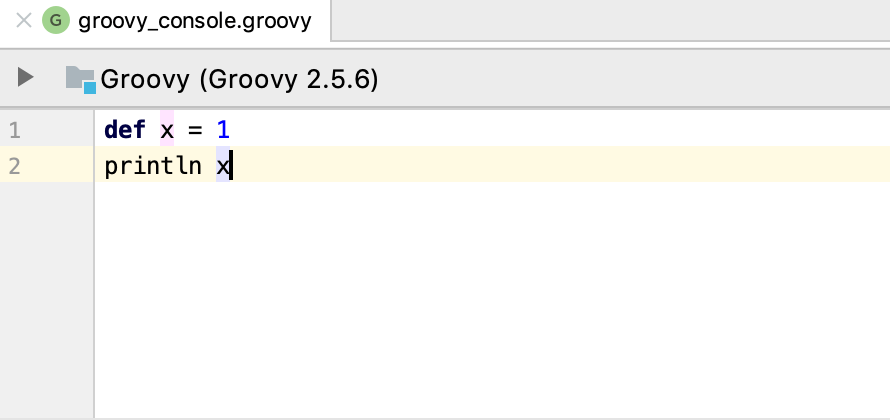
Perform different actions inside the Groovy console
You can enter code, the coding assistance is available as you type, or paste code from a different file. Press Ctrl+Enter or click
 to execute code and view the results in the Run tool window.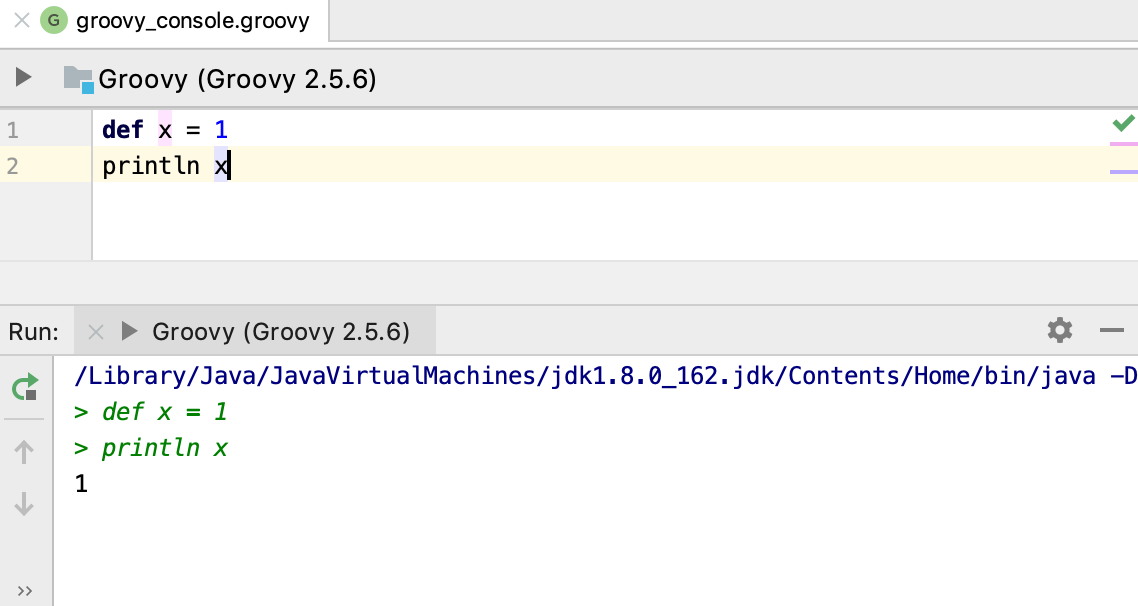
You can refer to a class from the Groovy console. Type the name of the class you need, select it and press Ctrl+B to jump to its declaration.
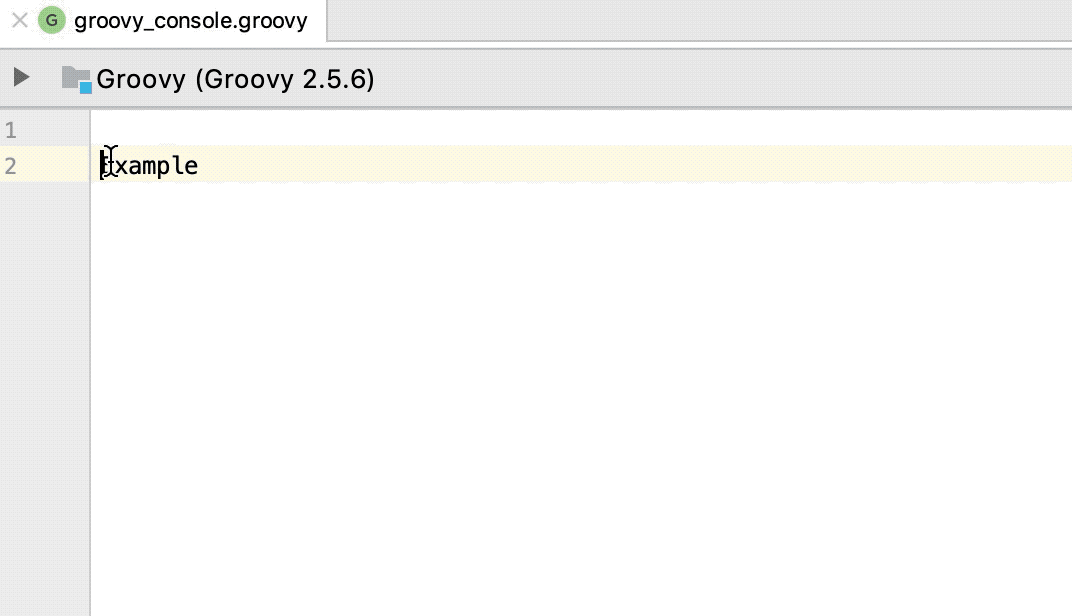
If you have an import statement in your code, you can run a partial selection of code omitting the import statement. The Groovy console will include the omitted part during the execution.