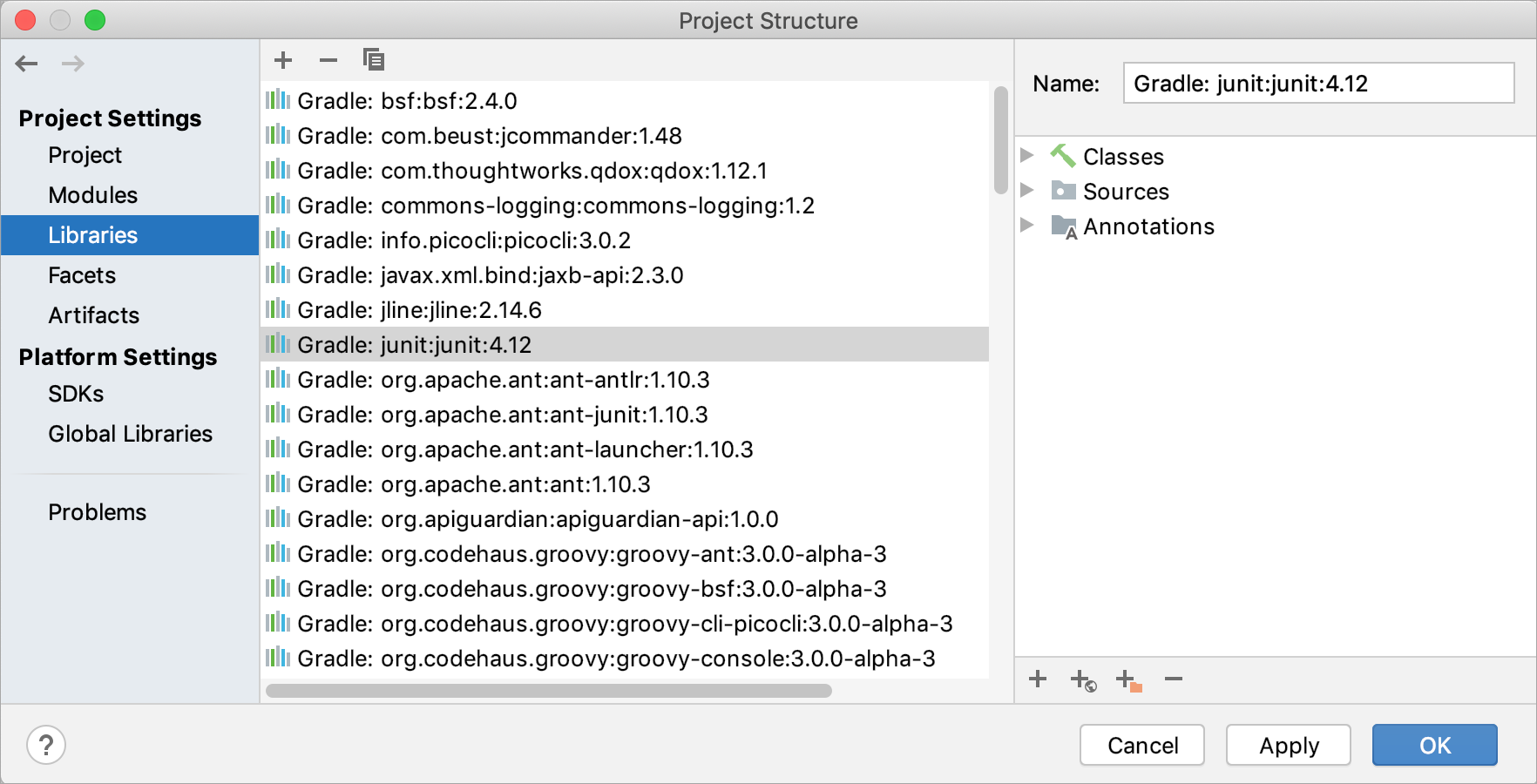
Toolbar icons, context menu commands and shortcuts
| Icon | Command | Shortcut | Description |
|---|---|---|---|
![]() | New Project Library or New Global Library | Alt+InsertControl N; Control Enter | Use this icon, command or shortcut to create a new project or global library. See Creating a project or a global library. |
![]() | Delete | DeleteDelete | Use this icon, command or shortcut to delete the selected library. |
![]() | Copy | Use this icon or command to create a copy of the selected library. See Creating a copy of a project or a global library. | |
![]() | Find Usages | Alt+F7Alt+F7 | Use this icon, command or shortcut to find the usages of the selected library in the project. |
| Move to Global Libraries | For a project library: use this command to move the selected project library to the global (IDE) level. See Moving a project library to a global level. | ||
| Copy to Project Libraries | For a global library: use this command to create a copy of the selected global library at the project level. See Creating a copy of a global library at the project level. | ||
| Add to Modules | Use this command to add the selected project or global library to dependencies of one or more of your modules. In the dialog that opens, select the corresponding modules. |