Settings
Use this dialog to change the IntelliJ IDEA settings: both global and project-specific ones.
Use the  search field in the upper-left part of the dialog to find the options of interest. Alternatively, you can browse the settings using the hierarchical list of categories (groups of settings) underneath the search field.
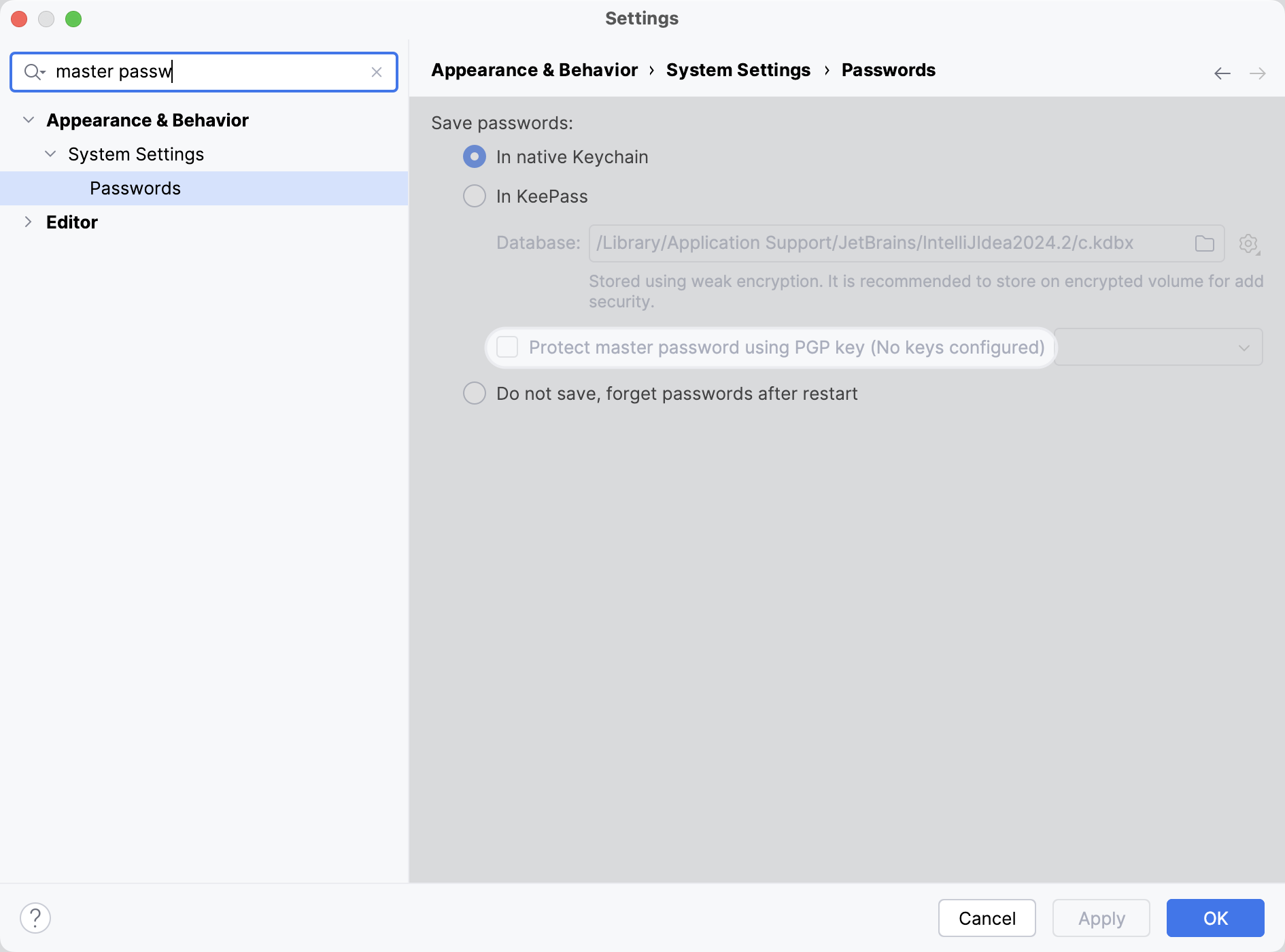
After you change the IDE settings, click OK to apply the changes and close the dialog or click Apply to keep the dialog open. Click Cancel to discard the changes and close the dialog.
13 April 2026