Skipped Paths
On this page, specify the absolute paths to the scripts that shall be ignored by PhpStorm when sending debugging requests.
This approach can be useful, when your application contains scripts that use AJAX. Suppose you have a menu-ajax-script.php that "reloads" a part of your web page. This script works properly, so you do not need to debug it. However, this script is still requested during the debugging session. To have incoming connections to this script ignored, add the menu-ajax-script.php script to the skipped paths list.
Item | Description |
|---|---|
Notify about skipped paths | Select this checkbox to have PhpStorm inform you every time it receives a request to a script to be skipped. |
Skipped paths | This list shows the scripts and folders to ignore requests to. |
Add Alt+Insert | Click this button to have a new line added to the list. On the added line, click 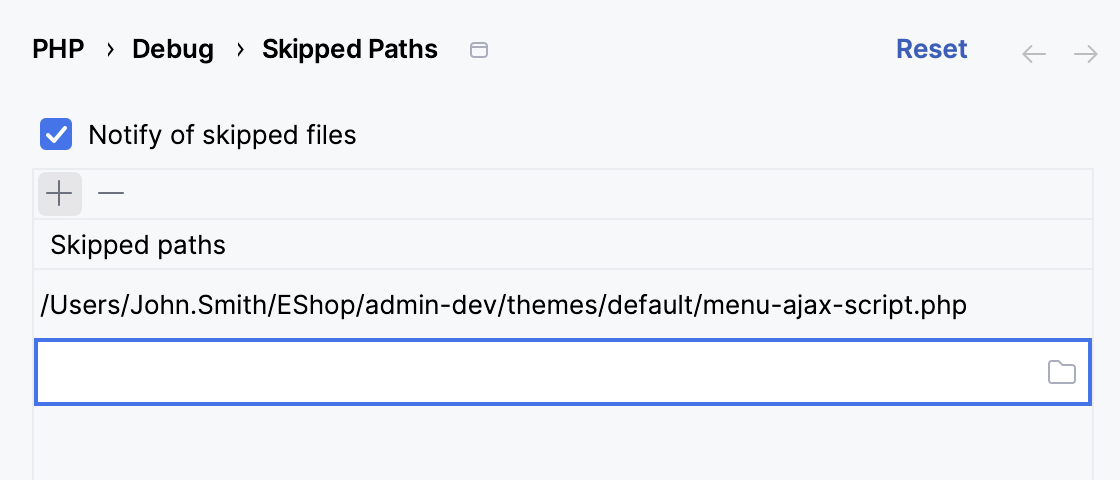 |
Remove Alt+Delete | Click this button to have the selected item removed from the list. |


