Update IntelliJ IDEA
By default, IntelliJ IDEA is configured to check for updates automatically and notify you when a new version is available. Updates are usually patch-based: they are applied to the existing installation and only require you to restart the IDE. However, sometimes patch updates are not available, and a new version of IntelliJ IDEA must be installed.
When IntelliJ IDEA updates to a new major release, it opens the What''s New in {0} tab in the editor with information about the changes, improvements, and fixes. To open this tab manually, select .
If IntelliJ IDEA does not have HTTP access outside your local network, it will not be able to check for updates and apply patches. In this case, you have to download new versions of the IDE and install them manually as described in Standalone installation.
Toolbox App
If you installed IntelliJ IDEA using the Toolbox App, it will suggest that you update the IDE when a new version is available.
Automatically update all managed tools
Open the Toolbox App, click the Toolbox App menu icon in the top right corner, and select Settings.
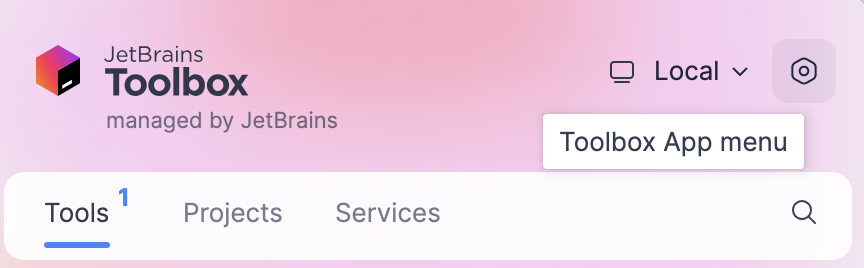
In the Toolbox App Settings dialog, expand Tools and select Update all tools automatically.
If you disable this option, you will need to click Update next to any instance when a newer version comes out.
You can also configure the update policy for every managed IDE instance separately.
Configure the update policy for a specific instance
Open the Toolbox App, click
 next to the relevant IDE instance, and select Settings.
In the instance settings dialog, select the update channel to use for this IDE instance:
Release: Update only to stable releases that are recommended for production.
Early Access Program: Includes updates to release candidates , beta releases, and EAP builds, which are not recommended for production and include feature previews.
Standalone instance
If you installed IntelliJ IDEA manually, the standalone IDE instance will manage its own updates. It will notify you when a new version is available. You can choose to update the current instance, download and install the new version as a separate instance, postpone the notification, or ignore the update entirely.
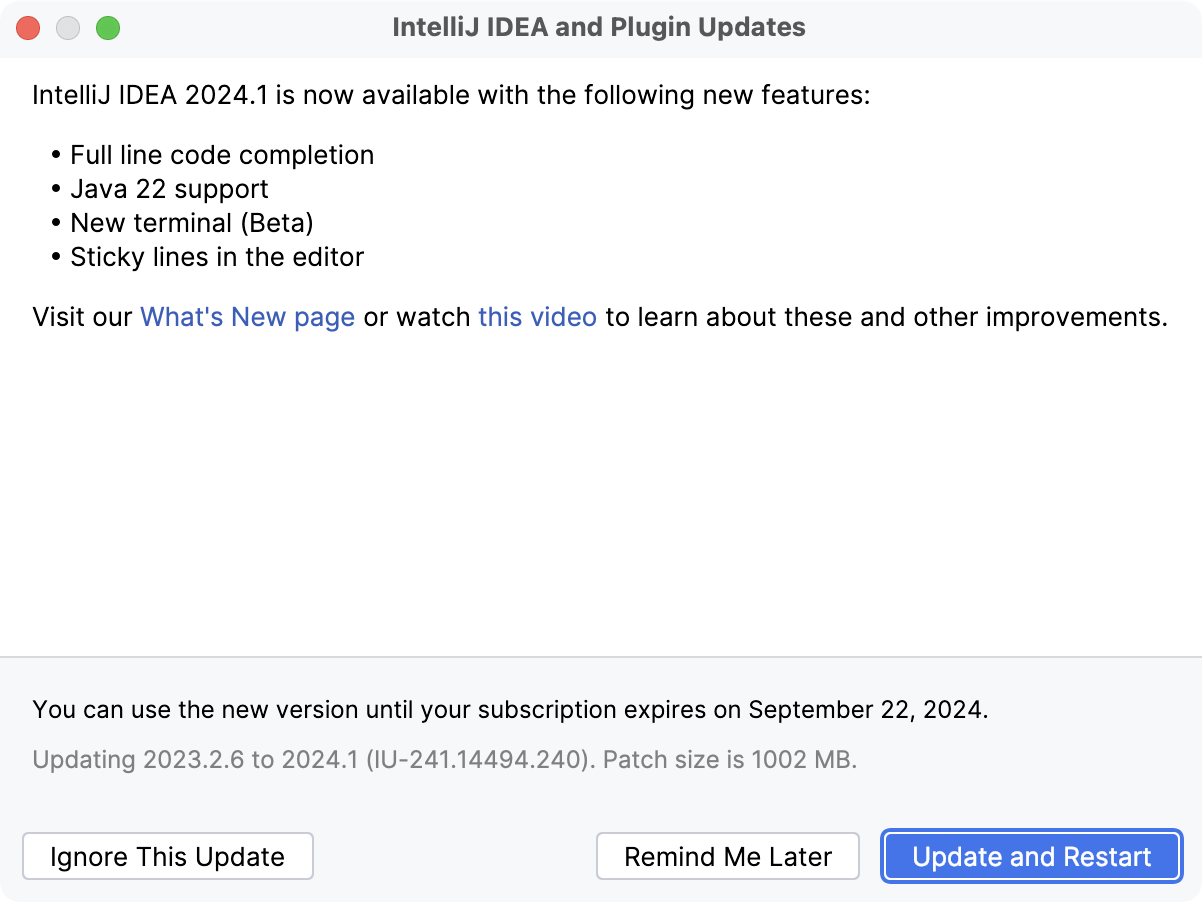
Configure the update policy
To manage the IntelliJ IDEA update policy, open Settings Ctrl+Alt+S and select .
The Updates page contains the following settings:
Item | Description |
|---|---|
Check IDE updates for | Select whether you want IntelliJ IDEA to check for updates automatically and choose an update channel.
|
Check for plugin updates | Select whether you want IntelliJ IDEA to check for new versions of plugins automatically. |
Update plugins automatically | Select to automatically download plugin updates when they become available apply them on the next IDE restart. |
Check for Updates | Manually check for updates immediately. If there are updates available, you will see the same dialog as when the IDE checks for updates automatically. |
Manage ignored updates… | Show the list of updates that were ignored. These updates will not be suggested until you remove them from the list of ignored updates. |
Show What's New in the editor after an IDE update | Open a tab with information about new features and improvements after a major IDE update. |
Check for JDK updates | Select whether you want IntelliJ IDEA to check for new versions of JDK automatically. |
If you want to install a newer version of IntelliJ IDEA as a separate instance and transfer your settings from the older version, use the Backup and Sync plugin.
Snap package
If you installed IntelliJ IDEA as a snap package, it will receive automatic background updates along with other snaps every day.
To update only the IntelliJ IDEA snap manually at any time, run the following command:
To disable automatic updates of the IntelliJ IDEA snap:
For more information about managing snap updates, refer to the Snapcraft documentation