Work with Groovy code in the editor
When you work with Groovy code in the editor, IntelliJ IDEA offers you various code completion, live templates, refactoring, inspection, and Groovy intention actions that help you write code faster and easier.
Code completion
When you access Basic Completion by pressing Ctrl+Space, you get basic suggestions for variables, types, methods, expressions, for a parameter name you get type suggestions and so on. When you call Basic Completion twice, it shows you more results.
The Smart Completion feature is aware of the expected type and data flow, and offers the options relevant to the context. To call Smart Completion, press Ctrl+Shift+Space. When you call Smart Completion twice, it shows you more results, including chains.
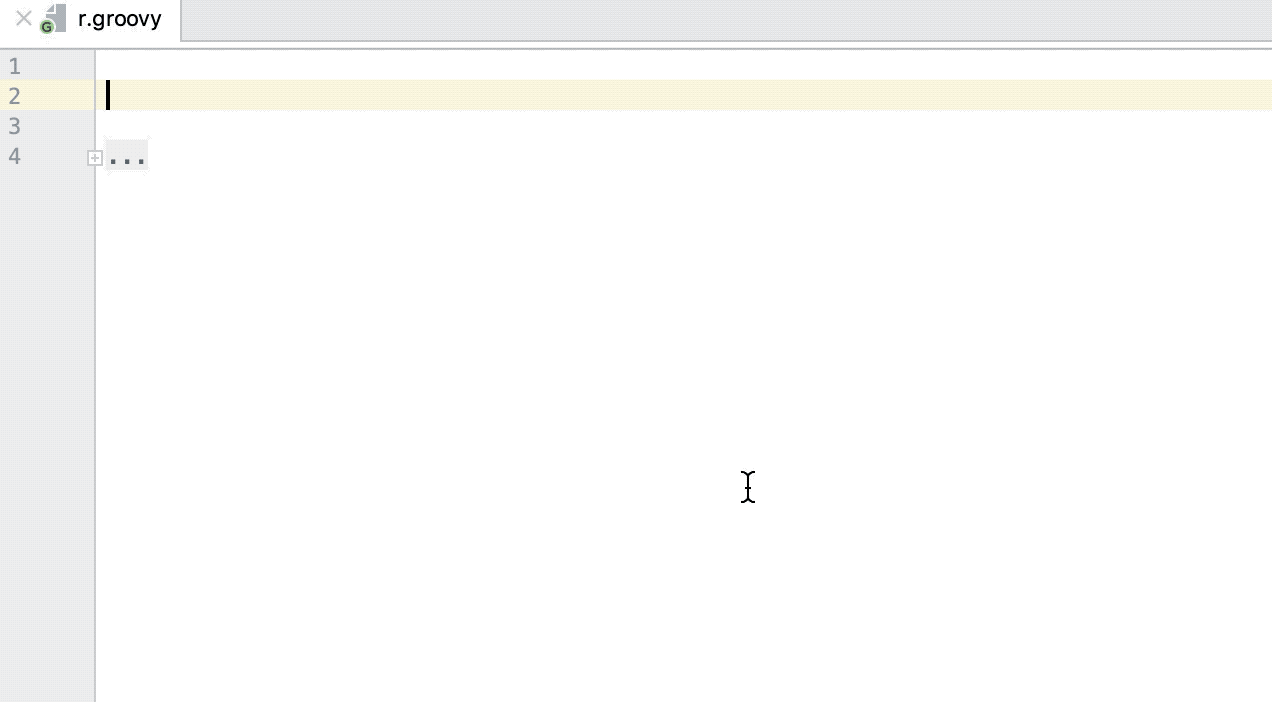
To let IntelliJ IDEA complete a statement for you, press Ctrl+Shift+Enter. Statement Completion will automatically add the missing parentheses, brackets, braces and the necessary formatting.
The Postfix Completion feature lets you transform an already typed expression to another one, based on the postfix you type after a dot.
For more information, refer to Auto-Completing Code.
Refactoring basics
IntelliJ IDEA offers a comprehensive set of automated code refactorings that lead to significant productivity gains when used correctly. Firstly, don't bother selecting anything before you apply a refactoring. IntelliJ IDEA is smart enough to figure out what statement you're going to refactor, and only asks for confirmation if several choices are possible.
Action | Shortcut |
|---|---|
Rename | Shift+F6 |
Extract variable or type | Ctrl+Alt+V |
Extract field | Ctrl+Alt+F |
Extract a constant | Ctrl+Alt+C |
Extract a method | Ctrl+Alt+M |
Extract a parameter | Ctrl+Alt+P |
Inline | Ctrl+Alt+N |
Copy | F5 |
Move | F6 |
Refactor this | Ctrl+Alt+Shift+T |
For more information, refer to Code refactoring.
Groovy inspections
Inspections are built-in static code analysis tools that help you find probable bugs, locate dead code, detect performance issues, and improve the overall code structure.
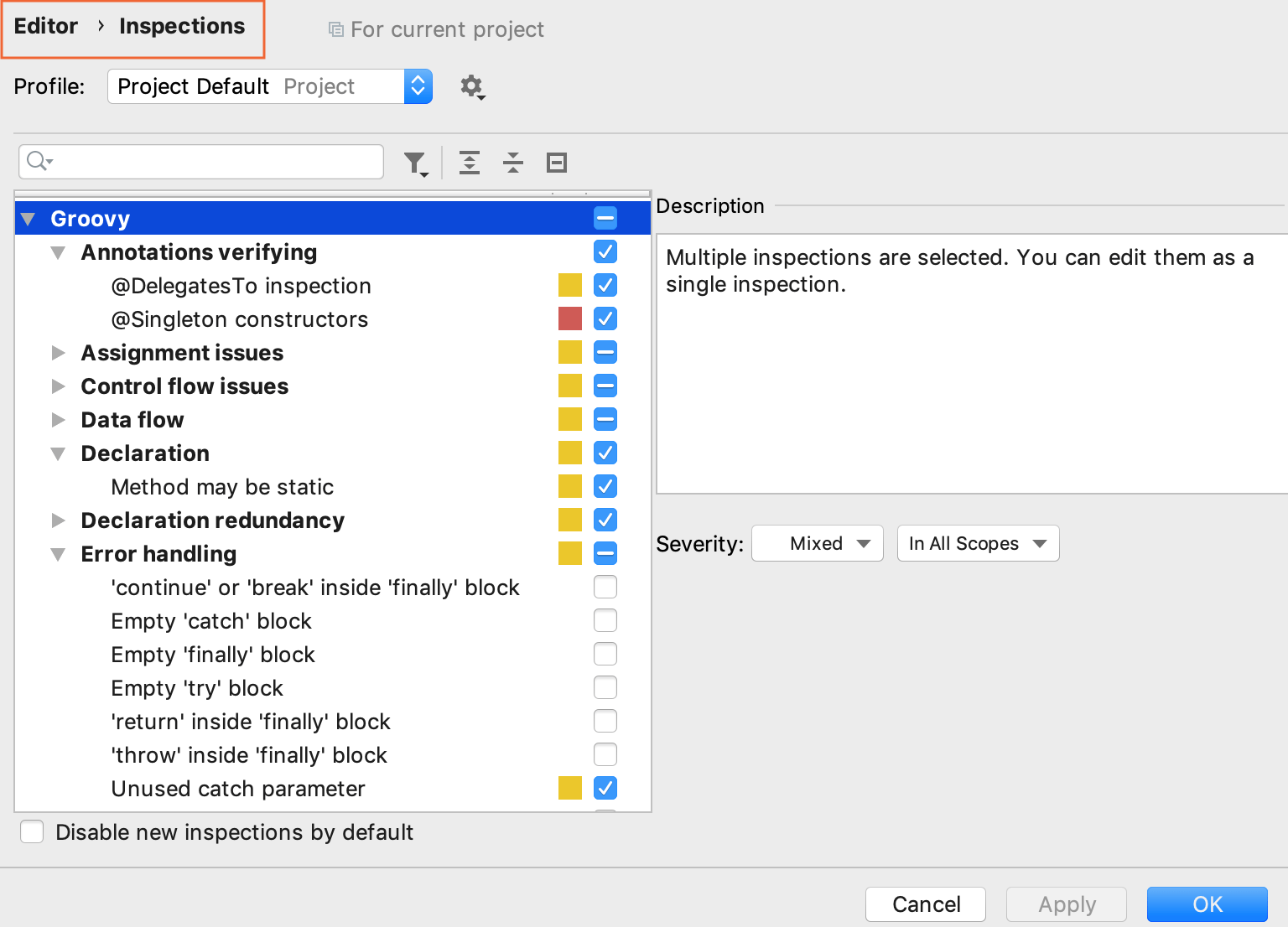
To check and configure the available Groovy inspections, go to the Editor | Inspections settings page Ctrl+Alt+S.
Most inspections not only tell you where a problem is, but also provide quick fixes to deal with it right away. Press Alt+Enter to choose a quick-fix.
Inspections that are too complex to be run on-the-fly are available when you perform code analysis for the entire project. You can do this in one of the following two ways: by selecting from the main menu, or by selecting to run an inspection by its name.
Note that while inspections provide quick-fixes for code that has potential problems, intentions help you apply automatic changes to code that is correct. To get a list of intentions applicable to the code at the caret, press Alt+Enter.
For more information, refer to Code inspections.
Groovy live templates
IntelliJ IDEA provides you with various live templates that you can use while working with Groovy code in the editor.
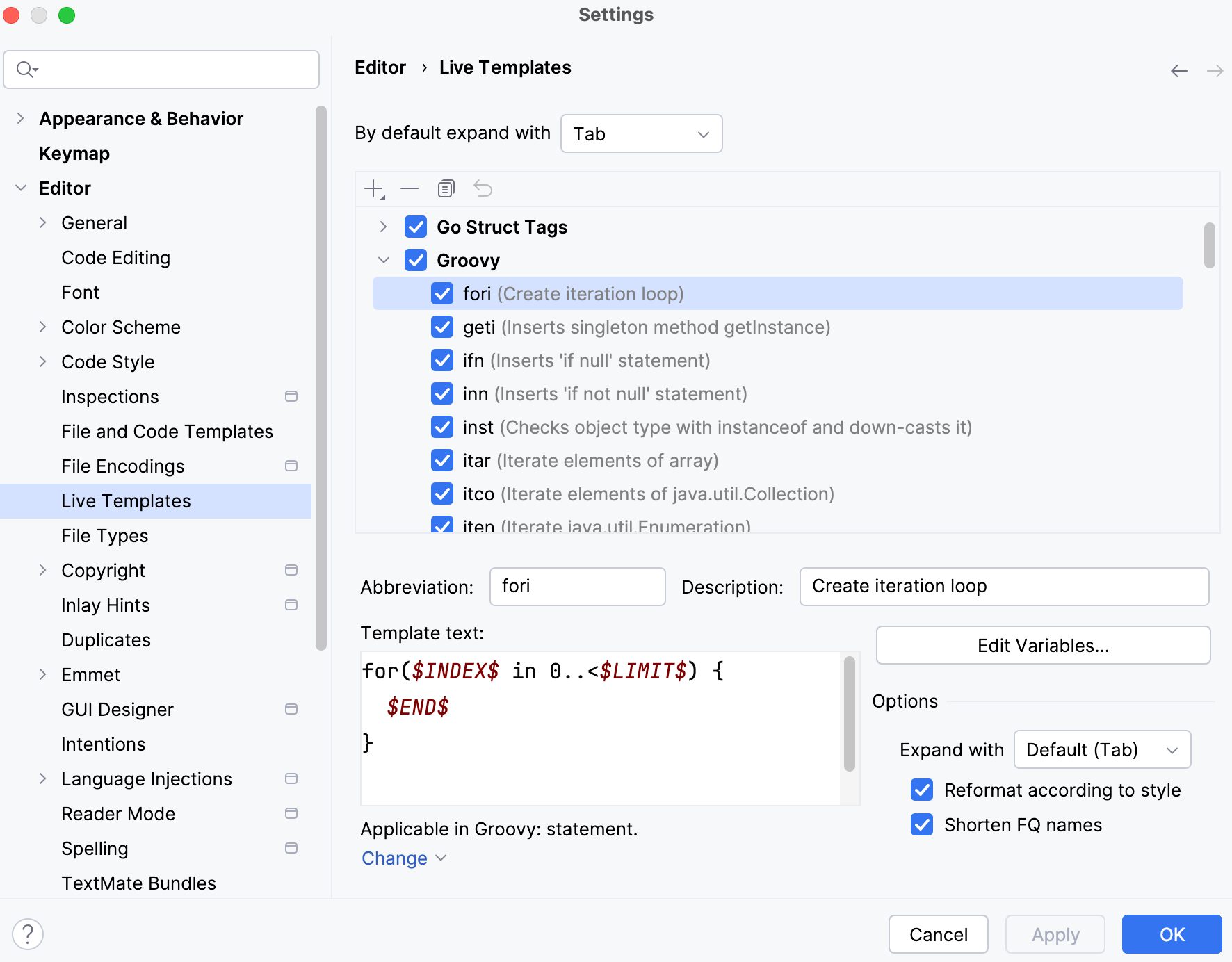
You can access the settings to see the list of available templates.
Access the live templates settings
Press Ctrl+Alt+S to open settings and then select .
In the list of options, click Groovy node and check the list of provided live templates.
You can check an abbreviation, description, and a code sample for the template.
Groovy intentions
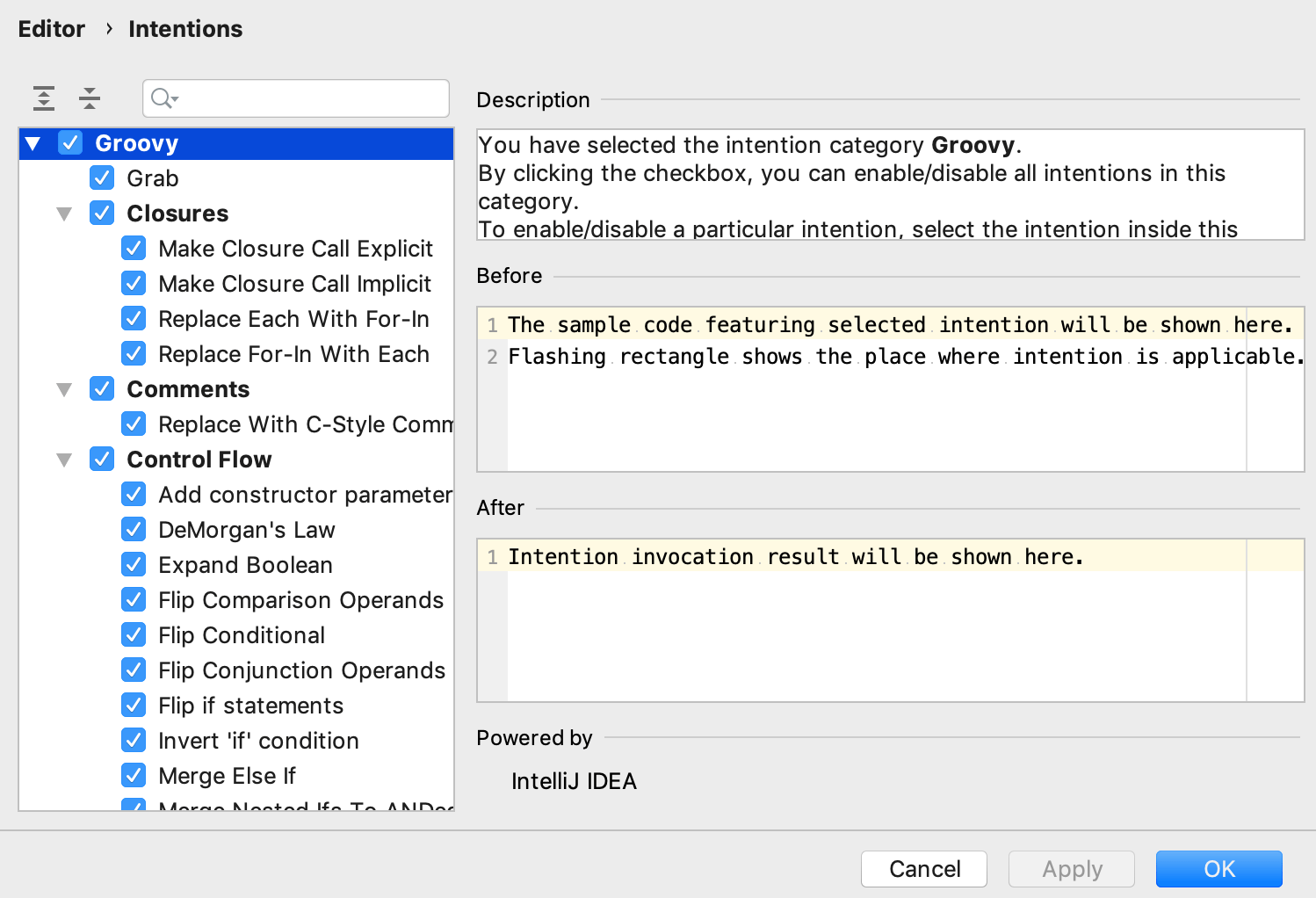
To read a short description of any Groovy intention action, check its code example, and disable the ones you do not need, access the Groovy intentions settings.
Press Ctrl+Alt+S to open settings and then select .
In the list of options, click the Groovy node, locate the intention you need and make the adjustments.
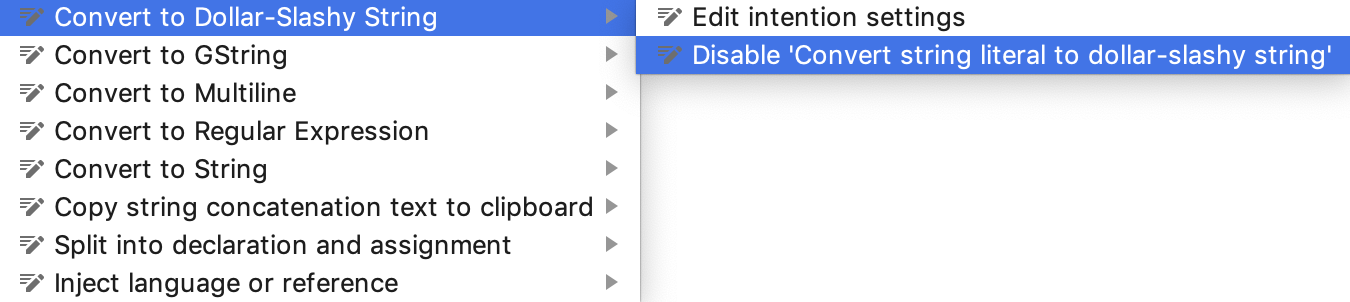
Alternatively, while in the editor, when you press Alt+Enter to select an intention action from the context menu, press the arrow key next to it to select an option to edit its settings or disable the intention.
Strings in Groovy
With the Show intentions Alt+Enter action you can select different intentions for strings such as changing single line into a multiline, add concatenation, convert a literal string into a GString, and so on.
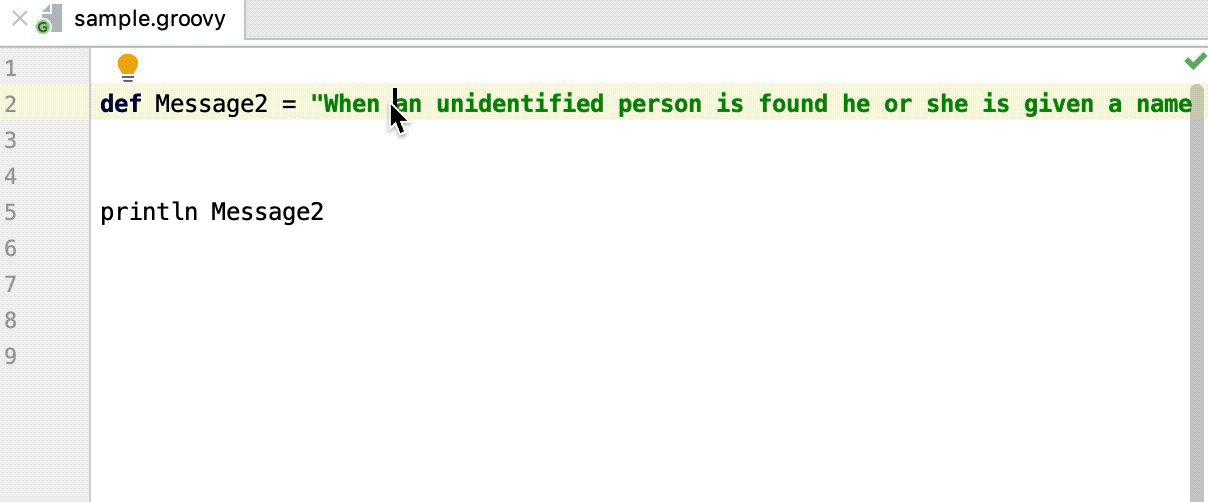
Convert to multiline: converts a single long line into a multiline. You can break down the line without adding any concatenation. It is helpful for copying and pasting code.
Convert into Singleline literal: converts a multiline back into a single long line. In this case, escape sequences
/nare added. You can continue and select the Break string on /n action to split the line adding the concatenation.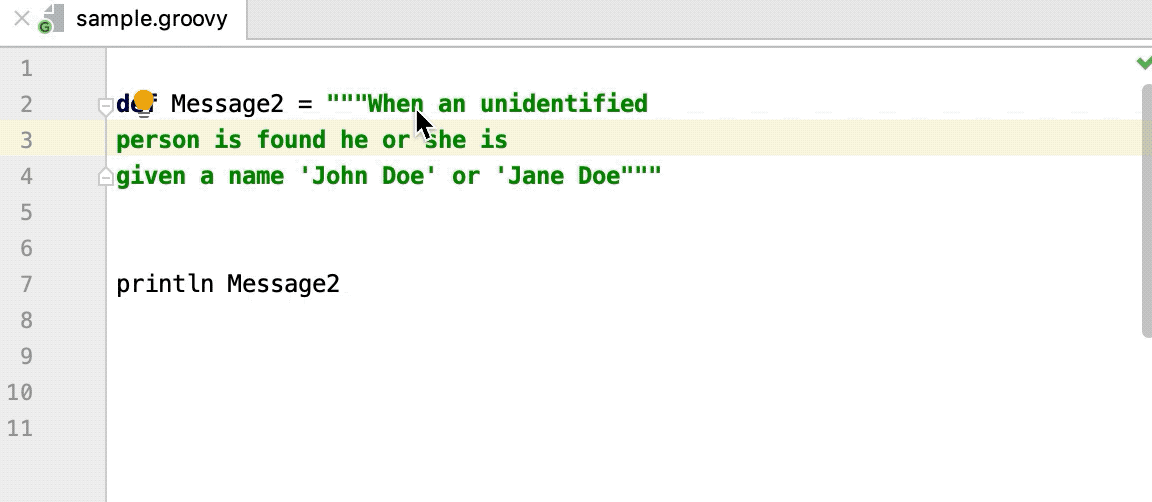
Convert to String and Convert to GString: convert a GString into a regular String and vice versa.
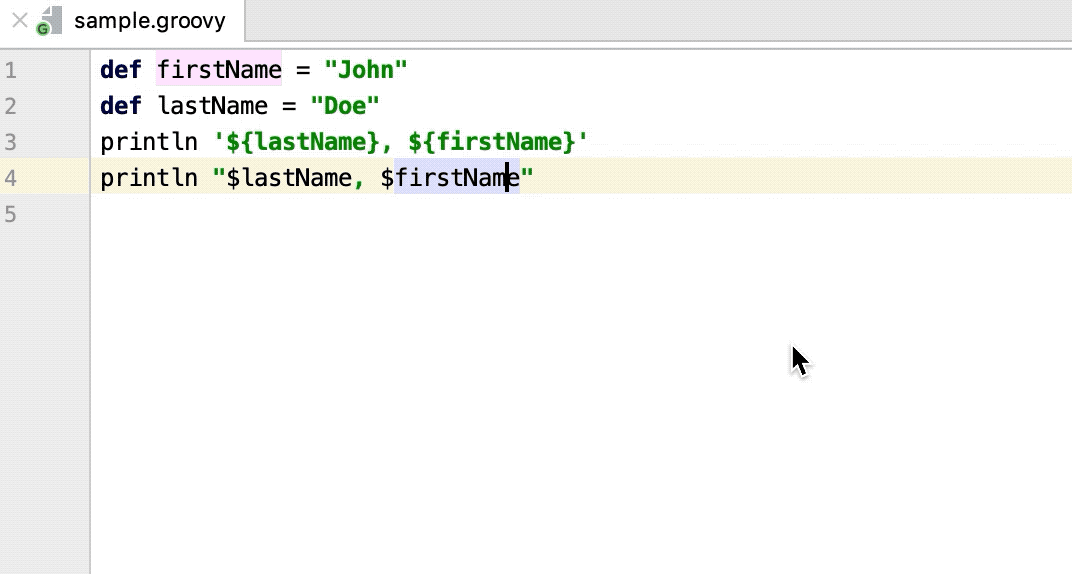
Declare explicit type in Groovy
Among standard declarations, such as creating a field for parameter, or introducing a local variable to a result of expression, IntelliJ IDEA lets you declare an explicit type for the selected variable. Adding explicit declarations, makes code in large projects more readable and sustainable.
In the editor, press Alt+Enter on the selected variable and from the list of intentions, select Declare explicit type. To remove it, use the Remove explicit type action.
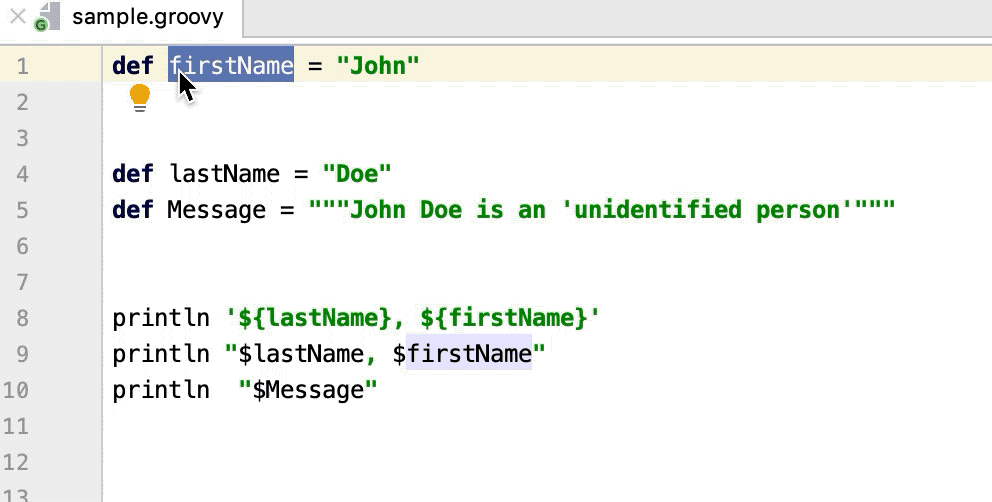
Add explicit types to parameters
You can add explicit types for all the parameters in a method declaration for Groovy methods where the types of the parameters are not explicitly defined.
In the editor, place the caret at the parameters you need and press Alt+Enter.
From the context menu, select the Add explicit types to parameters.
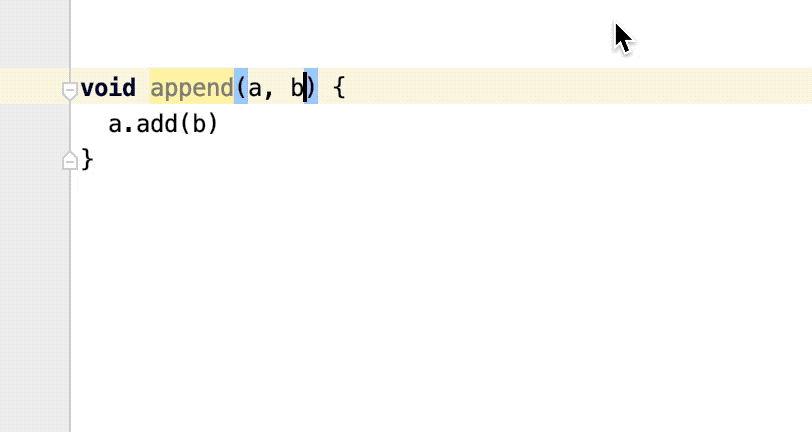
Convert to @CompileStatic
Since Groovy code is compiled dynamically by default, IntelliJ IDEA lets you use the @CompileStatic annotation to switch to static compilation whenever this annotation is used.
In the editor you can automatically add the @CompileStatic annotation. From the context menu, select .
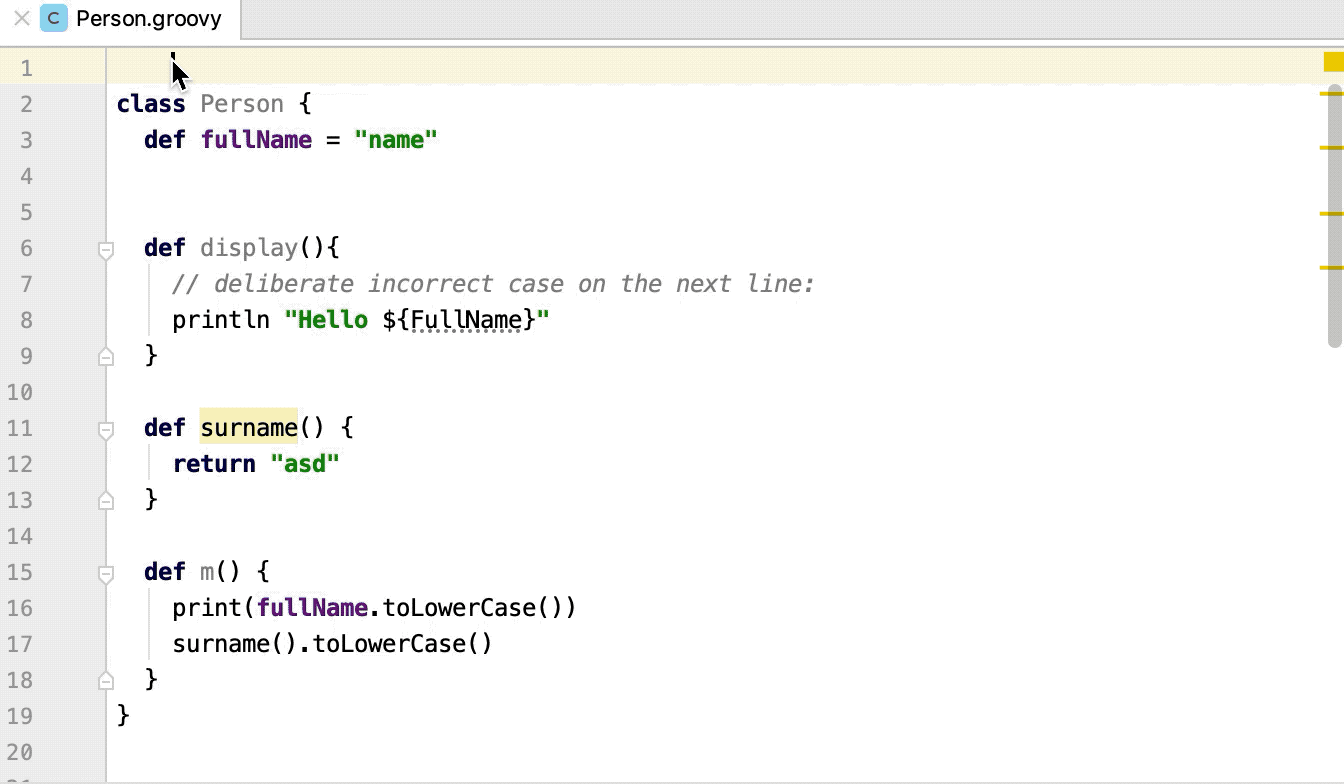
IntelliJ IDEA makes the following adjustments to code:
The
@CompileDynamicannotation is added to methods that depend on dynamic language features and which could not be automatically converted.An explicit type coercion is added when it’s required.
An explicit type is added to fields when they can be inferred from field initializers.
An explicit return type is added to methods.
If you added the
@CompileStaticannotation manually and want to fix the related red code, invoke the Convert to @CompileStatic intention action.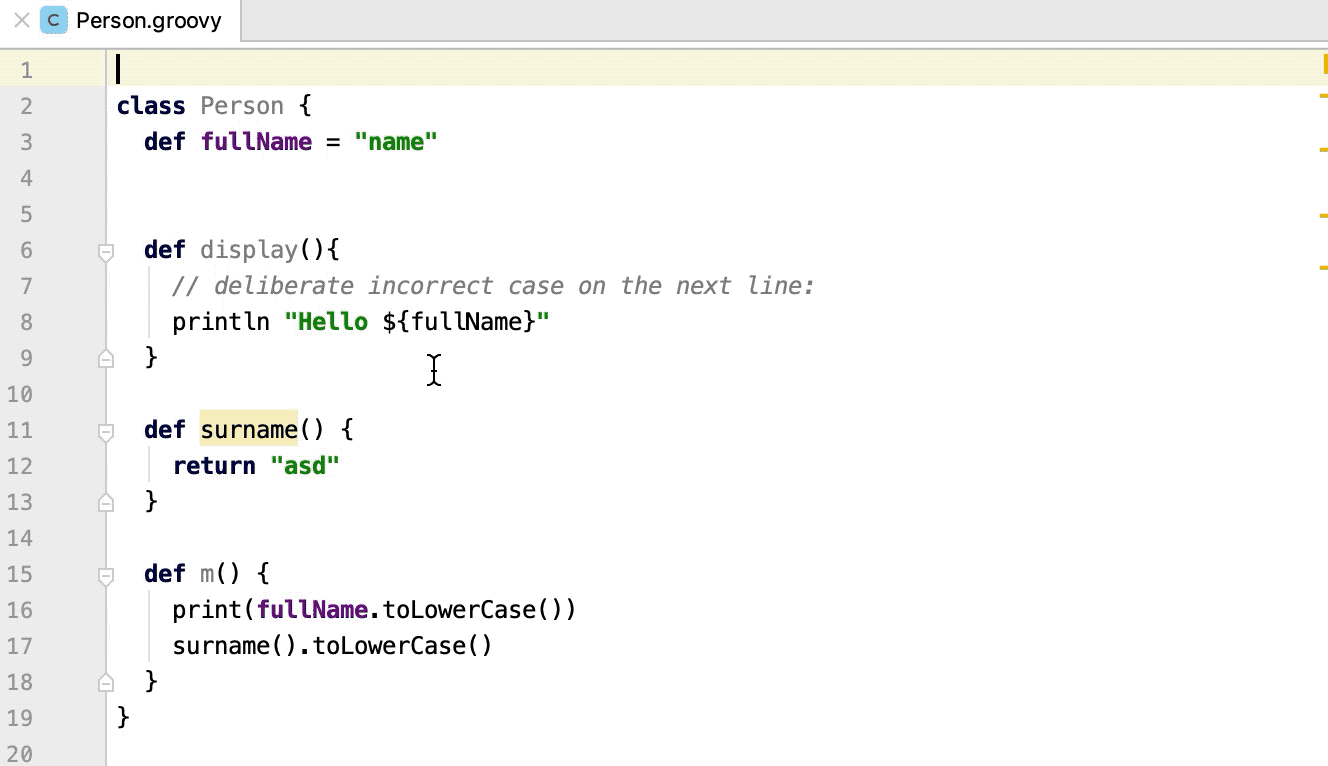
Change an anonymous class into a dynamic instantiation
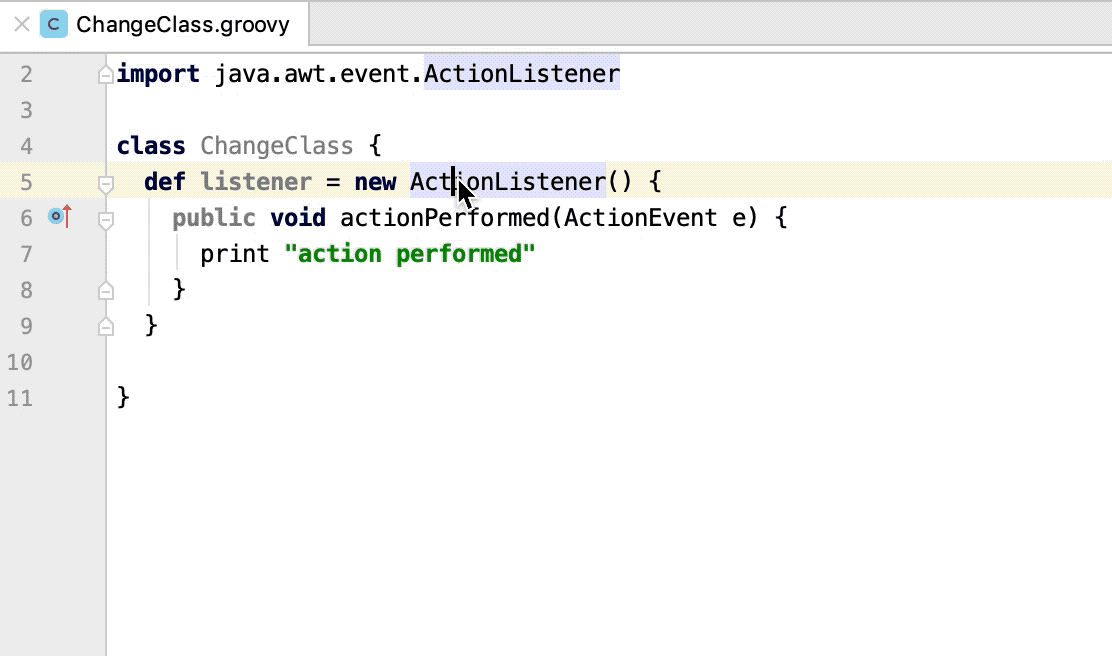
You can convert an anonymous class into a closure for better readability.
In the editor, select a class you want to convert and press Alt+Enter.
From the list of options, select Change to dynamic instantiation.
Recursive calls indicator
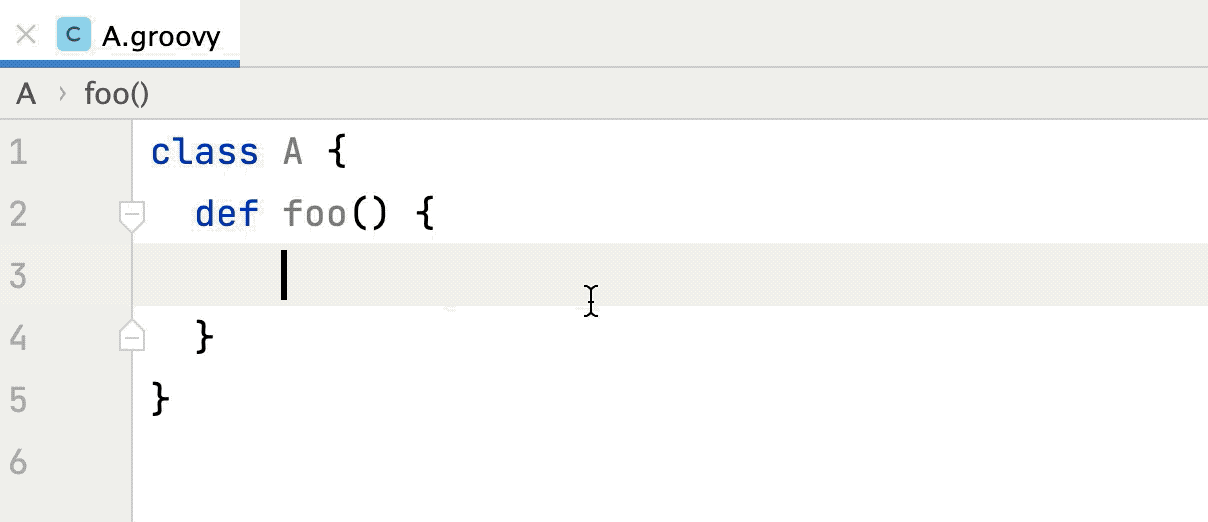
When you have recursive calls in your Groovy code, IntelliJ IDEA adds  in the left gutter as a marker.
Type annotations
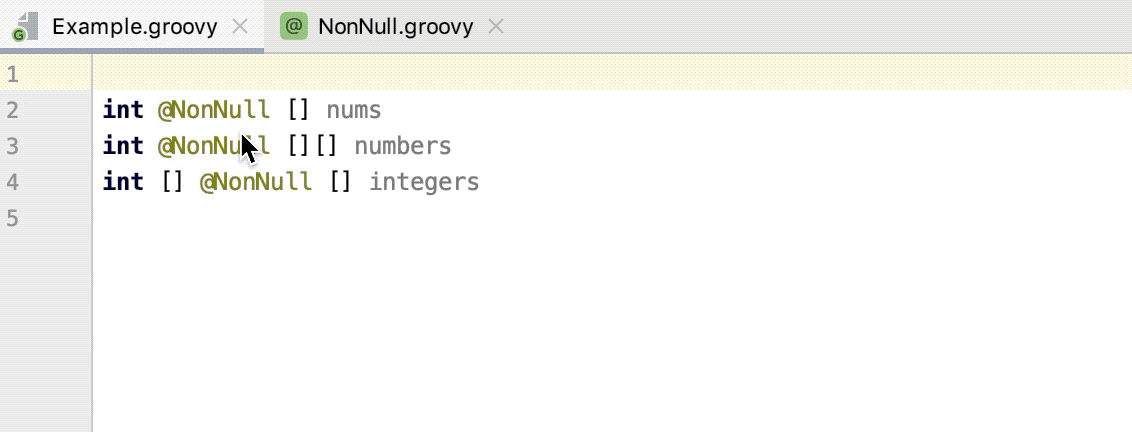
Since IntelliJ IDEA supports the Groovy 3 type annotation syntax, the annotations can be placed almost anywhere a type is specified. It can help you reduce the number of errors within code.
Add annotation
In the editor, place the caret at the type for which you want to create an annotation and specify its name.
Press Alt+Enter and select Create annotation 'name'.
Support for GINQ in Groovy 4
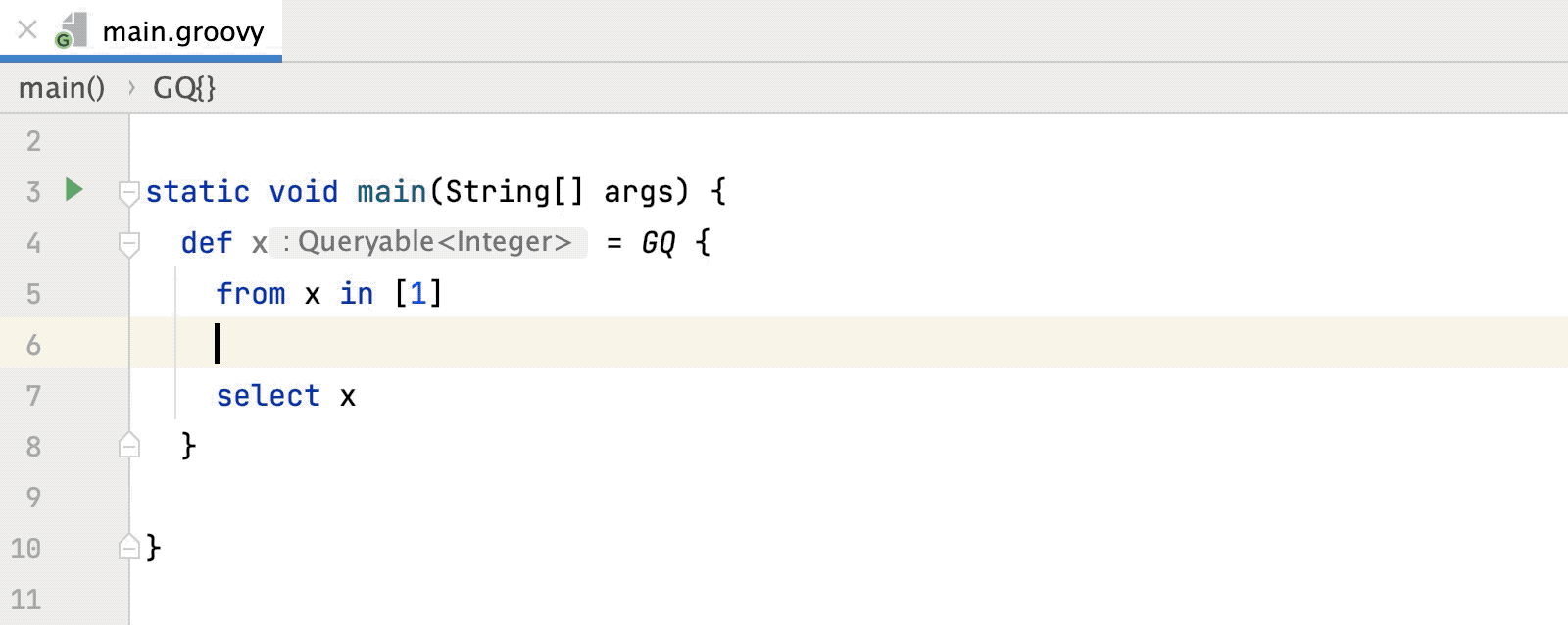
IntelliJ IDEA provides syntax highlighting, code completion, and inspections for Groovy Integrated Queries (GINQ) in the Groovy 4 version.
Check the following code example: