JSDoc comments
PhpStorm recognizes JSDoc comments and helps you create them by automatically inserting @param, @returns, @private, and other tags when you type the opening block comment /** and press Enter. JSDoc comments are used for documentation lookup with Ctrl+Q in JavaScript and TypeScript, see JavaScript documentation look-up and TypeScript documentation look-up, as well as for type annotations and method return type hints in chained methods.
PhpStorm also recognizes TODO patterns, Closure Compiler annotations, and TypeScript syntax inside documentation comments and uses them in code completion, intention actions, and other types of coding assistance.
Find a detailed description of the JSDoc syntax with examples in Getting Started with JSDoc and JSDoc supported types.
Create JSDoc comments
Place the caret before the declaration of the method/function or field to document, type the opening block comment
/**, and press Enter.PhpStorm generates a JSDoc comment with a list of parameters (
@param) and return values (@returns), where applicable. Describe the listed parameters, return values, and so on.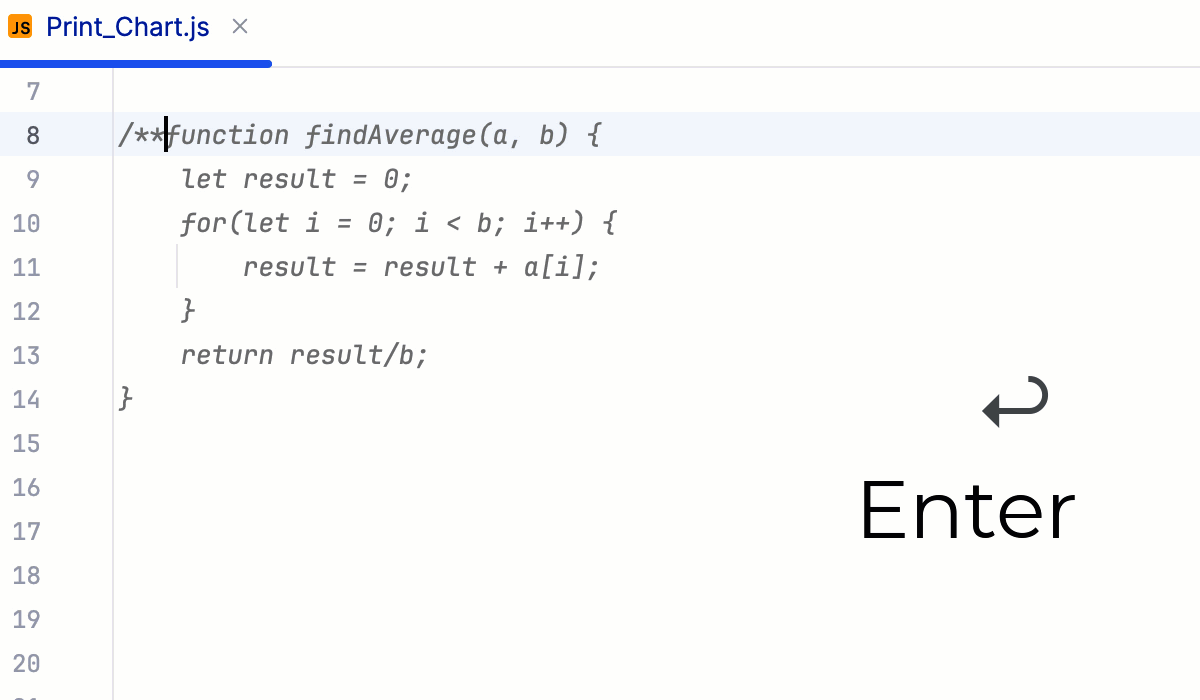
Alternatively, use the dedicated Fix Doc Comment action. Place the caret at the method/function or field to document, press Ctrl+Shift+A and start typing
Fix Doc Comment. Then select Fix Doc Comment from the list, and press Enter.
TypeScript syntax in JSDoc comments
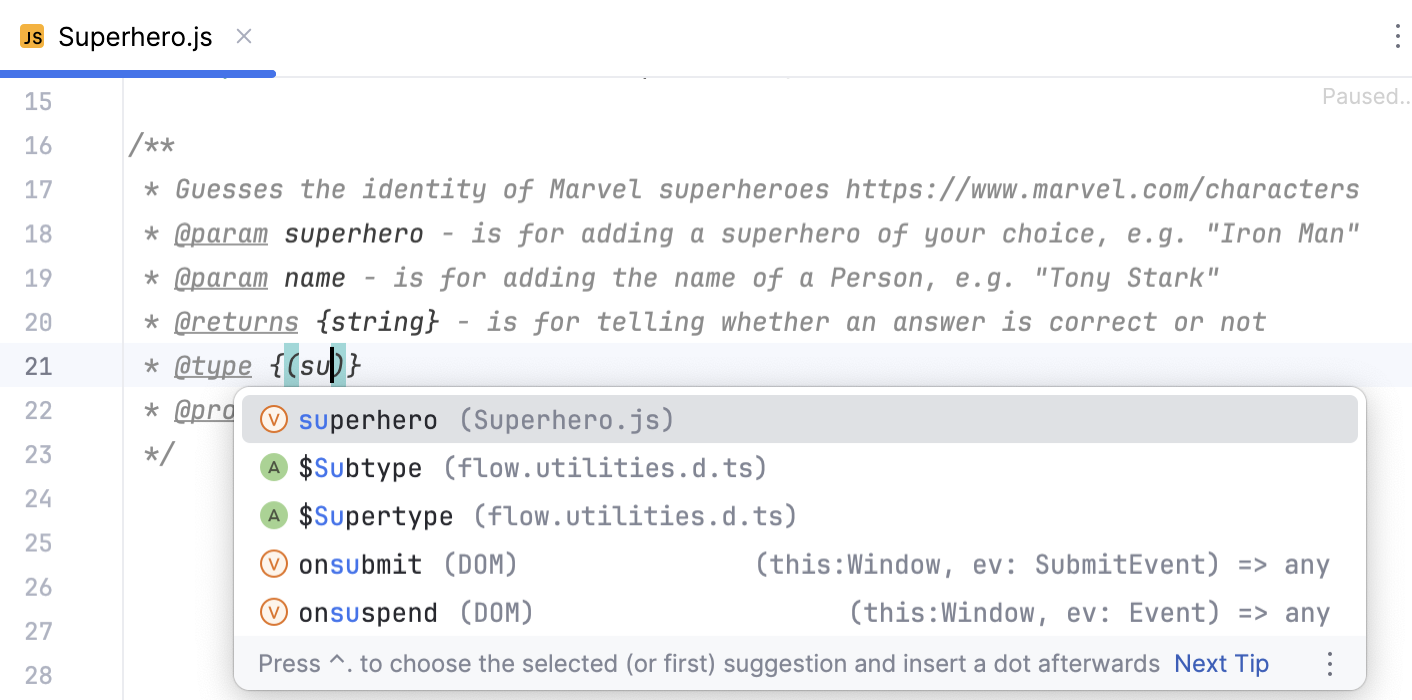
You can use TypeScript annotations, for example, @type or @typedef, within JSDoc comments in JavaScript files. PhpStorm recognizes TypeScript syntax constructs, for example, union types or optional properties in @typedef declarations.
PhpStorm provides code completion for TypeScript annotations.
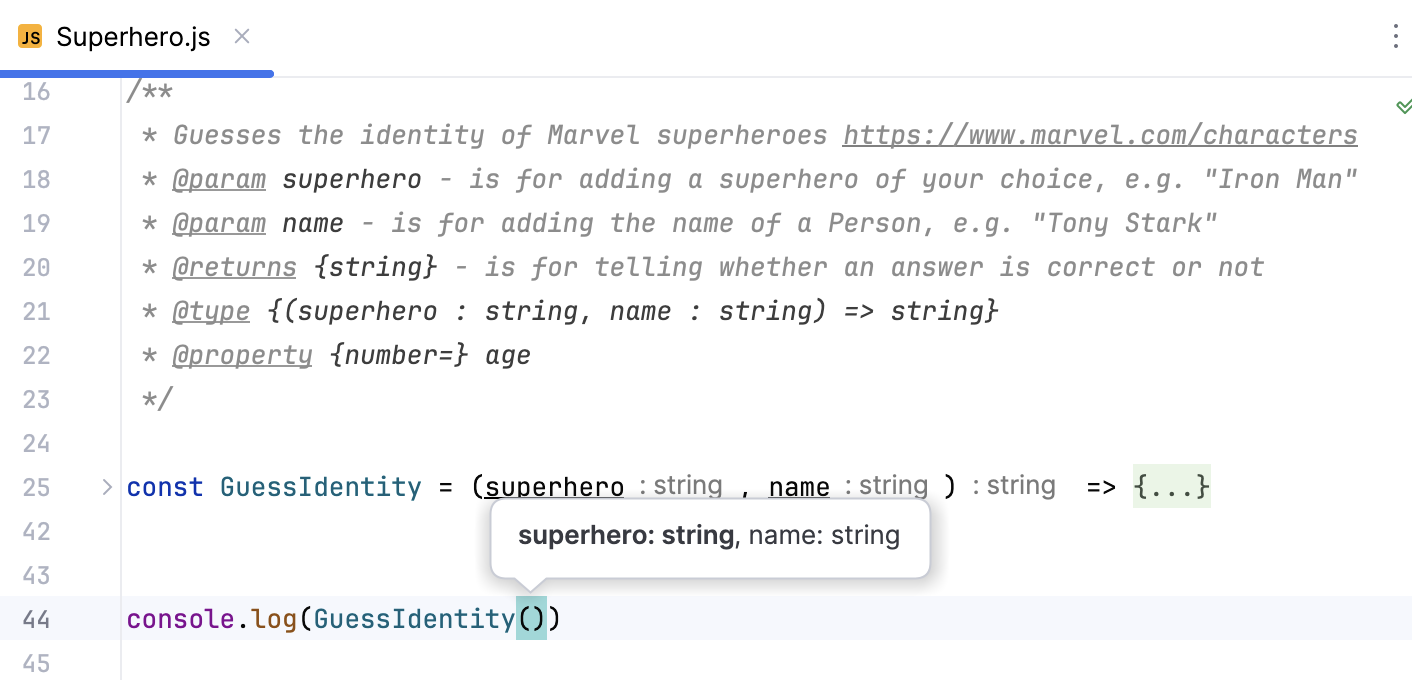
Based on @type annotations, PhpStorm shows parameter hints.
View JSDoc comments rendered in the editor
With PhpStorm, JSDoc comments can be shown in an easier-to-read format. In this Rendered View mode, items are shown grouped by their @ tags, while the tags themselves are skipped. You can open the referenced web pages, view quick documentation for the referenced topics, and adjust the font size for better readability.
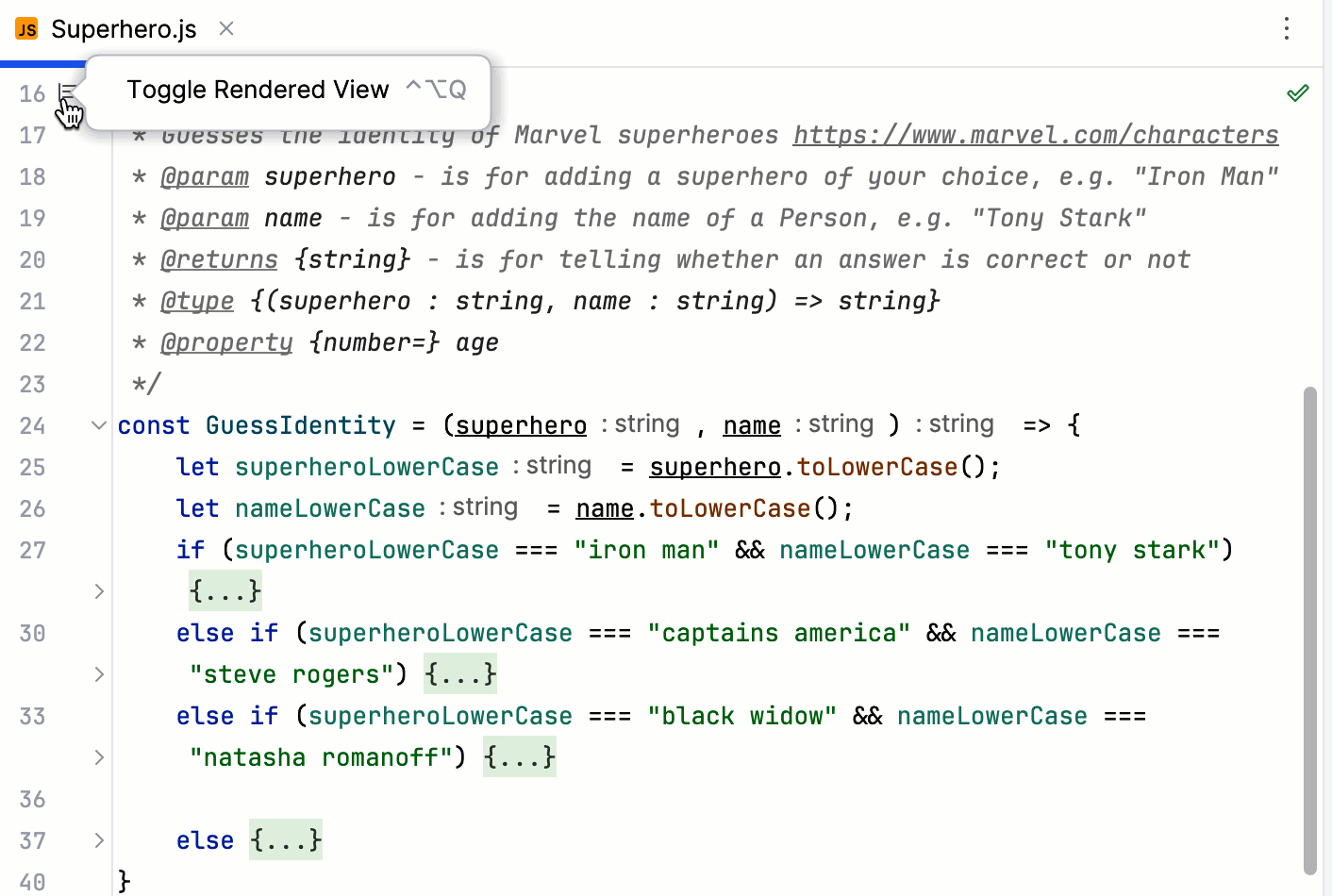
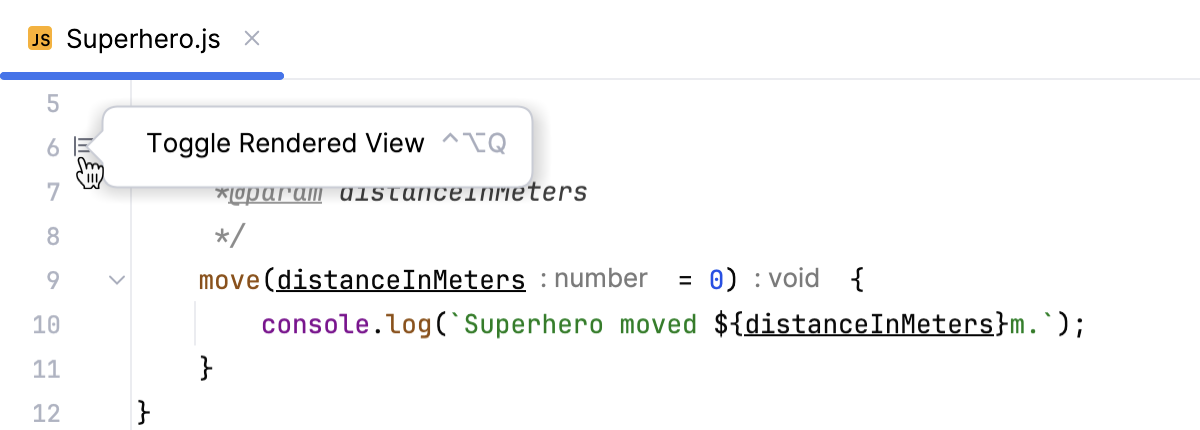
To enter the Rendered View mode, hover over a comment and click
 in the gutter or press Ctrl+Alt+Q. The icon turns into
  .
.
To quit the Rendered View mode, click
in the gutter, or select Toggle Rendered View from the context menu of a JSDoc comment, or press Ctrl+Alt+Q.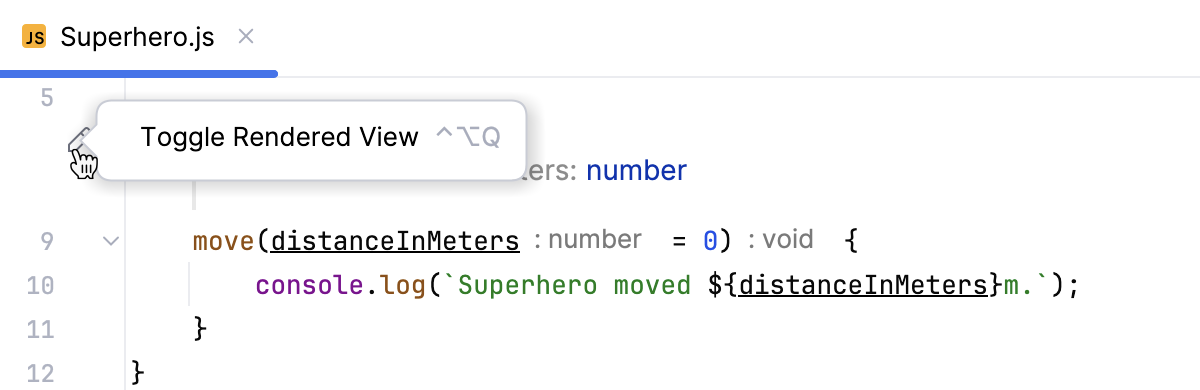
To turn on the Rendered View mode for all JSDoc comments in the current file, select Render All Doc Comments from the context menu in the gutter.
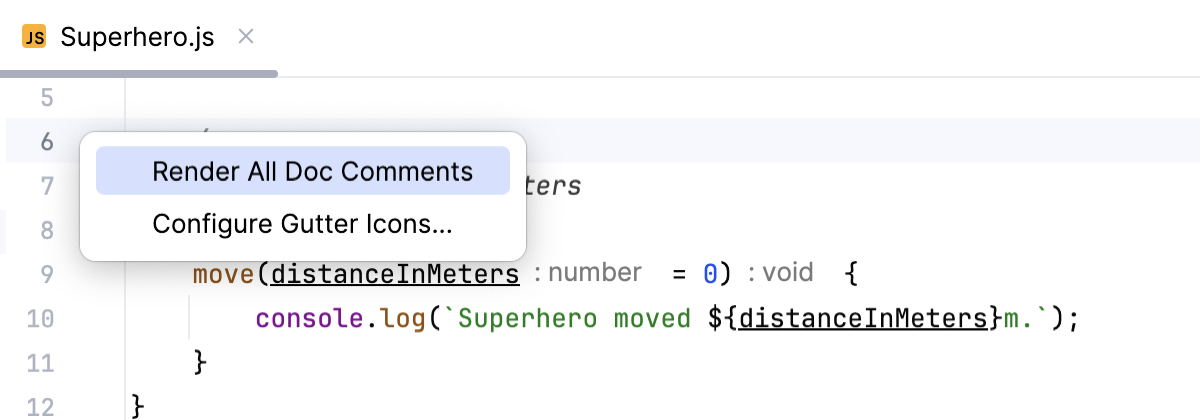
If necessary, select Adjust Font Size from the context menu and change the font size using the slider.
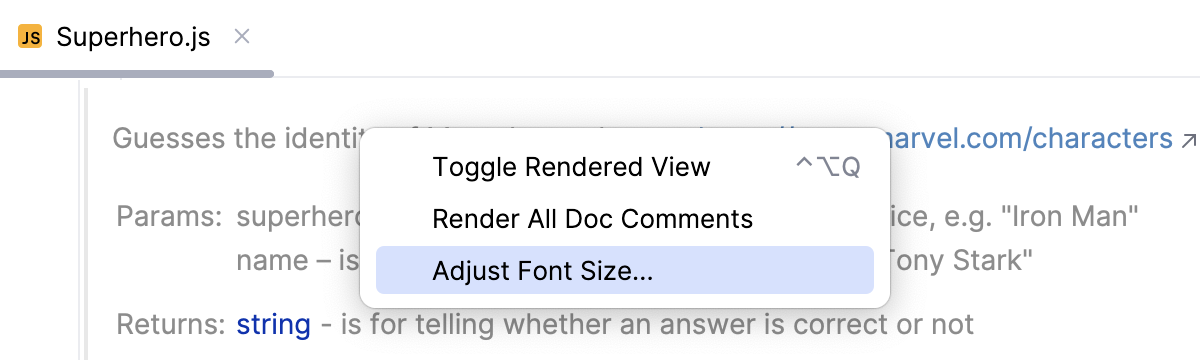
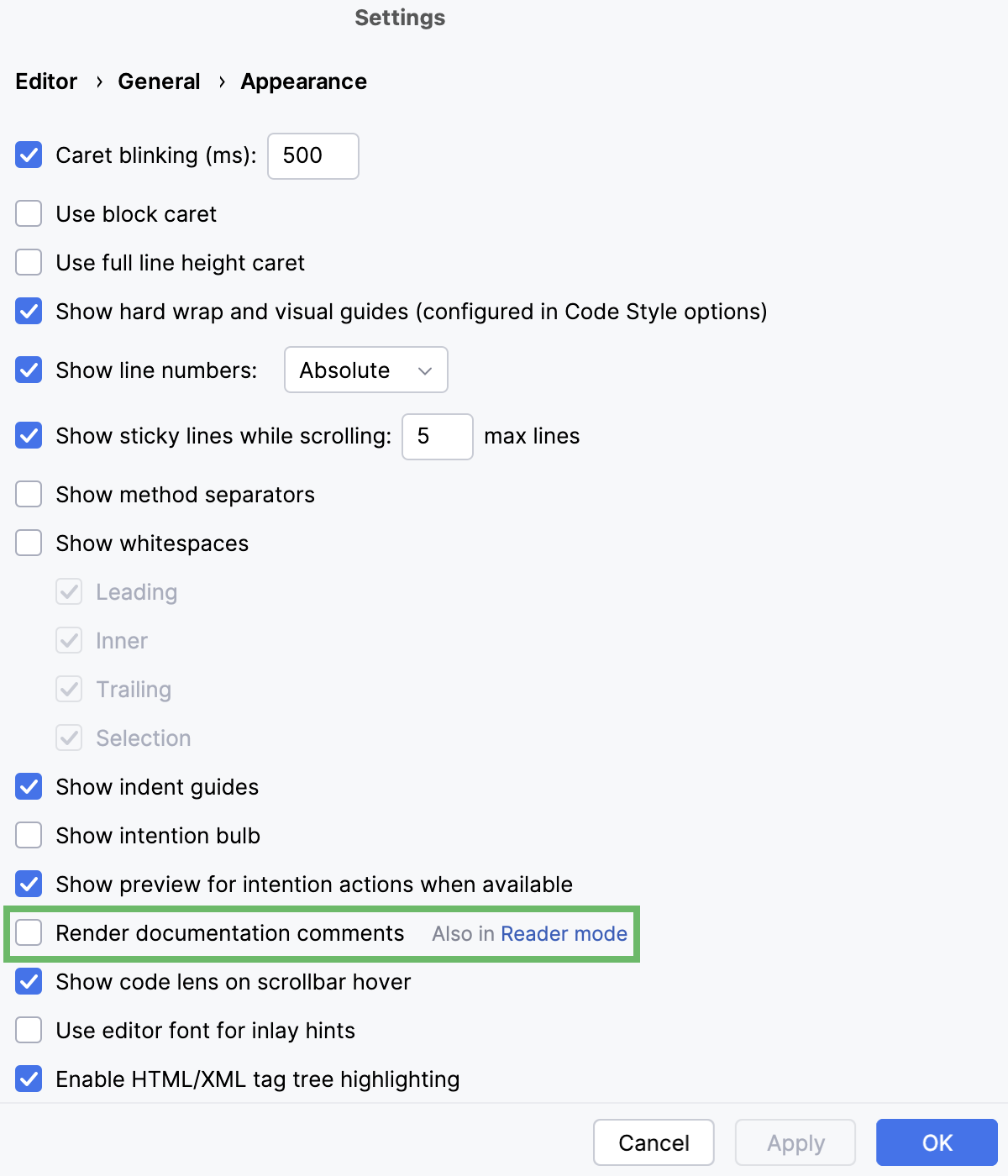
To show all JSDoc comments rendered by default, open the Settings dialog (Ctrl+Alt+S) , go to , and select the Render documentation comments checkbox.
To hide the Rendered View gutter icons, select Configure Gutter Icons… from the context menu in the gutter and then clear the Documentation comments in-place rendering checkbox on the page that opens.