The Extract Field refactoring lets you declare a new field and initialize it with the selected expression. The original expression is replaced with the usage of the field.
The new field is created with the default visibility modifier, which is set on the Code Generation tab of the Code Style. PHP page of the Settings dialog (Ctrl+Alt+S) .
Extract a field in place
Place the caret within a piece of code you want to extract into a field.
Press Ctrl+Alt+F or go to Refactor | Extract/Introduce | Field in the main menu.
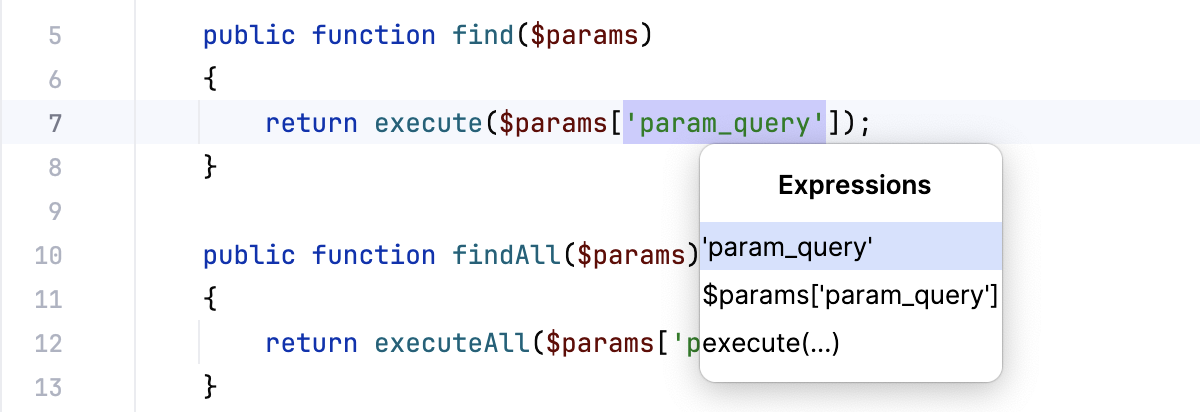
Select an expression you want to introduce as a field.
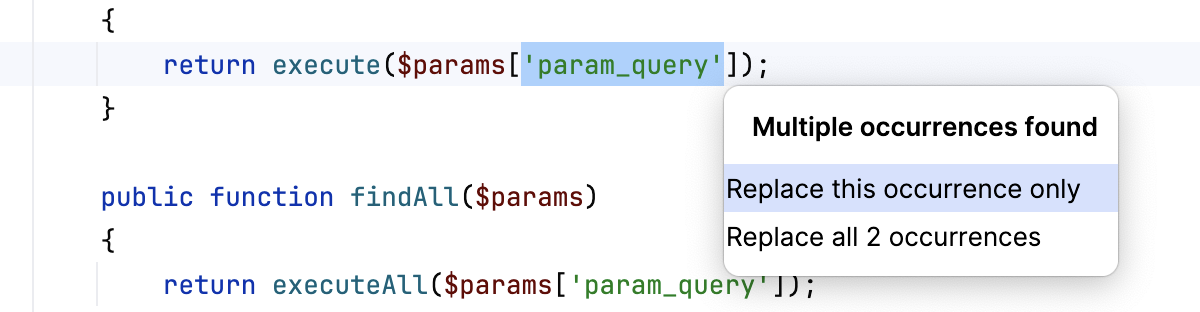
If PhpStorm detects more than one occurrence in your code, it lets you specify which occurrences to replace.
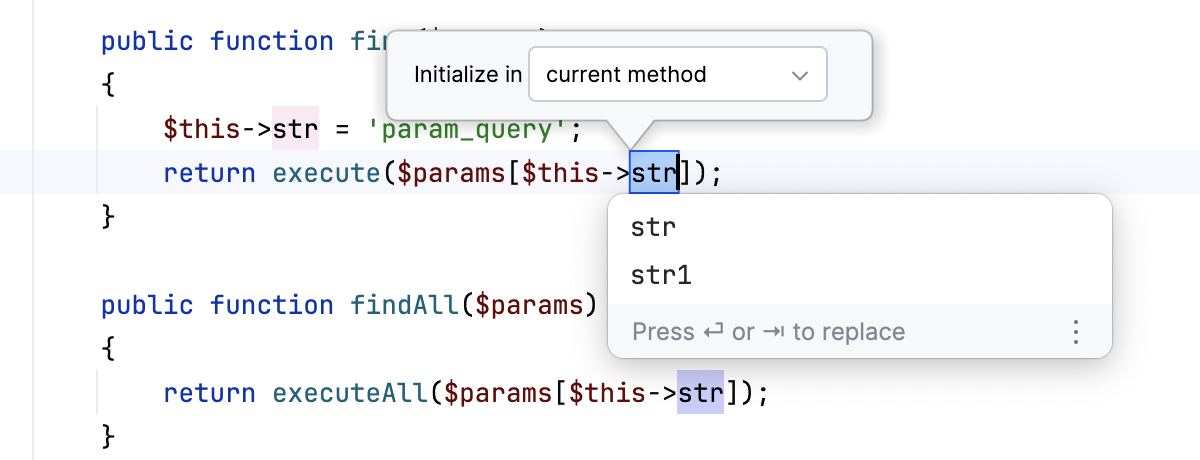
Provide the name of the new field and choose where it will be initialized: in its declaration, in the current method, or in the class constructor.
When you work with PHPUnit tests, PhpStorm also lets you initialize the field in the setUp method. For more information about working with PHPUnit in PhpStorm, refer to PHPUnit.
Example
Let's extract the 'param_query' argument into a $query class property. As a result, PhpStorm declares the new public $query property and changes all 'param_query' occurrences to self::$query. The resulting code will look as follows depending on where you've chosen to initialize the property:
public function find($params)
{
return execute($params['param_query']);
}
public function findAll($params)
{
return executeAll($params['param_query']);
}
public $query = 'param_query';
public function find($params)
{
return execute($params[self::$query]);
}
public function findAll($params)
{
return executeAll($params[self::$query]);
}
public function find($params)
{
return execute($params['param_query']);
}
public function findAll($params)
{
return executeAll($params['param_query']);
}
public $query;
public function find($params)
{
self::$query = 'param_query';
return execute($params[self::$query]);
}
public function findAll($params)
{
return executeAll($params[self::$query]);
}
public function find($params)
{
return execute($params['param_query']);
}
public function findAll($params)
{
return executeAll($params['param_query']);
}
public $query;
public function __construct()
{
$this->query = 'param_query';
}
public function find($params)
{
return execute($params[$this->query]);
}
public function findAll($params)
{
return executeAll($params[$this->query]);
}
public function find($params)
{
return execute($params['param_query']);
}
public function findAll($params)
{
return executeAll($params['param_query']);
}
private $query;
public function find($params)
{
return execute($params[$this->query]);
}
public function findAll($params)
{
return executeAll($params[$this->query]);
}
protected function setUp()
{
$this->query = 'param_query';
parent::setUp();
}