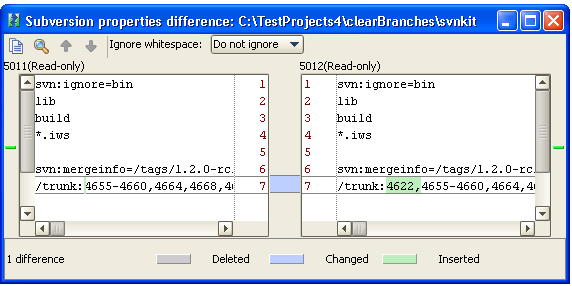
View differences in properties
Install the Subversion plugin
This functionality relies on the Subversion plugin, which you need to install and enable.
Press Ctrl+Alt+S to open settings and then select .
Open the Marketplace tab, find the Subversion plugin, and click Install (restart the IDE if prompted).
With PhpStorm, you can view differences in properties between a file in the local copy and in the repository or between two revisions of a file in the local copy.
To view property difference between the local copy and the repository version
Open the Version Control tool window and switch to the Repository tab.
In the Changed Files pane, select the file for which you want to view property differences.
Choose From the context menu of the selection or click
 on the toolbar.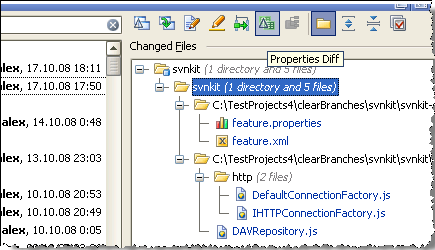
In the Subversion properties difference viewer, explore the differences:
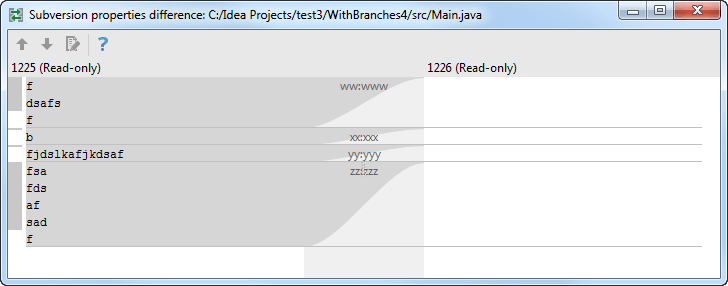
To view property difference between two revisions in the local copy
Open the Commit tool window (Alt+0) .
Select the file for which you want to view property differences between revisions and choose in the context menu.
In the Subversion properties difference viewer explore the differences: