Add Annotations
During performance analysis, you may want to leave a comment about a specific function or its behavior. dotTrace lets you add annotations to functions using the Properties dialog.
To add an annotation for a function
Select a function in a view.
Do one of the following:
From the menu bar, choose .
Right-click the function, then click Properties in the context menu.
Press Ctrl+Q.
The Properties dialog opens:
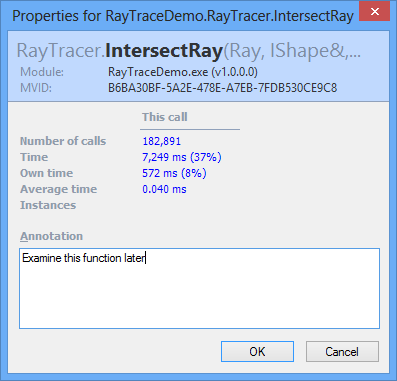
Enter your comment in the Annotation field.
As soon as you click OK, your annotation is saved and the function is marked with the  icon in all views, except Overview.

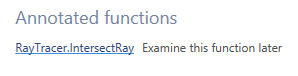
In the Overview view, you can look through the list of all annotated functions.
26 May 2024