Work with consoles
PyCharm enables you to use interactive consoles, thus making it possible to stay within the IDE, without the necessity to switch to the shell.
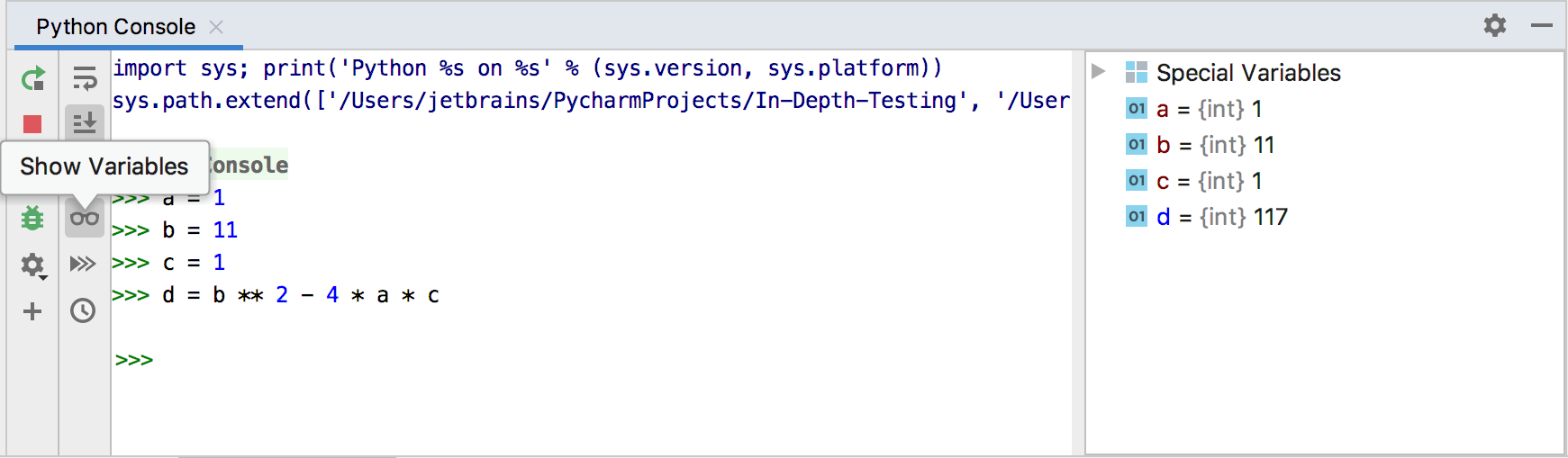
Launch a console
From the main menu, choose any console-related command from the menu, for example, Python or Debug console. Alternatively, select the corresponding window in the tool windows group underneath the editor.
When the current project is a Django project, the console that starts is Django Console. However, if the current project is pure Python project, then PyCharm starts Python Console.
PyCharm creates files using the IDE encoding defined in the File Encodings page of the Settings dialog Ctrl+Alt+S. You can use either the system default or select from the list of available encodings. By default, this encoding affects console output. If you want the encoding for console output to be different from the global IDE settings, configure the corresponding JVM option:
Configure output encoding
On the Help menu, click Edit Custom VM Options.
Add the
-Dconsole.encodingoption and set the value to the necessary encoding. For example:-Dconsole.encoding=UTF-8Restart PyCharm.
Configure console colors
Make sure you are working with an editable scheme.
In the Settings dialog (Ctrl+Alt+S) , go to Editor | Color Scheme, and select the setting pages related to consoles:
Console Colors
Console Font
In the right-hand pane, select the desired component in the list, and change its color settings and font:
See more details for: