Create message files
Enable the Django plugin
This functionality relies on the Django plugin, which is bundled and enabled in PyCharm by default. If the relevant features are not available, make sure that you did not disable the plugin.
Press Ctrl+Alt+S to open settings and then select .
Open the Installed tab, find the Django plugin, and select the checkbox next to the plugin name.
PyCharm stores locales in the language-related subdirectories of the locale directory. For creating locales, run the makemessages task of the manage.py utility.
Create a message file
In the main menu, go to (Ctrl+Alt+R) .
In the manage.py task window, enter
makemessages --locale <locale name >and press Enter.Repeat this step for each locale you want to create.
If there are strings marked for localization, PyCharm will produce a directory and django.po file for each locale:
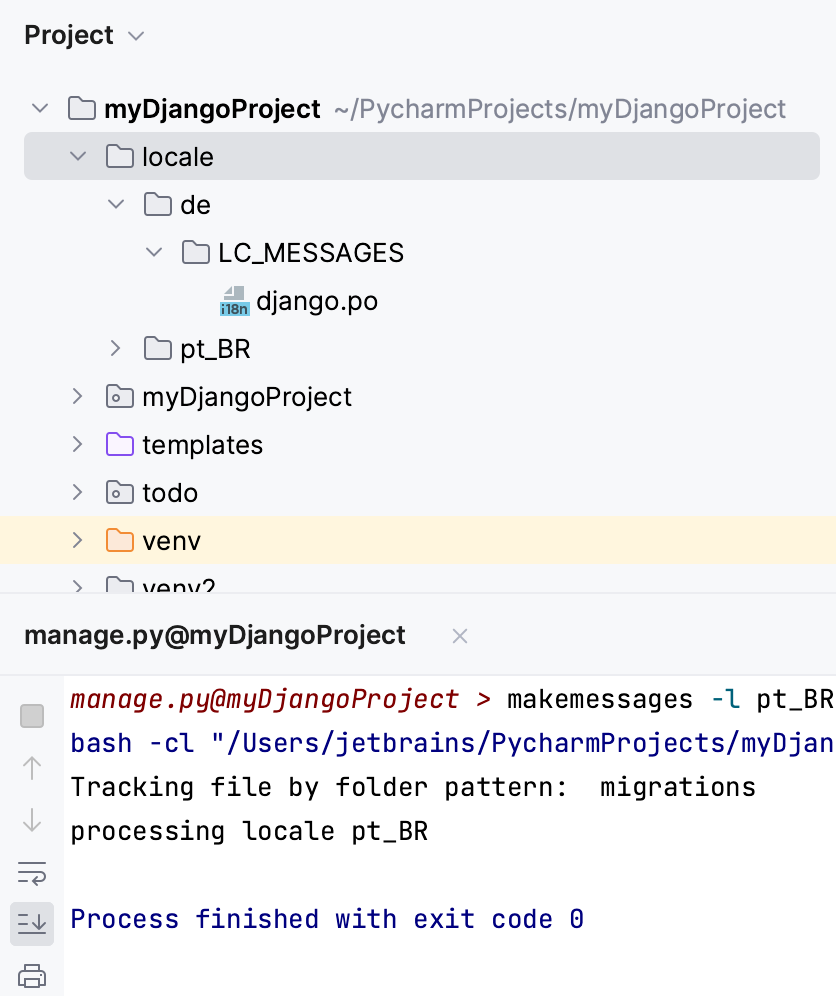
If there are no such strings, only an empty directory structure is created.