Create run/debug configurations for tests
You can run your tests (test cases, test suites, and so on) using run/debug configurations, in the way similar to running ordinary applications. PyCharm provides a framework for creating special run/debug configurations for testing purposes, where a test can be specified as a target.
In addition to the regular procedure of creating a regular run configuration, PyCharm provides a shortcut that allows you to create run/debug configurations for all tests in a container, for a single test case, or even for a test method.
Create a test configuration
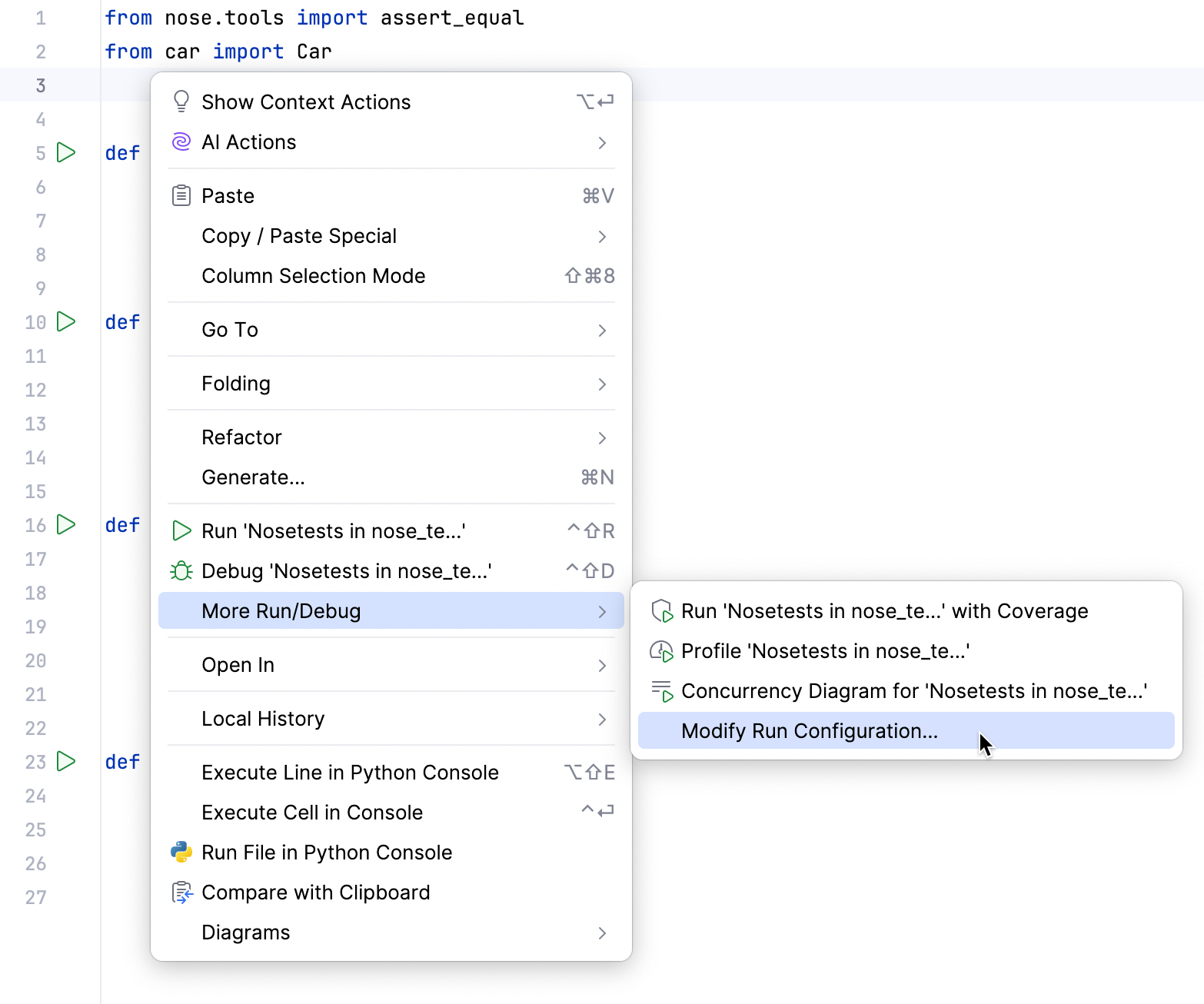
Open a test file in the editor, and right-click any line.
From the context menu, choose
In the dialog that opens, specify the run/debug configuration parameters, apply changes and close the dialog.
Ctrl+Space code completion works in run/debug configuration dialogs, for example in the Working directory field.
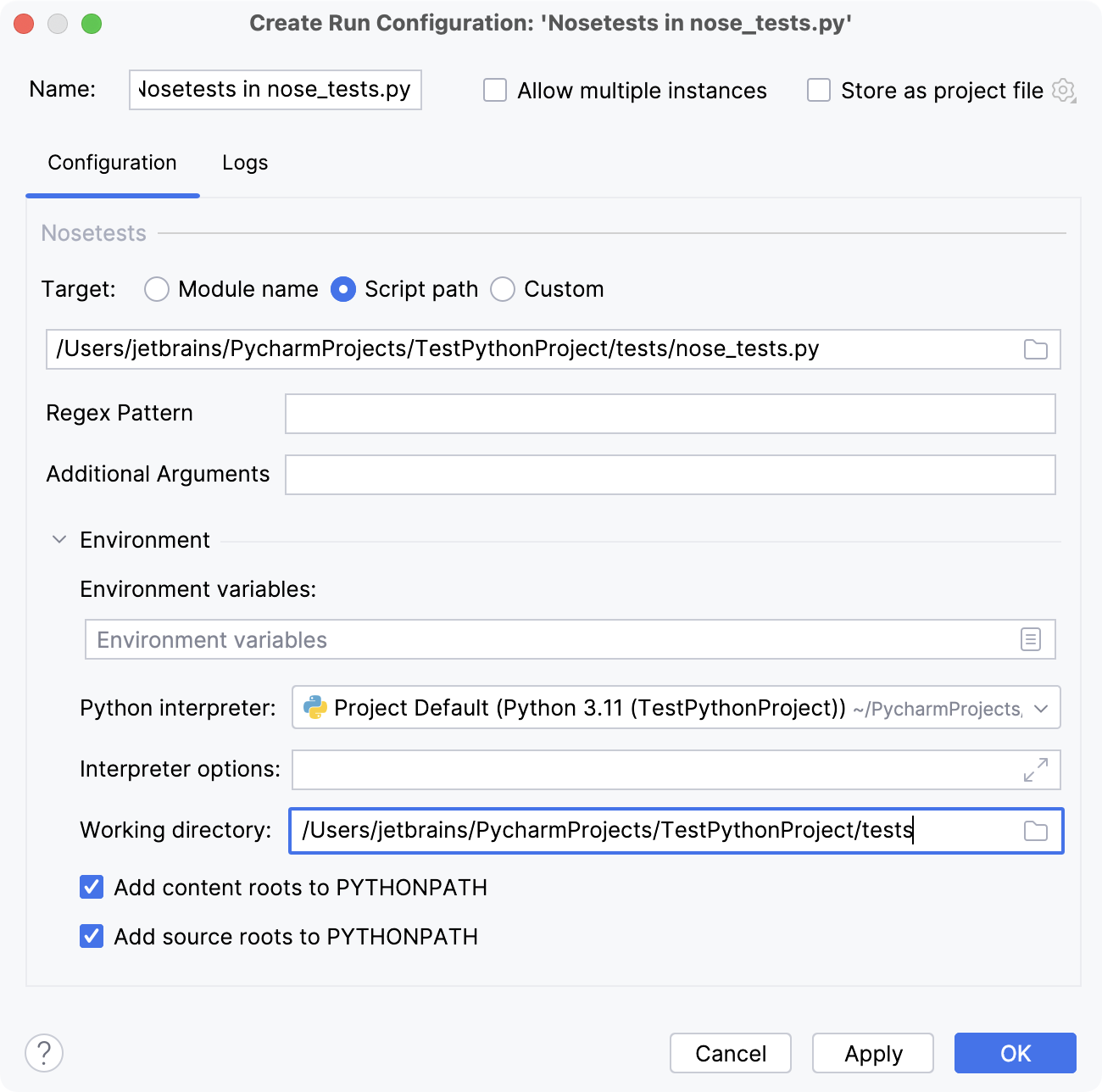
For more information about parameters specific to the supported testing frameworks, refer to: