Extract method
The Extract Method refactoring lets you take a code fragment that can be grouped, move it into a separated method, and replace the old code with a call to the method.
When you extract the method you need to check for variables. If there is one output variable, it is used as a return value for the extracted method. In case there are multiple output variables, the Extract Method refactoring may not be applied, and the error message appears.
There are several workarounds to allow Extract Method work in this case. For example, you may introduce a special data-class that contains all output values.
Extract a method
In the editor, select a block of code to be transformed into a method or a function.
From the main menu or from the context menu, select or press Ctrl+Alt+M.
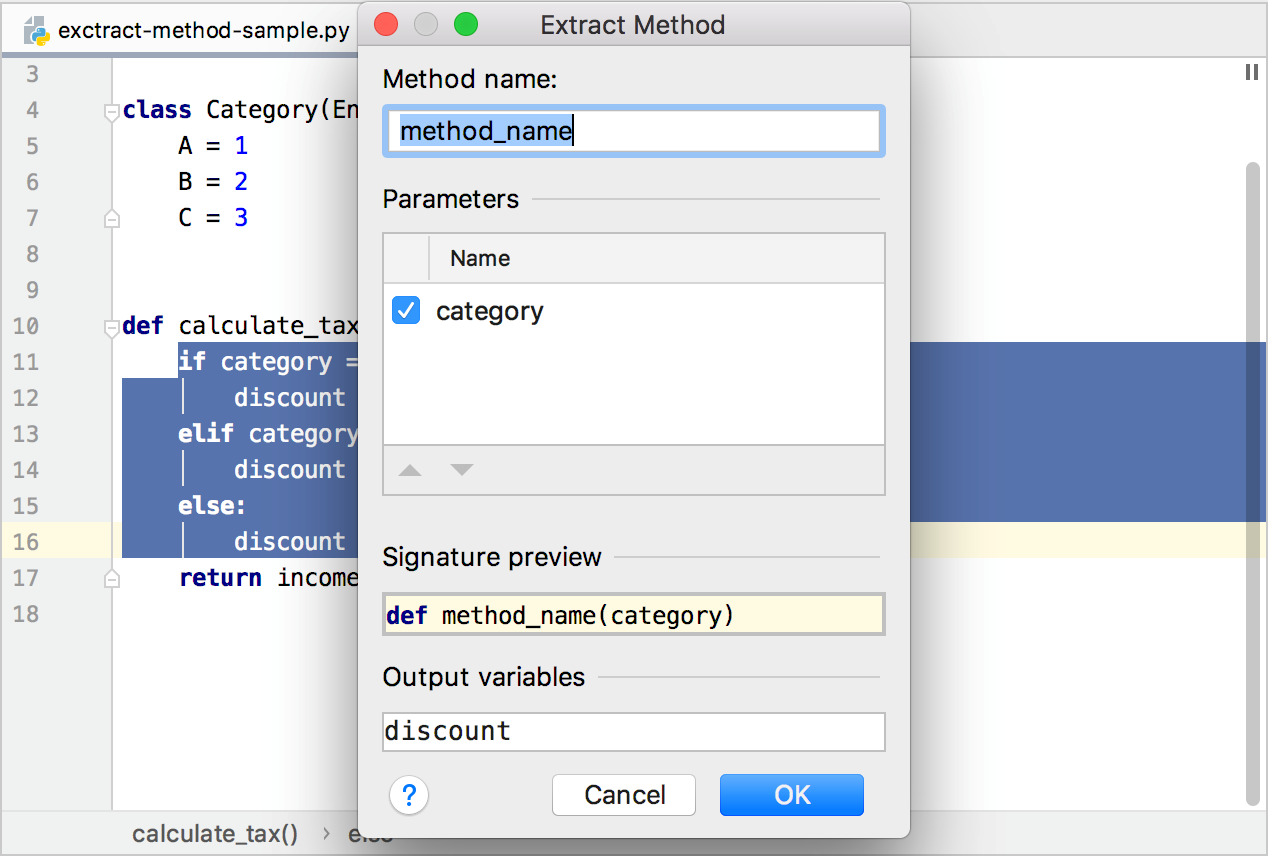
In the Extract Method dialog that opens, specify the name of the new function.
In the Parameters area, do the following:
Specify the variables to be passed as method parameters, by selecting or clearing the corresponding checkboxes.
Rename the desired parameters, by double-clicking the corresponding parameter lines and entering new names.
Check the result in the Signature Preview pane and click OK to create the required function.
The selected code fragment will be replaced with a function call.
Examples
Before | After |
|---|---|
from enum import Enum
class Category(Enum):
A = 1
B = 2
C = 3
def calculate_tax(category, income):
if category == Category.A:
discount = 10
elif category == Category.B:
discount = 5
else:
discount = 0
return income * (100 - discount) / 100
|
from enum import Enum
class Category(Enum):
A = 1
B = 2
C = 3
def calculate_tax(category, income):
discount = cacl_discount(category)
return income * (100 - discount) / 100
def cacl_discount(category):
if category == Category.A:
discount = 10
elif category == Category.B:
discount = 5
else:
discount = 0
return discount
|
Processing duplicates
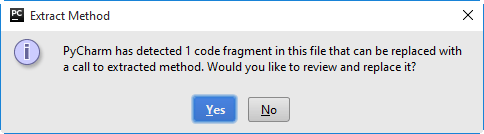
If duplicate code fragments are encountered, PyCharm suggests to replace them with the calls to the extracted method: