Rerun and debug tests
You can repeat a test session or individual tests without leaving the Run tool window. The tests are performed again using the same run configuration as in the initial run.
Rerun a testing session
Press Ctrl+F5 or click the Rerun button
 on the toolbar of the Run tool window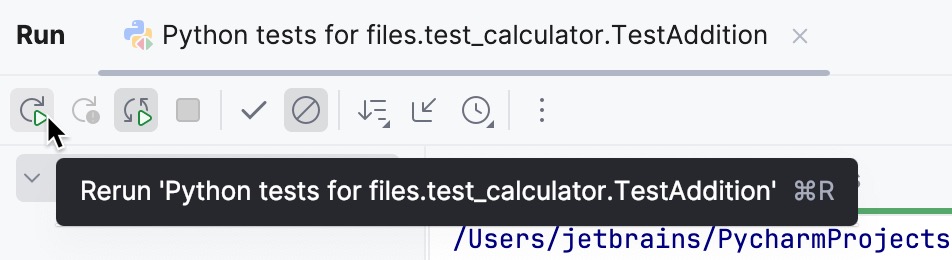
Note that you can rerun the tests automatically.
Rerun an individual test
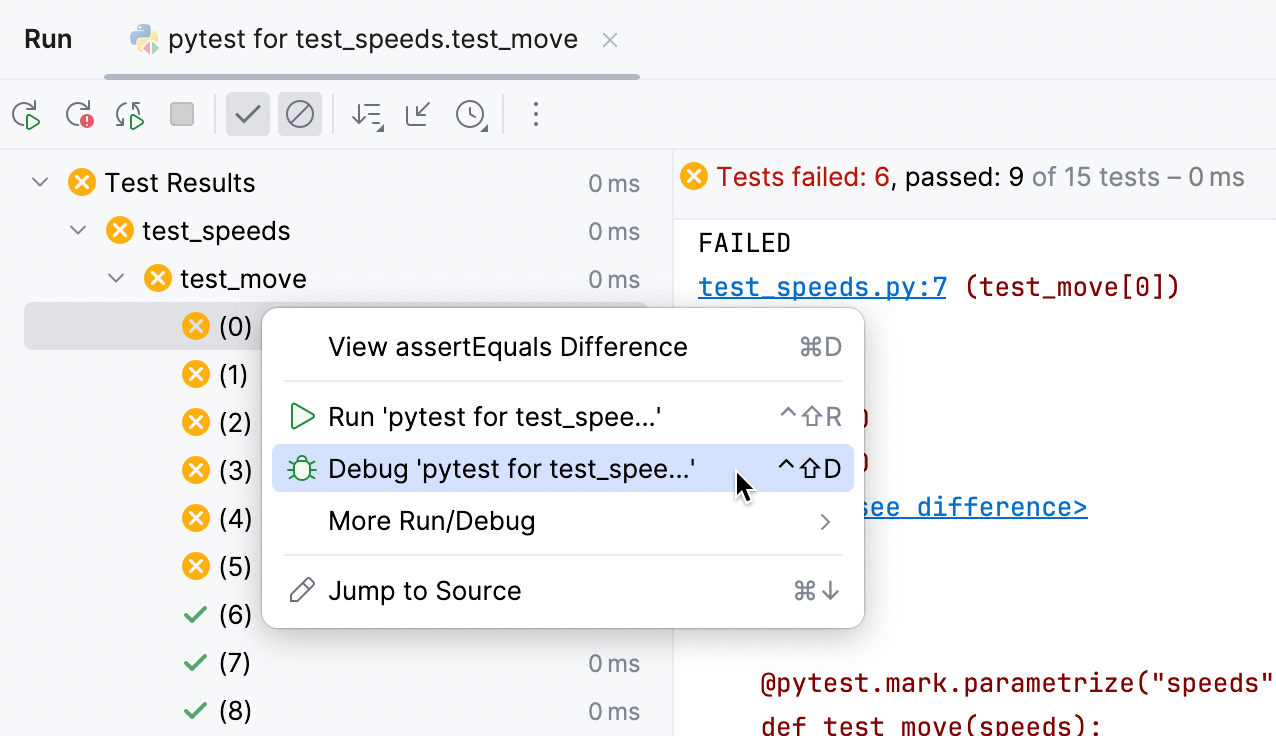
In the Run tool window , right-click a test case node or a test and select .
Rerun failed tests
In the Run tool window , click the Rerun Failed Tests button
 on the toolbar.
Rerunning tests automatically
PyCharm lets you rerun run/debug configuration of a test automatically, if the source code has been changed.
Press the Rerun Automatically button
 on the Run toolbar of the Run tool window.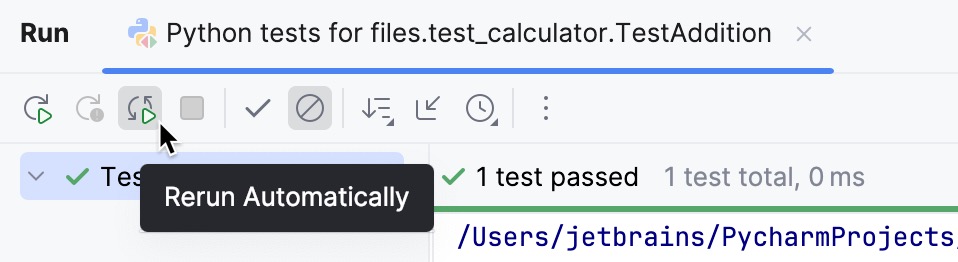
For Mocha and Jest, add the
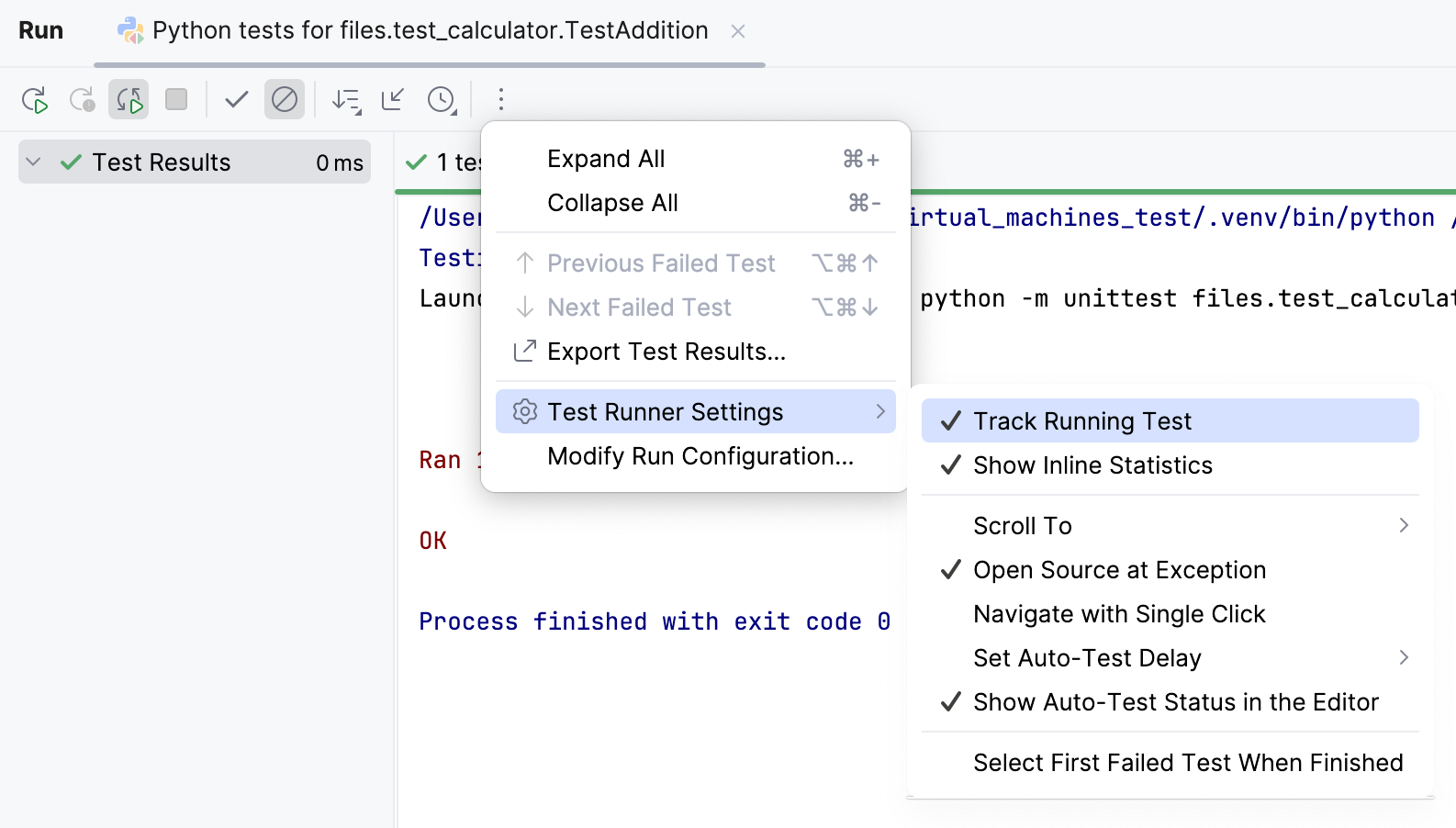
--watchflag in the Extra Mocha options/Extra Jest options field of the Run/Debug Configuration: Mocha or Run/Debug Configuration: Jest dialog respectively.Additionally, you can enable the auto-test popup in the editor. It indicates that the autotest-like runner is on. Click the
 More icon on the toolbar and enable Show Auto-Test Status in the Editor.
Debug failed tests
When one or several tests in your test suite failed, debugging can help you quickly inspect the failures, preview the problematic code lines in the editor, and fix them.
Open the project Settings (Ctrl+Alt+S). Go to and select the Drop into debugger on failed tests checkbox.
Open the test file in the editor. Right-click it and select the .
PyCharm stops on every failed test and shows the reason for the failure. Inspect the Variables pane of the Debug tool window to get more details about the problems.
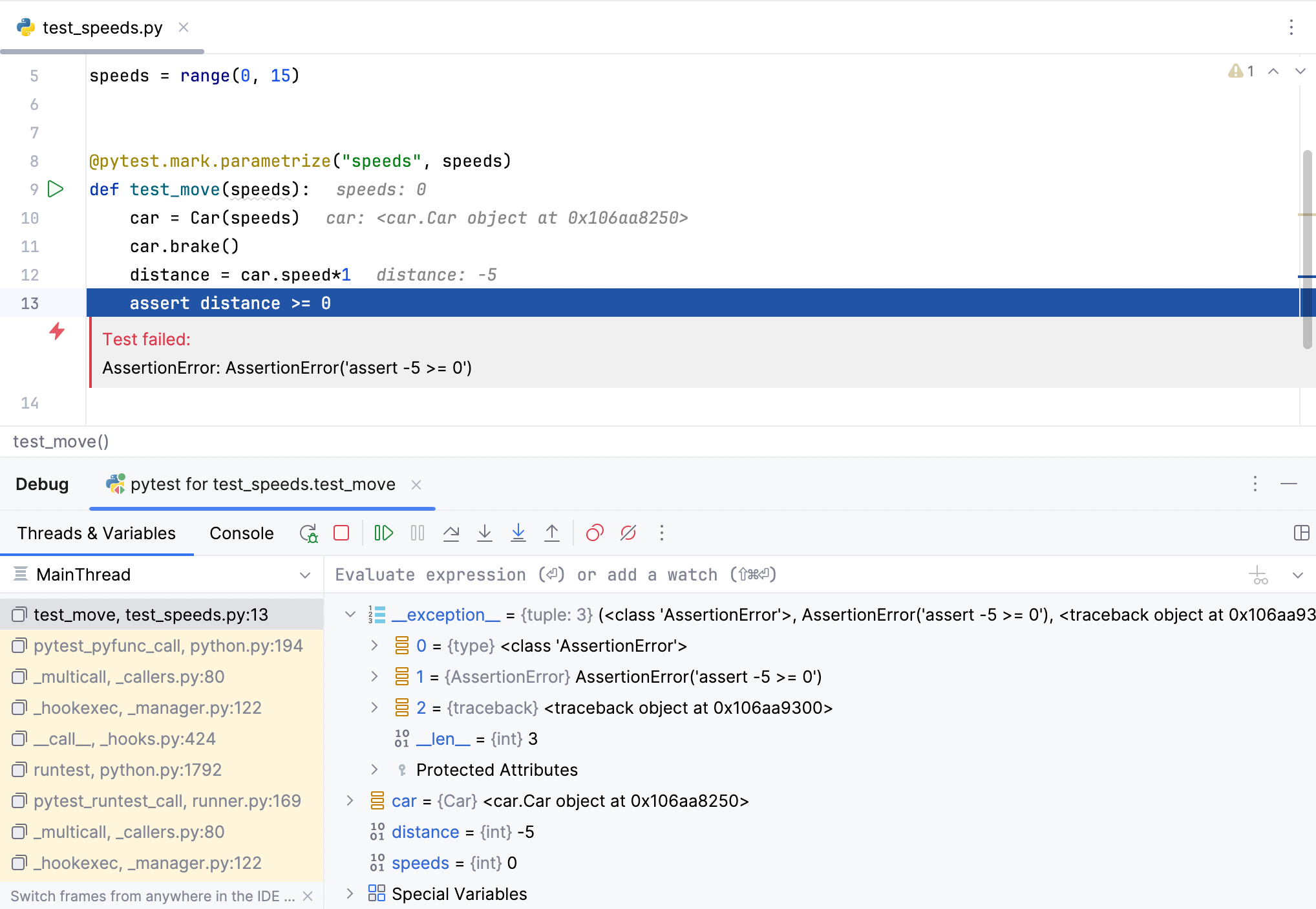
Use the debugging toolbar to step through the test code.
If you discovered and fixed the problems, you can just click the Run icon (
 ) in the gutter and terminate the debugging process.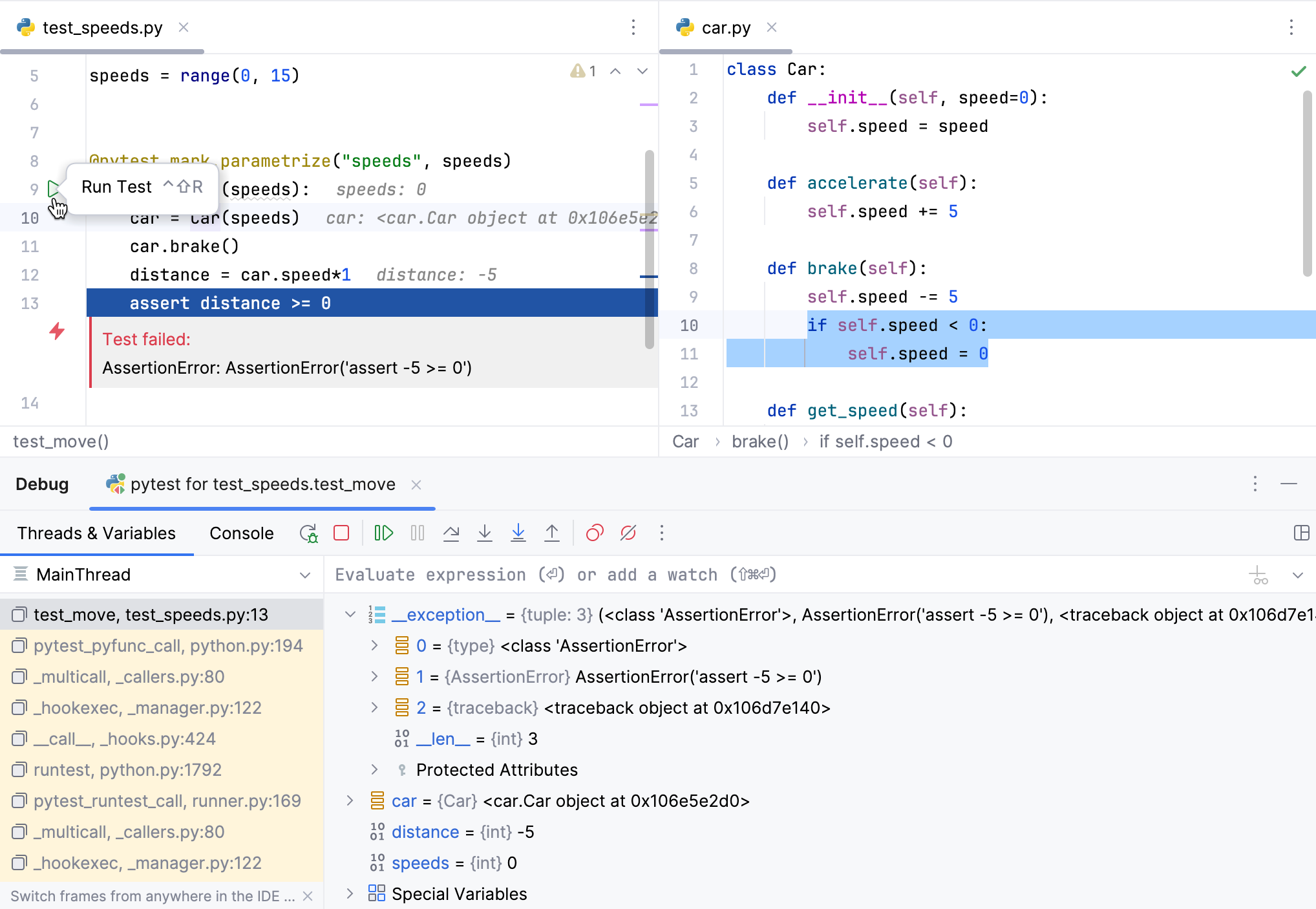
You can also select a particular failed test in the Run tool window and debug it separately.