Run and rerun applications
With PyCharm, you can run entire applications as well as particular scripts.
PyCharm uses settings that are defined in a Run/debug configurations. All the run configurations that currently exist in a project are available in the Select Run/Debug configuration list.
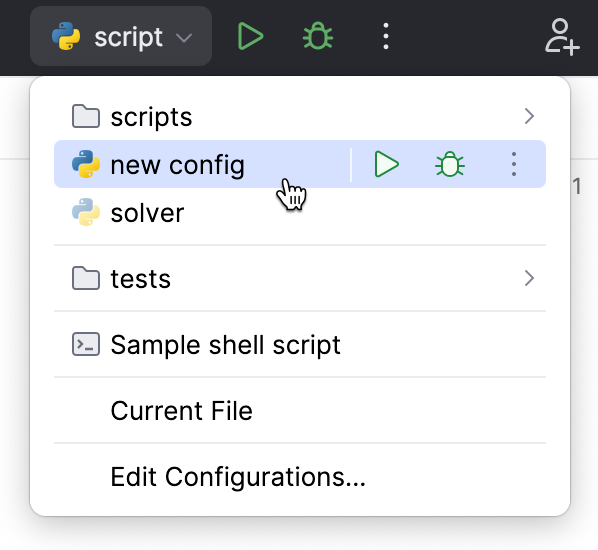
If you want to see the list of all currently running applications, select from the main menu. For more information, refer to View running processes.
After you've started a run session, the  icon in the Run widget and in the Run/Debug Configuration Selector toggles to
  to indicate that the run process is active and can be restarted.
Running a script
Choose from the main menu or press Alt+Shift+F10, and then select the required run/debug configuration.
This way, you can run any available run/debug configuration. Choose the required run/debug configuration from the popup menu that shows all the run/debug configurations existing in the project.
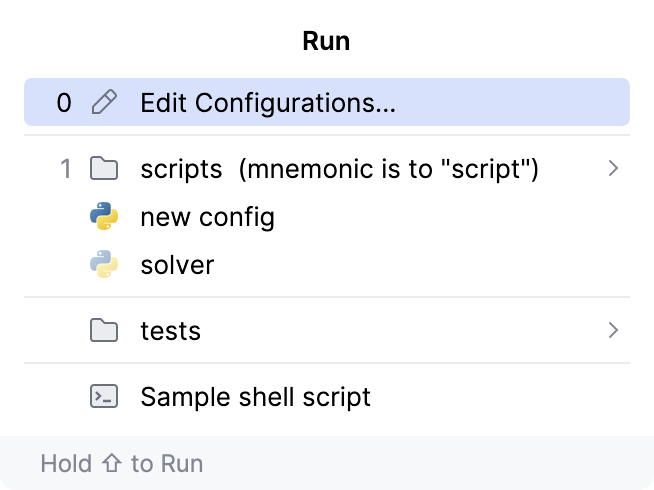
For more information, refer to Using the Run popup menu.
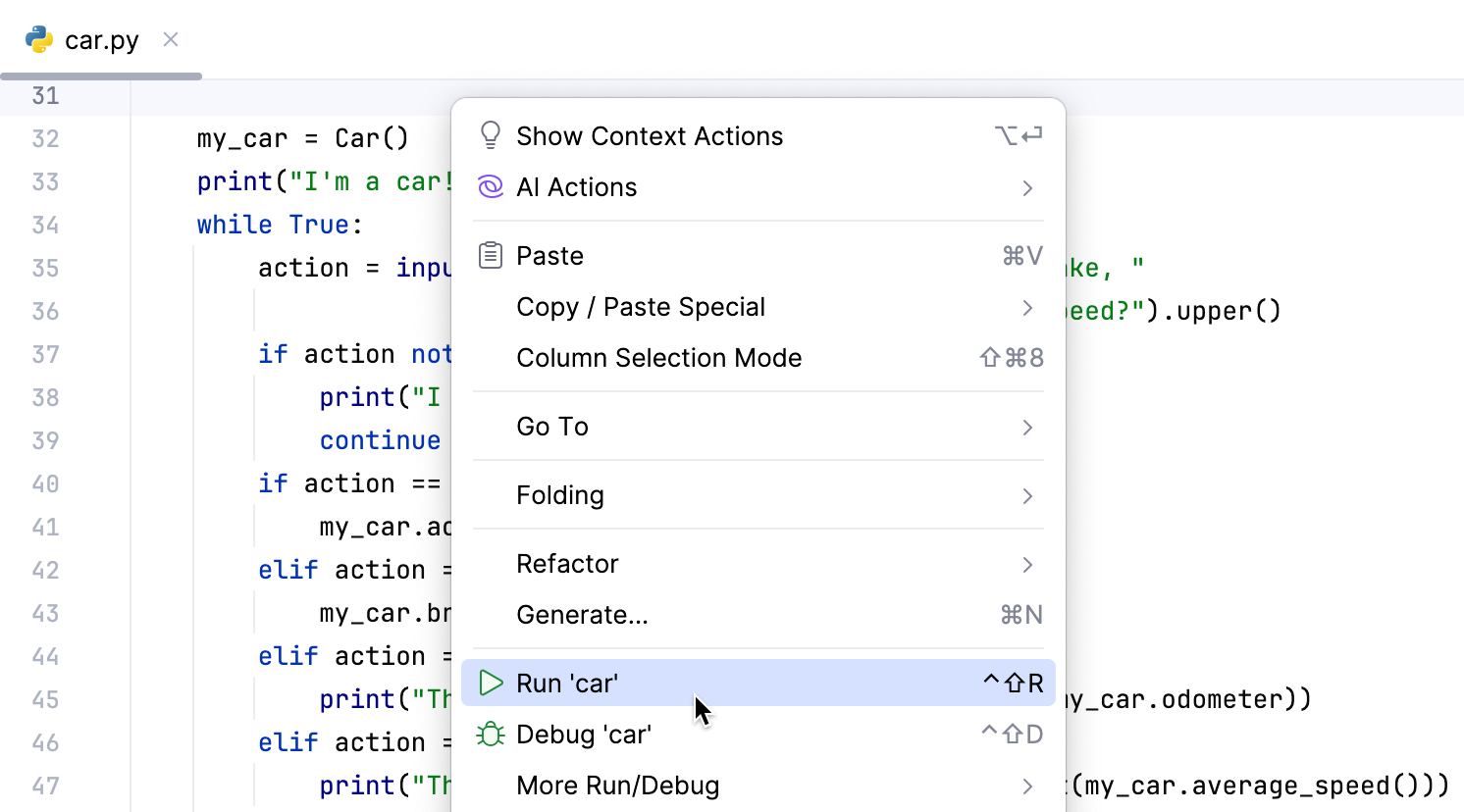
Right-click an open file in the editor and choose from the context menu.
Click
Run in the gutter and choose .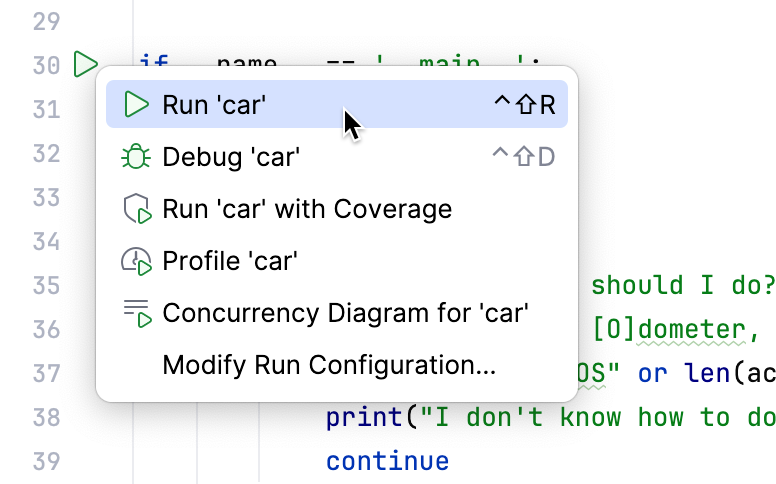
Select the required module in the Project tool window and choose from the context menu.
In the Run widget, select Current File and click
Run.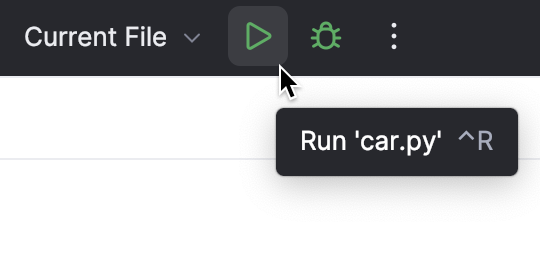
You can click
 Debug to start the debugger or click
  More Actions to select other running modes:
Open the run configuration to specify parameters
You can review the output from your running applications in the Run tool window. The output from each application is displayed in its own tab, named after the corresponding run/debug configuration.
Using the Run popup menu
Invoke the Run popup menu either by choosing the command from the main menu or by pressing Alt+Shift+F10.
From this popup menu you can:
Invoke the Edit Configuration dialog.
Edit the selected configuration before launch F4.
Instantly delete a configuration Delete.
Switch from run to debug and vice versa (hold Shift).
Access a previously selected configuration 1.
This popup menu can also be quickly accessed by pressing F9, when you are not running any debug session.
Rerunning applications
In the Run window, select the tab where the desired application is opened.
In the Run widget, click
Rerun, or press Ctrl+F5.