Run without any previous configuring
Any executable script can be run in PyCharm. You don't need to create any run/debug configuration in advance. A temporary run/debug configuration is already created for you.
To run the current file without creating a configuration, do one of the following:
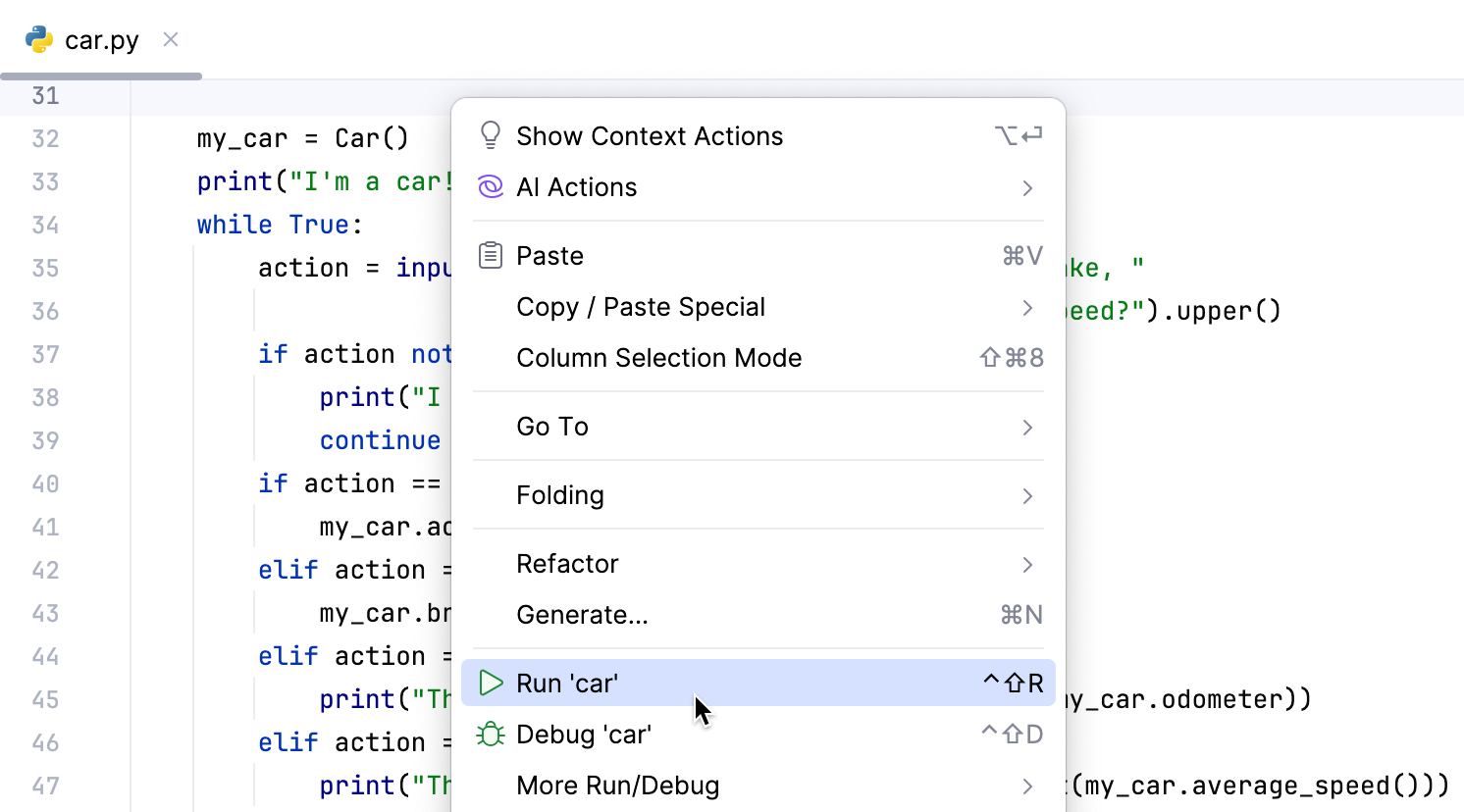
Right-click an open file in the editor and choose from the context menu.
Click
 Run in the gutter and choose .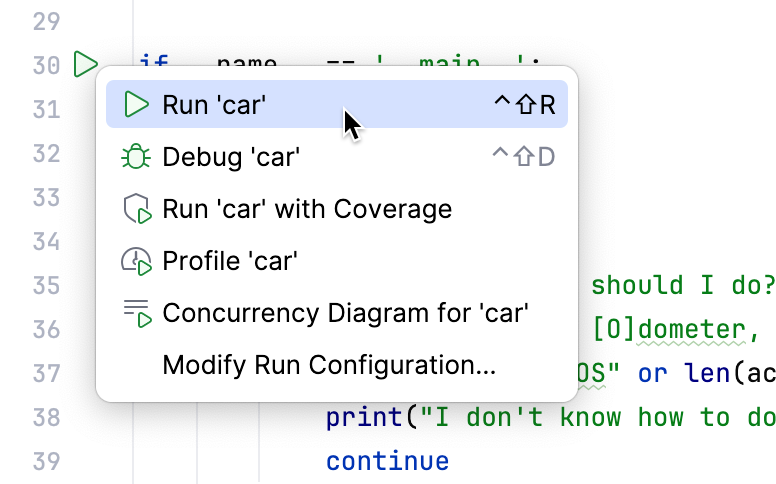
Press Shift+F10.
In the Run widget, select Current File and click
Run.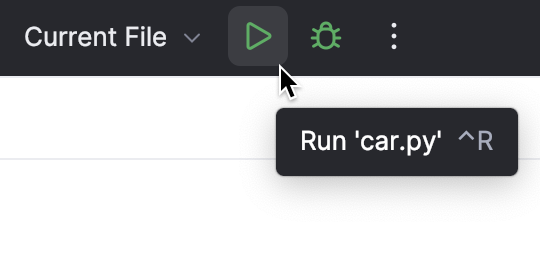
You can click
 Debug to start the debugger or click
  More Actions to select other running modes:
Open the run configuration to specify parameters
Code cells
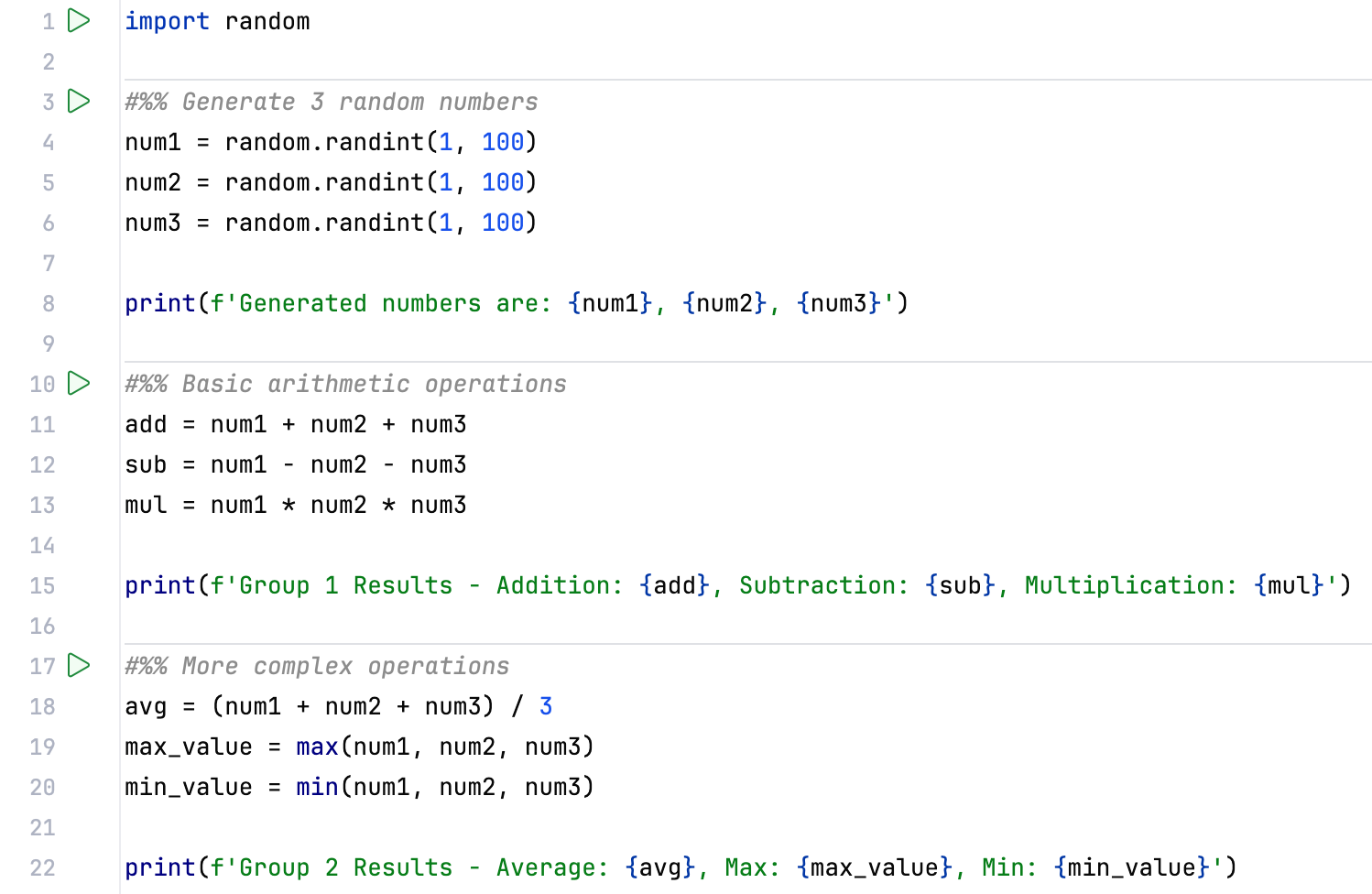
You can execute fragments of your code by creating and running code cells.
Split the code into cells by adding comment lines that start with
#%%.
In the gutter, click
 Run next to the code fragment that you want to run.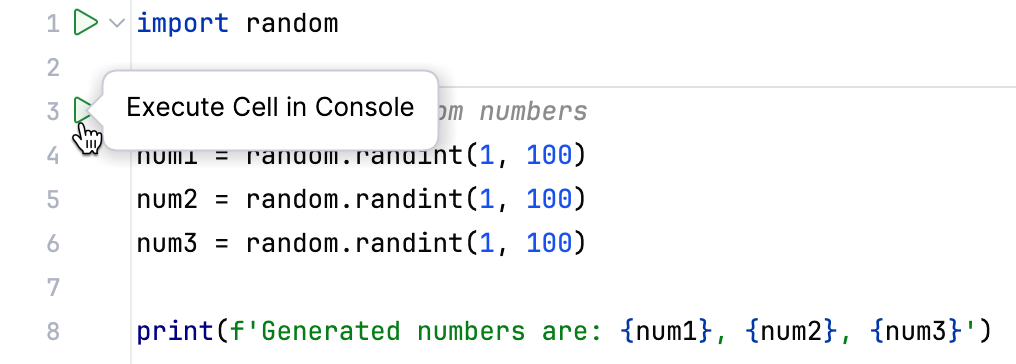
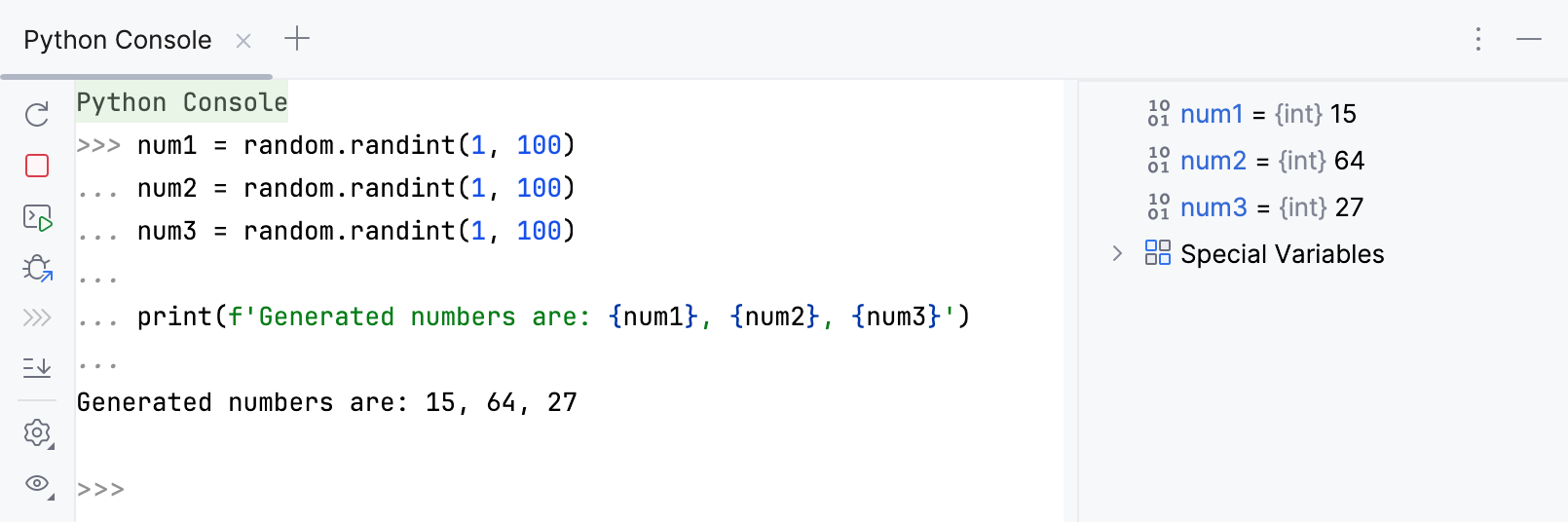
The code cell is executed in the Python Console.