Surround code fragments
PyCharm provides standard templates for surrounding code fragments with various constructs based on the language of the source code. This includes if...else conditional statements, do...while and for loops, combinations of try...catch...finally, XML tags, folding regions, and other constructs.
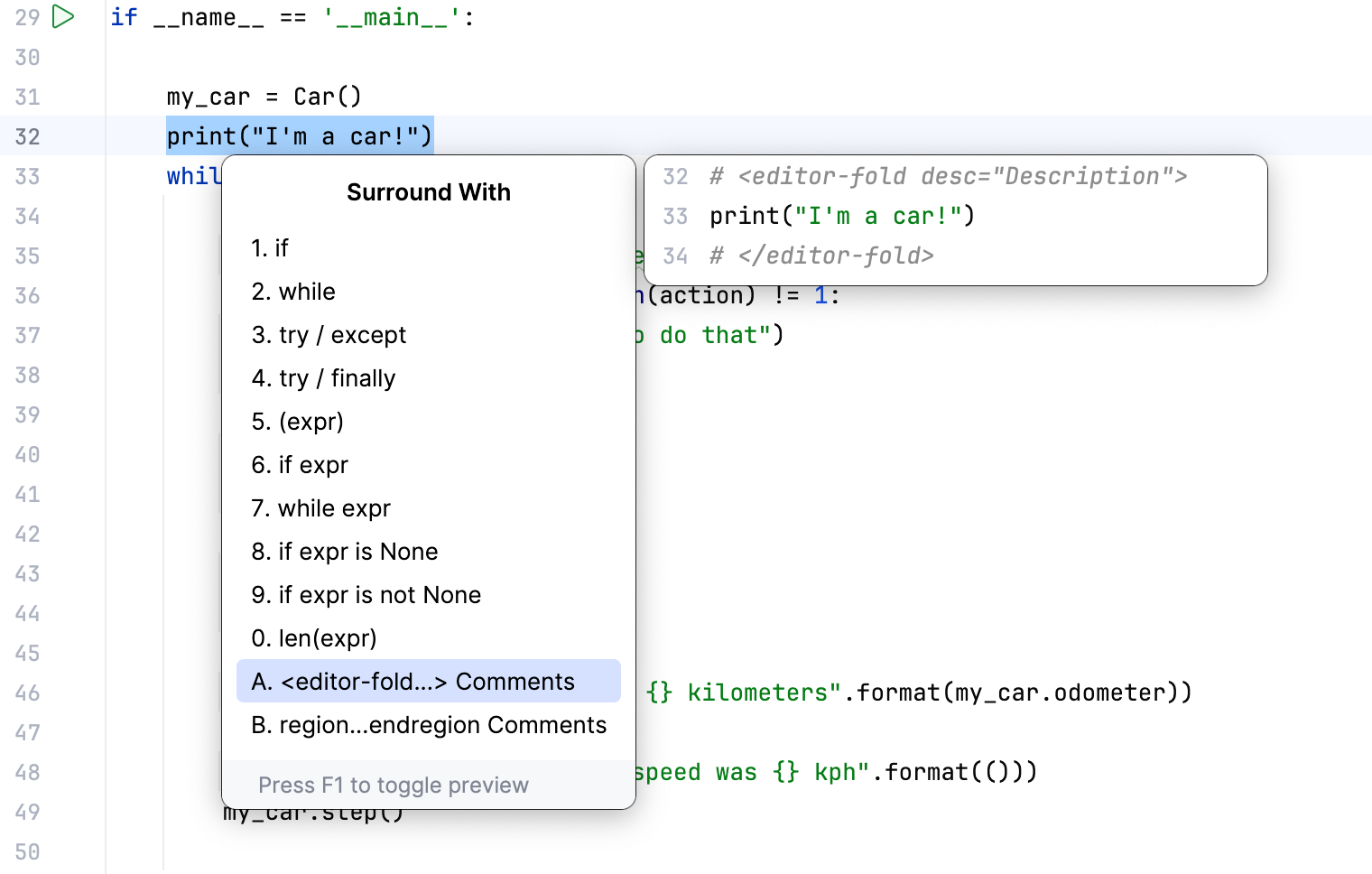
Surround a code block with language constructs
Select a code fragment.
Press Ctrl+Alt+T or go to in the main menu.
Select the necessary surround statement from the list.
This feature applies to the following languages (contexts):
Context | Surround with |
|---|---|
XML/HTML /XHTML tags |
|
Python statements |
|
Django templates |
|
JavaScript statements |
|
Any fragment of code, where Surround With is applicable. |