Viewing Logs of a Google App Engine Application
To download logs of a Google App Engine
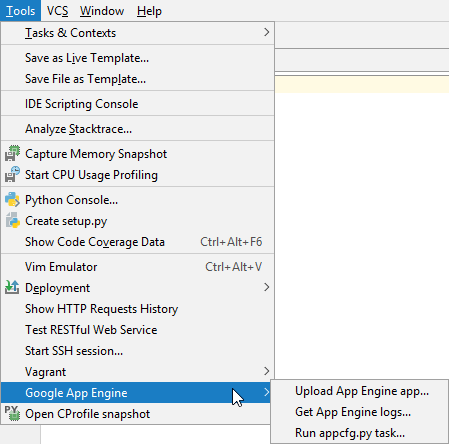
On the menu, choose , and choose .
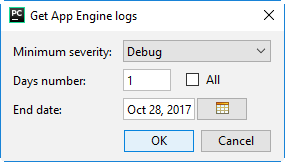
In the Get App Engine logs dialog, specify the severity of messages, and the desired period.
Last modified: 05 April 2024
On the menu, choose , and choose .
In the Get App Engine logs dialog, specify the severity of messages, and the desired period.