Completing Characters
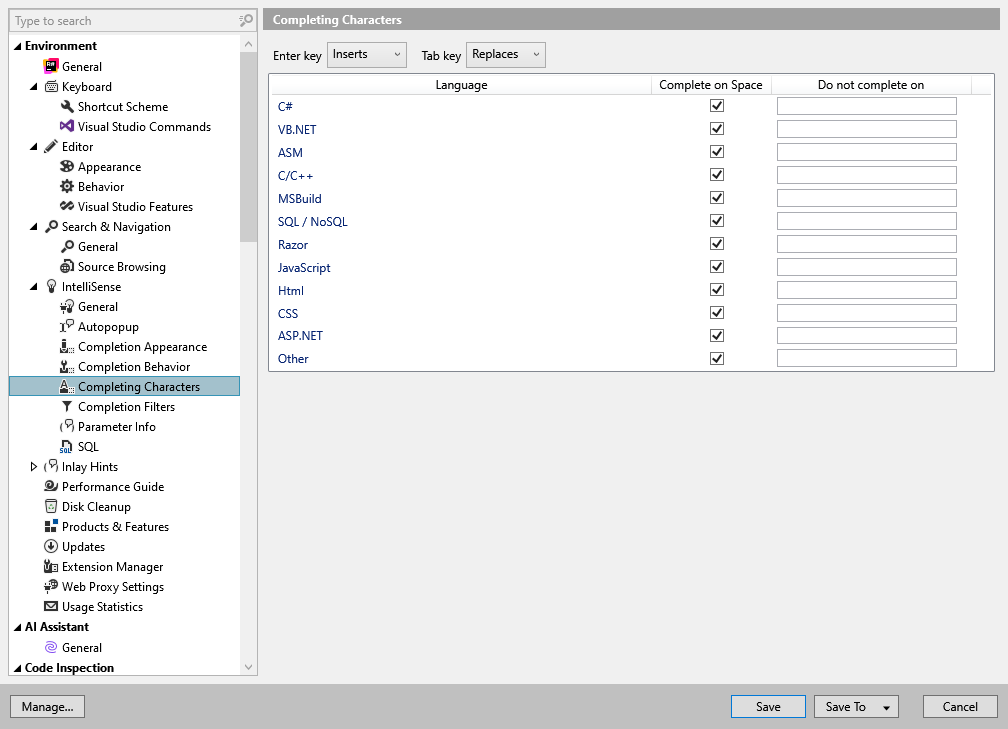
On this page of ReSharper options, you can set whether you want ReSharper to commit the selected completion item on pressing Space or any non-alphanumeric character. Also, you can define how the Enter and the Tab keys behave on the item selected in the completion list: the two selectors, Enter Key and Tab Key let you choose one of the following behavior options:
Inserts - inserts the item without replacing the text after the caret.
Replaces - replaces the text after the caret with the item.
Complete on space | Deselect this checkbox for a particular language to prevent ReSharper from committing the selected completion item on pressing Space. |
Do not complete on | Type any non-alphanumeric characters without spaces for a particular language, for example |