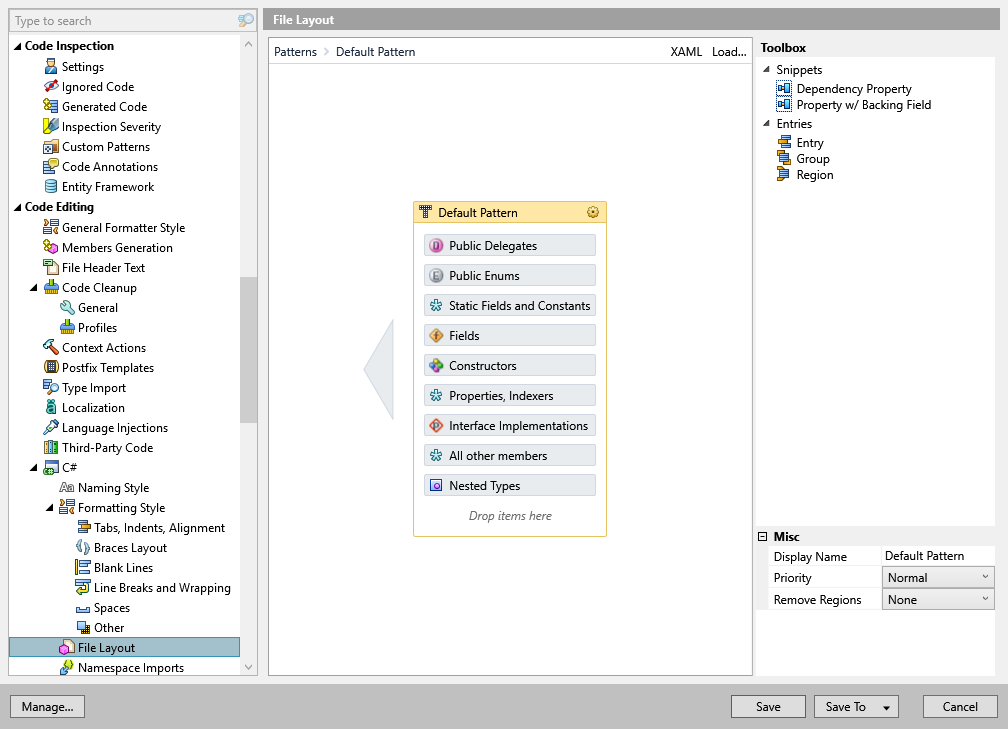
This page contains the pattern used to reorder type members when cleaning up your code. You can use one of two default patterns or create your own pattern.
| Item | Description |
|---|---|
| Default layout without regions | Enables default layout of type members without regions. |
| Default layout using regions | Enables default layout of type members with regions used to surround delegates, nested types, implementations of interface members, etc. |
| Custom layout | When this option is selected, you can edit the pattern according to your preferences. |
Note
ReSharper's settings are saved in settings layers that enable you to have different settings for different solutions as well as to share your settings with your team. To learn more, study the Managing and Sharing Options section.

