Custom Patterns
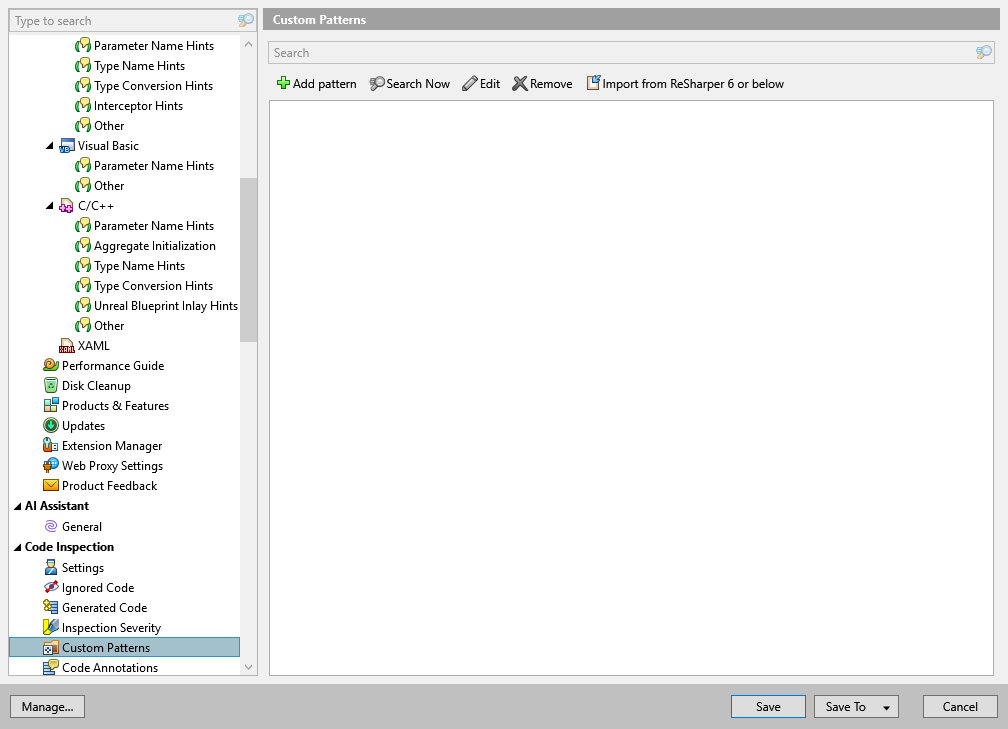
This page of ReSharper options displays all custom patterns for Structural Search and Replace. You can click a pattern in the list to display the preview at the bottom of the page.
Add pattern | Click this button to open the Add/Edit/Search with Highlighting Pattern dialog and create a new code pattern. |
Search now | Click this button to find or replace occurrences of the selected code pattern. |
Edit | Click this button to open the Edit Highlighting Pattern dialog and edit the selected code pattern. |
Remove | Click this button to remove the selected code pattern. |
Import From ReSharper 6 and below | Click this button to import code patterns created with older versions of ReSharper and saved in XML files. |
Severity level selector | The severity level selector is shown next to each code pattern in the list. ReSharper would assign the specified severity to code blocks matched ty this pattern. Available severity levels of custom patterns are the same as severity levels of code inspections. For more information, refer to Create custom code inspections and quick-fixes. |