Navigate To: To-do Explorer
This command navigates from a To-do item in the editor to its corresponding entry in the To-do Explorer window, so that you could see how many To-dos are in the neighboring files. The command becomes available when you invoke Navigate To on any To-do item in the editor:
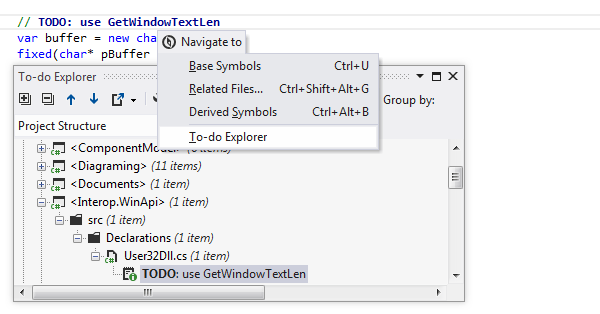
This feature is supported in the following languages and technologies:
|
|
|
|
|
|
|
|
|
|---|---|---|---|---|---|---|---|---|
|
|
|
|
|
|
|
| |


The instructions and examples given here address the use of the feature in C#. For more information about other languages, refer to corresponding topics in the Languages and frameworks section.
11 February 2024