Create tests
RubyMine provides the ability to create missing tests in various ways. For example, you can:
create tests from templates
create a test when navigating to it from a test subject
generate tests using Rails generators
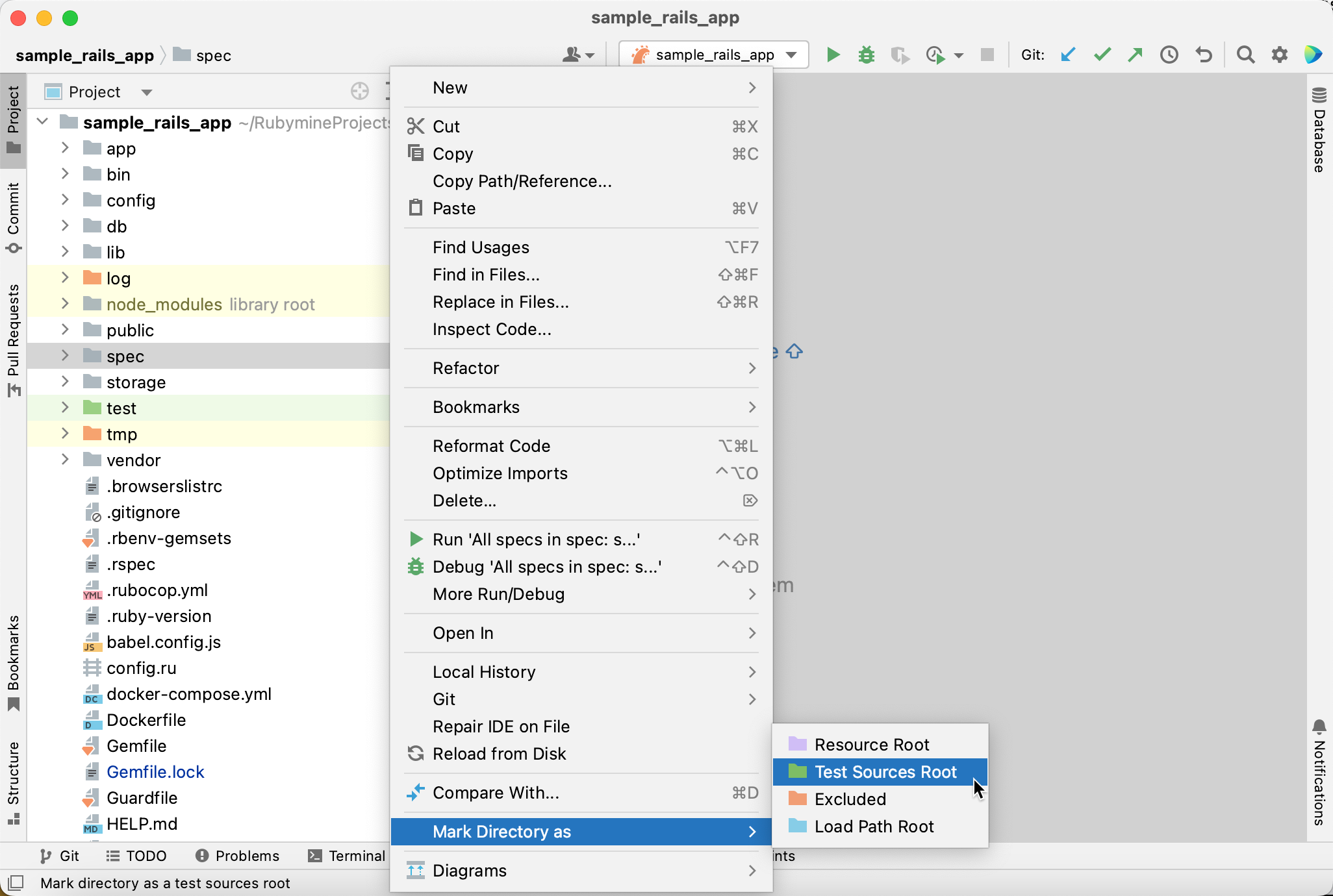
Mark a directory as a Test Sources Root
Before creating new tests in RubyMine, make sure that the directory dedicated for storing tests is marked as a Test Sources Root. This step helps RubyMine to distinguish the test content in your project and might be necessary for proper functioning of some assistance features, for example, navigation between a test subject and a particular test file.
In the Project tool window Alt+1, right-click the directory where you plan to store your tests and select from the context menu.
Create tests from a template
To create a new test from a template, do the following:
Do one of the following:
In the Project tool window (Alt+1), select the directory in which you want to create a new file, and then choose from the main menu.
Right-click the directory and select New from the context menu.
Select the directory and press Alt+Insert.
Select Ruby Test from the list and press Enter.
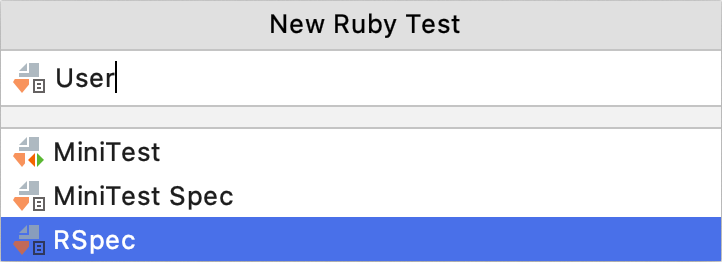
In the New Ruby Test popup, you need to select the testing framework and specify the class name to be tested. For example, do the following to create a new RSpec test:
Select RSpec.
Specify the described class name (for example,
User) and press Enter.
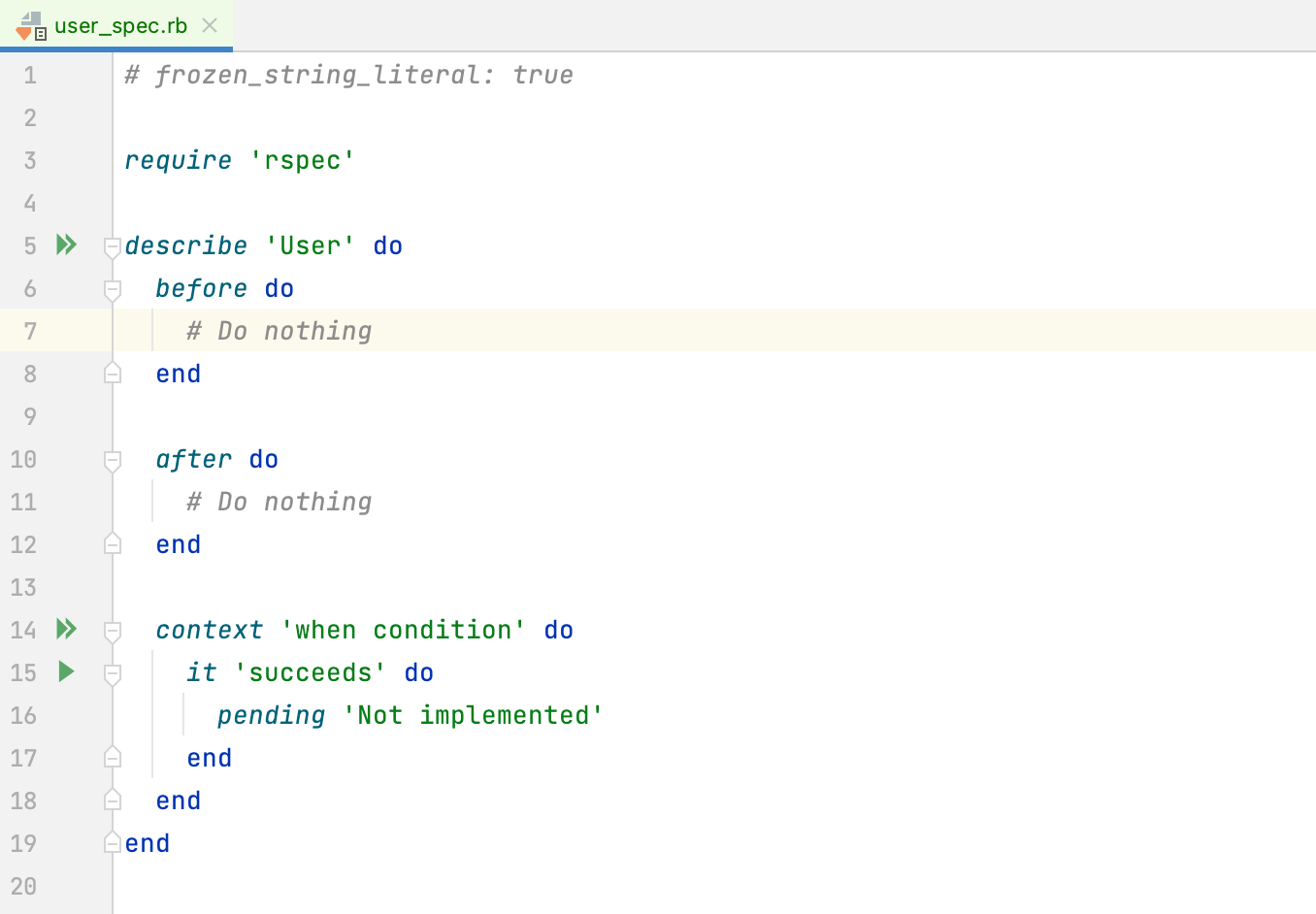
RubyMine will create a test file with the initial content and open it in the editor. Use this file as a template and add the required code.
Create a test when navigating to it
RubyMine provides the capability to create a test when navigating to it from a class that needs to be tested.
Open the required class in the editor.
Go to Navigate | Test or press Ctrl+Shift+T.
If the corresponding test doesn't exist, the Create Test popup appears.
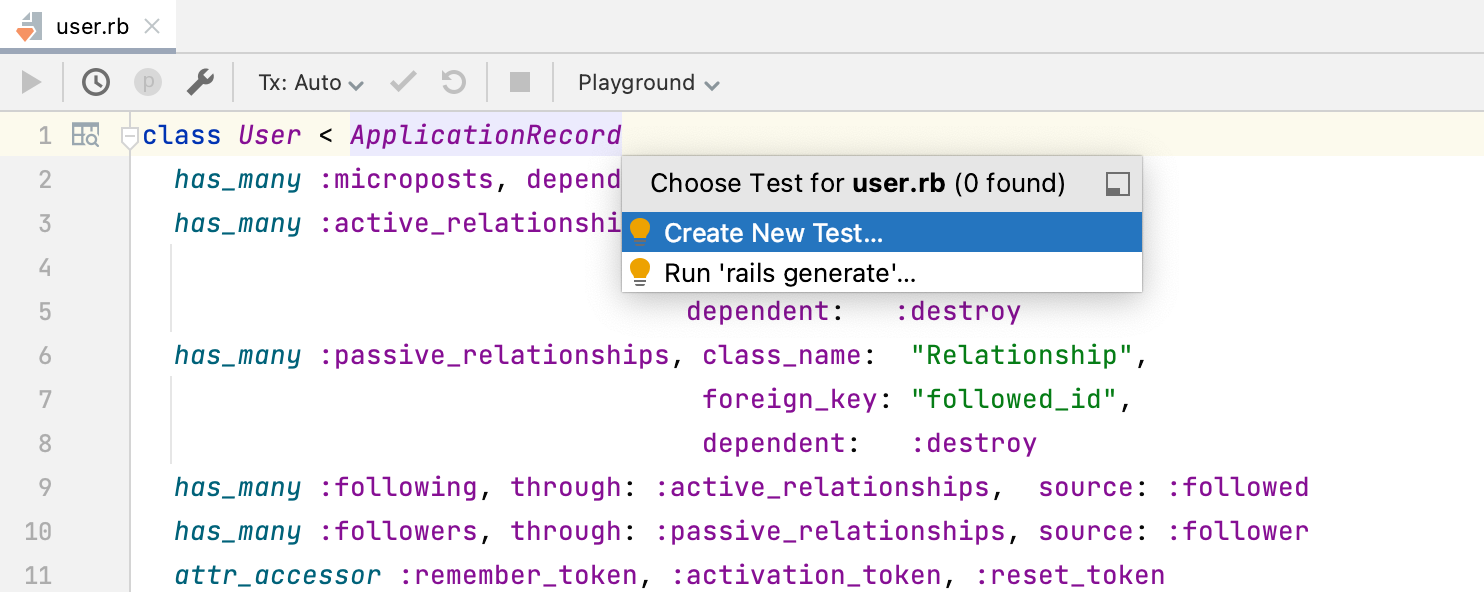
In this popup, you can select one of the following:
Create New Test: Create a new test for a class, replicating the directory structure based on the path to the test subject.
Run 'rails generate': Generate a new test for a class using Rails generators.
Select the Create New Test option.
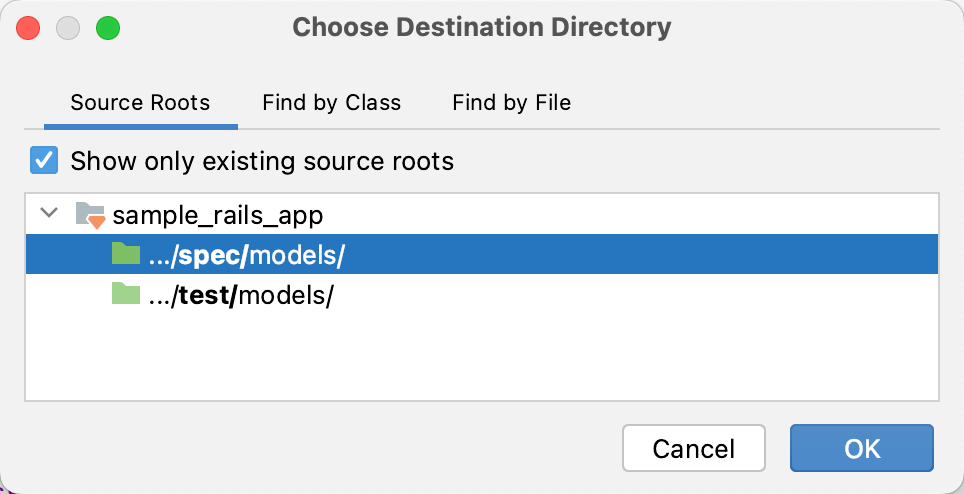
In the Choose Destination Directory dialog, choose the required folder and click OK.
In the invoked popup, choose whether to create a test from scratch or use a predefined test template.
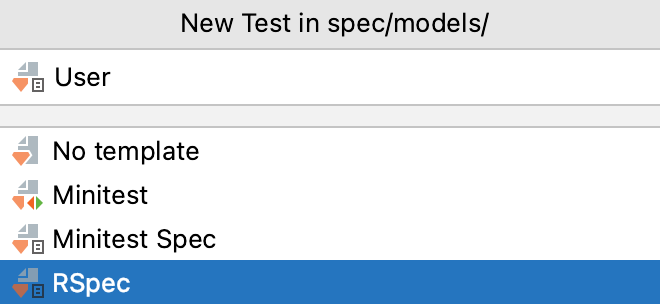
Press Enter. RubyMine will create the test under the necessary directory, replicating the directory structure based on the path to the test subject.
Generate tests for Rails applications
RubyMine provides several ways to generate missing tests for Rails elements (controllers, models, and so on).
Create tests using Rails generators
You can use Rails generators supplied with a testing framework to create tests. For example, you can create a model test using the rspec:model generator for RSpec or minitest:model for Minitest. To do this in RubyMine:
Go to (Ctrl+Alt+G).
In the invoked popup, start typing the required generator name. For example, to create an RSpec model test, start typing rspec:model and then select
rails g rspec:model. Press Enter.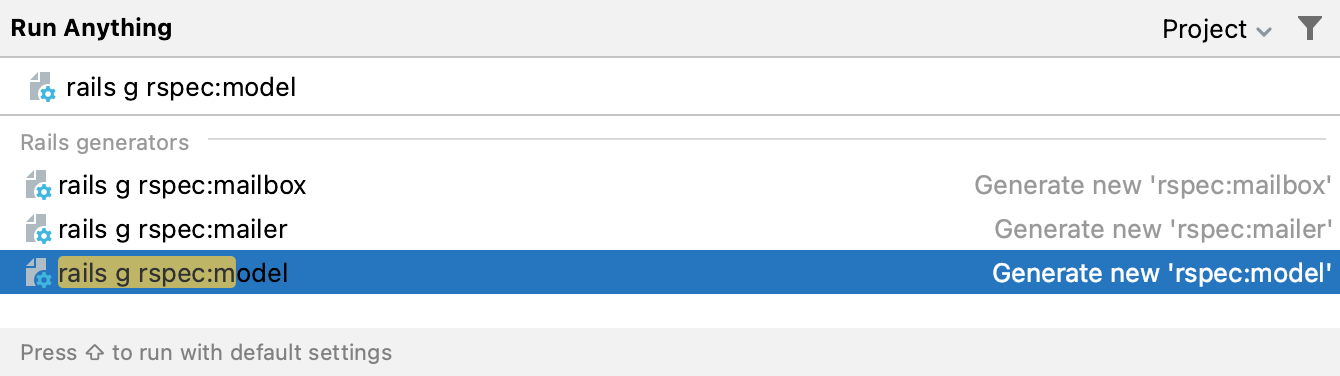
Specify the generator arguments. For example, for the User model we pass
useras an argument. Click OK.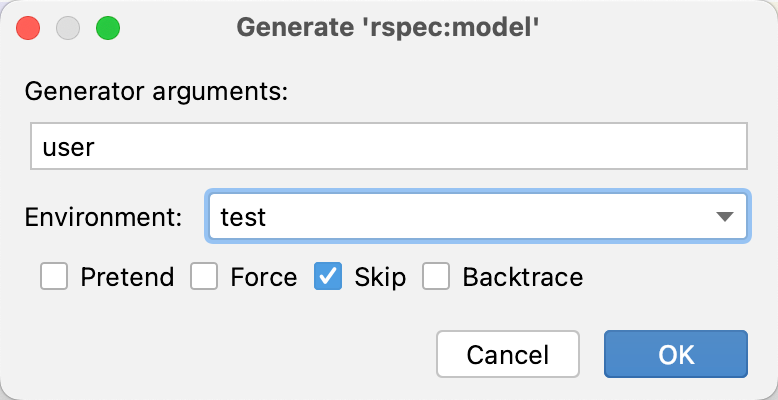
Create tests alongside Rails elements
Rails allows you to generate tests alongside other applications elements such as controllers, models, and so on. Learn how to create Rails application elements in RubyMine from Create Rails application elements.