Extract method
The Extract Method refactoring allows you to extract a specified code fragment into its own method.
To extract a method:
Select a code fragment to refactor or place the caret at a string containing the required code fragment:
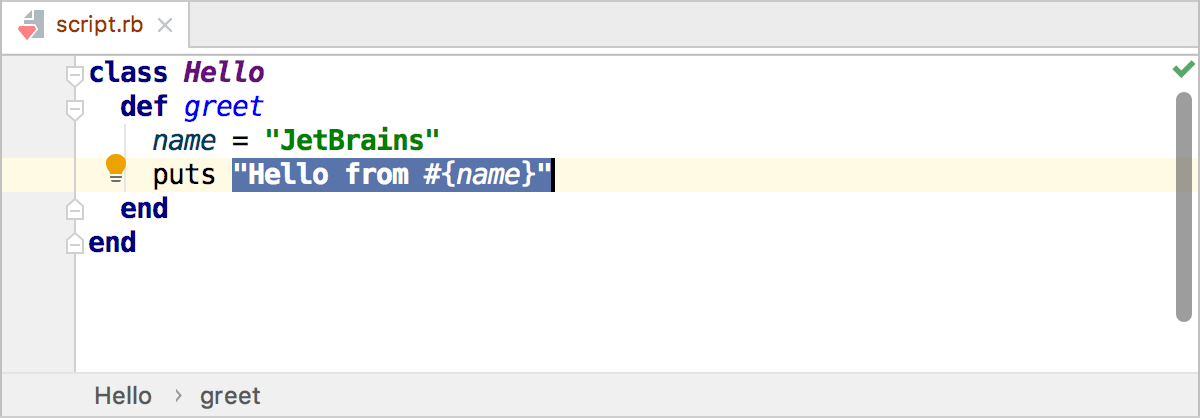
In the main menu, go to Ctrl+Alt+M.
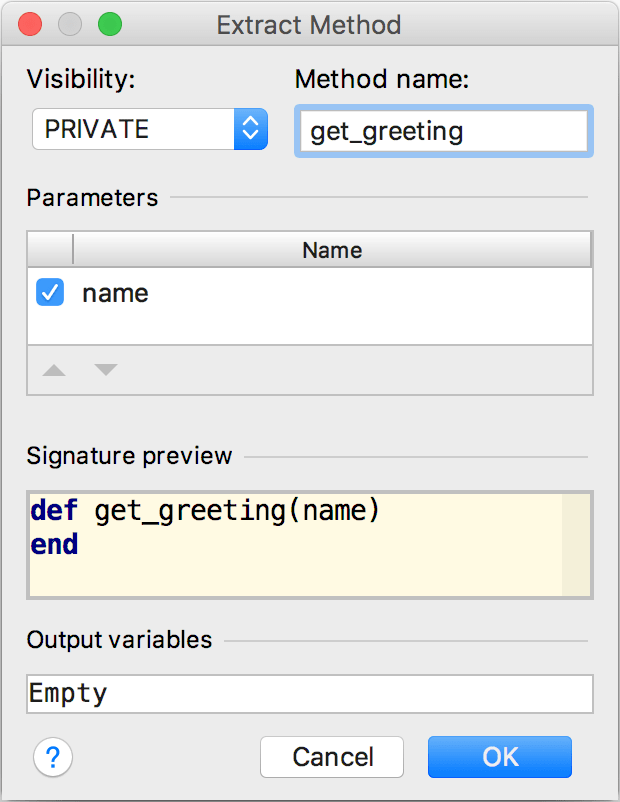
In the Extract Method dialog, specify the method visibility, name, and, optionally, parameter names:
Click OK to finish refactoring:
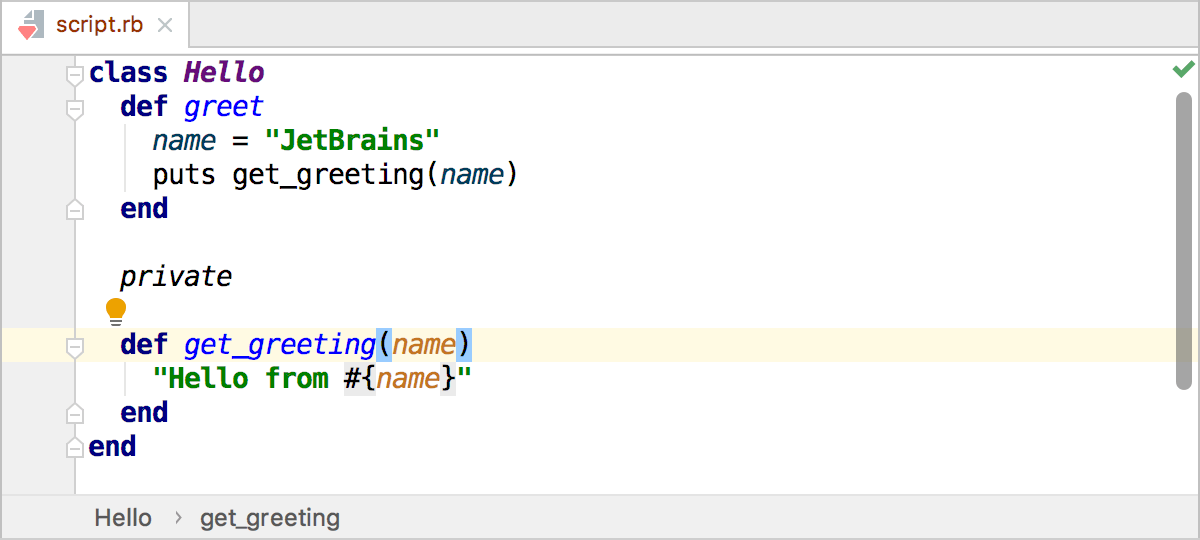
Example
class Hello
def greet
name = "JetBrains"
puts "Hello from #{name}"
end
end
class Hello
def greet
name = "JetBrains"
puts get_greeting(name)
end
private
def get_greeting(name)
"Hello from #{name}"
end
end
17 October 2025