Move and copy refactorings
Copy
The Copy refactoring lets you create a copy of a class, file or directory in a different or the same directory.
To perform copy refactoring:
Select an identifier that you want to refactor (for example, a class in the editor or a file in the Project tool window).
Select from the main or context menu or press F5.
In the Copy window, specify the name and location for your copy and click OK.
Move
The Move refactoring lets you move a file/directory to another directory or a class/module to another file .
To move a file/directory:
Select a file/directory in the Project tool window (Alt+1) .
Select from the main or context menu or press F6.
In the Move dialog, specify a directory where the selected file will be moved to:
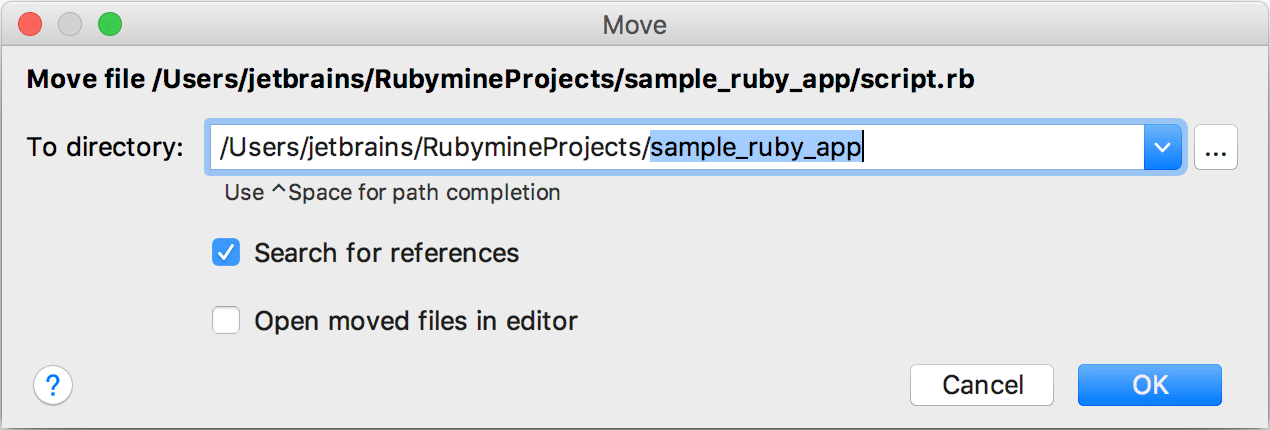
Click OK.
To move a class/module:
Place the caret at the class/module name:
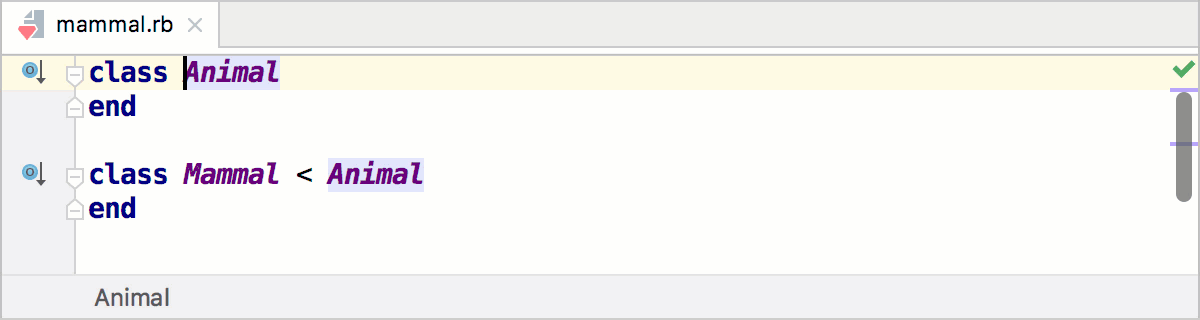
Select from the main or context menu or press F6.
In the invoked dialog, you can specify a new class name and a file where this class will be placed :
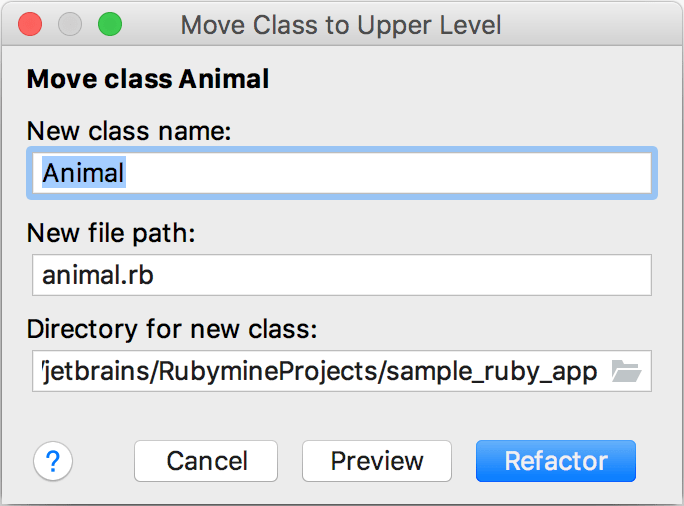
Click Move. If necessary, click Preview to preview the potential changes.