Creating files and directories
Create empty files
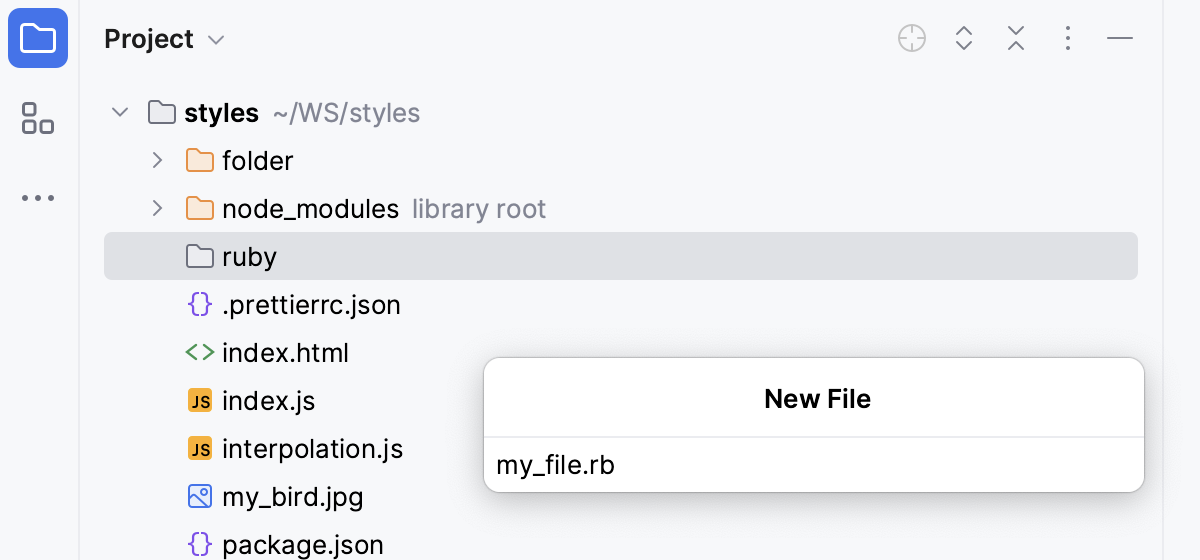
In the Project tool window, select the directory where you want to create a file, press, and then select from the list.
In the New File dialog that opens, type the filename and extension. You can type the whole directory structure before the new filename. If the nested directories do not yet exist, they will be created.
If the specified extension is not associated with any file type recognized in WebStorm, a text file with detected by content file type is created.
In WebStorm, you can create files with language-specific extensions and some initial contents, thanks to file templates for most of the languages supported by the IDE.
To configure existing file templates or create new ones, click File and Code Templates under Editor in the Settings dialog (Ctrl+Alt+S) . For more information, refer to File type associations.
Create files from file templates
In the Project tool window, select the directory where you want to create a file, press, and then select the desired language or file type.
In the dialog that opens, type the name of the file without any extension. Later you can change the autogenerated filename extension using the Rename refactoring ().
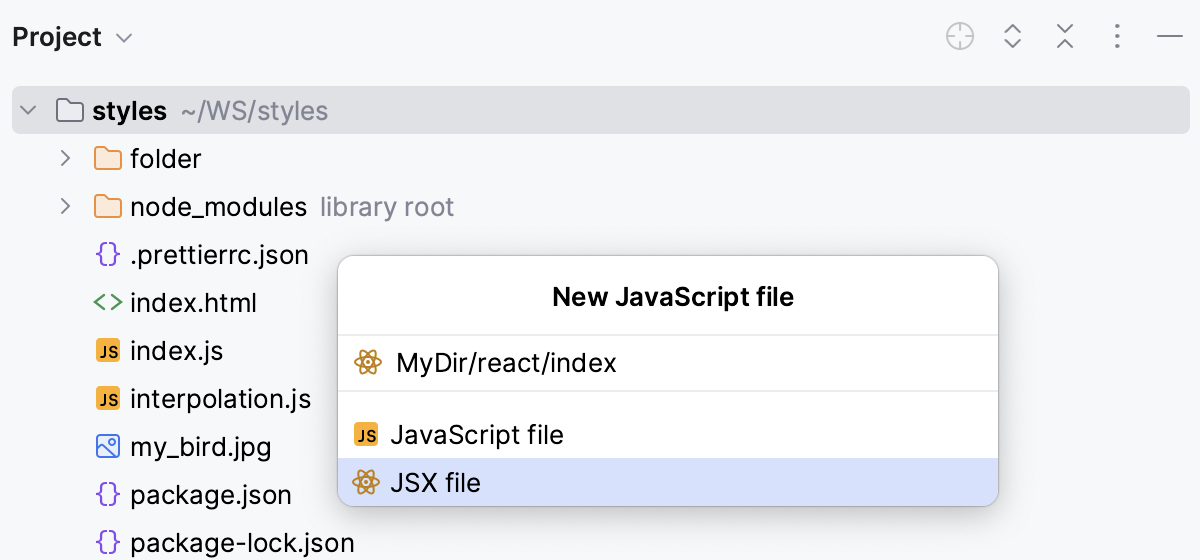
You can type the whole directory structure before the new filename. If the nested directories do not yet exist, they will be created:
If the base file template contains any custom variables and their values are not currently set, you will be asked to define the values of these custom variables.
Specify other information as required. For example, if you select to create a JavaScript file, you'll be able to create a pure JavaScript file or a JSX file. In other words, use one of the corresponding related file templates.
Create directories
In the Project tool window, right-click the directory where you want to create a new one, select from the context menu, and then select .
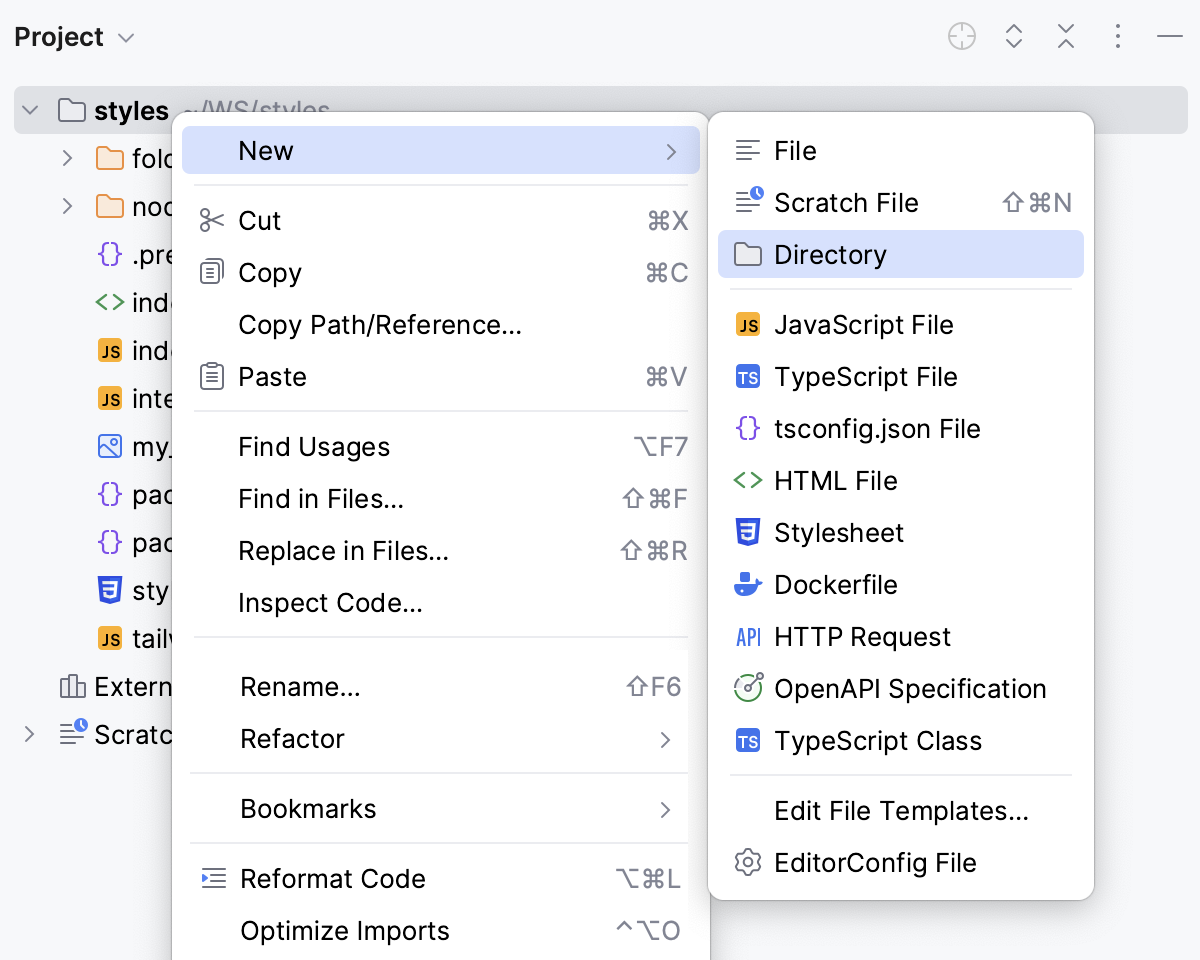
Alternatively, click the parent directory, press, and then select Directory from the list.
In the dialog that opens, specify the directory name. If you want to create a number of nested directories, specify their names, use slashes as separators.
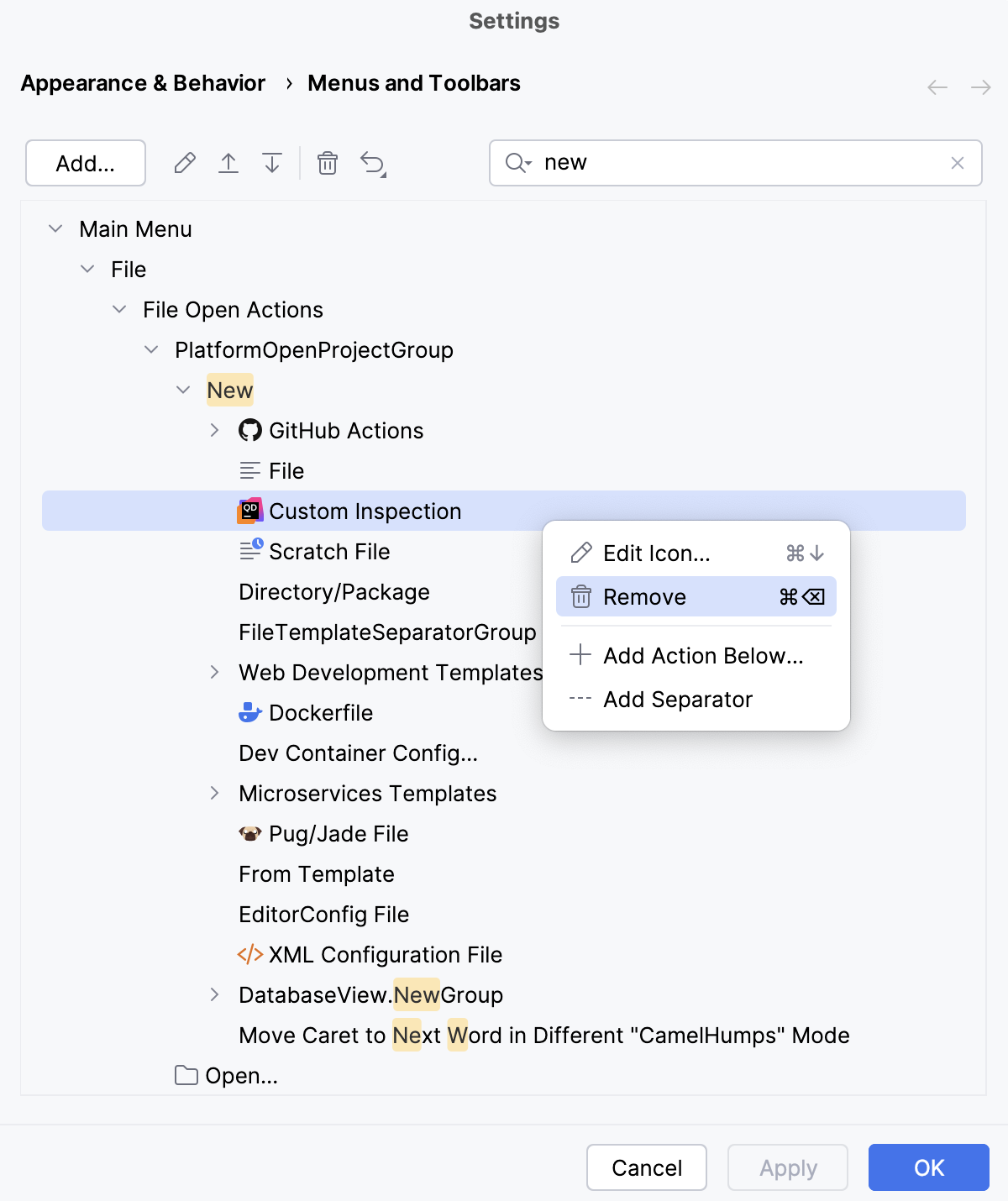
Customize the New menu
Press Ctrl+Alt+S to open settings and then select .
Start typing
newin the right search bar.Reorder or remove items as you want them to appear in the New menu and confirm the changes.