Other languages and frameworks
WebStorm supports JavaScript and many other related technologies out of the box.
Below you’ll find a list of the languages, frameworks, and technologies we support, along with links to the corresponding tutorials.
- Languages
JavaScript, TypeScript, HTML, Markdown, XML, JSON, YAML, Shell scripts.
- Style sheets
- Frameworks and libraries
React, Angular, Vue, Nuxt, Next.js, Astro, Svelte, React Native.
- Node.js
- Testing
Jest, Karma, Protractor, Mocha, Vitest.
- Web UI test automation
- Linters, formatters, and type checkers
- Build tools
- Development with remote Node.js
- Collaborative development
- Database tools and SQL
MongoDB, MySQL, Oracle, PostgreSQL, Redis, Azure SQL, SQLite, Amazon Redshift, Amazon DynamoDB
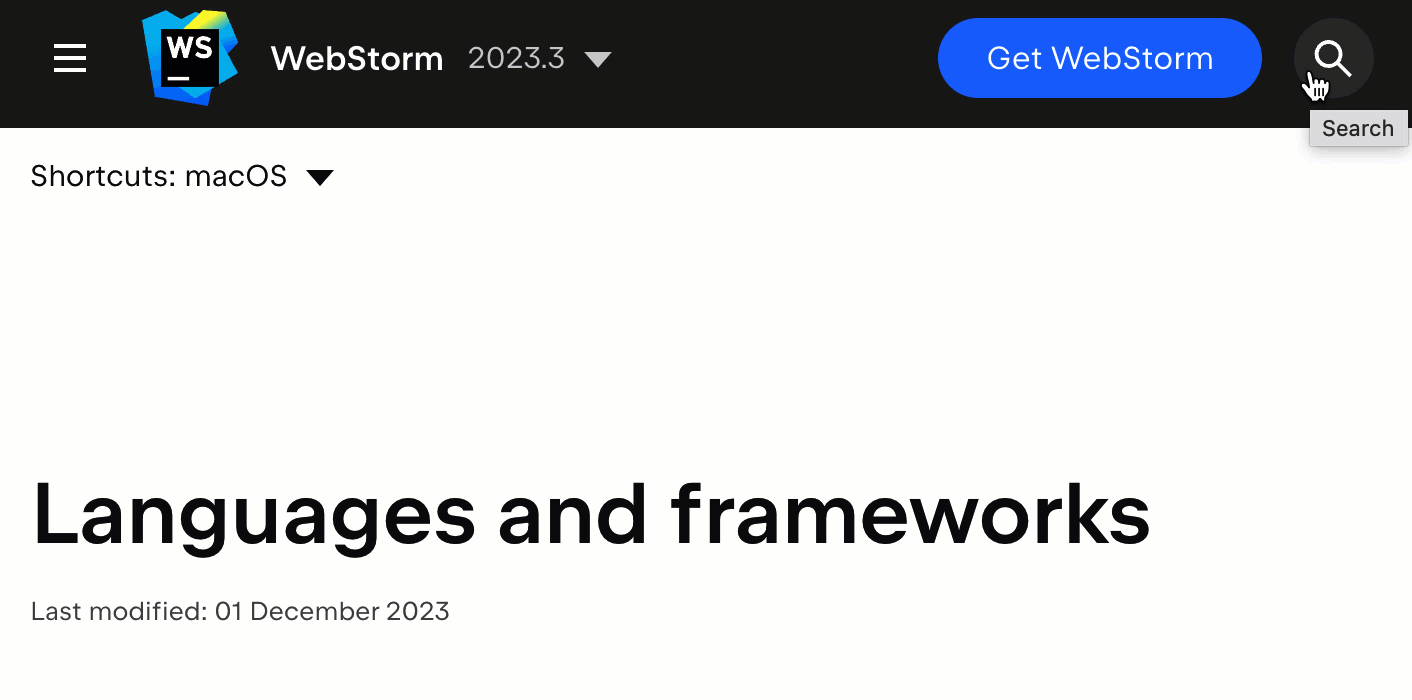
This is not an exhaustive list of the technologies supported out of the box. You can use the search in the top right corner of this page to find more information about what else is supported.
You can also visit our JetBrains Marketplace to check if the support you need is available via a plugin. Some available options include Deno, PostCSS, Ember.js, GraphQL, AWS Toolkit, and PhoneGap and Cordova.
For an overview of the essential features available in WebStorm, check out this page.