Run tests
Run tests directly in a file or folder
If your tests do not require any specific actions before start, and you do not want to configure additional options, such as code coverage, you can run them by using the following options:
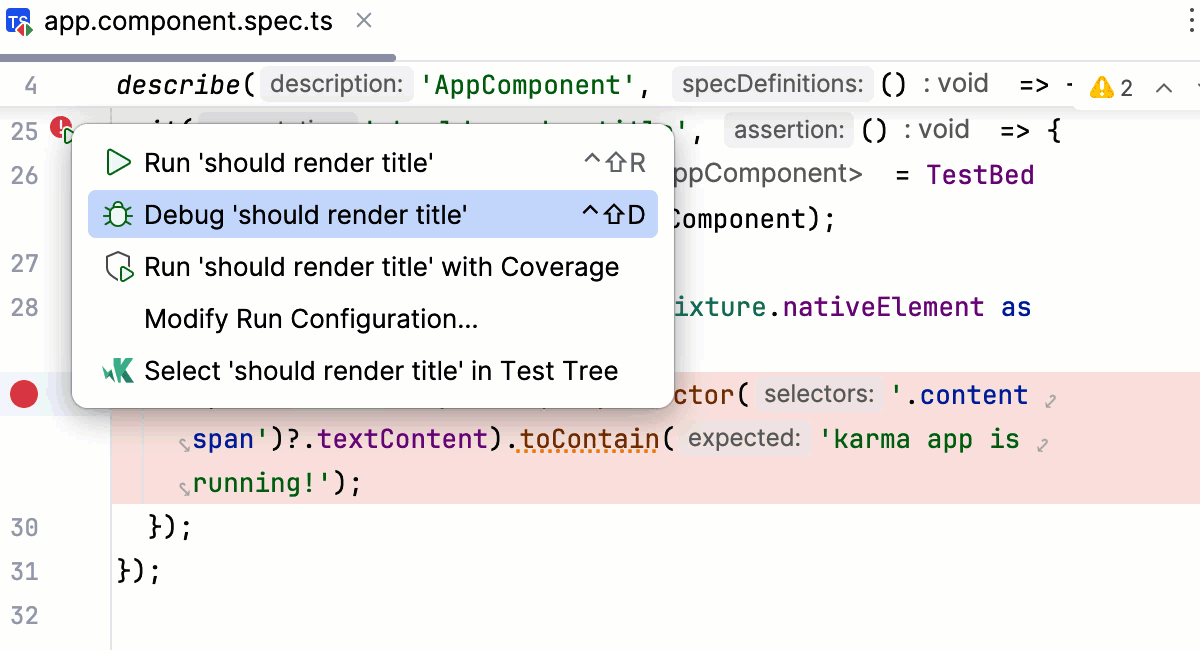
Place the caret at the test, and press Ctrl+Shift+F10. Alternatively, click the
 gutter icon next to the test and select Run '<test name>' from the list.
The gutter icon changes depending on the state of your test:
The
 gutter icon marks a set of tests.
The
gutter icon marks new tests.The
 gutter icon marks successful tests.
The
 gutter icon marks failed tests.
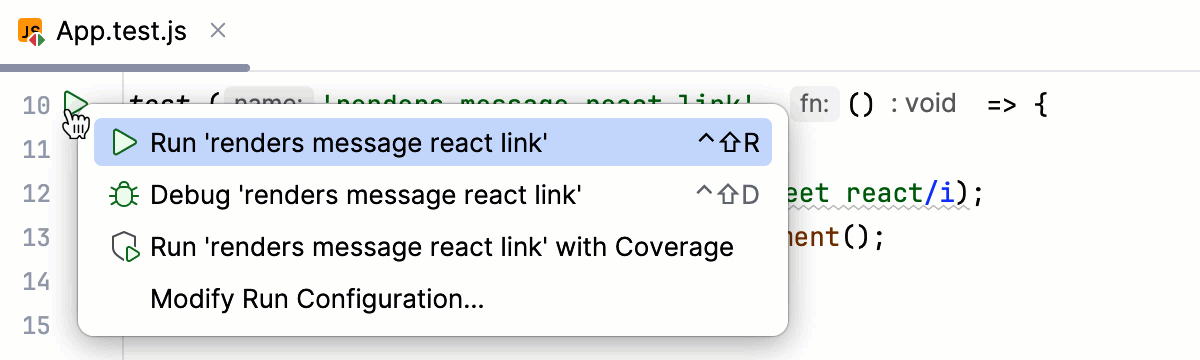
To run all tests in a file, select this file in the Project tool window (Alt+1) , and then select Run '<filename>' from its context menu.
Run tests using the Run widget
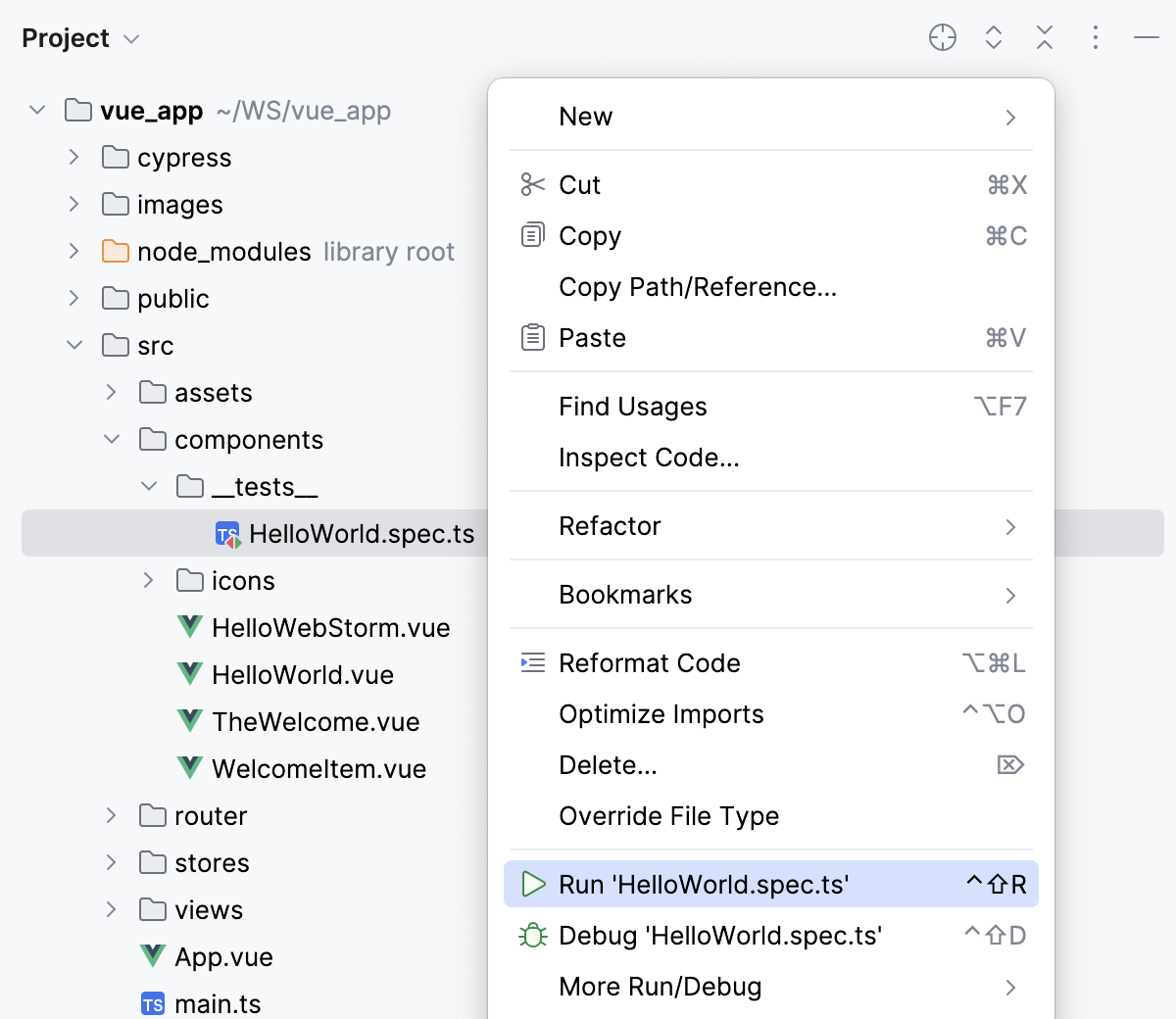
When you run a test, WebStorm creates a temporary run configuration. You can save temporary run configurations, change their settings, share them with other members of your team. For more information, refer to Run/debug configurations.
Create a new run configuration or save a temporary one.
Use the Run widget on the main toolbar to select the configuration you want to run.
Click
or press Shift+F10.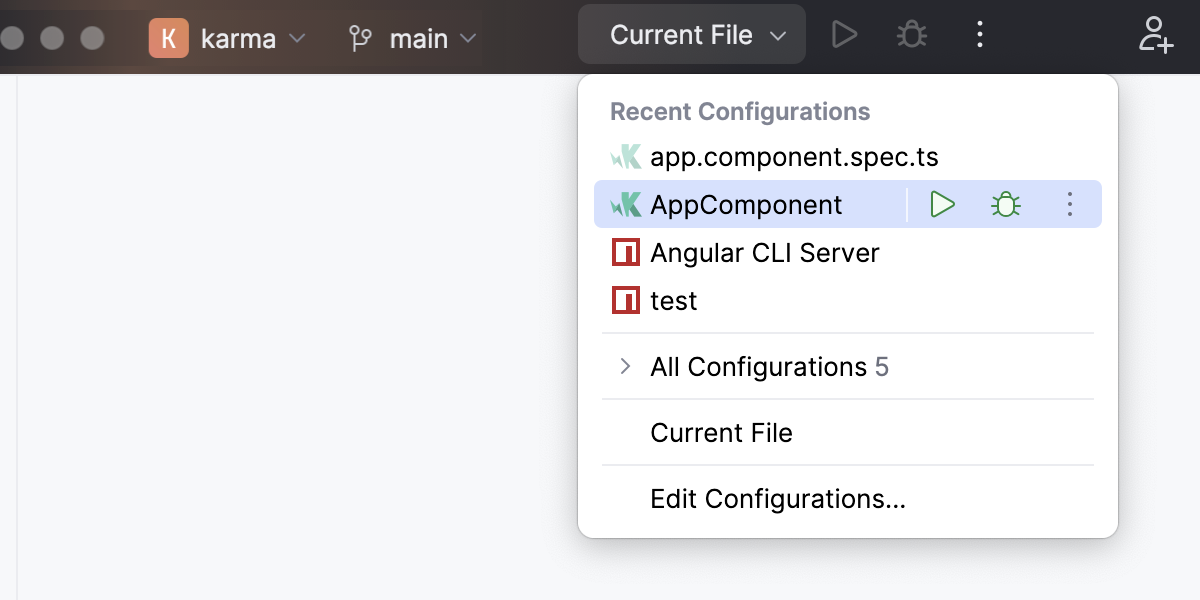
Run tests from Structure
In the Structure tool window, right-click a test and select
 Run 'method name' (Ctrl+Shift+F10).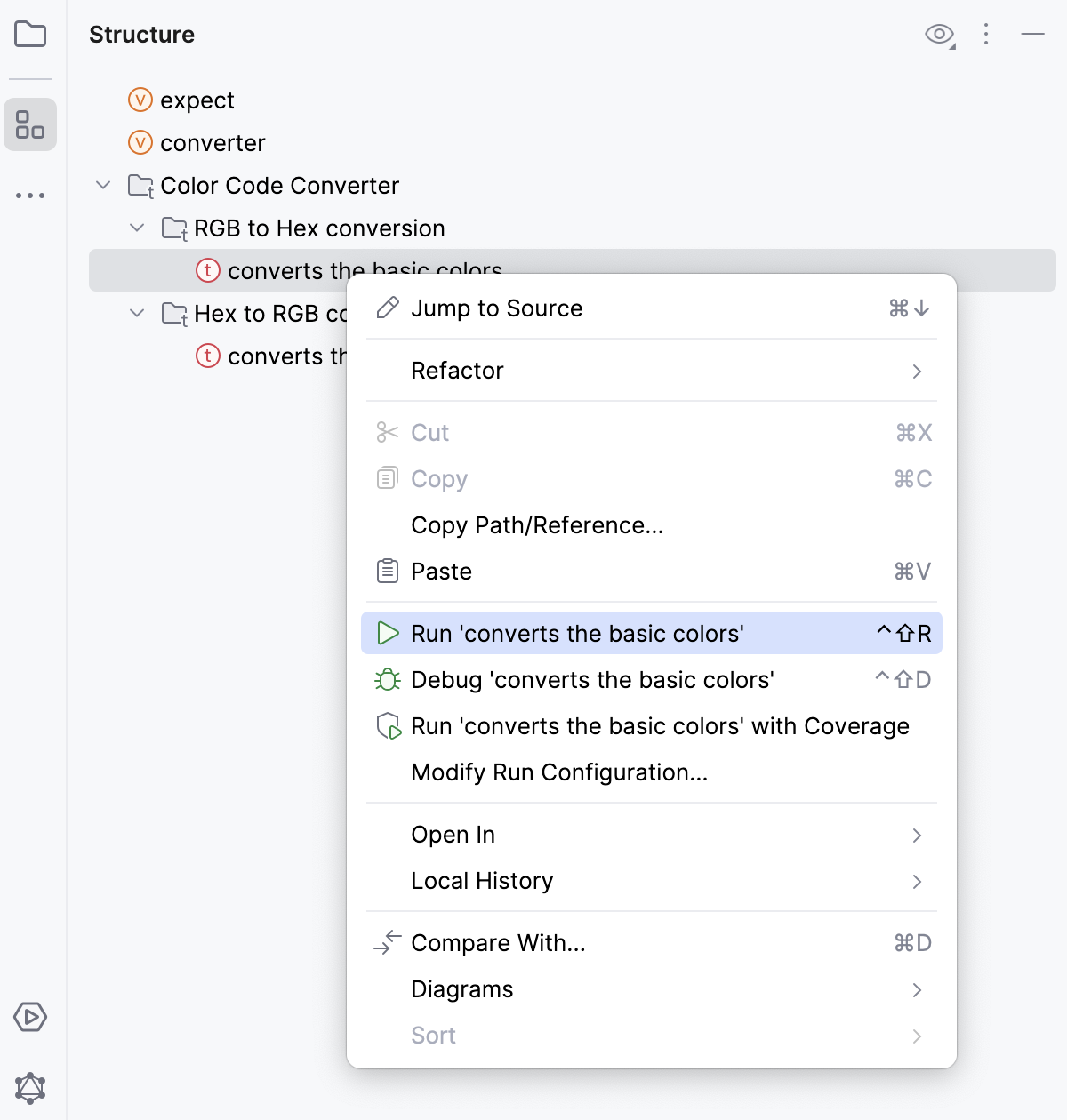
WebStorm creates a temporary run configuration with this test. To re-use theis configuration, save it and edit, if necessary.
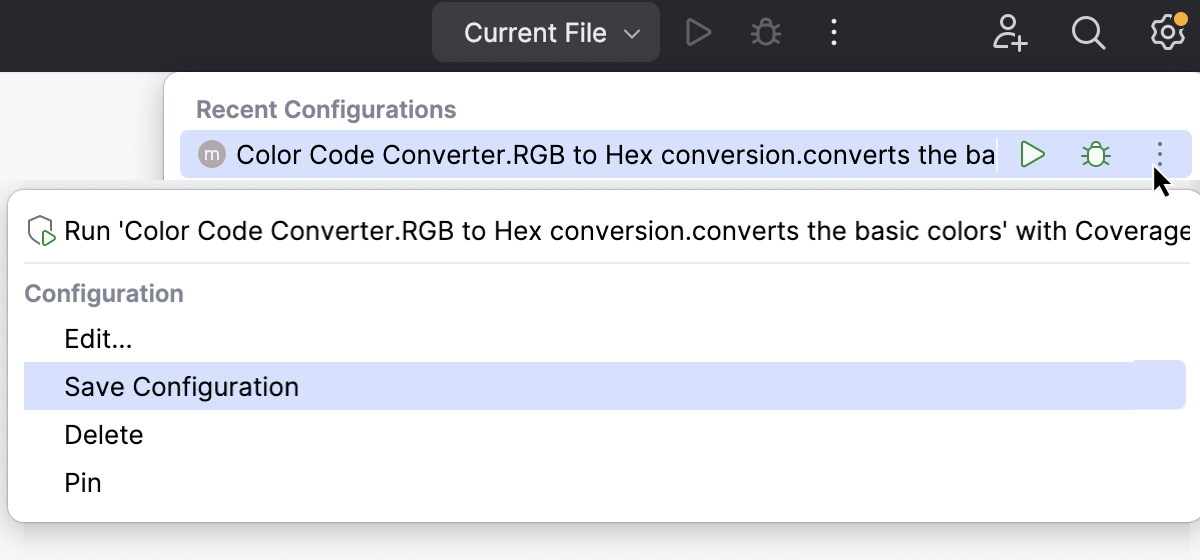
Create a run configuration for tests
Open the Run/Debug Configuration dialog by doing one of the following:
From the configuration switcher on the main toolbar, select .
Go to .
Press Alt+Shift+F10 and select Edit Configuration from the context menu.
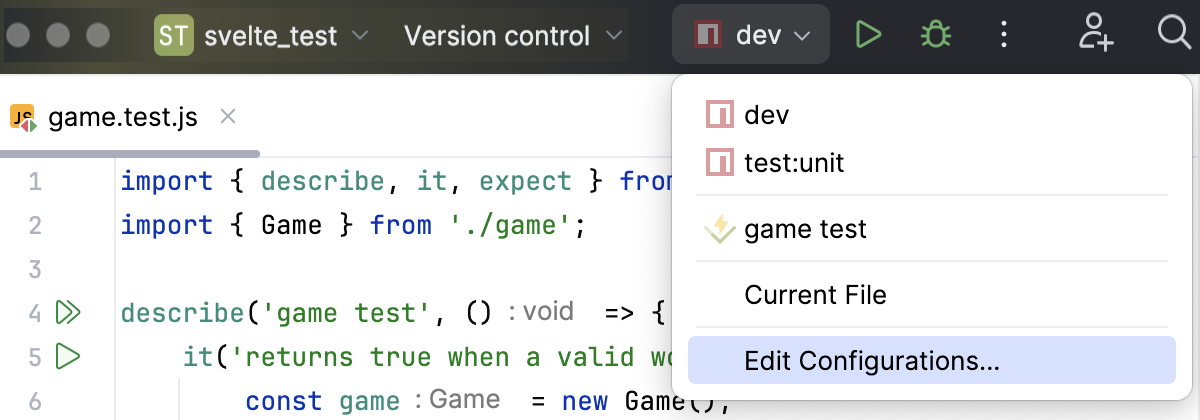
Click
 on the toolbar and select the desired configuration type:
 Jest. See Jest and Run/Debug Configuration: Jest.
Karma. See Karma and Run/Debug Configuration: Karma.
Mocha. See Mocha and Run/Debug Configuration: Mocha.
Node.js test runner. See Built-in Node.js test runner.
In the dialog that opens, specify the test scope, configuration parameters, and activities to perform before test execution. Apply the changes and close the dialog.
After WebStorm finishes running your tests, it shows the results in the Run tool window on the tab for that run configuration. For more information about analyzing test results, refer to Explore test results.
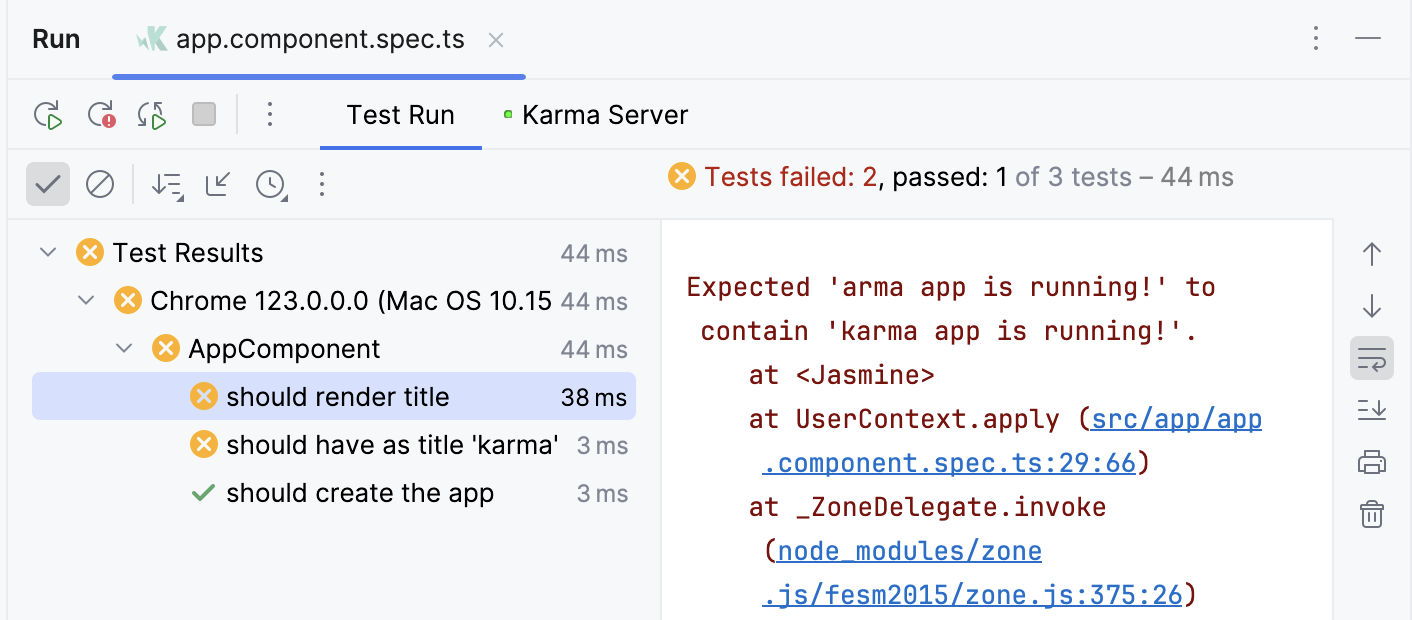
The console on the right shows the output of the current test session. The test results toolbar located above the list of test results provides you with several helpful options.

Run tests after commit
When you want to check that your changes would not break the code before pushing them, you can do that by running tests as commit checks.
Set up test configuration
Make sure you have at least one valid run/debug configuration for tests.
Press Alt+0 to open the Commit tool window and click Show Commit Options
 .
.Under the Advanced Commit Checks menu, next to the Run Configuration option, click Choose configuration and select which configuration you want to run.
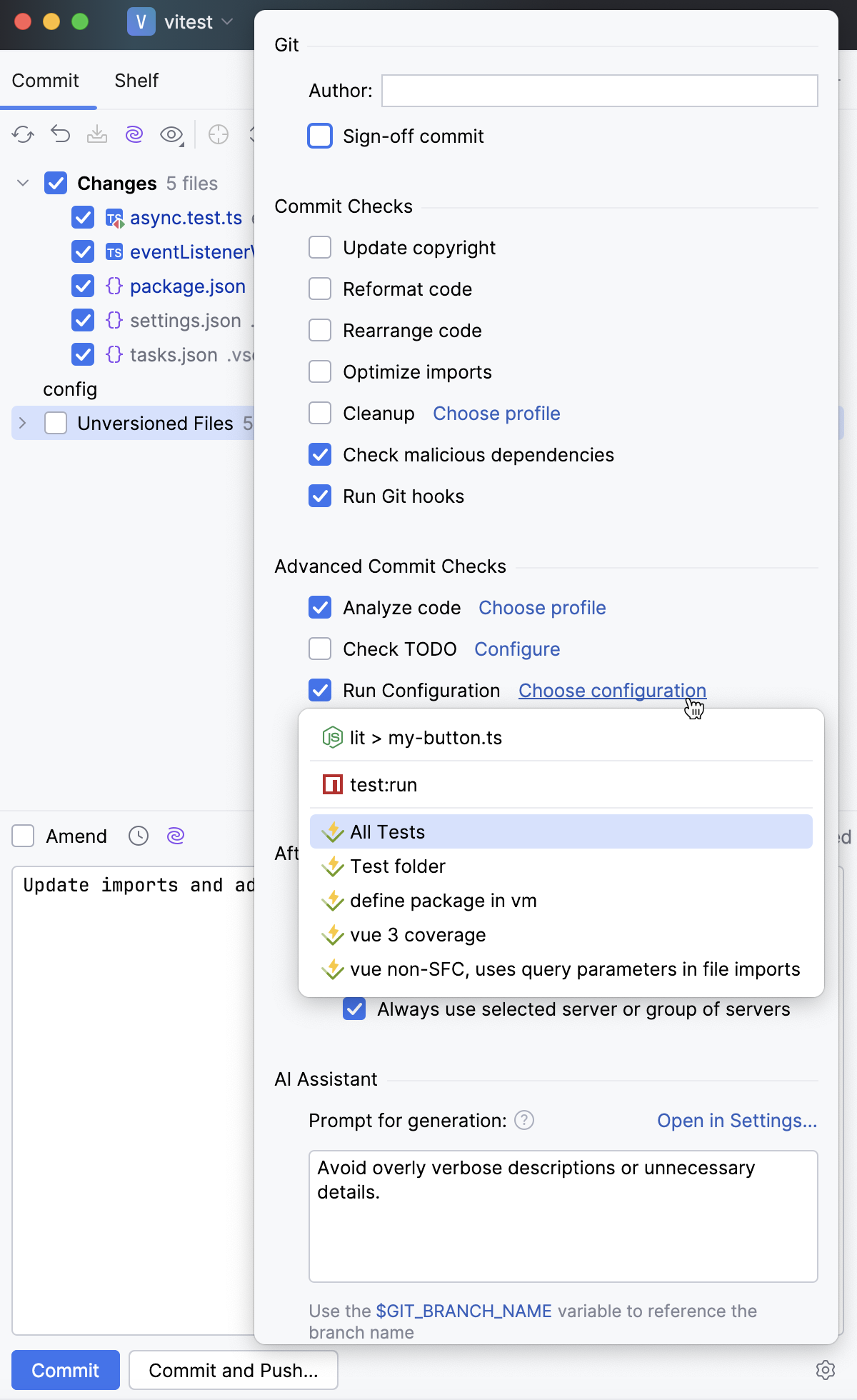
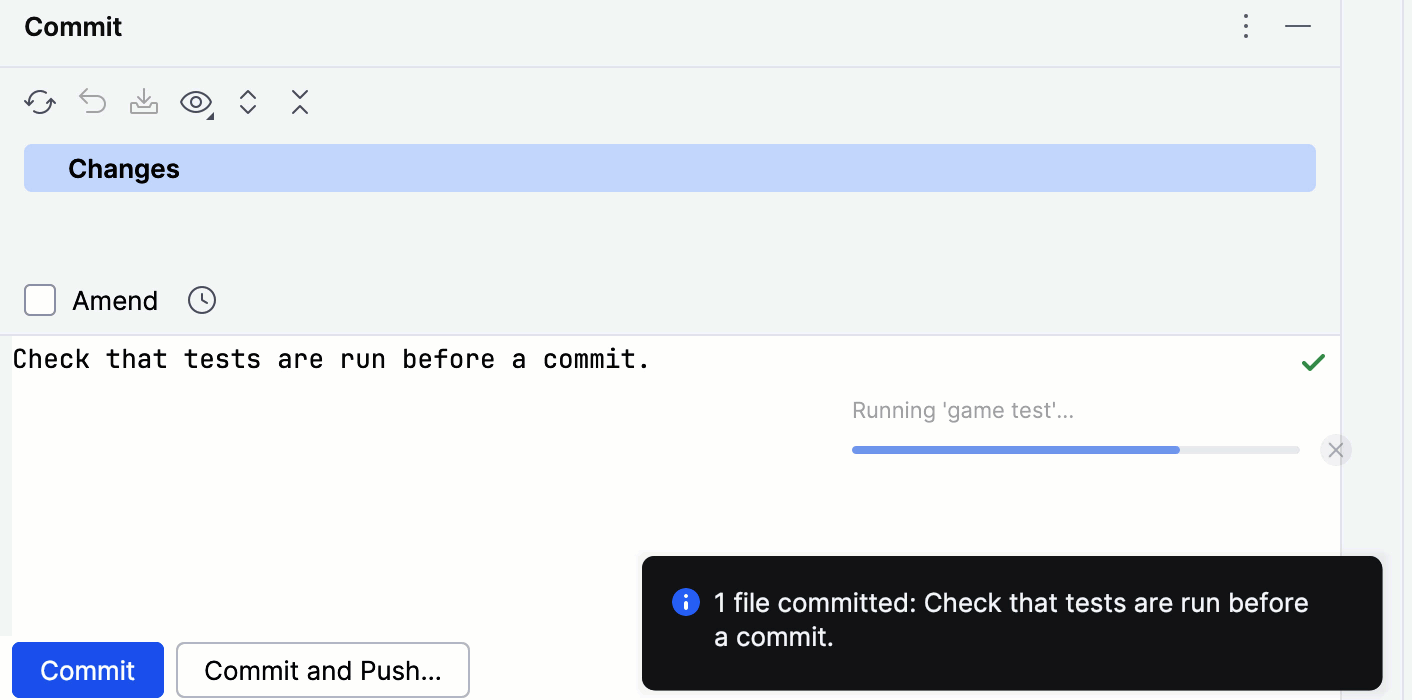
After you have set up the test configuration, the specified tests will run every time you make a commit.
Stop tests
Use the following options on the test results toolbar of the tab for the run configuration:
Click
 or press Ctrl+F2 to terminate the process immediately.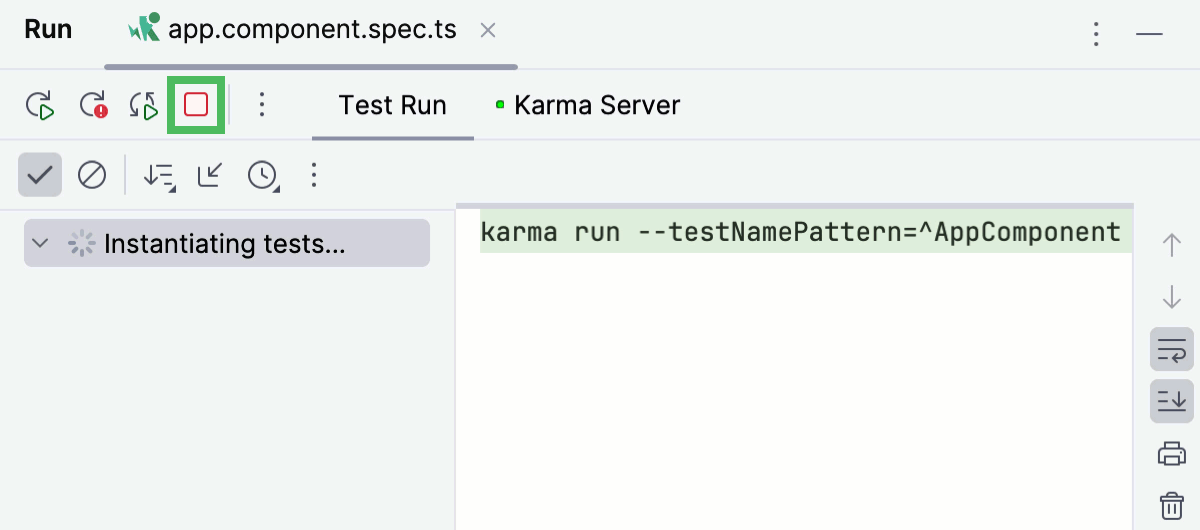
Rerun tests
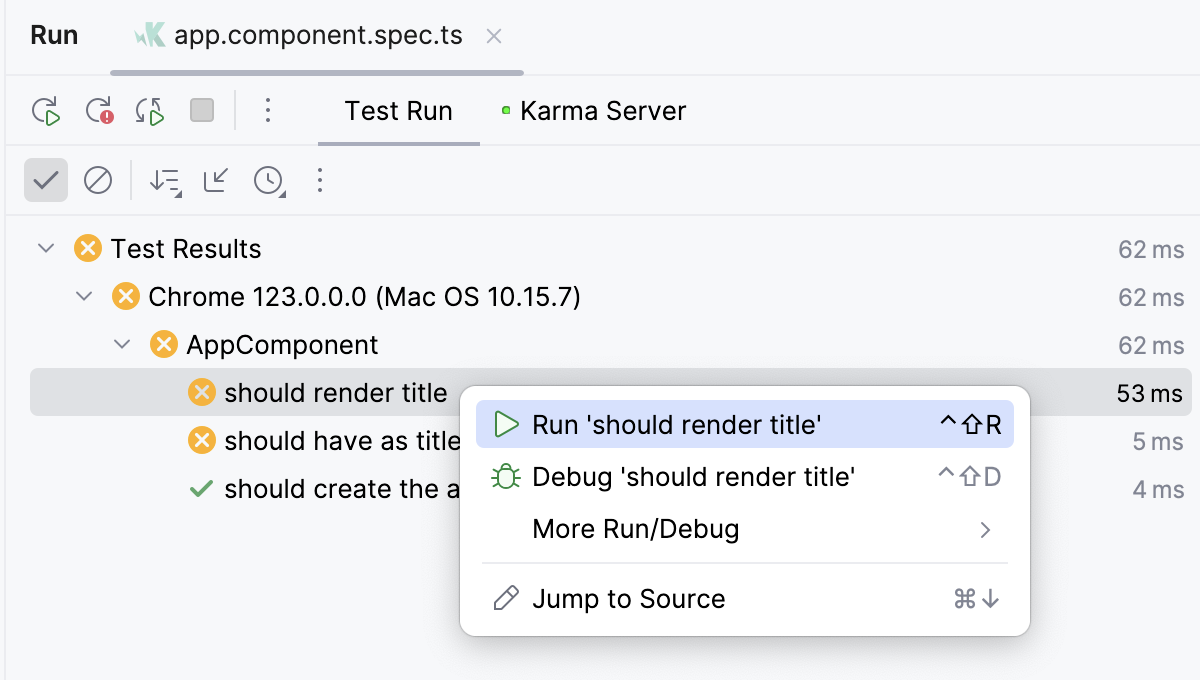
Rerun a single test
Right-click a test on the tab for the run configuration in the Run tool window and select Run 'test name'.
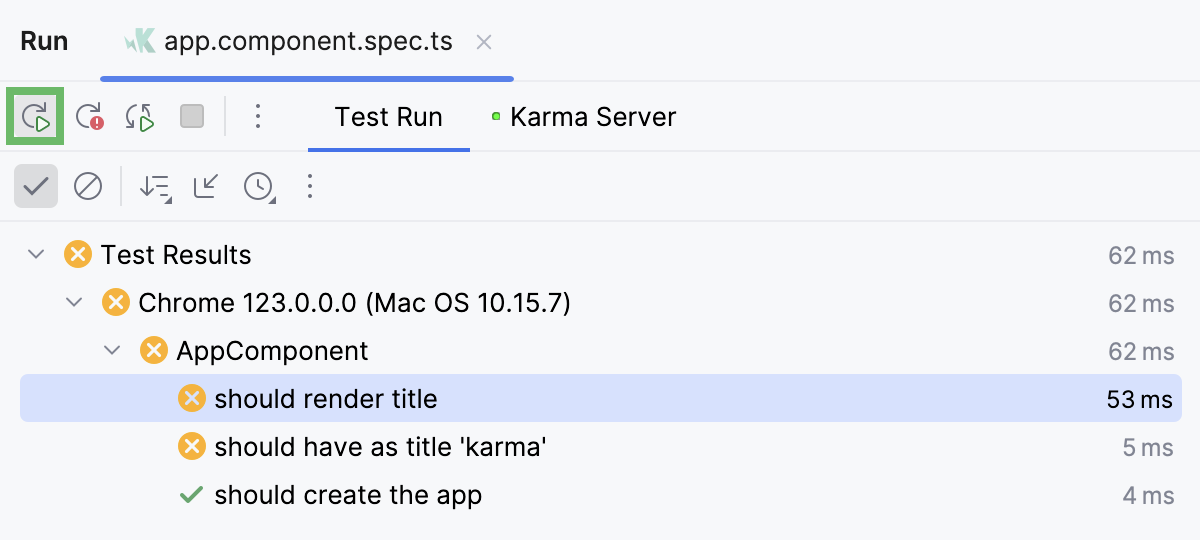
Rerun all tests in a session
Click
 on the Run toolbar or press Ctrl+F5 to rerun all tests in a session.
Rerun failed tests
Click
 on the test results toolbar to rerun only failed tests.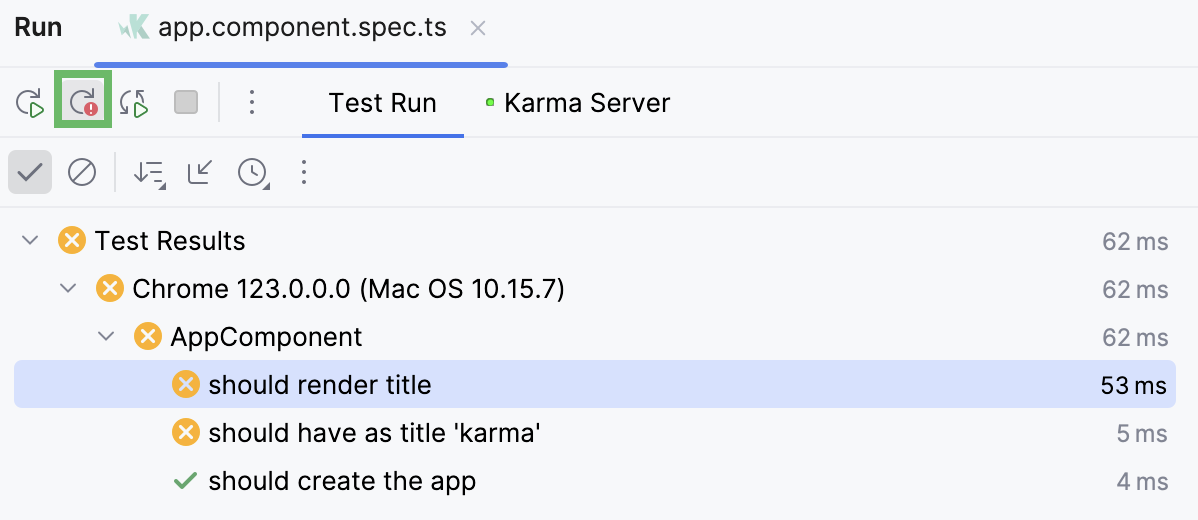
You can configure the IDE to trigger tests that were ignored or not started during the previous test run together with failed tests. Click
on the Run toolbar and enable the Include Non-Started Tests into Rerun Failed option.
Rerun tests automatically (--watch mode)
In WebStorm, you can enable the autotest-like runner: any test in the current run configuration restarts automatically after you change the related source code.
Click
 Rerun Automatically on the test results toolbar to enable the autotest-like runner.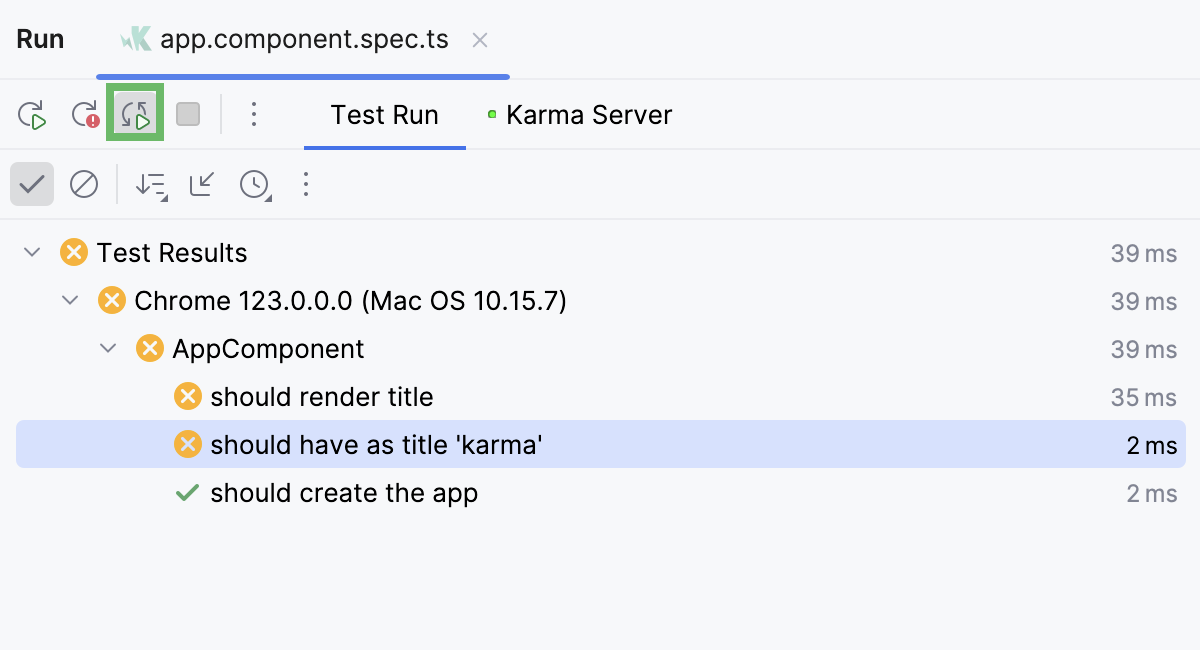
Debug failed tests
If you do not know why a test fails, you can debug it.
In the editor, click the gutter on the line where you want to set a breakpoint.
There are different types of breakpoints that you can use depending on where you want to suspend the program. For more information, refer to Breakpoints.
Right-click the
gutter icon next to the failed test and select Debug 'test name'.The test will rerun in debug mode. After that, the test will be suspended, allowing you to examine its current state.
You can step through the test to analyze its execution in detail.