Project Settings
Use this page to restrict the usage of AI Assistant in the current project or in specific folders and files and to set up guidelines for the Self-Review with AI feature.
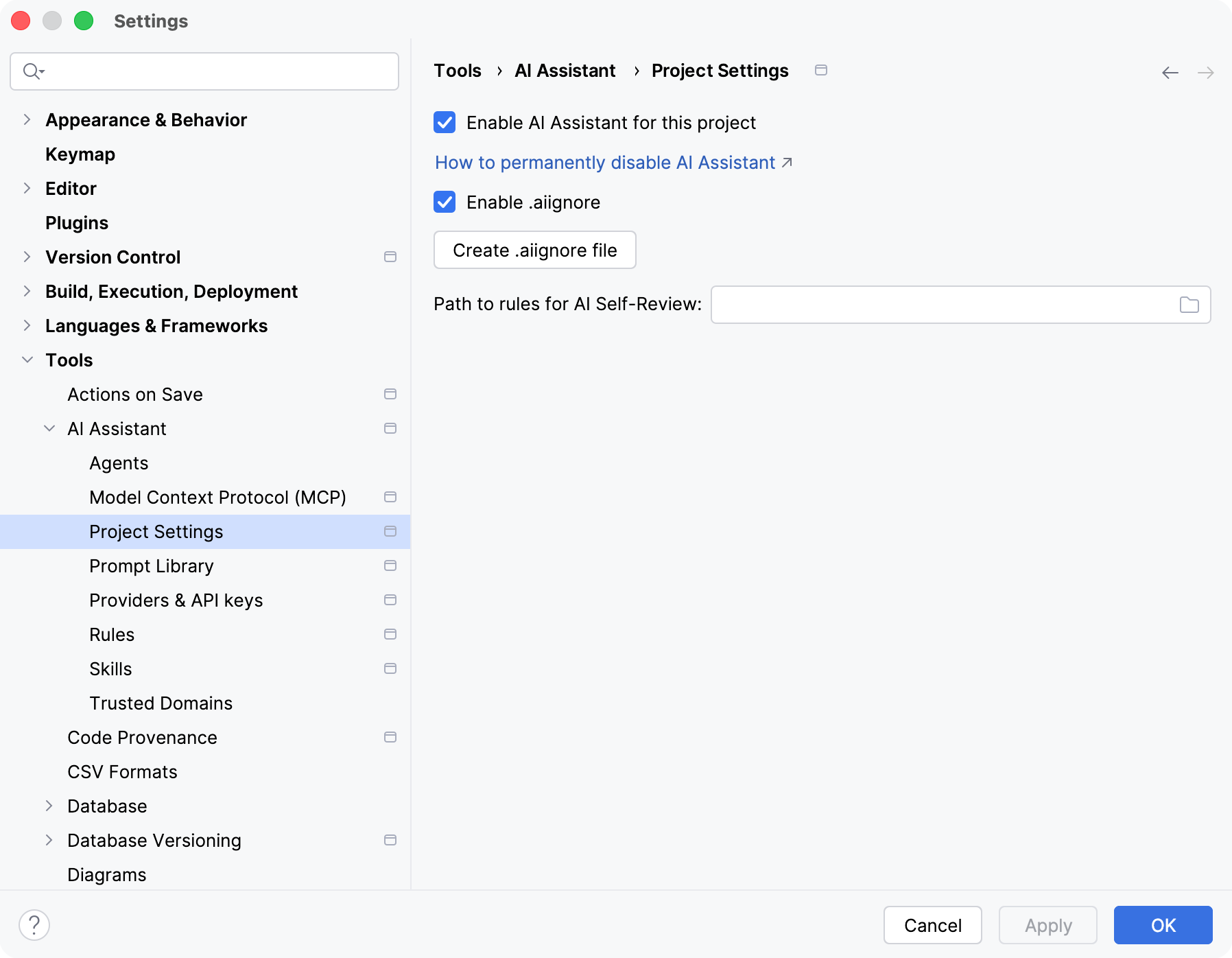
Item | Description |
|---|---|
Enable AI Assistant for this project | Enable/disable the use of AI Assistant for the project that is currently open. For more information about restricting the use of AI Assistant, refer to Restrict or disable AI Assistant features. |
Enable .aiignore | Enable this setting to restrict AI Assistant's access to files and folders specified in the For more information about the |
Create .aiignore file | Click to create a |
Open .aiignore file | If the |
Path to rules for AI Self-Review | Specify a Markdown file with code review guidelines that must be taken into account by AI Assistant during code review. For more information, refer to Perform Self-Review with AI. |