ClangFormat as alternative formatter
ClangFormat is a popular code formatting tool that helps maintain a common code style across team members and IDEs. It provides an option to store formatting settings in special YAML files named .clang-format or _clang-format. In CLion, you can use ClangFormat as an alternative to the built-in code formatter.
.clang-format configuration files
.clang-format files with formatting conventions should be placed in the project tree. Each of them applies to code files at the same level and in the subdirectories. Having multiple .clang-format files for a single project lets you, if needed, use different styles for different code folders.
ClangFormat offers many style options, which you can mix to create the set of rules most suitable for your team. It also provides several built-in styles for C/C++: LLVM, Google, WebKit, Chromium, and Mozilla. These predefined styles can be used as is or as a baseline for your custom set of style definitions.
To generate a .clang-format file with, for example, LLVM code style, run the following command (make sure to have ClangTools already installed):
ClangFormat in CLion
You can enable or disable ClangFormat using one of the following options:
To use formatting options from a .clang-format file with the built-in CLion formatter, go to , select CLion formatter, and enable the Read code style from .clang-format files checkbox.
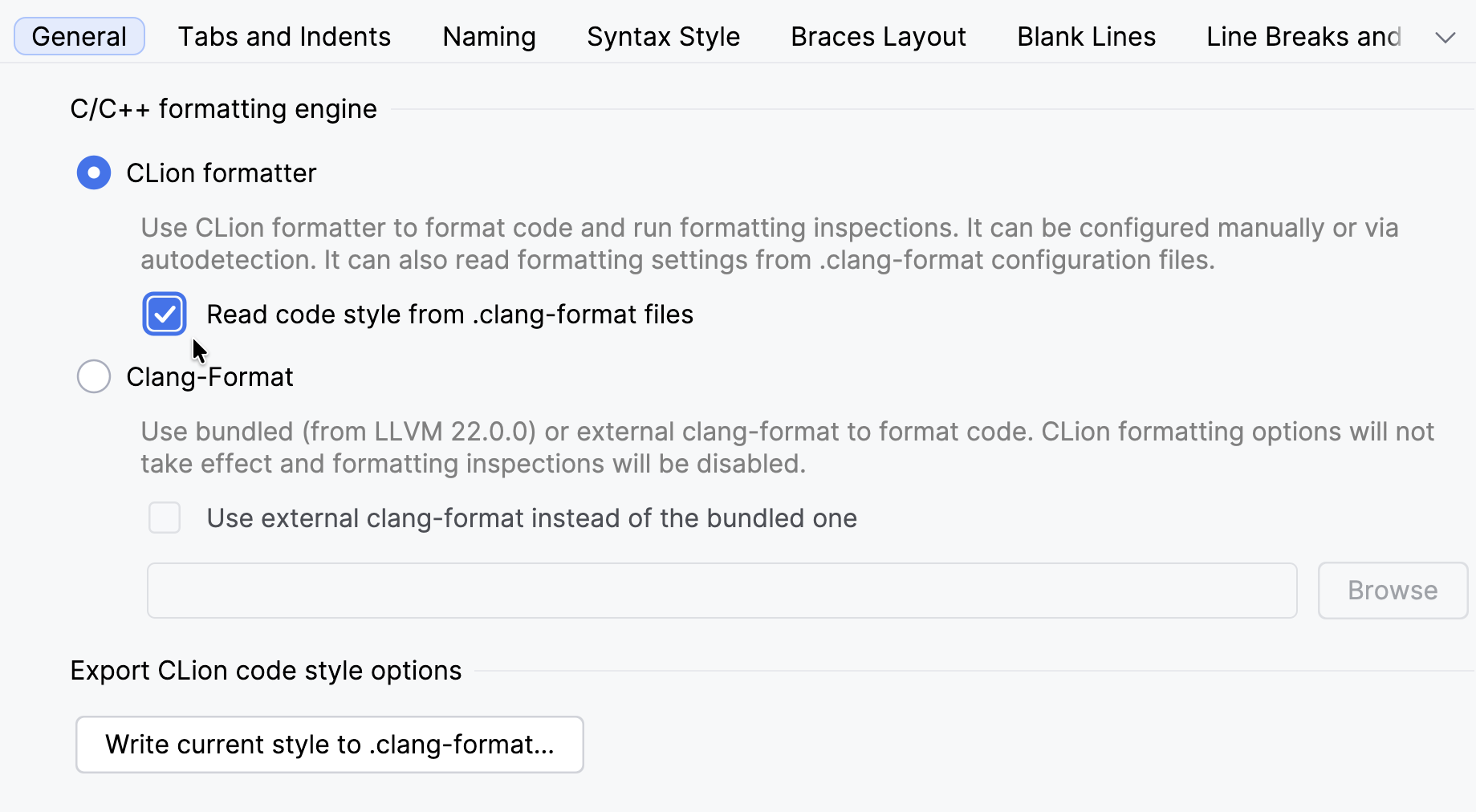
Alternatively, select the Clang-Format option below.
While in a .h, .c, or .cpp file, click Enable ClangFormat from the code formatting switcher in the status bar:
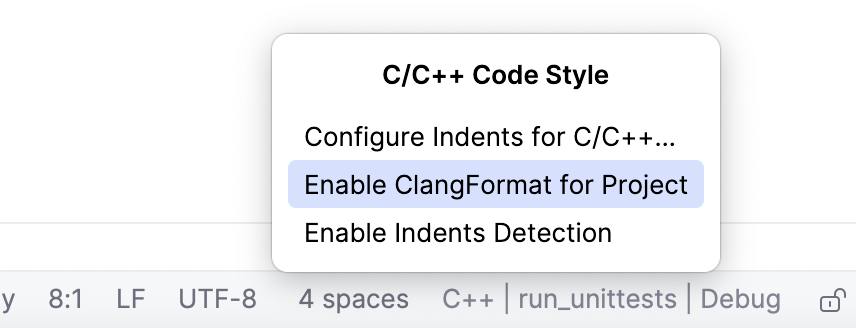
After you enable ClangFormat, the appropriate formatting will be applied when you:
Type in the editor (which includes indentation after Enter or Backspace, auto-completion, code generation, refactorings, and quick-fixes).
Call Code | Reformat Code (Ctrl+Alt+L) – this action also lets you reformat a selection of code instead of the whole file.
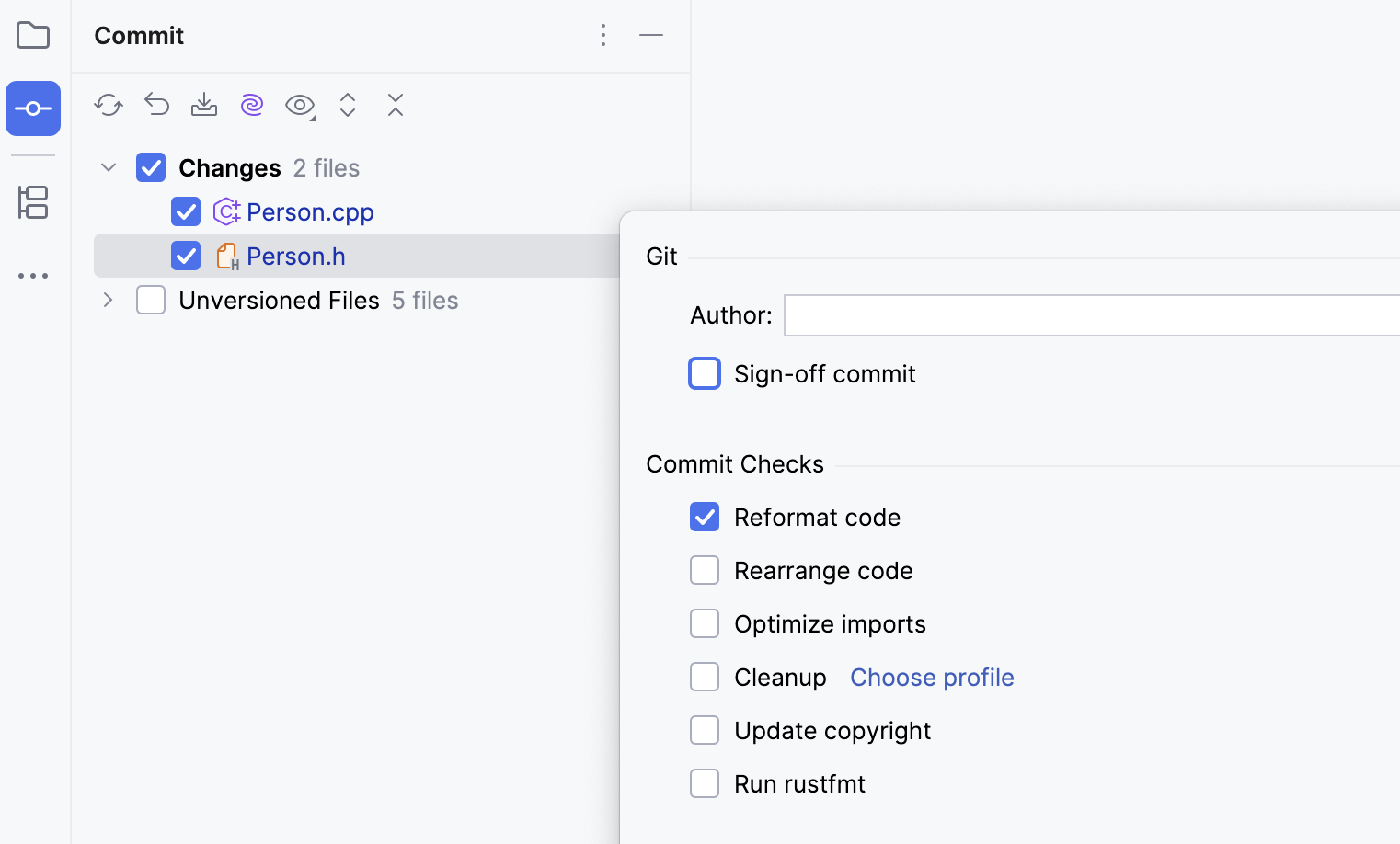
Commit changes with the Reformat code option enabled (Ctrl+O):
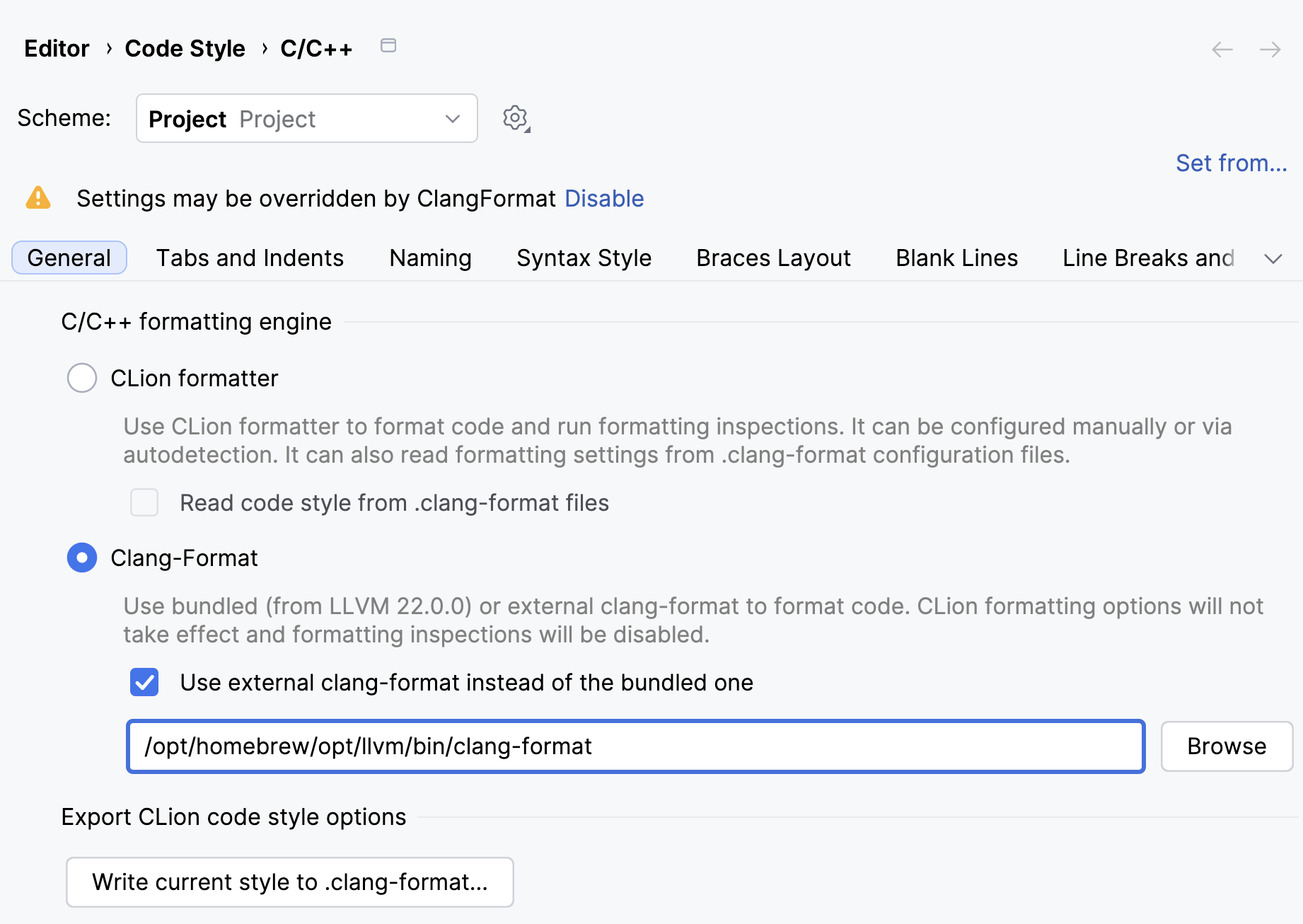
Change the clang-format binary
Go to and open the General tab.
In the Clang-Format section, set the Use external clang-format instead of the bundled one and provide the path:
Review ClangFormat settings for a file
Open the file in the editor and click Show ClangFormat Options for Edited File from the toolbar switcher:
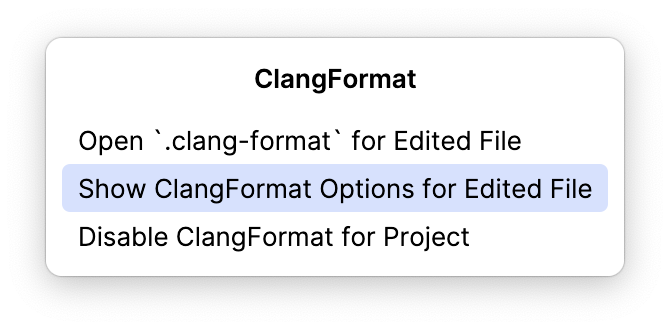
CLion will show the list of settings taken from the corresponding .clang-format file:
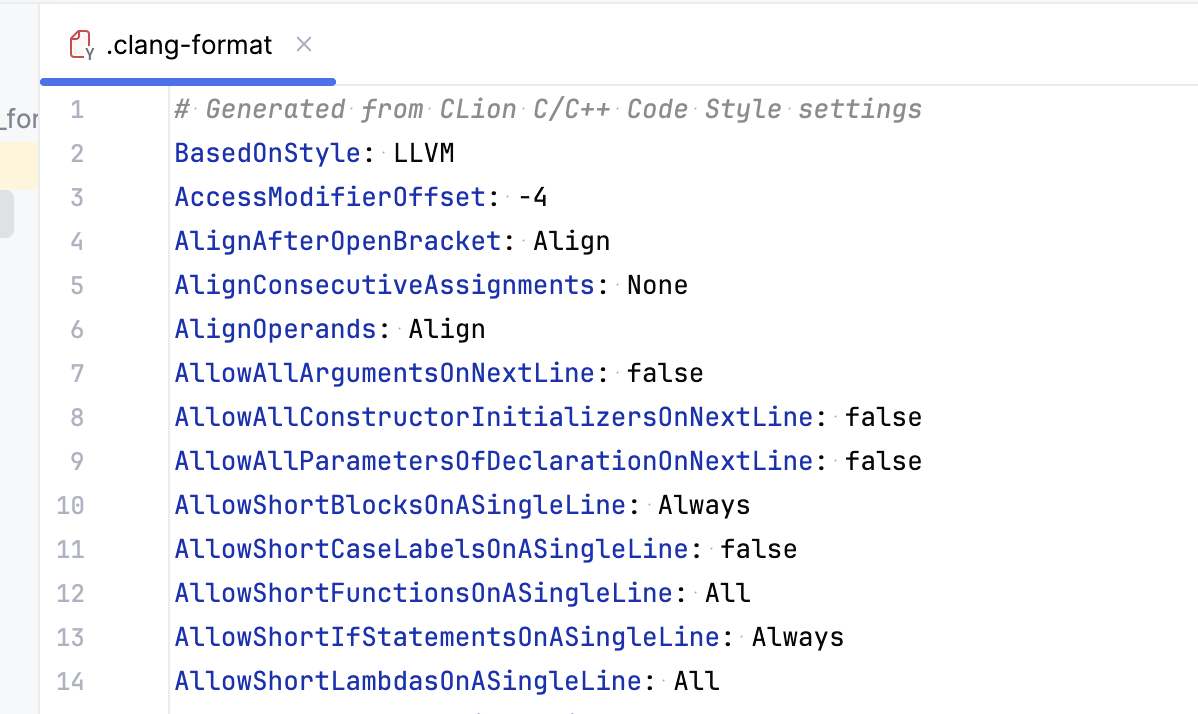
This list is currently read-only. To edit the settings, change them right in the .clang-format file.
Edit .clang-format files
When you save a .clang-format file, CLion applies the changes automatically.
Open the desired source file in the editor and click Open '.clang-format' for... from the toolbar switcher:
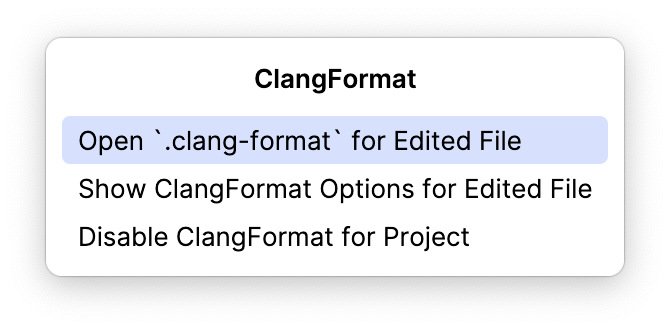
To help you edit .clang-format configs, CLion provides coding assistance by validating the file content against the JSON Schema built specifically for ClangFormat. Coding assistance includes:
Completion for options and values, with option descriptions shown in the popup:
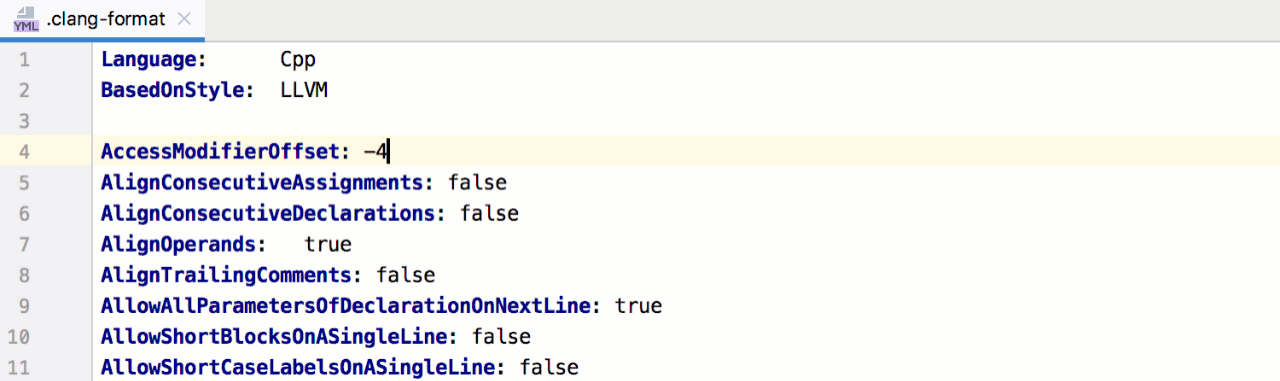
Checking the option values for consistency with the allowed value set:

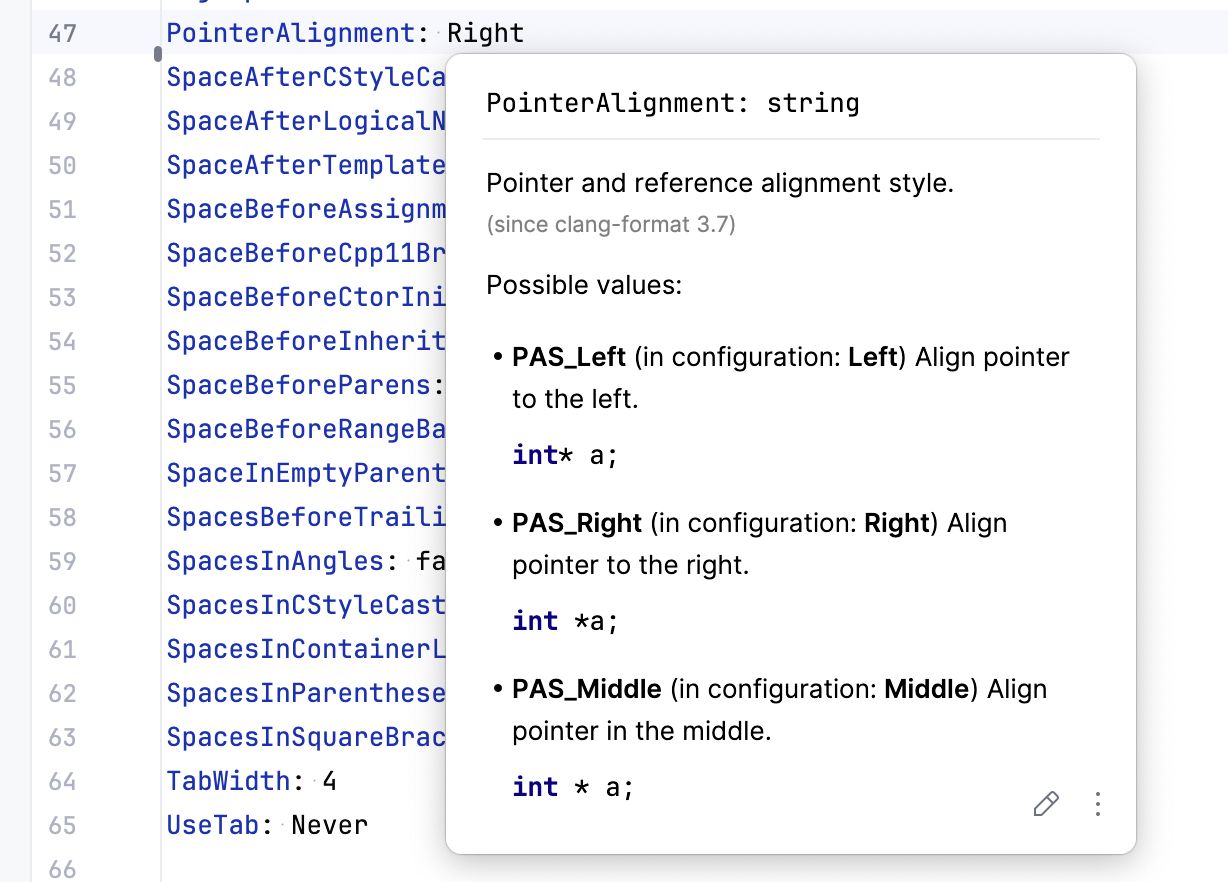
Quick documentation popup (Ctrl+Q) to help you explore the option details:
Export the formatter settings into a .clang-format file
When you need to save or share the settings of the built-in code formatter, you can export them into a .clang-format file:
Go to .
Click
 next to the Scheme field and select Export | .clang-format File: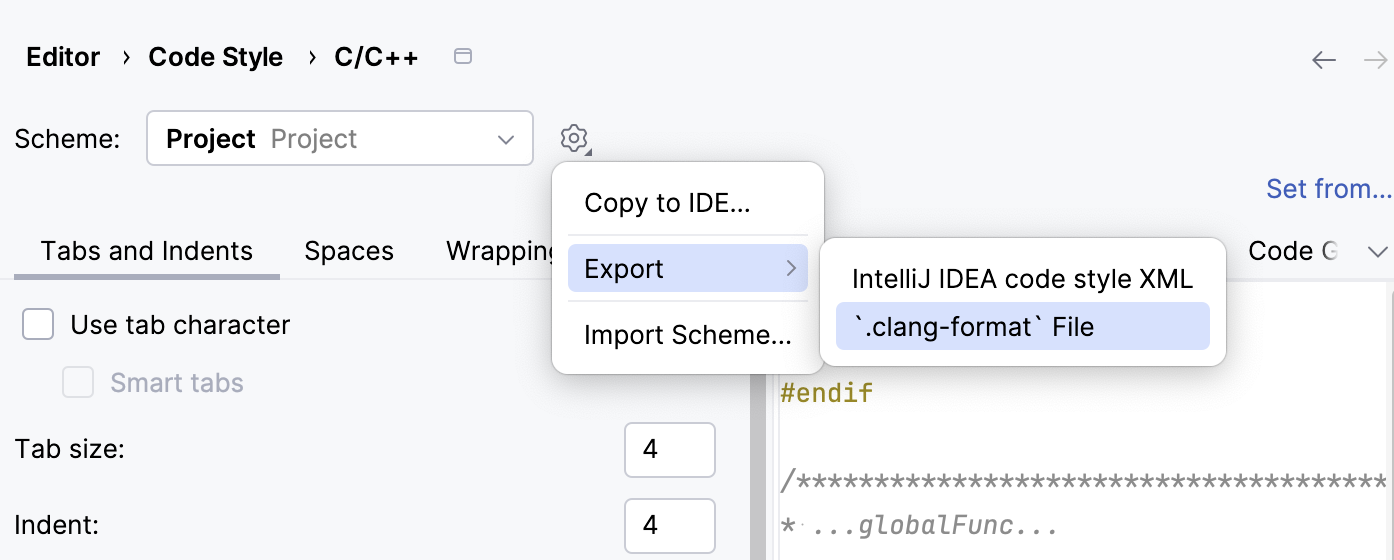
In the dialog that opens, specify the filename and location. By default, CLion suggests .clang-format and the current project root.