Console colors
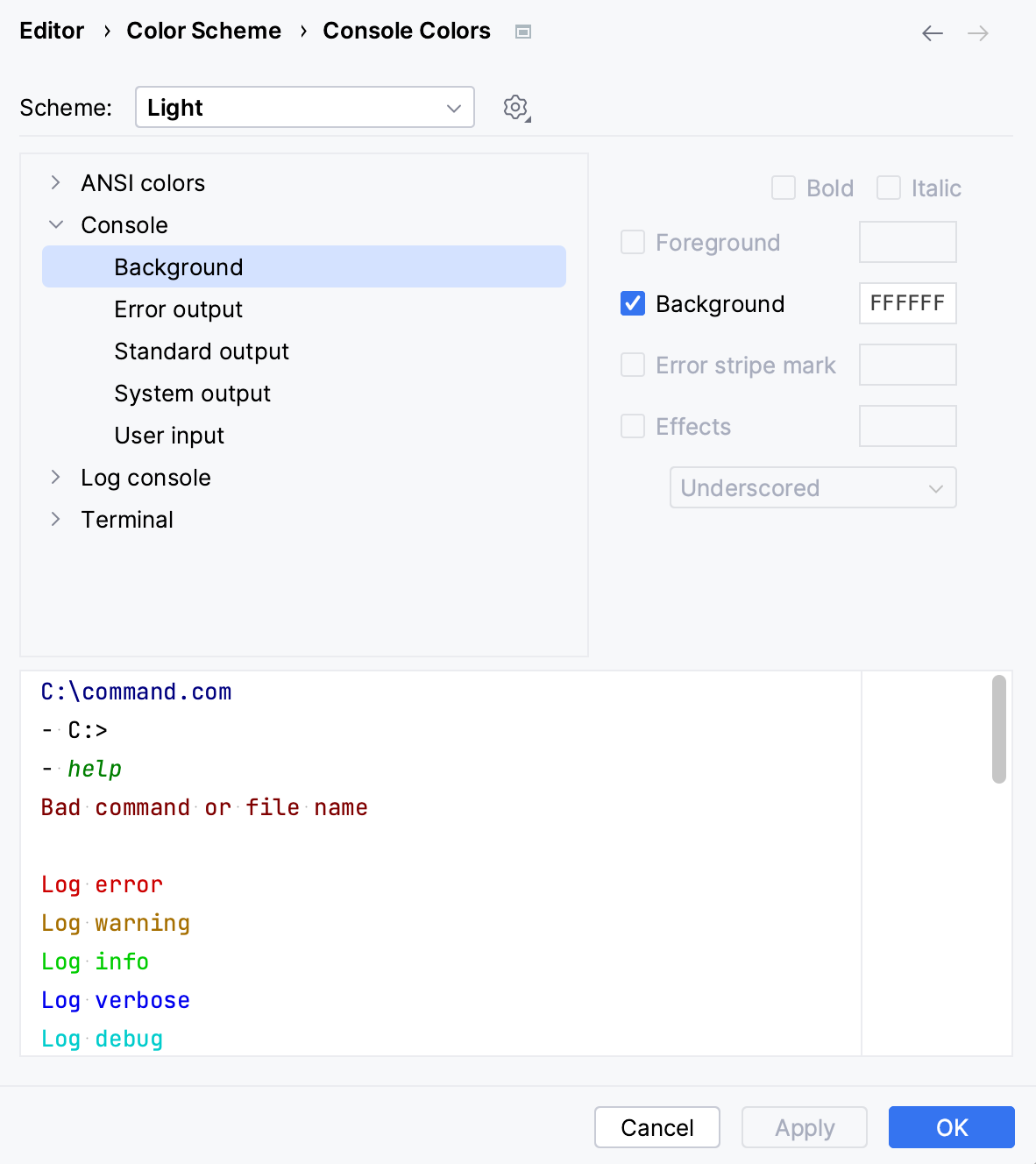
You can configure font and color schemes for the background, input, and output of CLion consoles.
Customize color scheme for consoles
Press Ctrl+Alt+S to open settings and then select .
Select the component and adjust the settings in the right-hand pane:
18 March 2026