Advanced completion
Type-matching completion
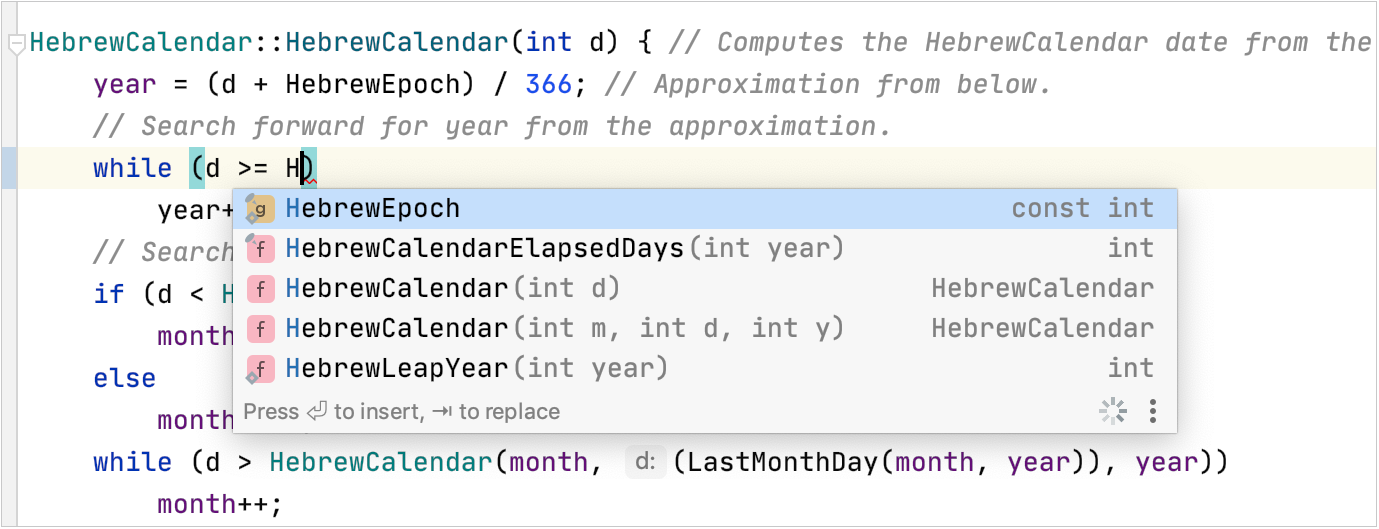
Smart type-matching code completion filters the suggestion list and shows only the types applicable to the current context.
Invoke type-matching completion
To invoke type-matching completion, start typing and press Ctrl+Shift+Space or select from the main menu.
Statement completion
You can create syntactically correct code constructs by using statement completion. It inserts the necessary syntax elements (parentheses, braces, and semicolons) and gets you in a position where you can start typing the next statement.
To invoke statement completion, start typing a code construct and press Ctrl+Shift+Enter.
Complete Statement works with the following language constructs:
Type and type members: classes, namespaces, and enums.
Statements:
if/else,while,do,for,switch/case,try/catch.
Complete a function declaration
Start typing a function declaration and press Ctrl+Shift+Enter after the parenthesis.
Before Complete Statement
After Complete Statement
void myFunc(/*caret*/void myFunc();/*caret*/
Complete a code construct
Start typing a code construct and press Ctrl+Shift+Enter.
CLion automatically completes the construct and adds
end. The caret is placed at the next editing position.Use case
Before Complete Statement
After Complete Statement
Class declaration
class NewClass /*caret*/class NewClass { /*caret*/ };switchclauseswitch/*caret*/switch (/*caret*/) {}switch (i /*caret*/) {}switch (i) { /*caret*/ }whilestatementwhile/*caret*/while (/*caret*/) {}while (n > 0/*caret*/) {}while (n > 0) { /*caret*/ }ifstatementif /*caret*/if (/*caret*/) {}if (n > 0/*caret*/) {}if (n > 0) { /*caret*/ }forstatementfor /*caret*/for (/*caret*/) {}for (int i = 0; i < 10; ++i/*caret*/) {}for (int i = 0; < 10; ++i) { /*caret*/ }Try-catch statement
try /*caret*/try { /*caret*/ }catch /*caret*/catch (/*caret*/) { }catch (const std::exception/*caret*/) {}catch (const std::exception) { /*caret*/ }
Hippie completion
Hippie completion is a completion engine that analyses your text in the visible scope and generates suggestions from the current context. It helps you complete any word from any of the currently opened files.
Expand a string at caret to an existing word
Type the initial string and do one of the following:
Press Alt+/ or choose to search for matching words before the caret.
Press Alt+Shift+/ or choose to search for matching words after the caret and in other open files.
The first suggested value appears, and the prototype is highlighted in the source code.
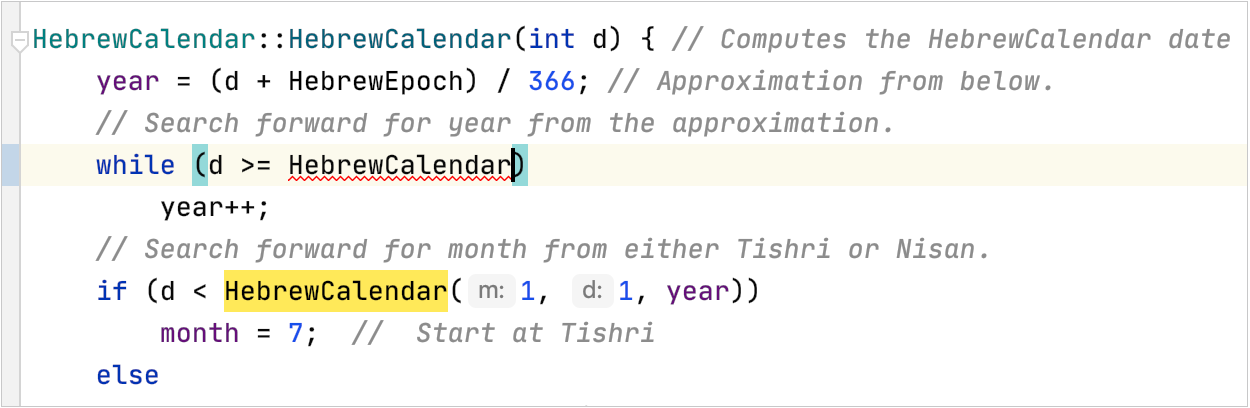
Accept the suggestion or hold the Alt key and keep pressing \ until you find the word you need.