Slow indexing
Install the Performance Testing plugin
This functionality relies on the Performance Testing plugin, which you need to install and enable.
Press Ctrl+Alt+S to open settings and then select .
Open the Marketplace tab, find the Performance Testing plugin, and click Install (restart the IDE if prompted).
Profile the indexing process
Click .
Click Invalidate and Restart.
Wait until DataGrip loads and indexes project files.
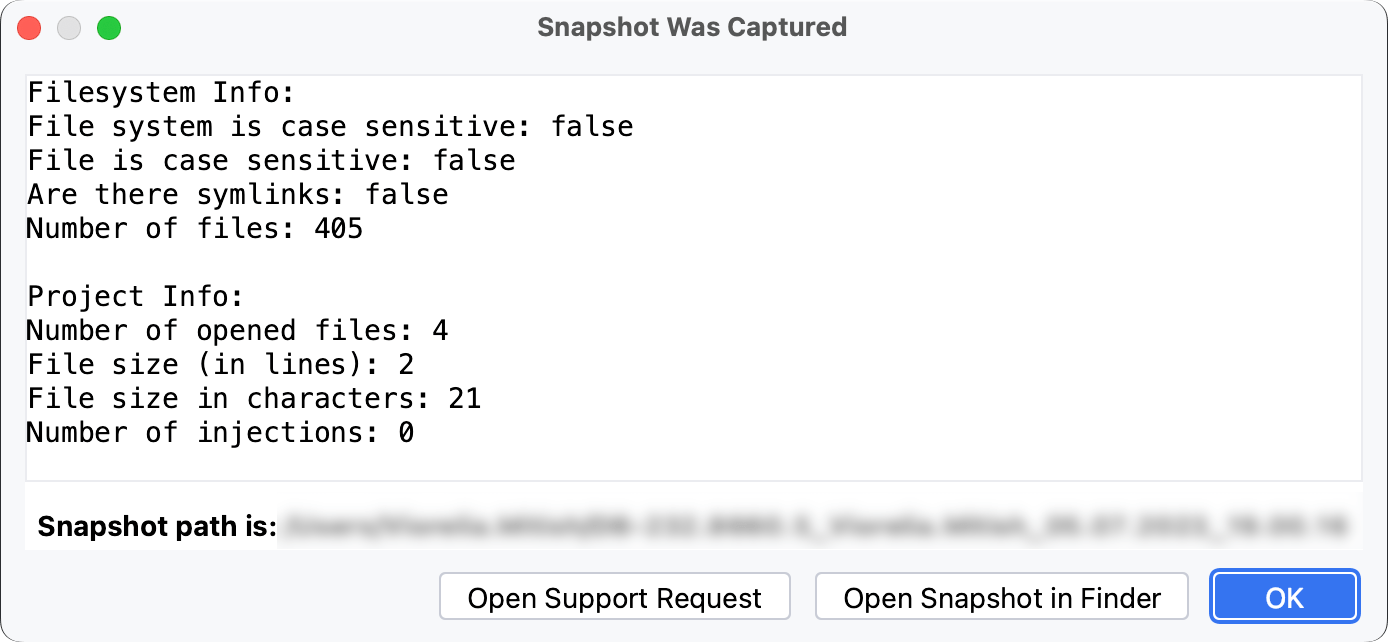
Click the Open Snapshot in <file_browser> button to locate the snapshot. The file browser name depends on your operating system: Finder, File Explorer, GNOME, Xfce, and others.
12 September 2025