Rename dialog for a table or column
Use this dialog to rename a table or column.
In addition to renaming the table or column itself, DataGrip can also search for usages of its name. If found, the changes that you make to the table or column name can also be applied to these usages.
The usages are grouped into categories that correspond to options you can enable or disable.
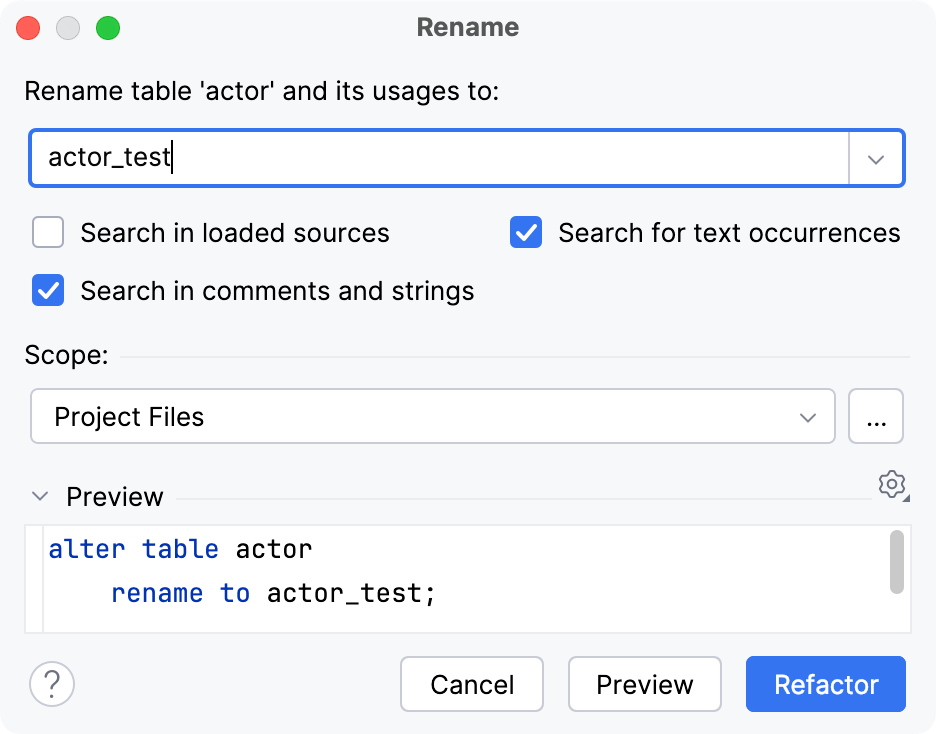
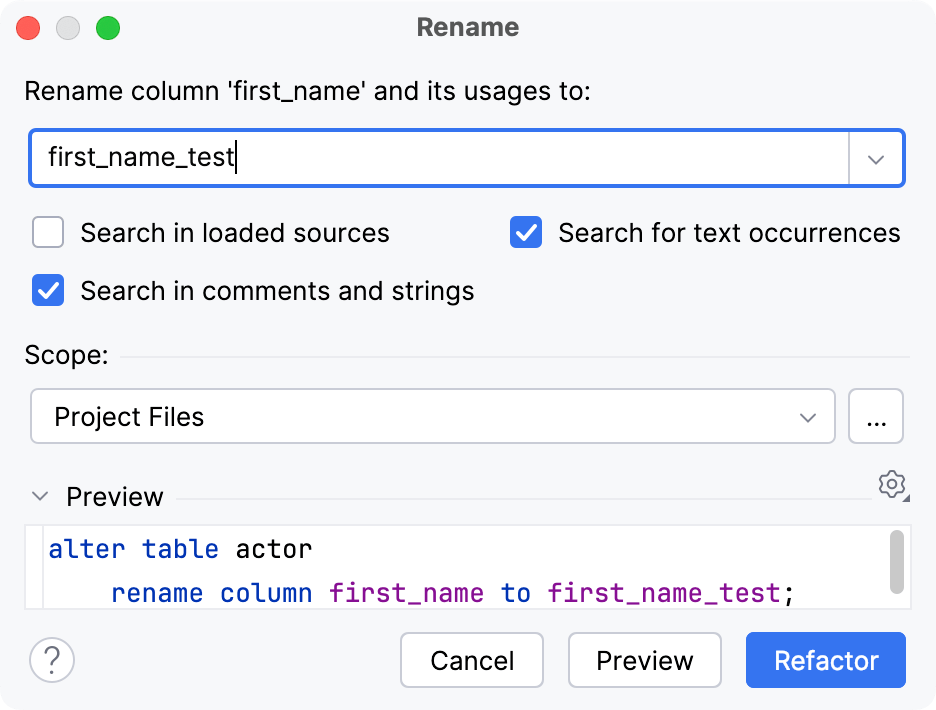
Item | Description |
|---|---|
Rename <table or column> and its usages to | Specify a new name for the table or column. |
Search in loaded sources | If this option is enabled, DataGrip will look for occurrences of the table or column in downloaded object sources. |
Search for text occurrences | If this option is enabled, DataGrip will search for occurrences of the table or column in non-source files, such as text, properties, HTML, or documentation files. |
Search in comments and strings | If this option is enabled, DataGrip will look for occurrences of the table or column in comments and string literals in your source code files. |
Scope | Use this option to set the scope for the Rename refactoring. For example, limit it to recently changed files, open files, or a custom scope that can be shared or local. |
Preview pane | The statement to be run to rename the table or column. If necessary, you can edit the statement right in this pane. |
Preview | Previews the changes before they are applied. |
Refactor | Executes the statement and applies the changes immediately. |