Run anything
Run Anything is a quick way to launch run/debug configurations as well as open recent projects. It also helps you use proper command syntax by generating suggestions as you type. When you call a command, Run Anything delegates the further work to the appropriate tools.
Open the Run Anything popup
Press Ctrl twice.
You can also add the Run Anything  icon to the toolbar. For that, open the Settings dialog (Ctrl+Alt+S) , go to , expand the Main Toolbar node, and add the Run Anything action, for example, below Search Everywhere.
Alternatively, select Customize Toolbar from the context menu of the main toolbar and then add the Run Anything action, for example, below Search Everywhere.
For more information, refer to Menus and toolbars.
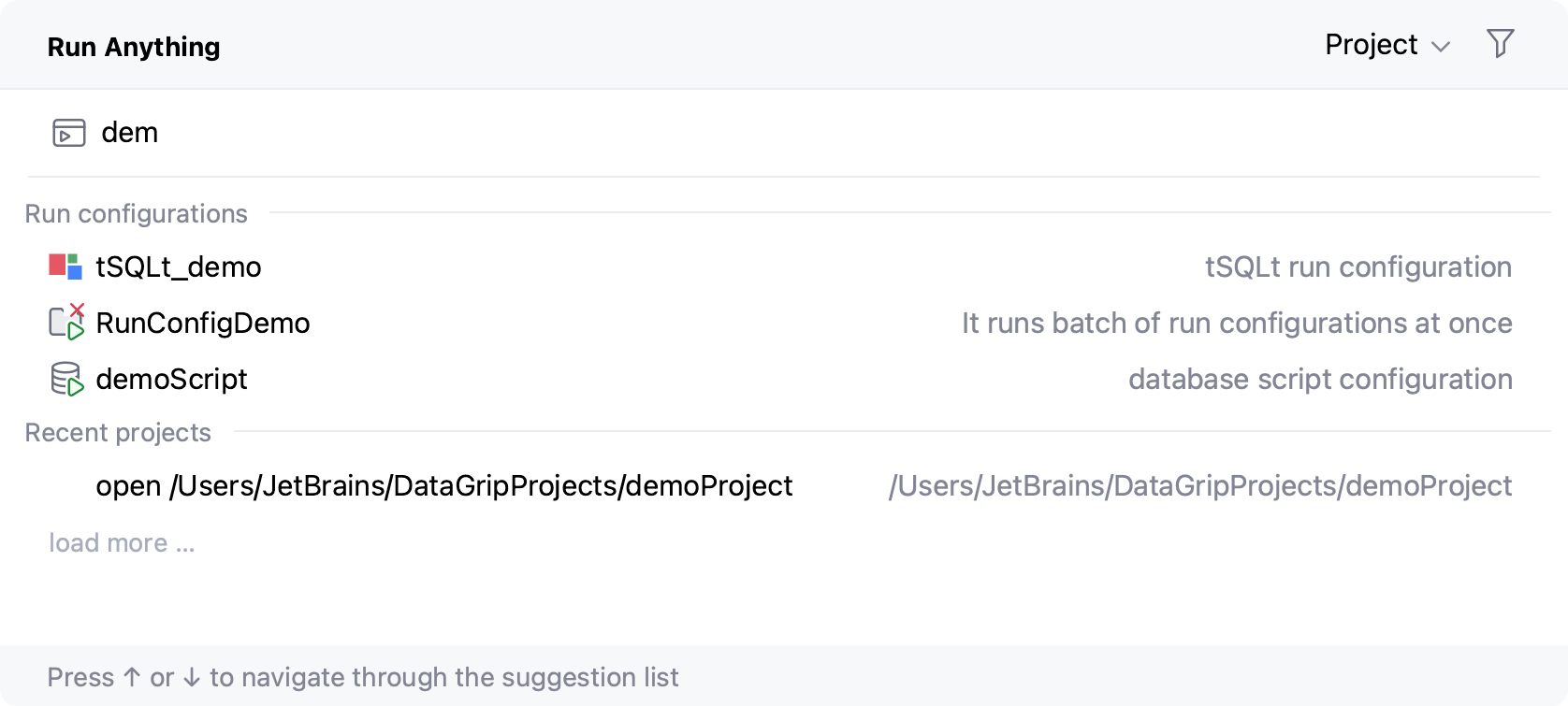
Launch a run/debug configuration
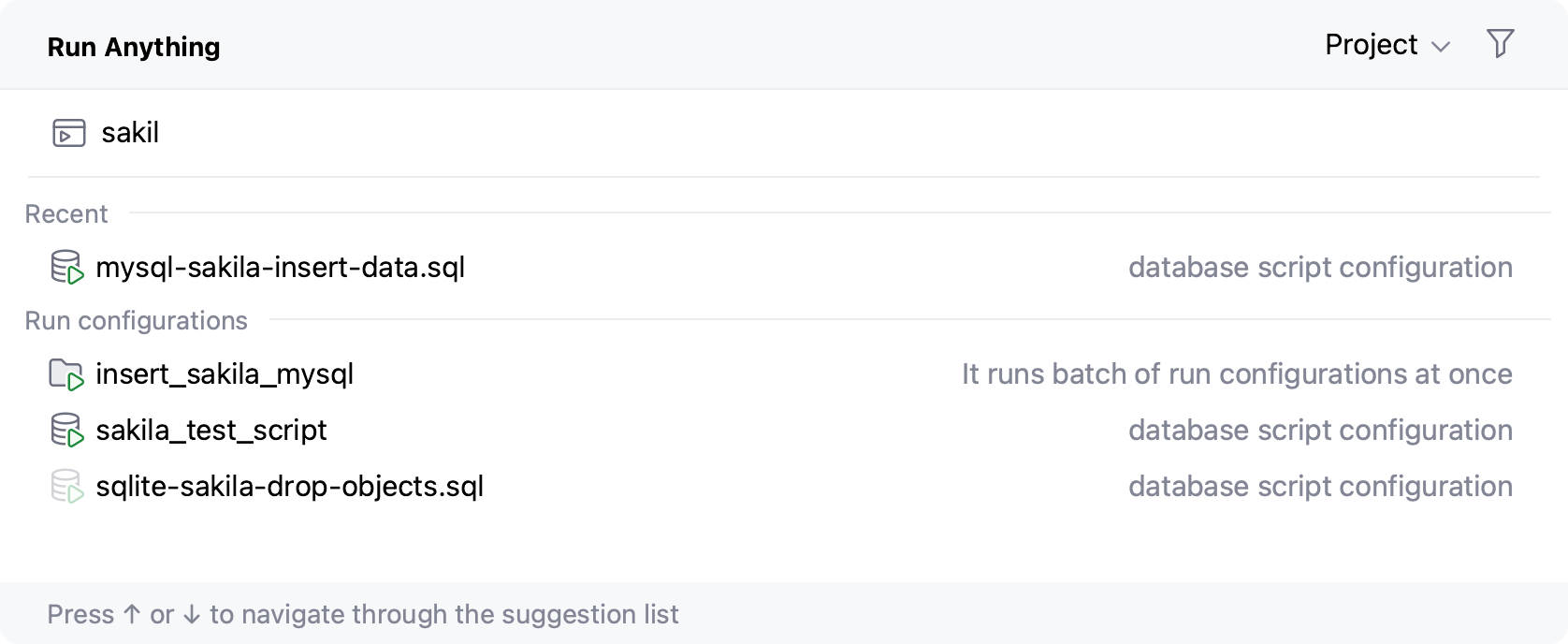
Start typing the run/debug configuration name and select it from the list of suggestions:
Run commands
Start typing the command name and navigate the suggestion list using the arrow keys. When you press Space, you accept the current suggestion and get further suggestions specific to this command.
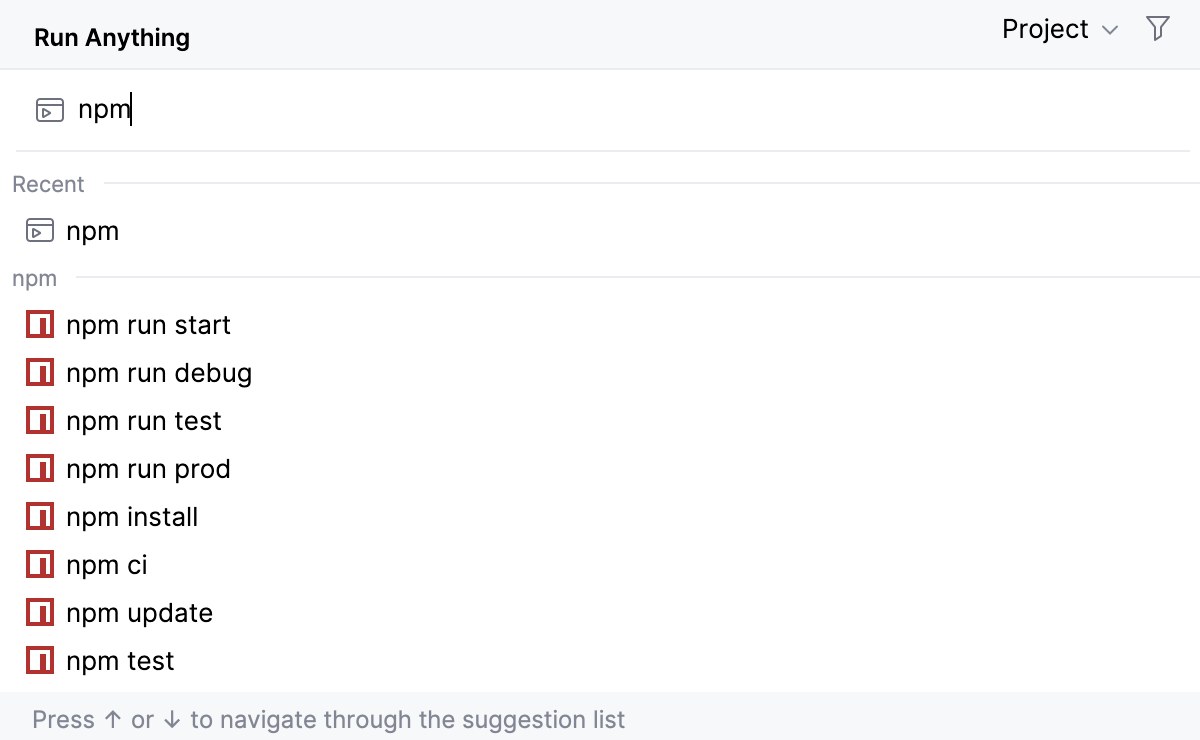
To get the list of all available commands, type
?. The list of commands depends on the installed/enabled plugins. If a command is not on the suggestion list, it will be executed in the terminal.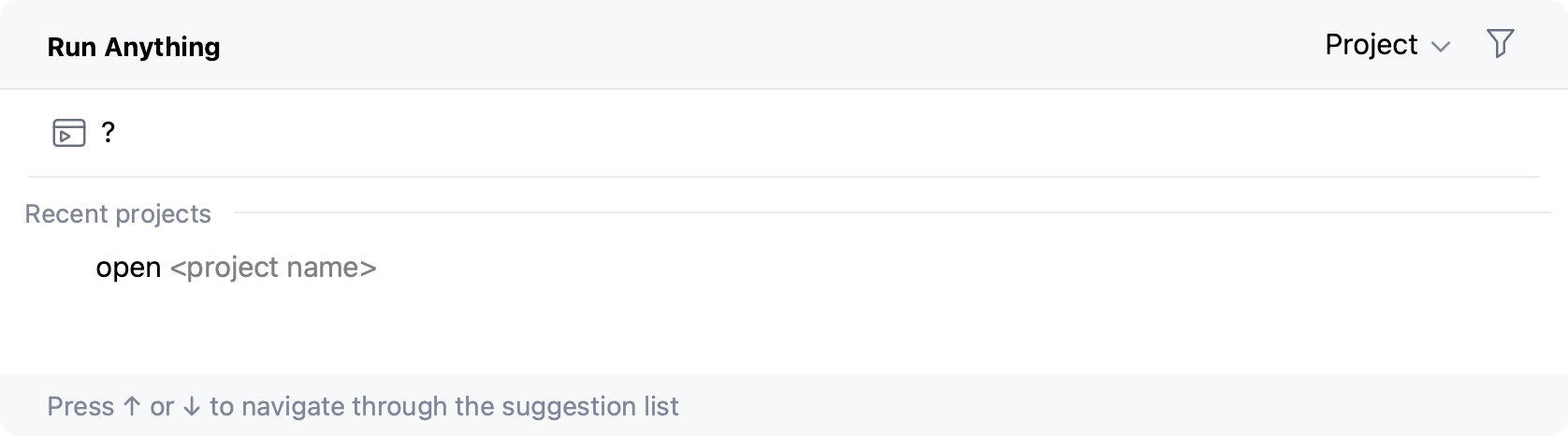
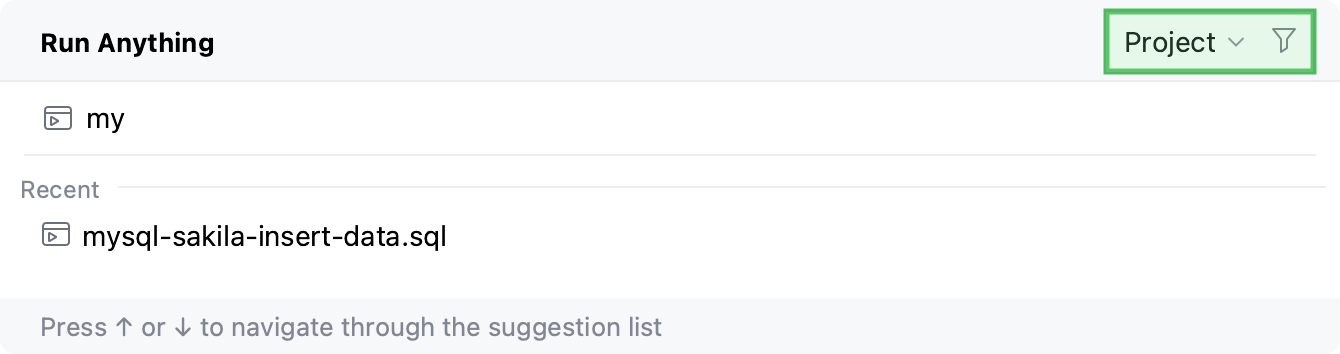
By default, the working directory depends on the project or module you are currently in. To use the location of the current file as the working directory, hold Alt when running a command.
You can configure the working directory in the top-right corner of the dialog:
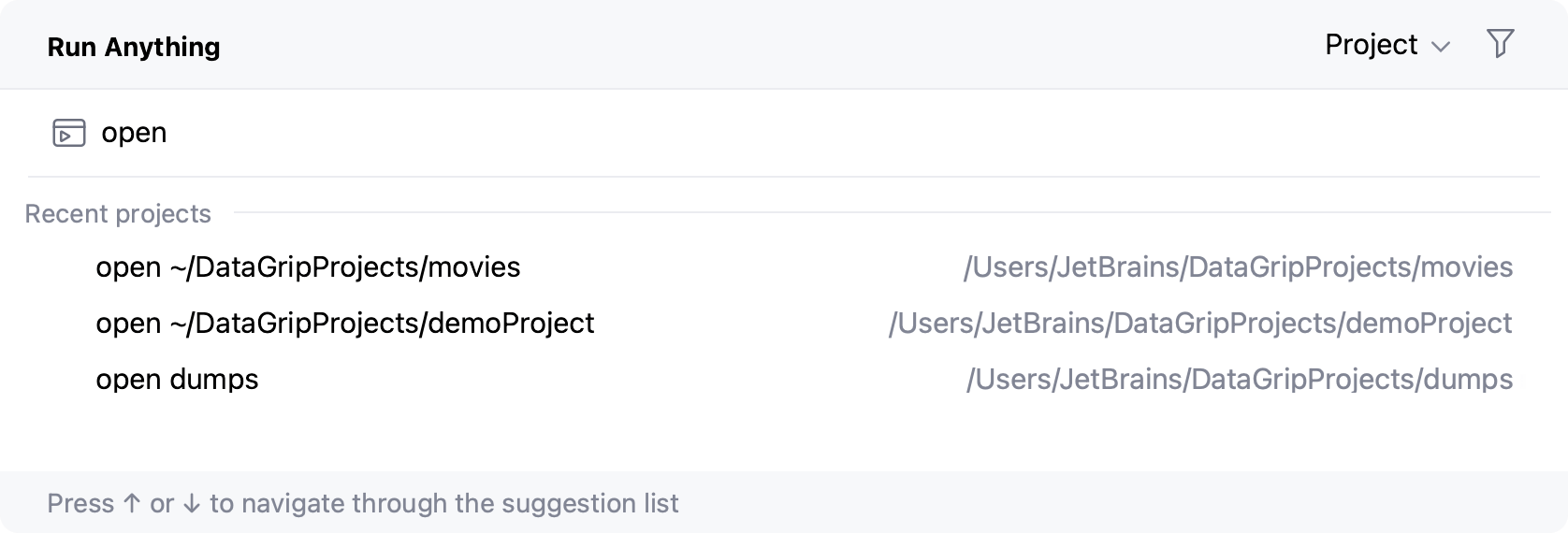
Open a recent project
You can also quickly reopen a recent project from the Run Anything popup. Search for the project by the name or type open to shorten the list of suggestions, then select the required project from the list, and press Enter: