DataGrip projects
In DataGrip, a project is a combination of your data sources, query consoles and scratch files, attached directories with files that are stored on your machine, and associated settings. Projects are mainly used for organizational purposes.
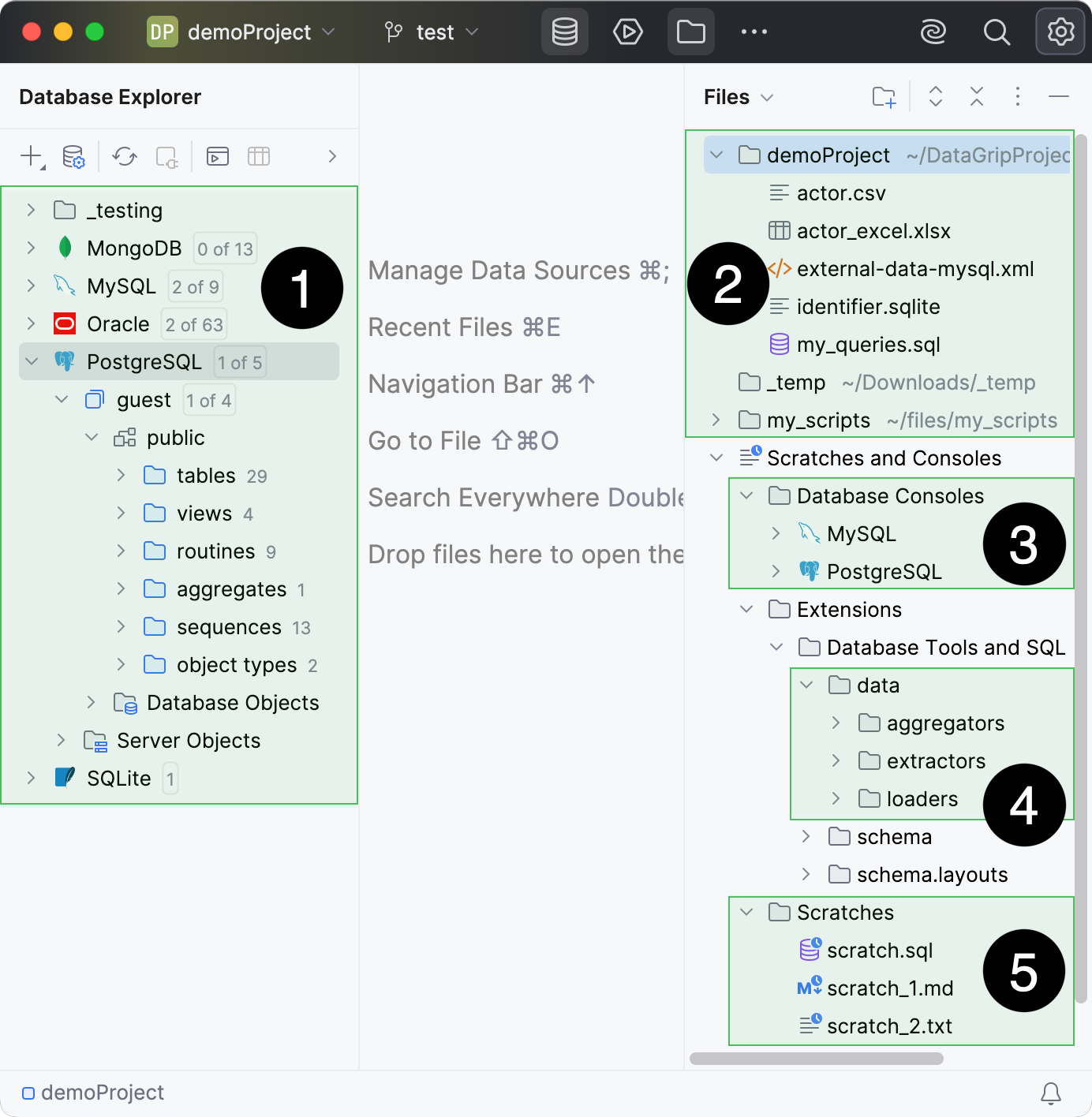
Data sources and database objects tree.
Project directory and the attached directories.
Data processing scripts: aggregators, extractors, loaders.
Once you have created a new project, a corresponding directory is created in the DataGrip projects directory. That directory contains the .idea subdirectory where DataGrip stores the project settings.
For a project, settings of all the data sources are stored in the <project_directory_path>/.idea/dataSources.xml file. Attached directories become associated with the project, their location on the disk remains unchanged. Query consoles, data processing scripts, and scratch files are stored in the IDE configuration directory.
You can put the attached directories under VCS. Cloned files and directories from VCS will also be available in the Files tool window Alt+2 as attached directories.
Project and global settings
In DataGrip, you can configure the settings on two levels: the project level and globally.
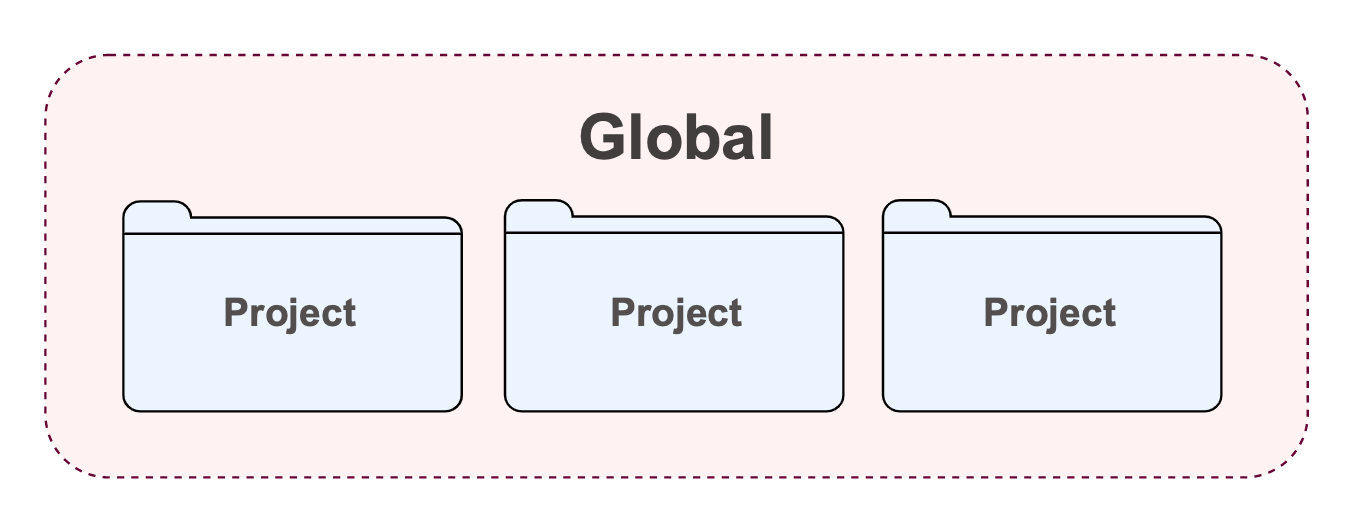
Project settings apply to the current project only unless you configure them as default settings for new projects. Such settings include VCS configuration, code style options, the list of language inspections, and so on.
- Project settings
These settings apply only to the current project. They are stored together with other project files in the .idea directory in the .xml format. For example, projects keep VCS settings, code style and spellchecker settings that are available within a project.
For more information, refer to Project settings.
- Global settings
Global settings apply to all projects of a specific installation of DataGrip. Such settings include IDE appearance (for example, themes and color schemes), the set of installed and enabled plugins, debugger settings, global inspection profiles, and much more.
For more information, refer to IDE configuration.
For more information about project directories that store project settings, refer to the Directories used by the IDE topic.