Schema objects are duplicated
If some of the schema objects are duplicated in Database Explorer, try to disable the database.model.family.use.index.on.renew.child Registry key to solve the issue.
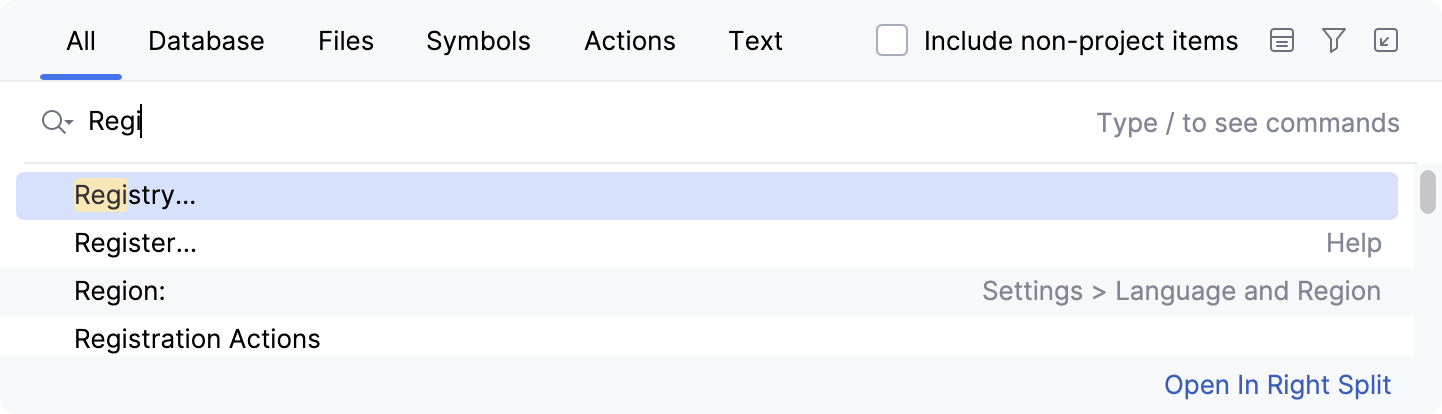
In the main menu, go to or press Shift twice to open the Search Everywhere search window.
In the input field, start typing Registry.
In the Registry dialog, start typing
database.model.family.use.index.on.renew .childto find the key.Disable the key.
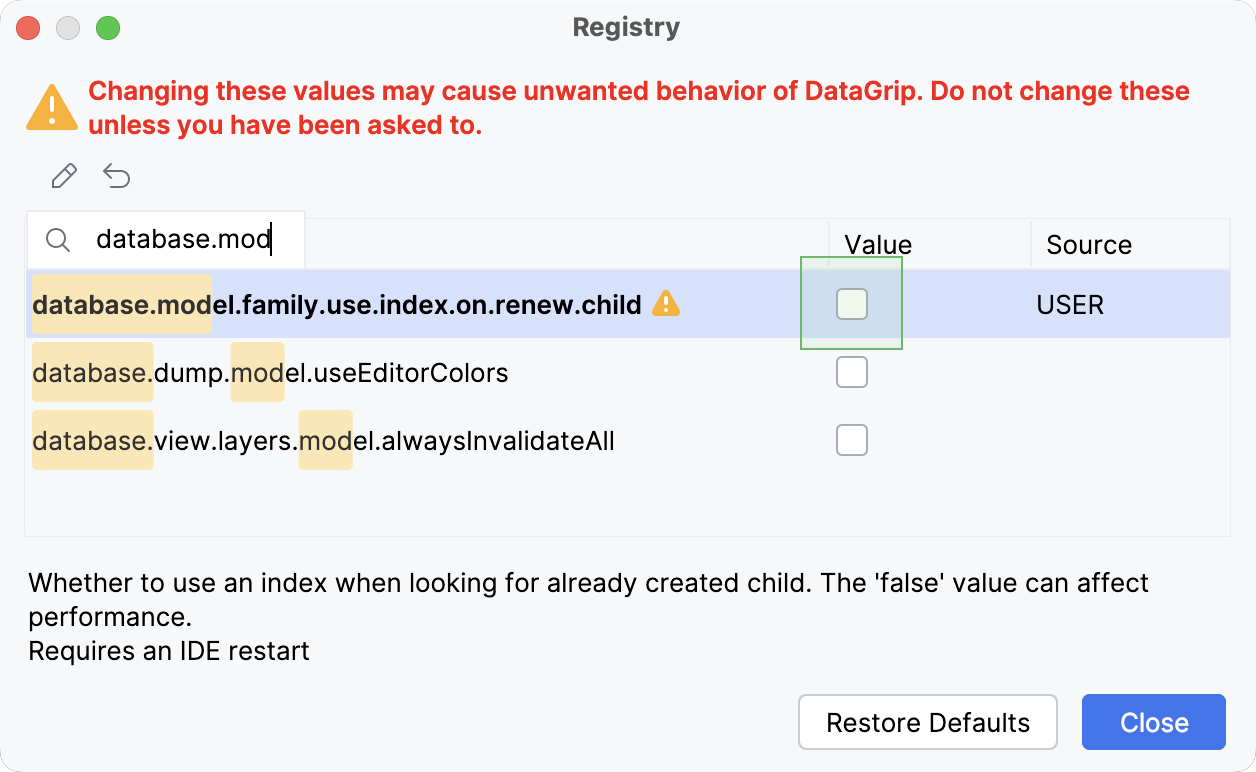
Click Close and restart the IDE.
After restart, perform full introspection of the data source that contains the schema with duplicated objects by right-clicking it in Database Explorer and selecting .
04 April 2025