Features Trainer
DataGrip includes a built-in Features Trainer. This interactive training course on IDE basics can help you learn how to do some common tasks, such as running queries, viewing query results, and more.
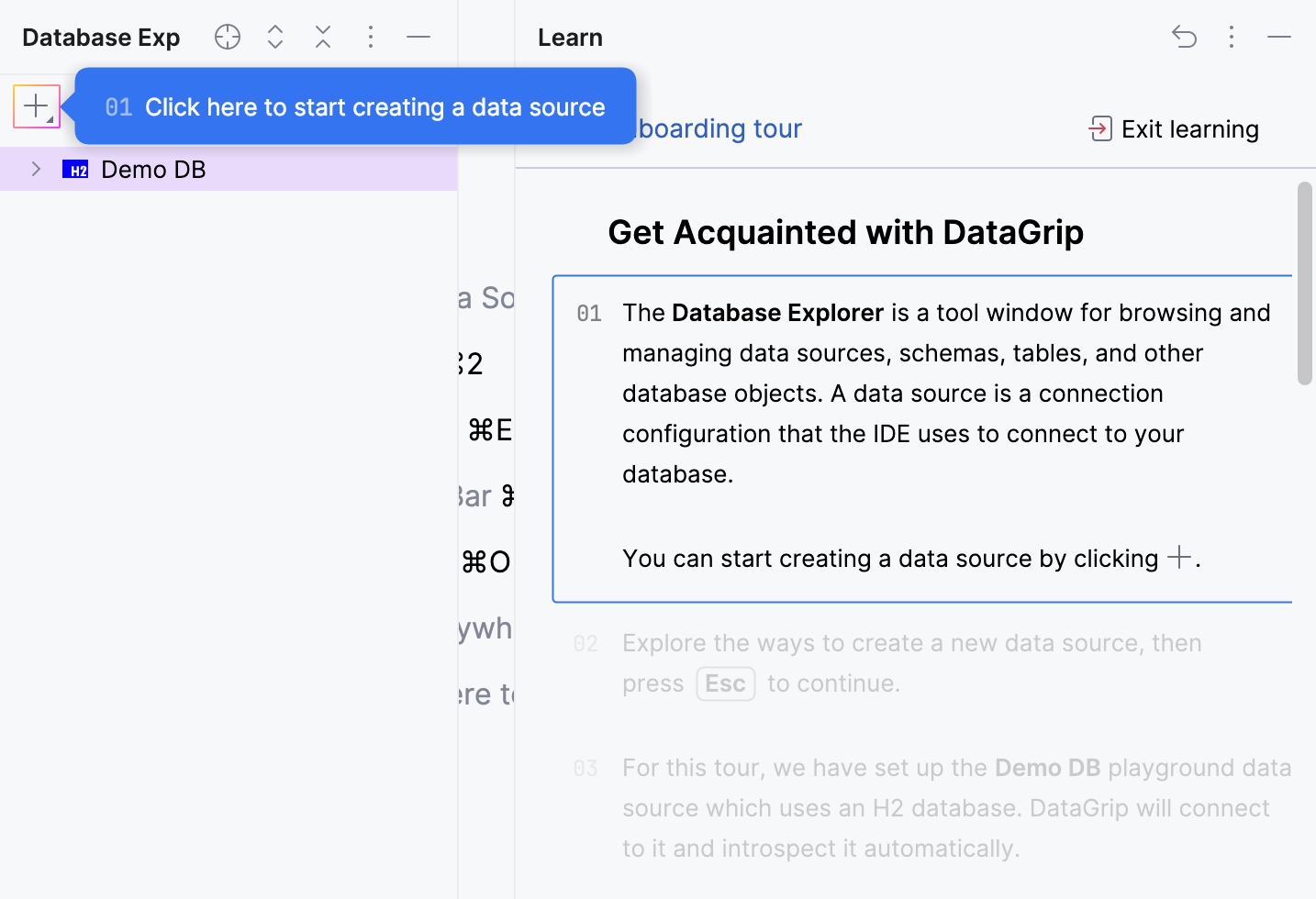
The course is divided into several tutorials, each with a number of lessons that teach you how to do a specific task.
Tutorials are broader topics, that cover a specific area of the IDE, such as code completion or navigation.
Lessons are smaller steps within a tutorial, each focused on a single task or concept.
You can start the course or a specific tutorial from the Welcome or from the Learn tool window.
To complete a lesson, you need to finish all the tasks in it.
Before you start
Make sure the IDE Features Trainer bundled plugin is enabled in the Installed tab of the Settings | Plugins page as described in Plugins.
Start the learning course
On the Welcome tab, click the Take a Quick Tour banner.
In the right-hand pane, click Start Learning under Learn IDE Features.
Start a tutorial from the Learn tool window
Open the Learn tool window - select or from the main menu. The tool window lists the available tutorials.