Cross-database queries
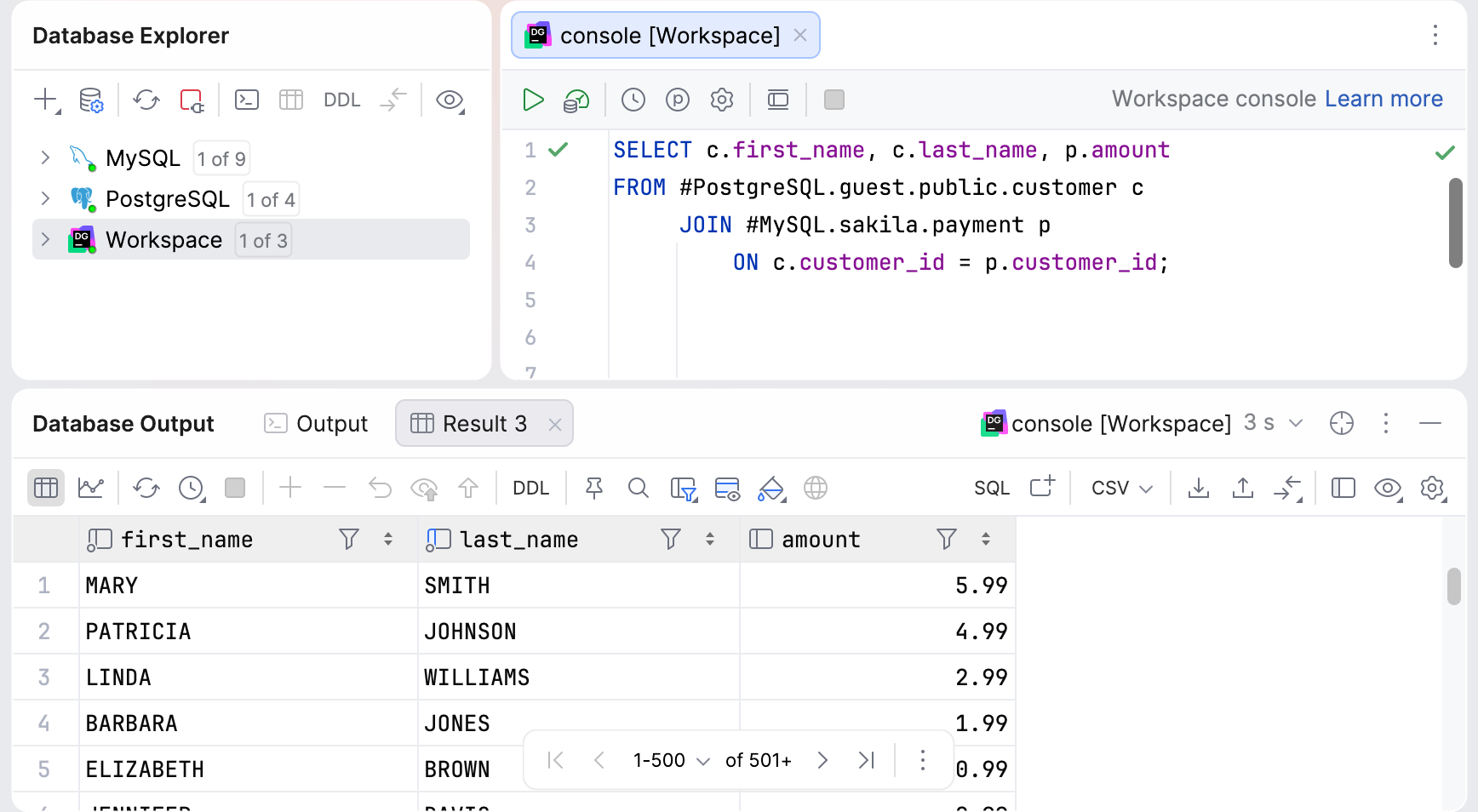
In DataGrip, you can query data across different databases and view results directly without copying the data beforehand. The IDE provides a dedicated Workspace data source that acts as an intermediary between DataGrip and the databases you query. Use its query consoles to write and execute SQL queries with Ctrl+Space code completion and a special syntax.
Workspace data source
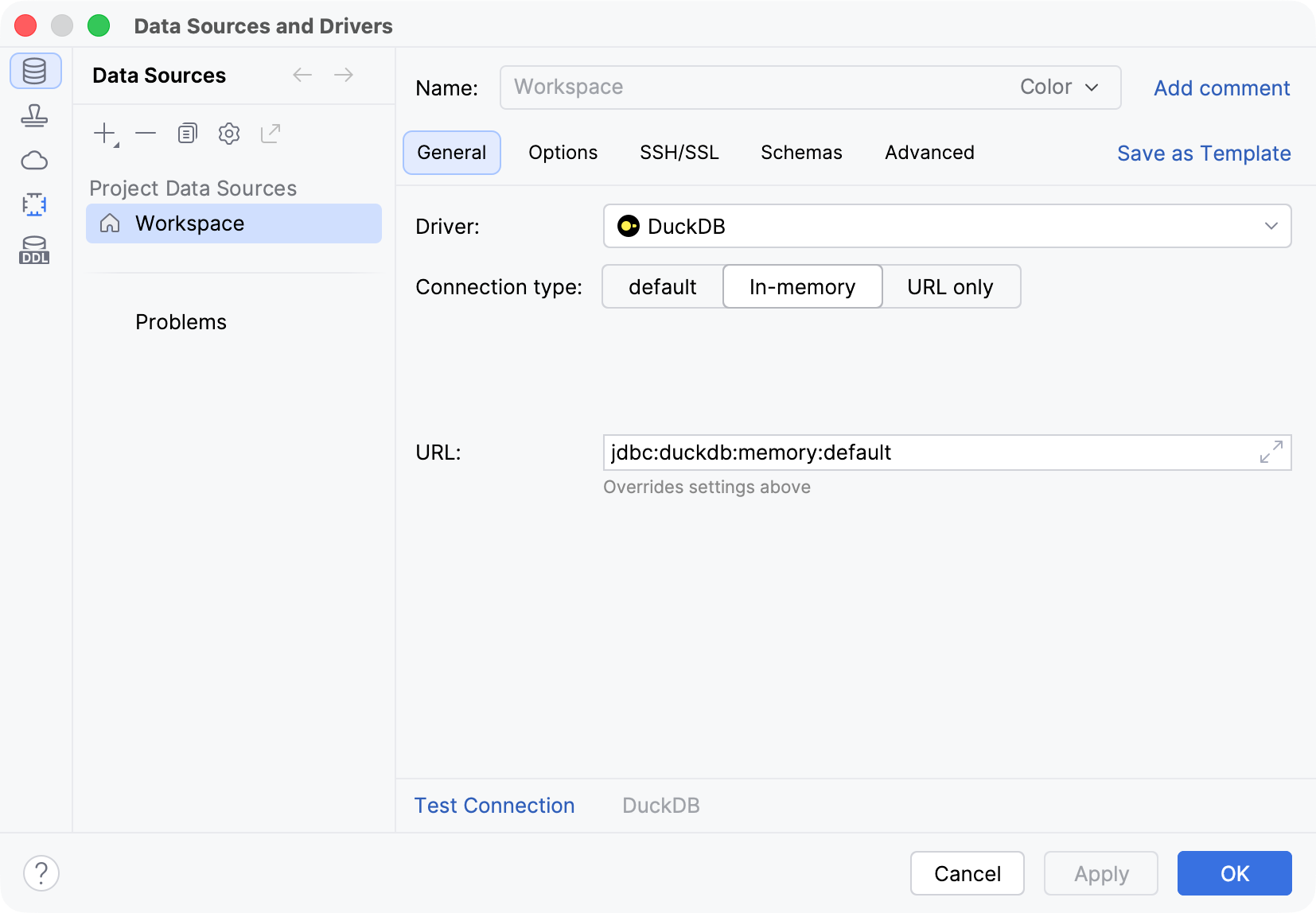
The Workspace data source is based on DuckDB and creates an in-memory DuckDB database by default. Each project can have one Workspace data source, with as many query consoles as needed.
Create the Workspace data source
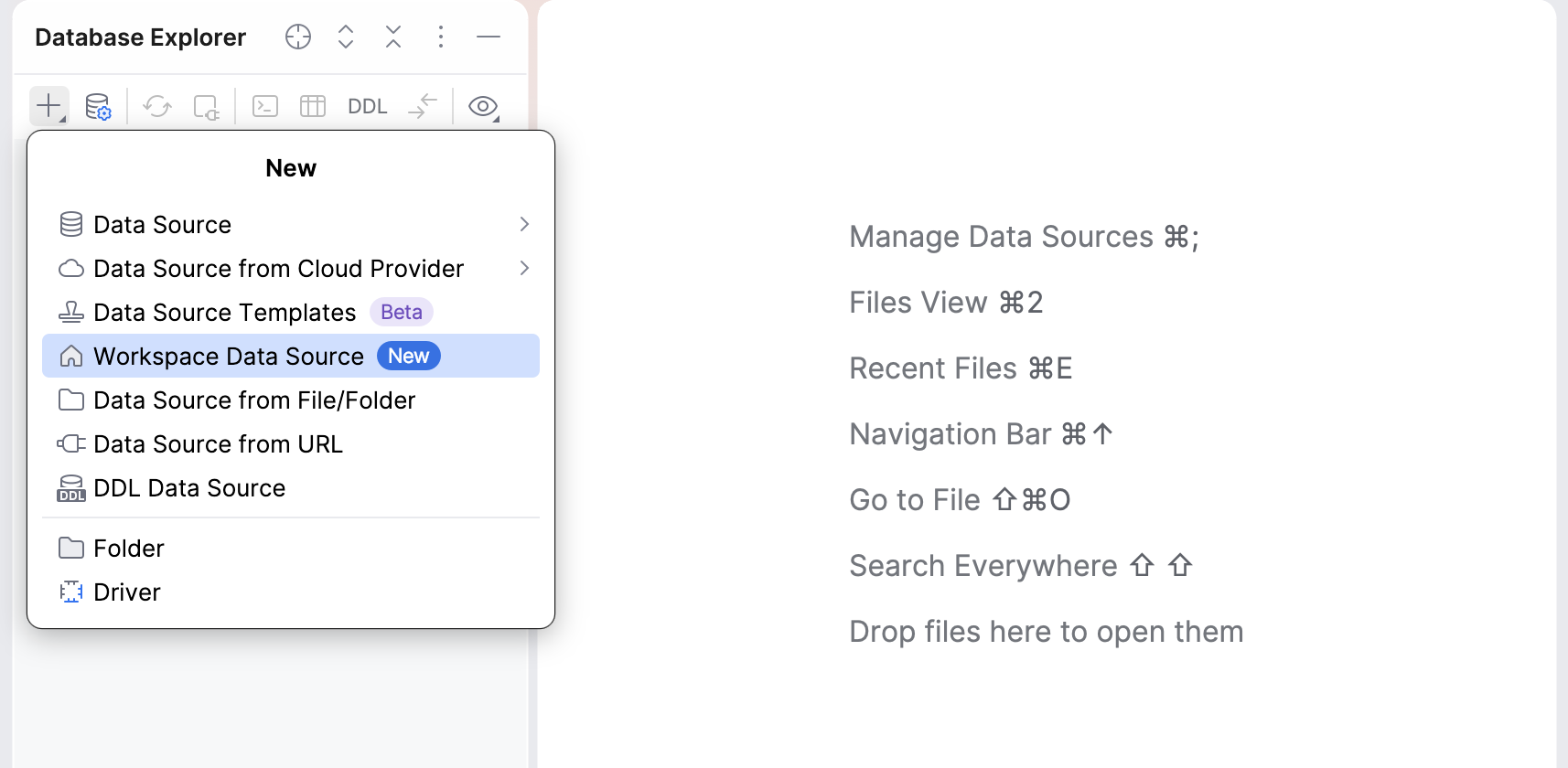
On the Database Explorer toolbar, click
 Add and select
 Workspace Data Source.
DataGrip will add the data source to the list in Database Explorer and open its default query console automatically.
Syntax
In the Workspace data source query console, you can reference tables from other data sources using the following syntax:
To reference a table directly, specify its data source and table name. Add the database and schema when needed:
#data_source[.database.schema].tableTo filter a table, add
#filter(...)to the reference:#data_source[.database.schema].table.#filter('condition')You can also use
#query(...)to run a query against a data source:#data_source[.database.schema].#query('query')
In #filter(...) and #query(...), you can use $$...$$ dollar-quoted strings instead of single quotes: #filter($$condition$$) and #query($$query$$).
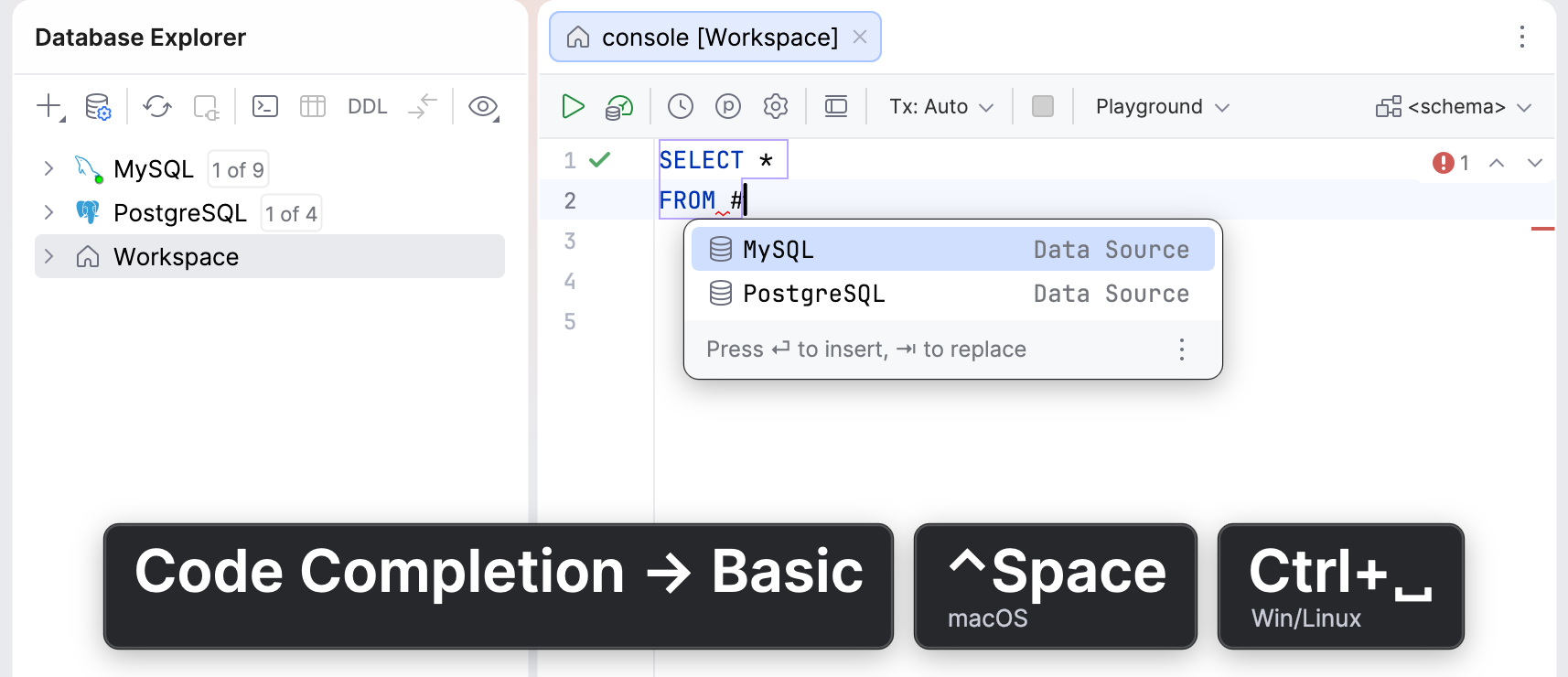
Type # to select a data source using code completion.
Examples
Here are a few examples of the syntax in use with PostgreSQL and MySQL data sources and the respective Sakila databases:
Filter rows in a referenced table:
SELECT * FROM #PostgreSQL.guest.public.customer.#filter('customer_id > 100');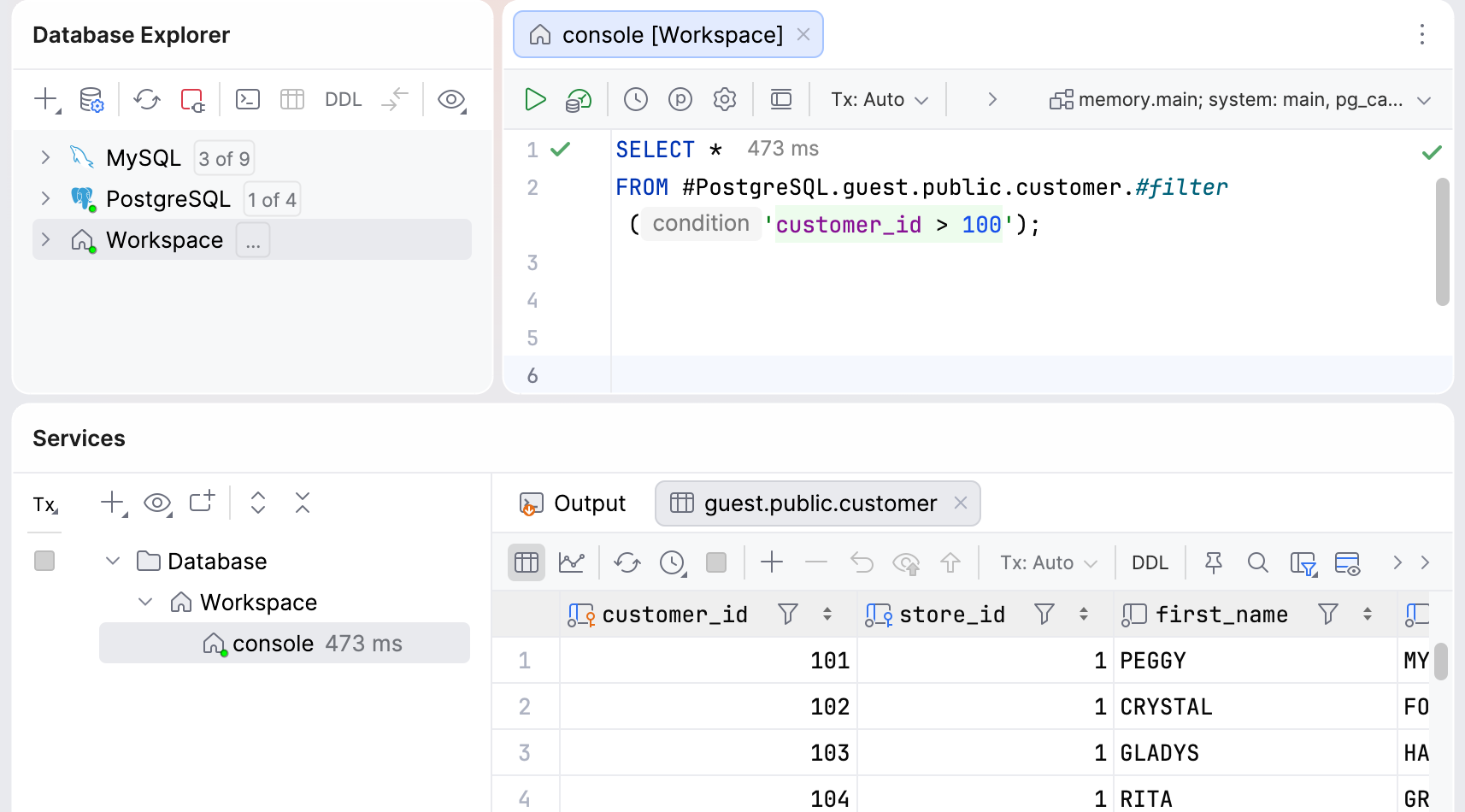
Run a query against a referenced data source:
SELECT * FROM #PostgreSQL.guest.public.#query($$ SELECT customer_id, amount FROM payment WHERE amount > 5 $$);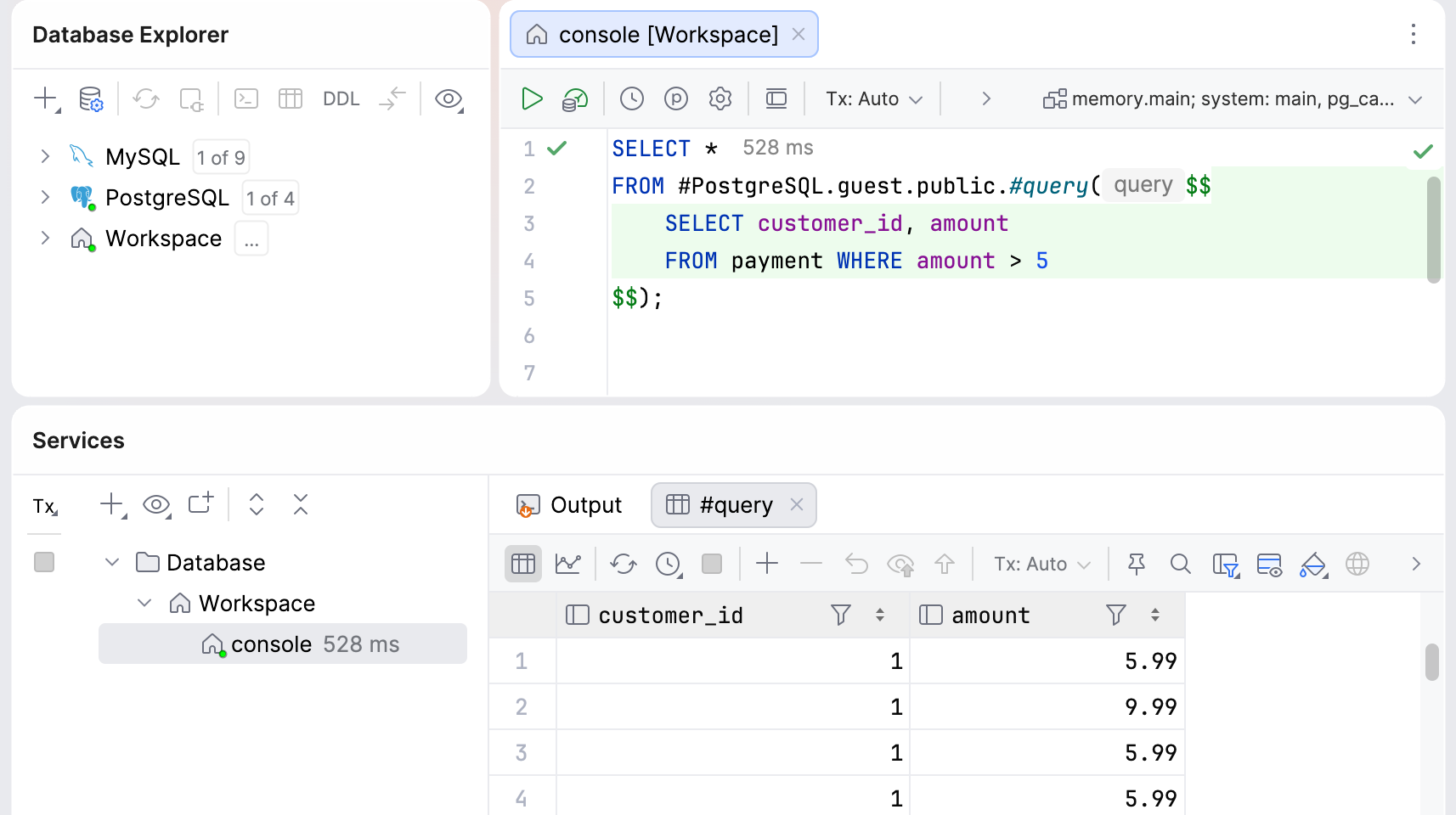
Join data from PostgreSQL and MySQL data sources:
SELECT c.first_name, c.last_name, p.amount FROM #PostgreSQL.guest.public.customer c JOIN #MySQL.sakila.payment p ON c.customer_id = p.customer_id;