SQL cells
Use SQL cells to query the following data sources:
Attached databases
Dataframes
Attached .csv files
Query a database in an SQL cell
Add an SQL cell:
Go to and click Connect SQL cell for the attached database that you want to query.
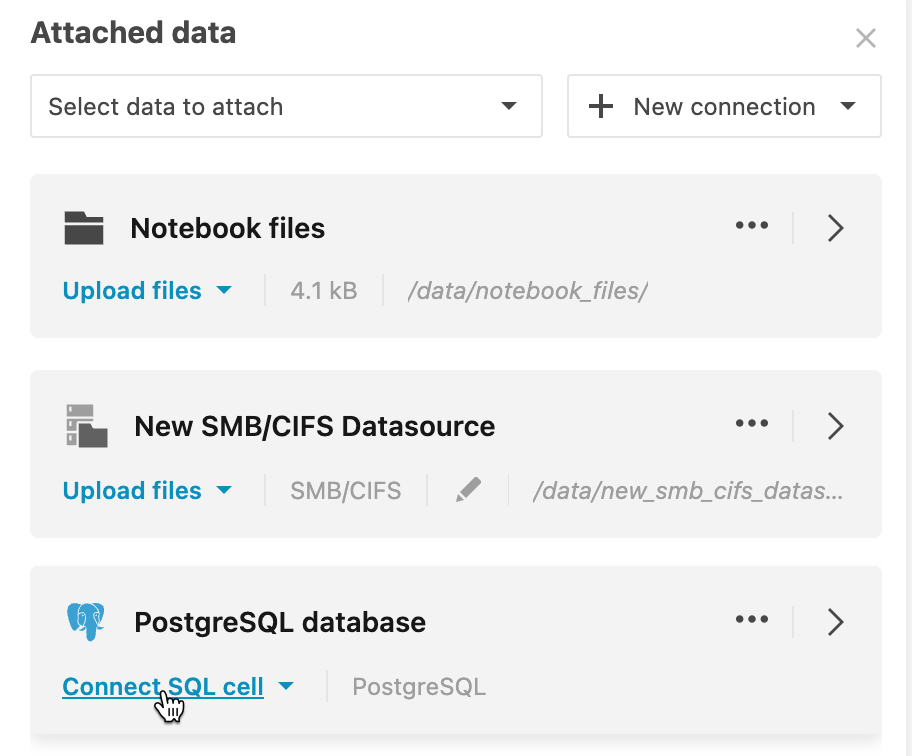
Hover over the bottom border of a cell and select . If there are several attached databases, in the cell, click Select database and select the required data source.
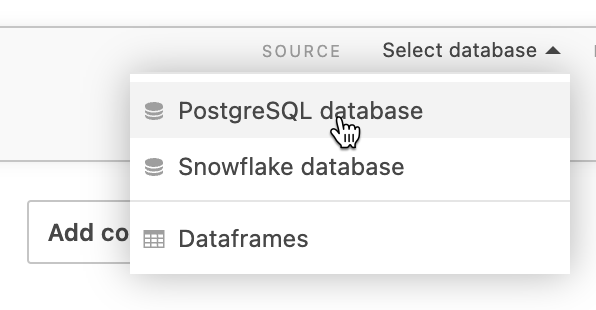
Enter an SQL statement.
Run the query (Run icon or Control, +, Enter shortcut). The result set will be shown in the output and saved to a DataFrame. The resulting DataFrame name is shown in the cell toolbar.
(Optional) To rename the data object, click the object name next to RESULT SAVED TO on the SQL toolbar.
Query a DataFrame or .csv file in an SQL cell
Hover over the bottom border of a cell and select .
In the added SQL cell, click Select database and select Dataframes.
Enter an SQL statement.
Run the query. The result set will be shown in the output and saved to a DataFrame. The resulting DataFrame name is shown in the cell toolbar.
Query a DataFrame or .csv file in an SQL cell
Hover over the bottom border of a cell and select .
In the added SQL cell, click Select database and select Dataframes.
Enter an SQL statement. Run the query. The result set will be shown in the output and saved to a DataFrame. The resulting DataFrame name is shown in the cell toolbar.
(Optional) To rename the data object, click the object name next to RESULT SAVED TO on the SQL toolbar.
SQL cell examples
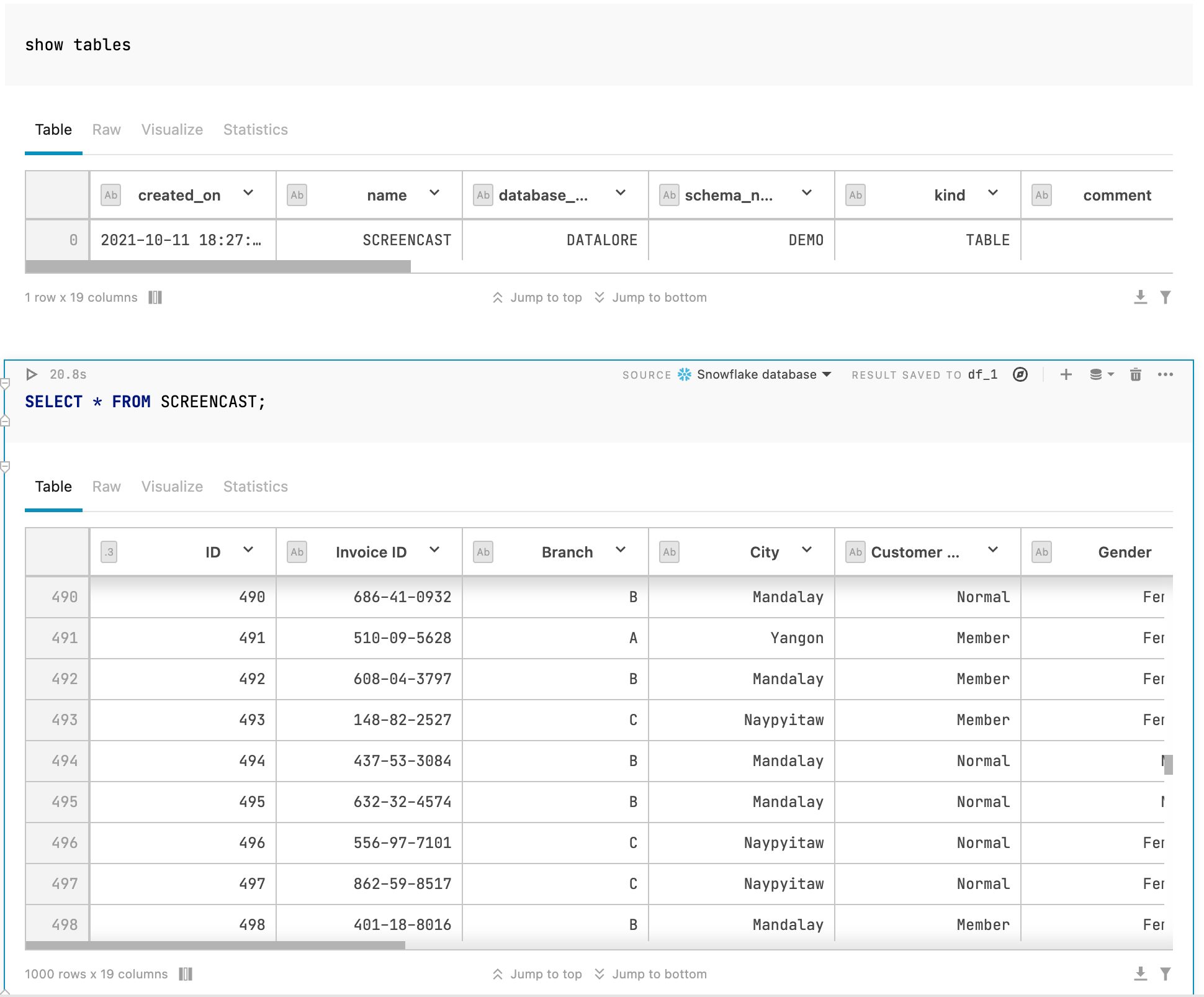
Querying a Snowflake database
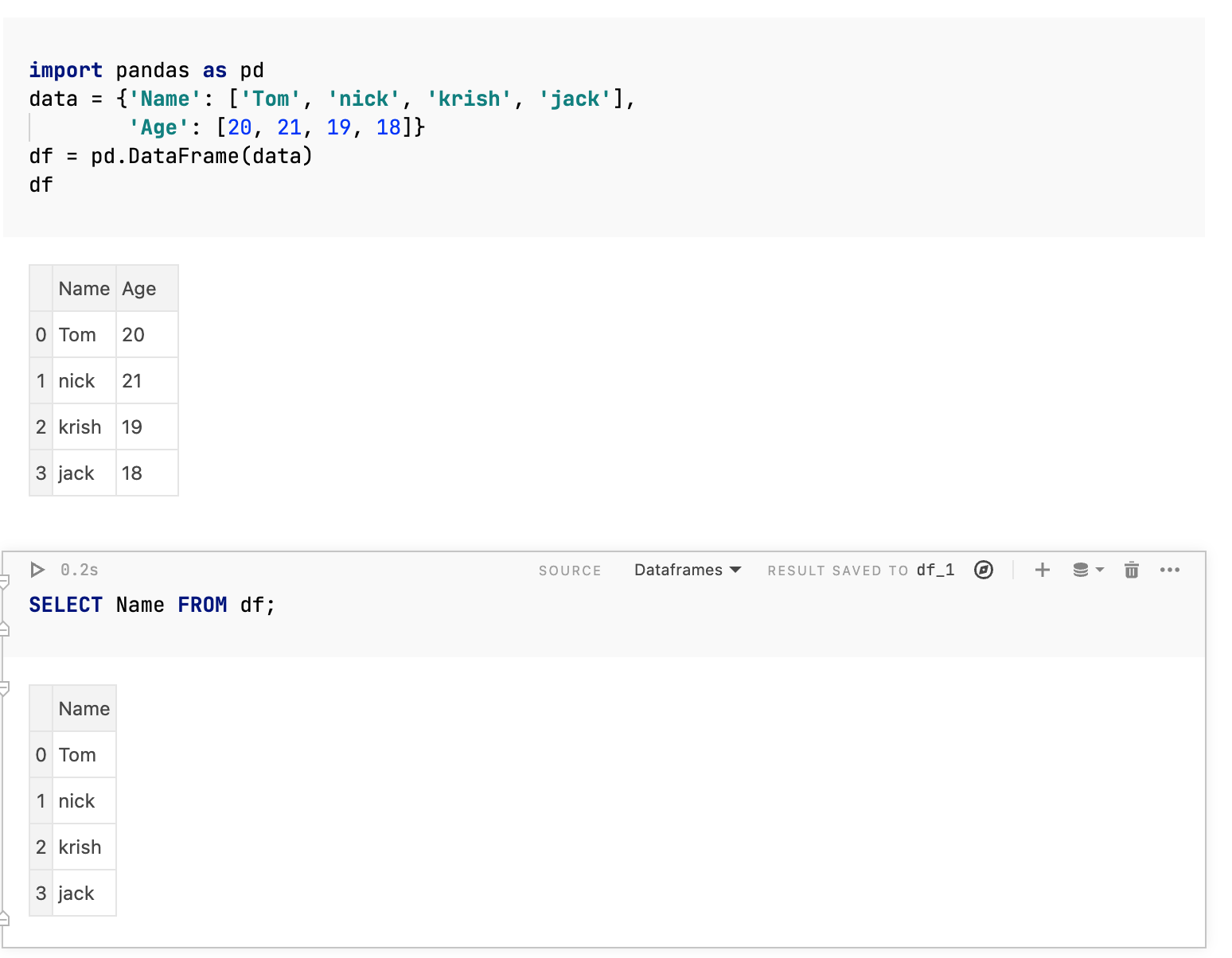
Querying a DataFrame
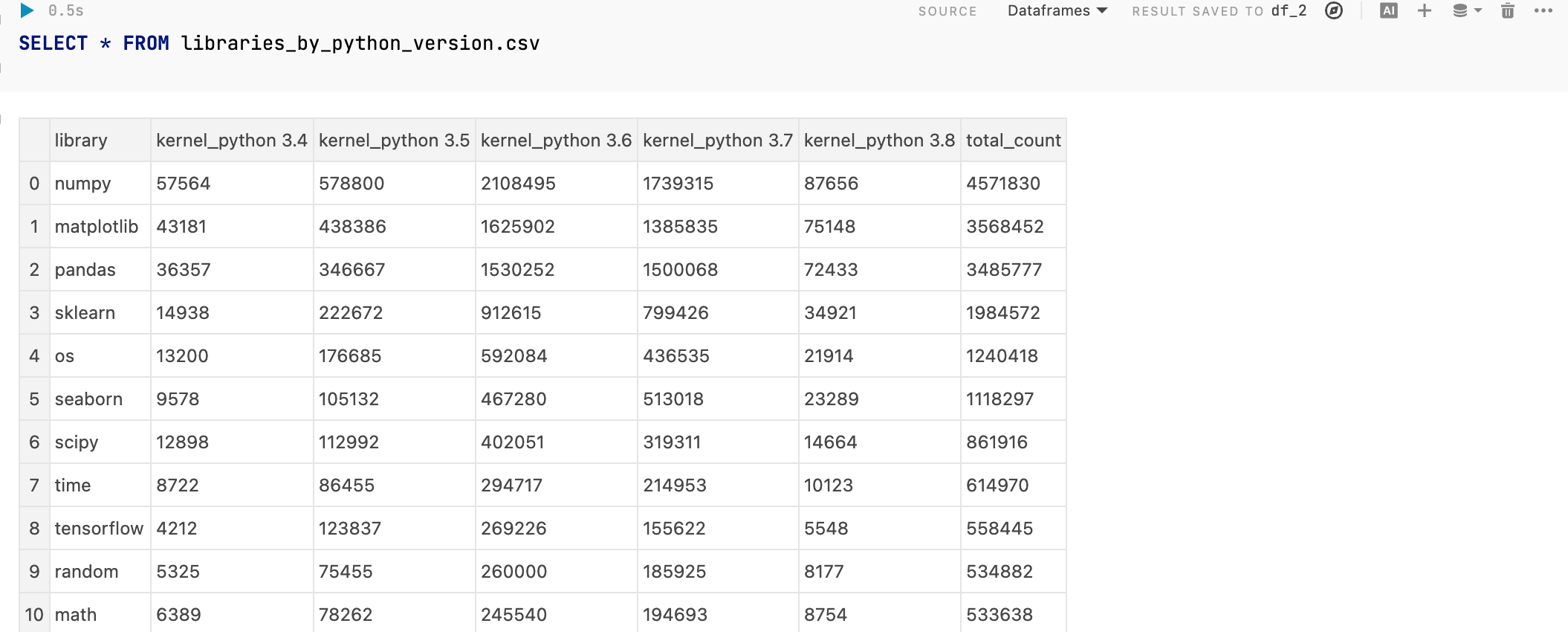
Querying a .csv file
Parameterized SQL queries
You can use Python variables in your SQL queries in Datalore. Such queries can be reused repeatedly with different values, which helps make your reports more interactive.
Supported variable types are: strings, numbers, booleans, and lists. Make sure you place your variable inside {} brackets.
Parameterized SQL query example
In the image below, you can see two cells:
Dropdown interactive control cell using the
methodvariable.SQL cell where the value in payment column equals the
methodvariable value selected from the dropdown list.
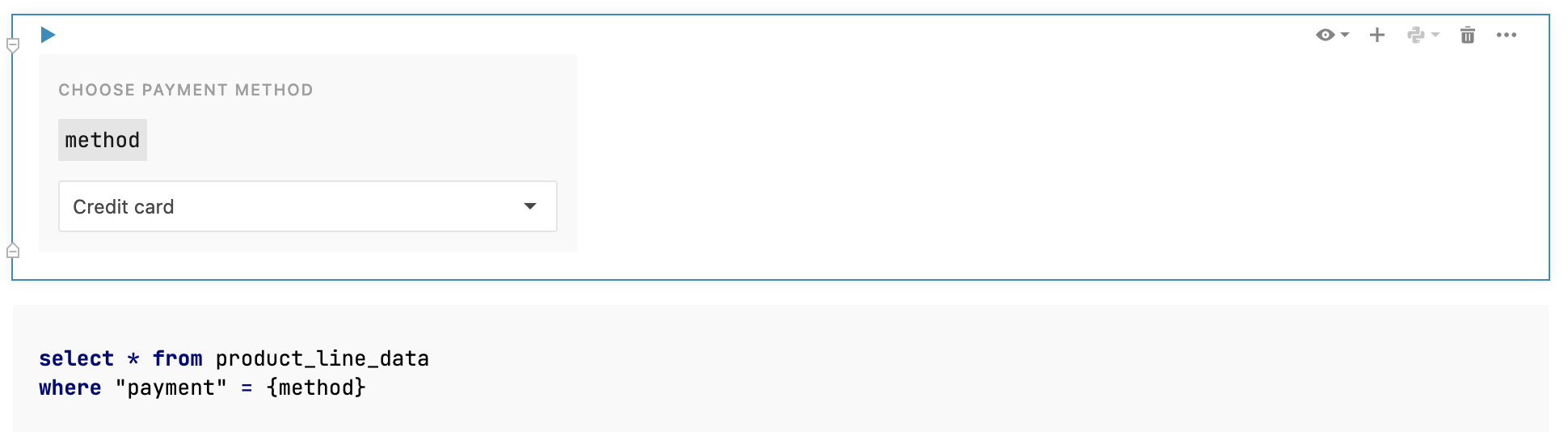
Table parametrisation for SQL cells
Starting from this version (2023.5), Datalore allows for table paramterization by supporting unsafe parameters for SQL cell statements. The syntax is as follows:
In the code example above, the {table_name | unsafe} part will assume the value of the table_name variable.
String variables for unsafe parameters
To pass a string variable to an unsafe parameter, use quote escaping quotes. See the examples below:
- Unsafe parameter defined in a code cell
- product = "'Product'"
- Unsafe parameter referenced in an SQL cell
- SELECT * from releases where jb_product in ({product | unsafe})
- Resulting SQL query
- SELECT * from releases where jb_product in ('Product')