Run JavaScript code
You can run server-side JavaScript code right from Fleet provided that you have installed and configured Node.js on your computer as described in Configure a Node.js interpreter.
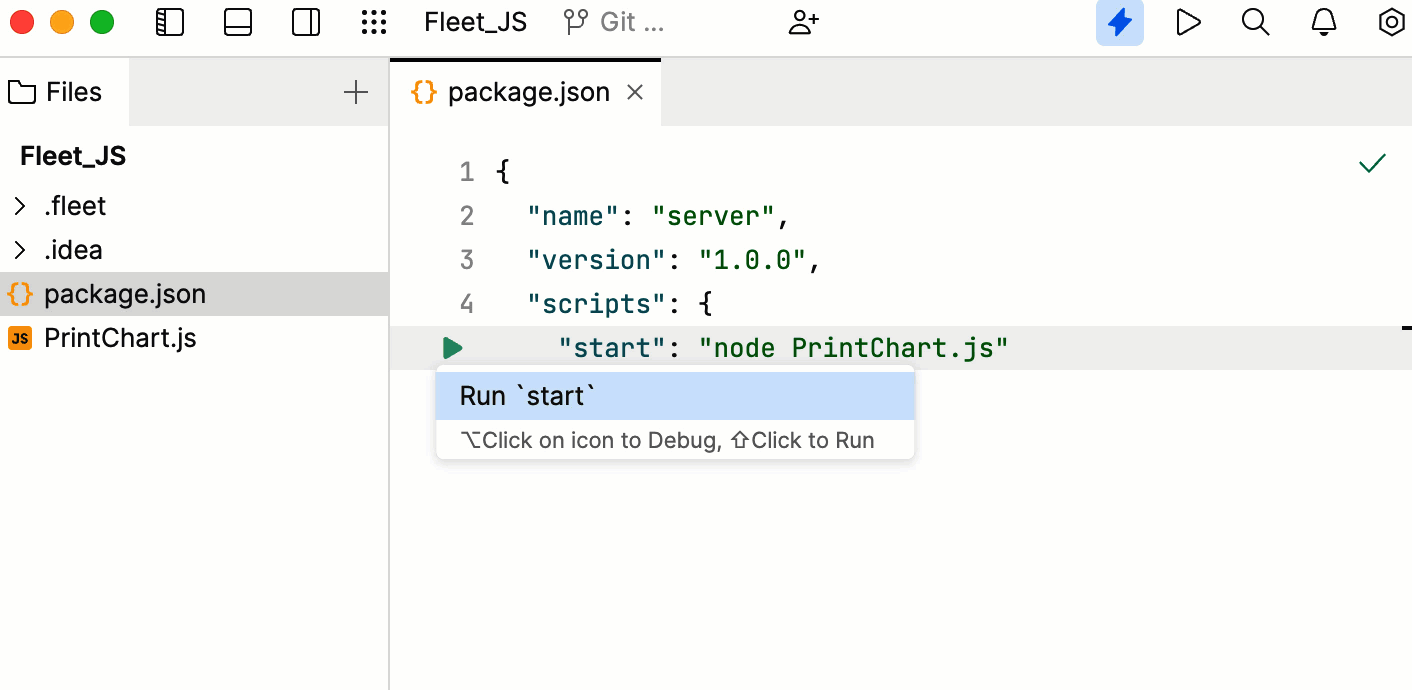
Create a package.json file with a
startscript in thescriptsfield:"scripts": { "start": "node <file to run> }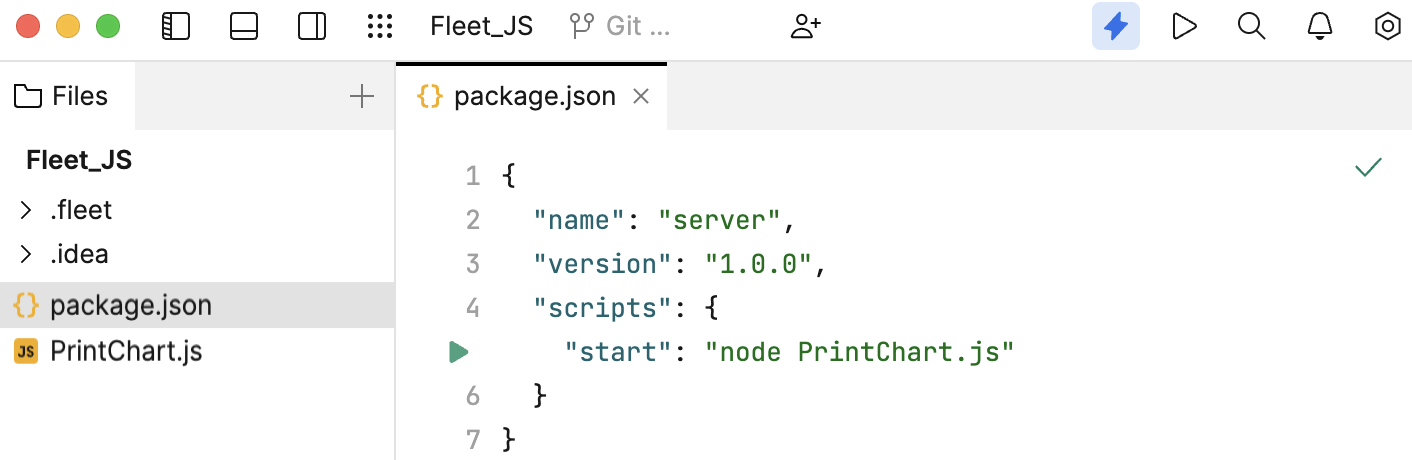
Click the Run icon in the gutter next to the
startscript and select Run 'start'.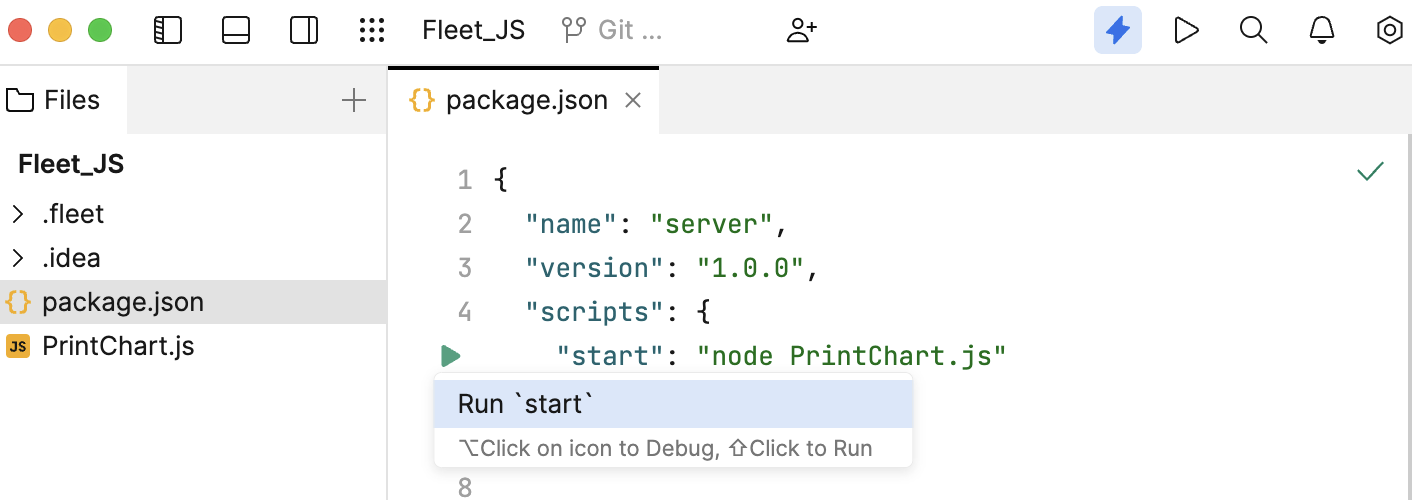
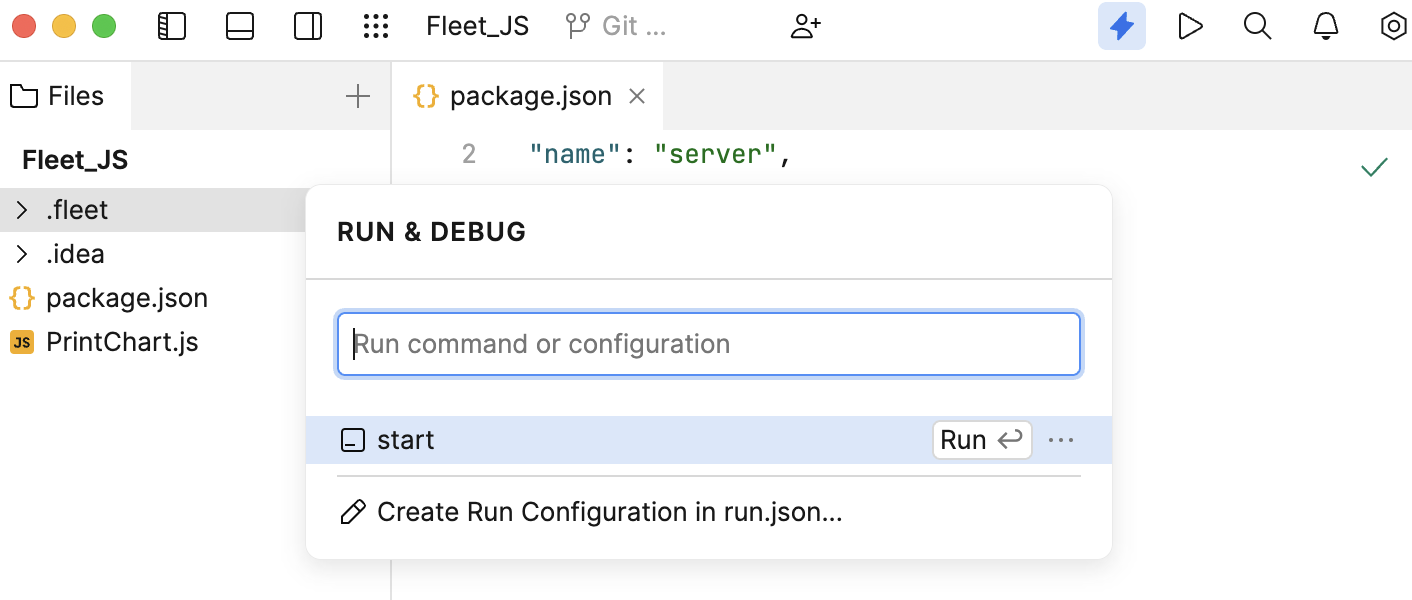
Alternatively, press ⌘ R to open the Run&Debug popup and select start from the list.
Last modified: 26 May 2024