How to use type parameters for generic programming
By using type parameters, you can write functions that handle incoming parameters without depending on the type specified in the function declaration.
For example, the PrintSlice function receives a slice of integers and prints it.
To apply the same functionality to a slice of strings, you need to copy and paste the code of PrintSliceInts and make a new function called PrintSliceStrings, where everything is the same except for the signature.
You can rewrite the function and reuse your code. All you need is to introduce the type parameter and change the function parameter in the signature.
Enable the experimental support of type parameters
By default, the support of type parameters is disabled. You can enable it in the settings or by using the intention action.
Open settings by pressing Ctrl+Alt+S and navigate to .
Select the Enable generics (experimental support for type parameters) checkbox.
Click the type parameter in the editor, press Alt+Enter, and select Enable generics (experimental support for type parameters).

GoLand 2021.2 and later versions support type parameters in GO files. It means that the IDE acknowledges that you use type parameters in your code and processes your code correspondingly. Though you still might see red code when passing values to a function with type parameters.
Run code in the go2go playground
To run your code, you need to convert a GO file to a GO2 file. You can rename the file in the Project tool window by using the Rename refactoring (Shift+F6).
Step 1. Convert the GO file to GO2
In the Project tool window (), click the file and press Shift+F6.

You can open go2goplay.golang.org and paste your code here. Or, use the Share in Playground action.
Step 2. Run your code in the go2go playground
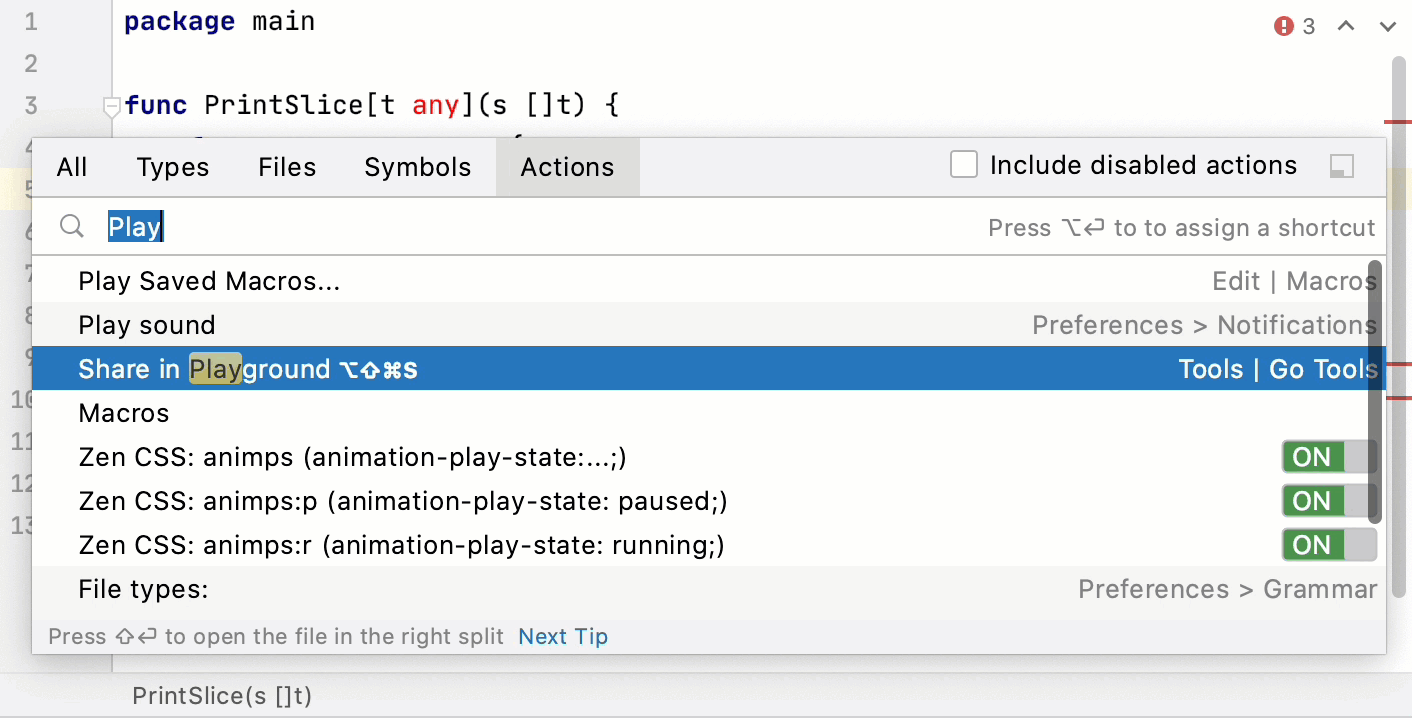
In the editor, press Ctrl+Shift+A to search for actions.
Type Share in Playground and press Enter. Also, you can use the following shortcut in the editor: Ctrl+Alt+Shift+S.
At go2goplay.golang.org, press the Run button.
Run code in GoLand
To work with type parameters, you need to check out and compile the dev.typeparams branch.
Step 1. Compile developer's version of the Go SDK
Clone the Go repository to the goroot directory.
git clone https://go.googlesource.com/go gorootNavigate to the goroot directory.
cd gorootCheck out the
dev.go2gobranch.git checkout dev.typeparamsNavigate to the src directory.
cd srcCompile the Go SDK. In case of an error with GOROOT_BOOTSTRAP, see the Troubleshooting section or run the command with the
GOROOT_BOOTSTRAPvariable../all.bash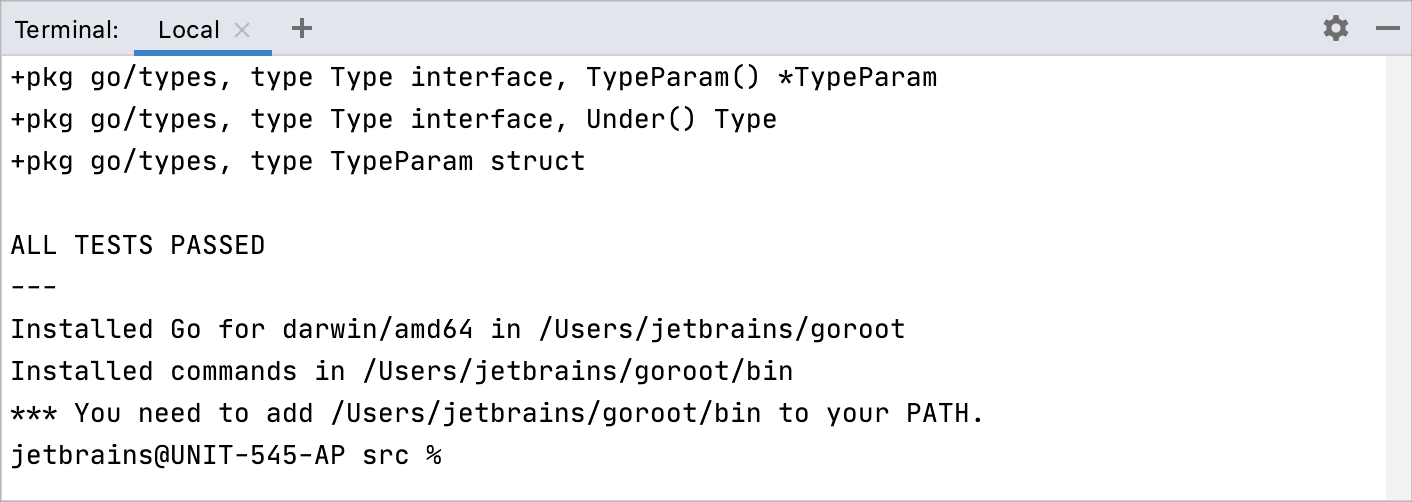
Step 2. Point GOROOT to the compiled developer's version
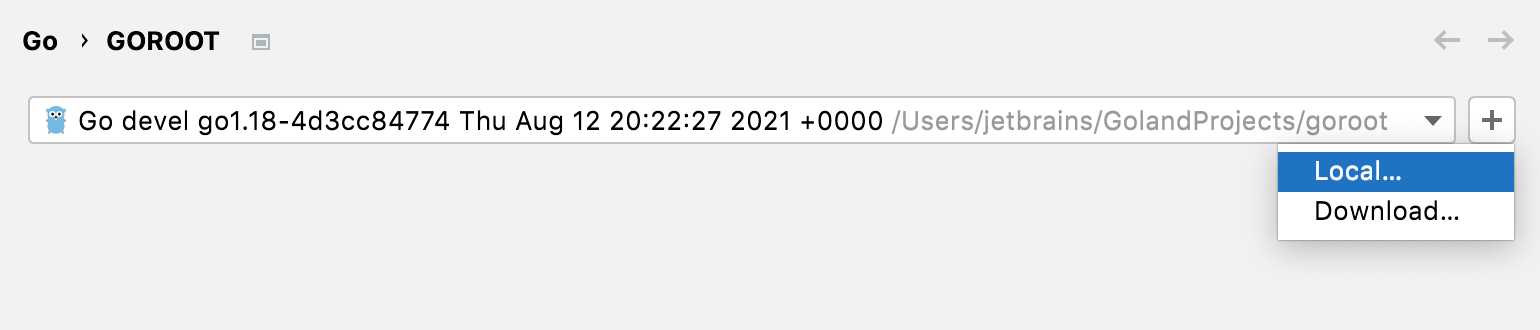
Open settings by pressing Ctrl+Alt+S and navigate to .
From the GOROOT list, select Go devel <commit_identifier>. If this version is not detected, click the Add button, select Local, and navigate to the directory with the compiled developer's version (for example, /Users/jetbrains/GolandProjects/goroot).
Step 3. Create the go.mod file
In the Terminal tool window (), type the following command:
go mod init main
Step 4. Create a run/debug configuration
Navigate to .
Click the Add button and select Go Build.
In the Go tool arguments field, type the following arguments:
-gcflags -G=3.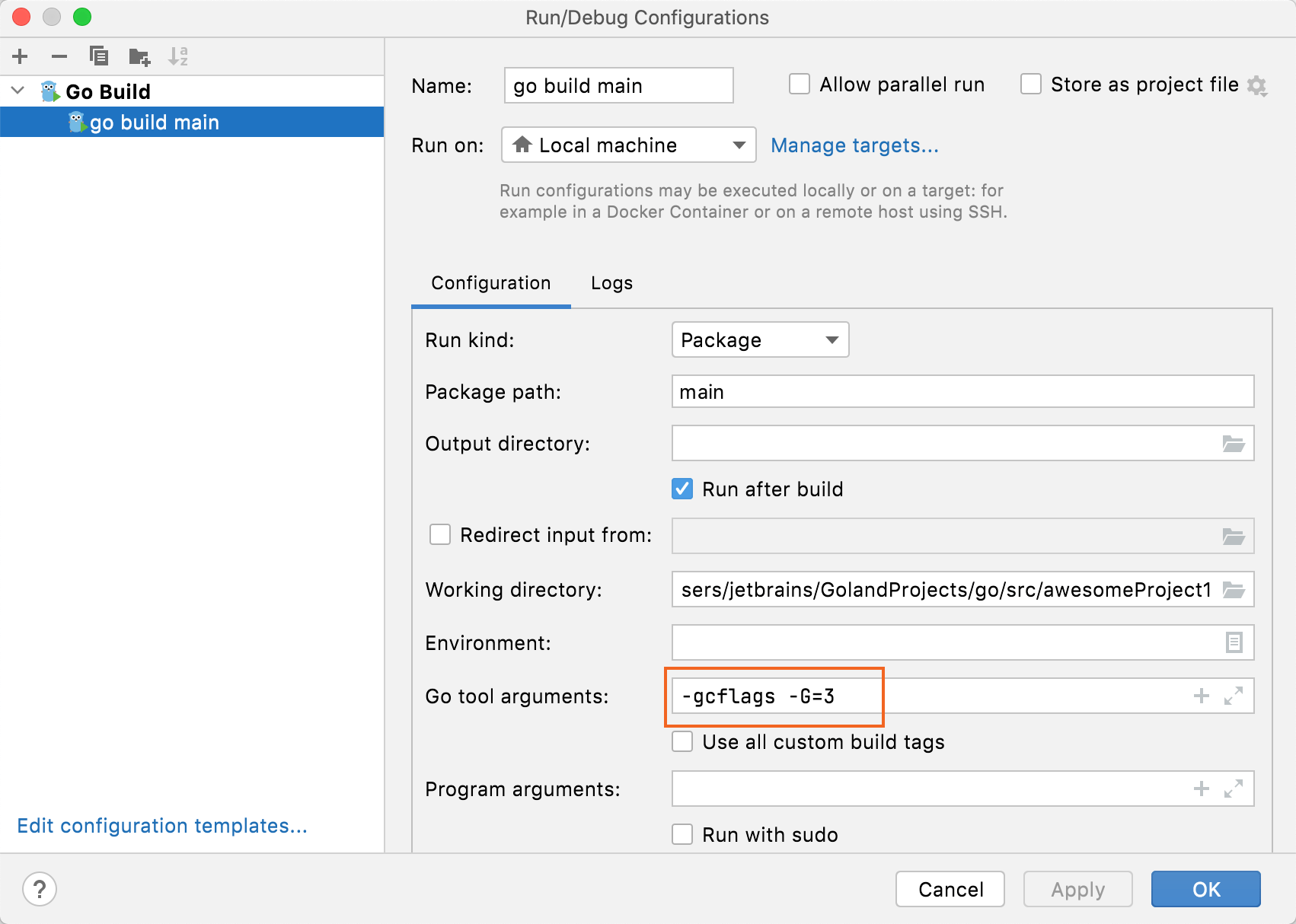
Step 5. Run your application
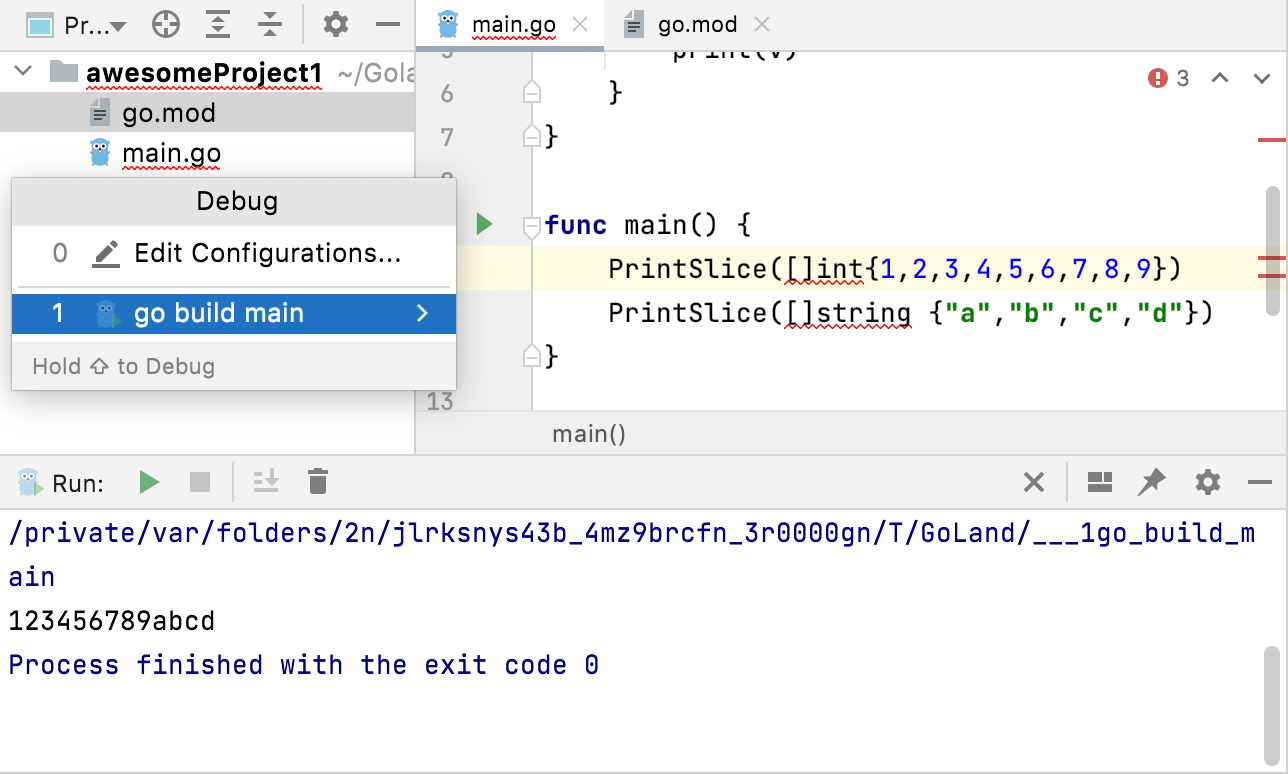
Navigate to . Alternatively, press Shift+F10.
Select the run/debug configuration that you created on Step 4 and press Enter.
Troubleshooting
Error | Possible solution |
|---|---|
| Open settings Ctrl+Alt+S and navigate to . In the Environment Variables field, click the Browse button 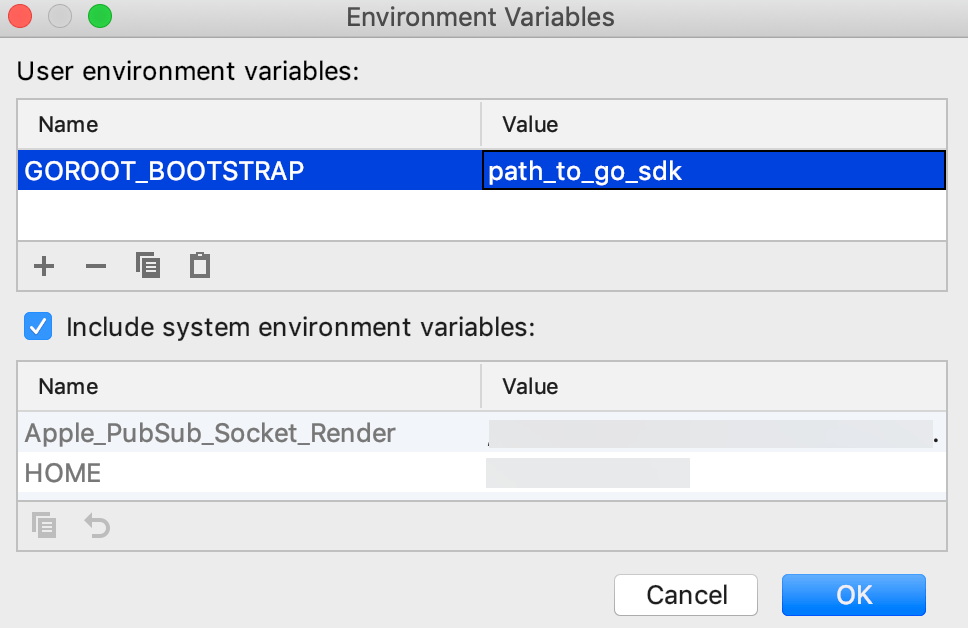 |
 and add the following variable: