# Code Folding

> For the complete documentation index, see [llms.txt](https://www.jetbrains.com/help/go/2026.3/llms.txt).

> **TL;DR**
> `File | Settings | Editor | General | Code Folding` for Windows and Linux
>
>
>
> `GoLand | Settings | Editor | General | Code Folding` for macOS
>
>
>
> `Ctrl+Alt+S` (Windows), `⌘ Comma` (macOS), `⌘ Comma` (IntelliJ IDEA Classic (macOS)), `⌘ Comma` (macOS System Shortcuts), `Ctrl+Alt+S` (XWin), `Ctrl+Alt+S` (GNOME), `Ctrl+Alt+S` (KDE), `Ctrl+Alt+S` (Emacs), `Ctrl+Alt+S` (Sublime Text), `⌘ Comma` (Sublime Text (macOS)), `Ctrl+Comma` (VSCode), `⌘ Comma` (VSCode (macOS)) ![the Settings icon](https://resources.jetbrains.com/help/img/idea/2026.3/app.expui.general.settings.svg)

Use this page to specify the default code folding settings. For shortcuts on how to expand or collapse code elements, refer to the [code folding](working-with-source-code.html#code_folding)  section.

| Item | Description |
| --- | --- |
|  Show code folding arrows |    Display code folding icons in the editor.     From the list, select the way in which the icons for unfolded areas should be displayed:       * Always: code folding icons are always displayed in the gutter.    * On mouse hover: code folding icons appear only when you hover over the gutter.                         ![Code folding](https://resources.jetbrains.com/help/img/idea/2026.3/go_new_ui_code_folding.png)                         Show bottom arrows: display the bottom folding arrows in the gutter as well. Otherwise, only the top arrows are shown.    |
|  Fold by default |    Select the code fragments that should be folded by default, that is, when a file is first opened in the editor.      |

## Fold by Default section

In this section, choose the language-specific elements that should be folded by default when you open a file of the corresponding type.

### General

| Option | Unfolded code | Folded code |
| --- | --- | --- |
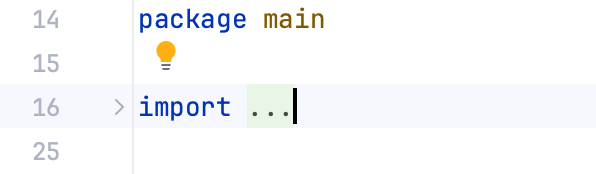
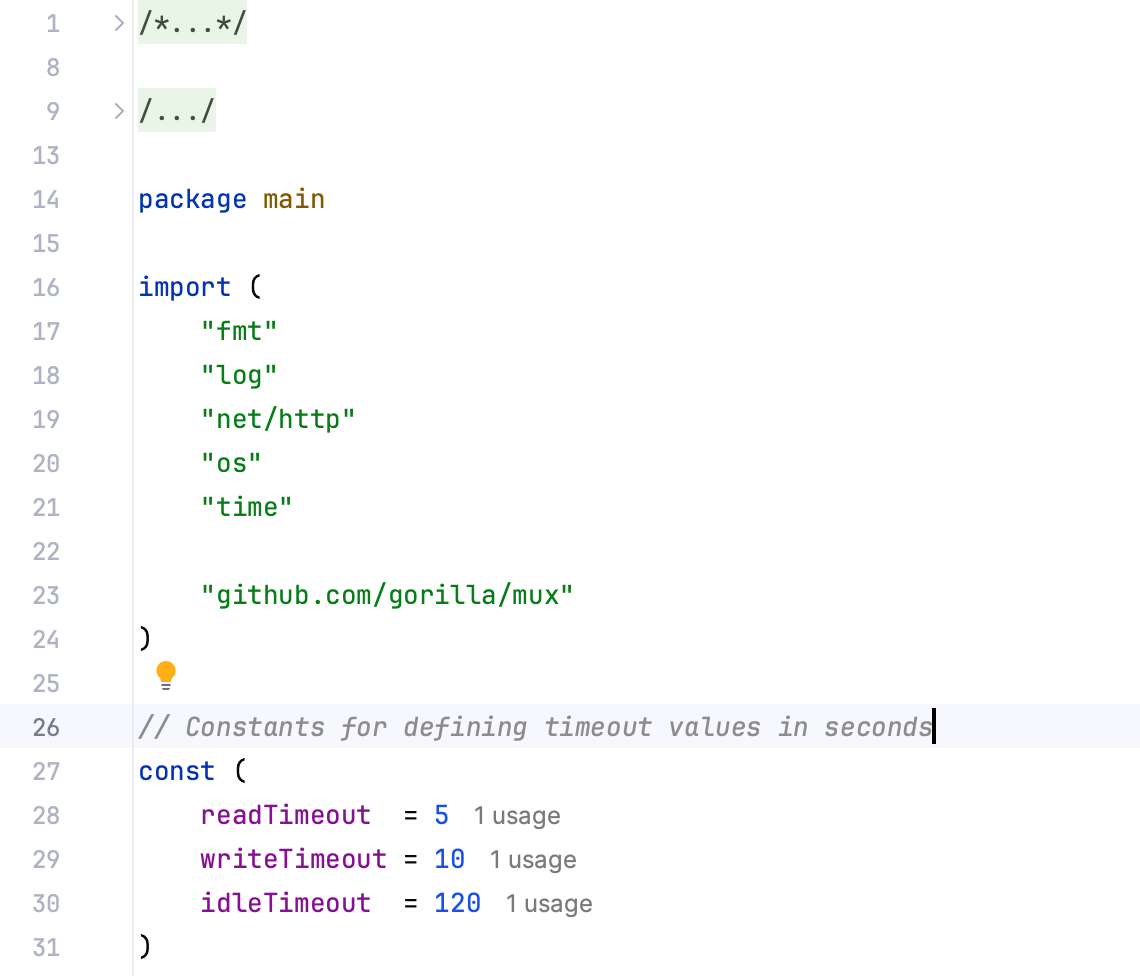
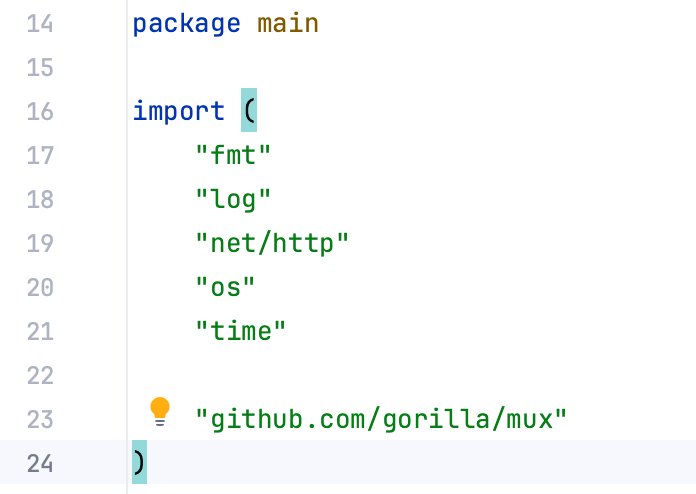
|    Imports      Folds the `import` section.    |     ![Code folding options: Imports](https://resources.jetbrains.com/help/img/idea/2026.3/go_code_folding_imports.png)  |     ![Code folding options: Imports](https://resources.jetbrains.com/help/img/idea/2026.3/go_code_folding_imports_unfolded.png)  |
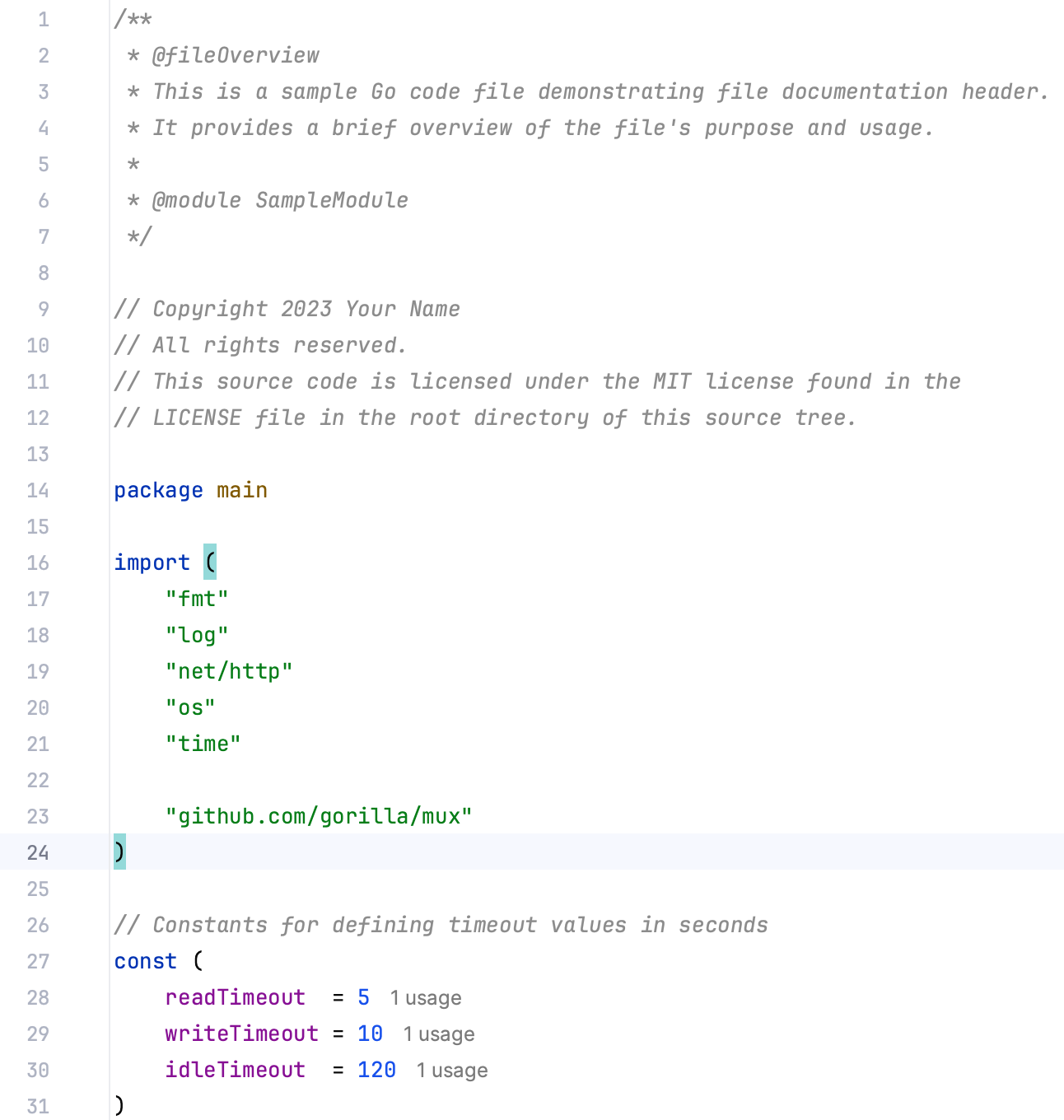
| Documentation comments     Folds multiline comments.    |     ![Code folding options: Documentation comments](https://resources.jetbrains.com/help/img/idea/2026.3/go_code_folding_options_documentation_comments.png)  |     ![Code folding options: Documentation comments](https://resources.jetbrains.com/help/img/idea/2026.3/go_code_folding_options_documentation_comments_unfolded.png)  |
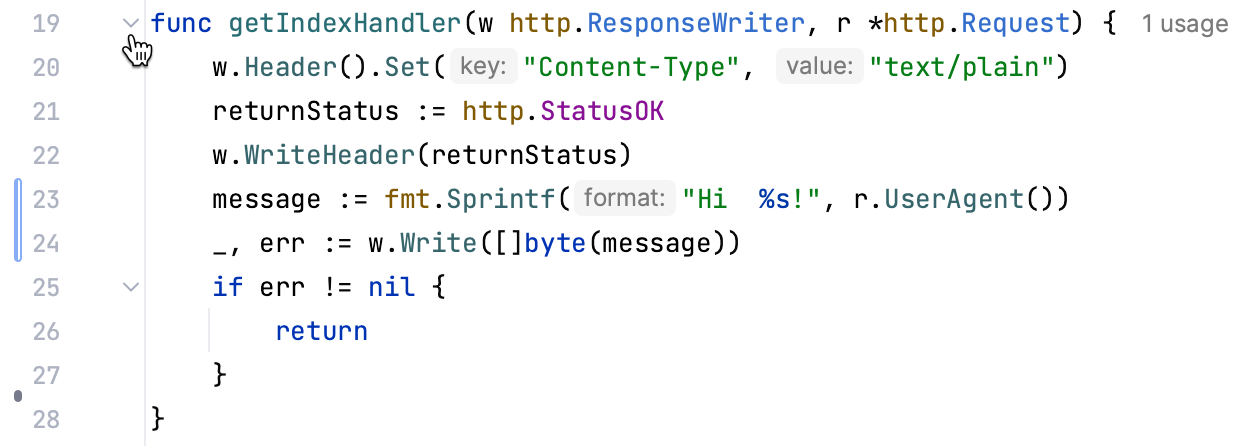
| Method bodies      Folds code in methods.    |     ![Code folding options: Method bodies](https://resources.jetbrains.com/help/img/idea/2026.3/go_code_folding_options_method_bodies.png)  |     ![Code folding options: Method bodies](https://resources.jetbrains.com/help/img/idea/2026.3/go_code_folding_options_method_bodies_unfolded.png)  |
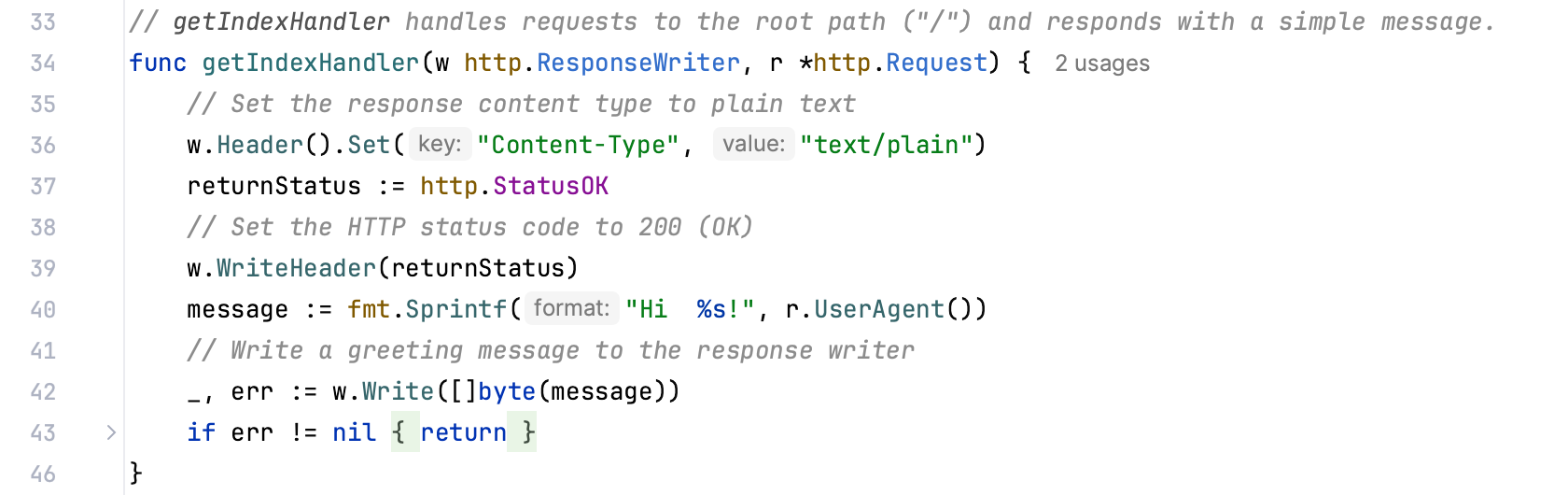
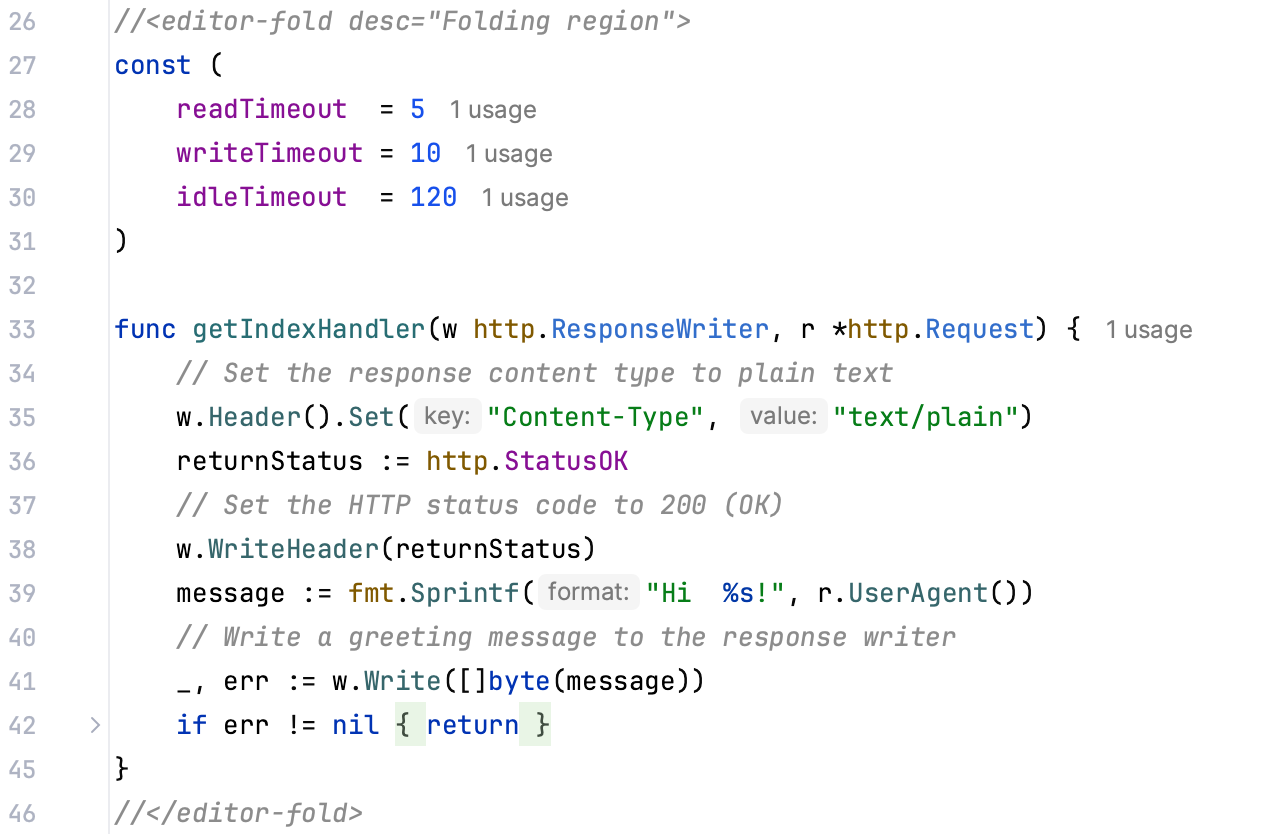
|    Custom folding regions     Folds regions that are marked with `editor-fold` or `region` comments.     For more information, refer to [Custom folding regions](working-with-source-code.html#custom_folding_regions).    |     ![Code folding options: Custom folding regions](https://resources.jetbrains.com/help/img/idea/2026.3/go_code_folding_options_custom_folding_regions.png)  |     ![Code folding options: Custom folding regions](https://resources.jetbrains.com/help/img/idea/2026.3/go_code_folding_options_custom_folding_regions_unfolded.png)  |
### Go

| Option | Unfolded code | Folded code |
| --- | --- | --- |
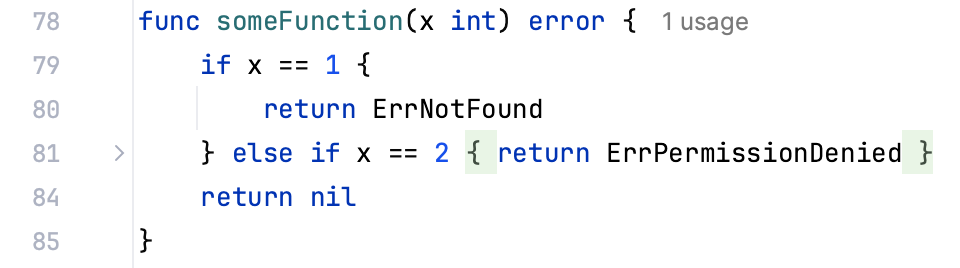
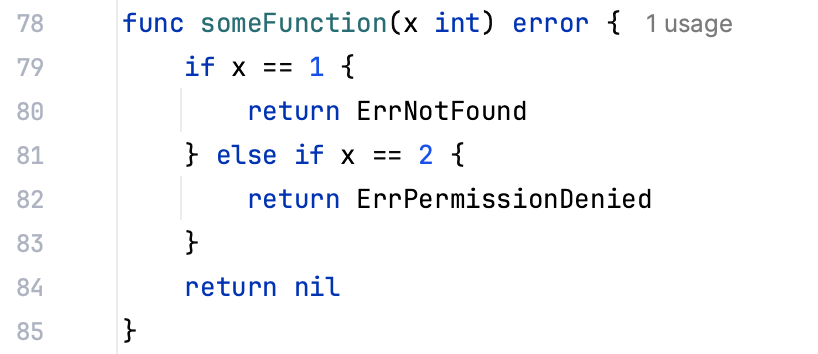
| One-line 'if' blocks with a single 'return'     You can select a style of how you want to fold single-line return statements. You can select between two styles: if err != nil { return err } and if err != nil : err ⤴.    | ![Code folding options: Single-line return statements](https://resources.jetbrains.com/help/img/idea/2026.3/go_code_folding_options_single_line_return_statements.png) | ![Code folding options: Single-line return statements](https://resources.jetbrains.com/help/img/idea/2026.3/go_code_folding_options_single_line_return_statements_unfolded.png) |
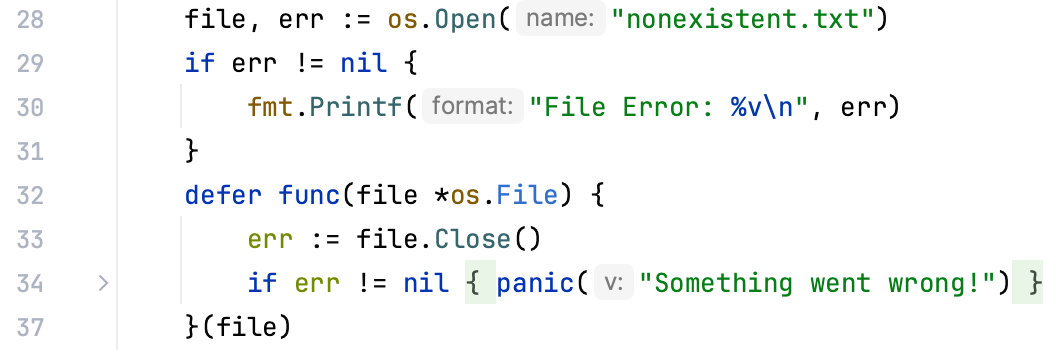
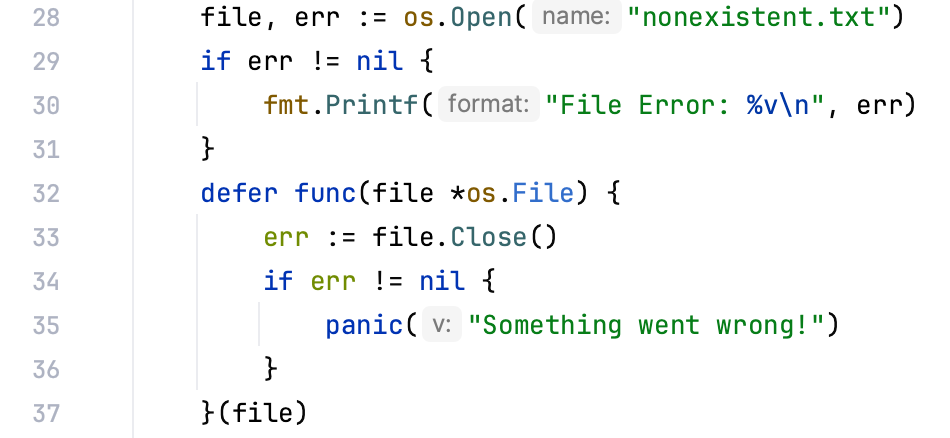
| One-line 'if' blocks with a single 'panic'     You can select a style of how you want to fold single-line panic statements. You can select between two styles: if err != nil { panic("error") } and if err != nil : "err" ⤴.    | ![Code folding options: Single-line panic statements](https://resources.jetbrains.com/help/img/idea/2026.3/go_code_folding_options_single_line_panic_statements_unfolded.png) | ![Code folding options: Single-line panic statements](https://resources.jetbrains.com/help/img/idea/2026.3/go_code_folding_options_single_line_panic_statements.png) |
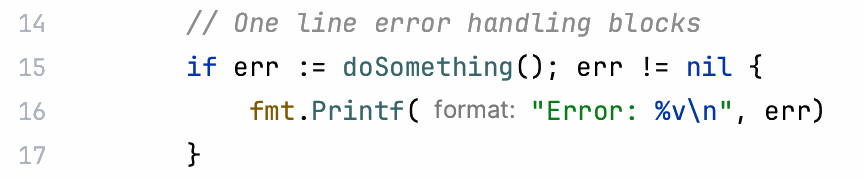
| One-line 'if' blocks for error handling     Fold blocks that handle error and consist of a single line.    | ![Code folding options: Single-line error handling blocks](https://resources.jetbrains.com/help/img/idea/2026.3/go_code_folding_options_single_line_error_handling_blocks_unfolded.png) | ![Code folding options: Single-line error handling blocks](https://resources.jetbrains.com/help/img/idea/2026.3/go_code_folding_options_single_line_error_handling_blocks.png) |
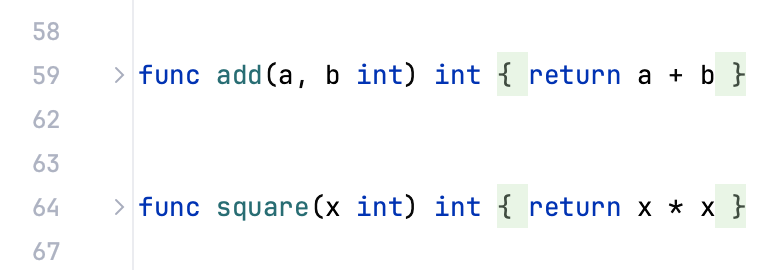
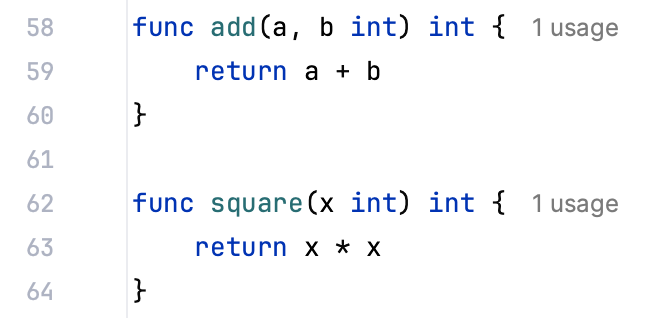
| One-line functions with a single 'return' | ![Code folding options: Single-line return functions](https://resources.jetbrains.com/help/img/idea/2026.3/go_code_folding_options_single_line_return_functions_unfolded.png) | ![Code folding options: Single-line return functions](https://resources.jetbrains.com/help/img/idea/2026.3/go_code_folding_options_single_line_return_functions.png) |
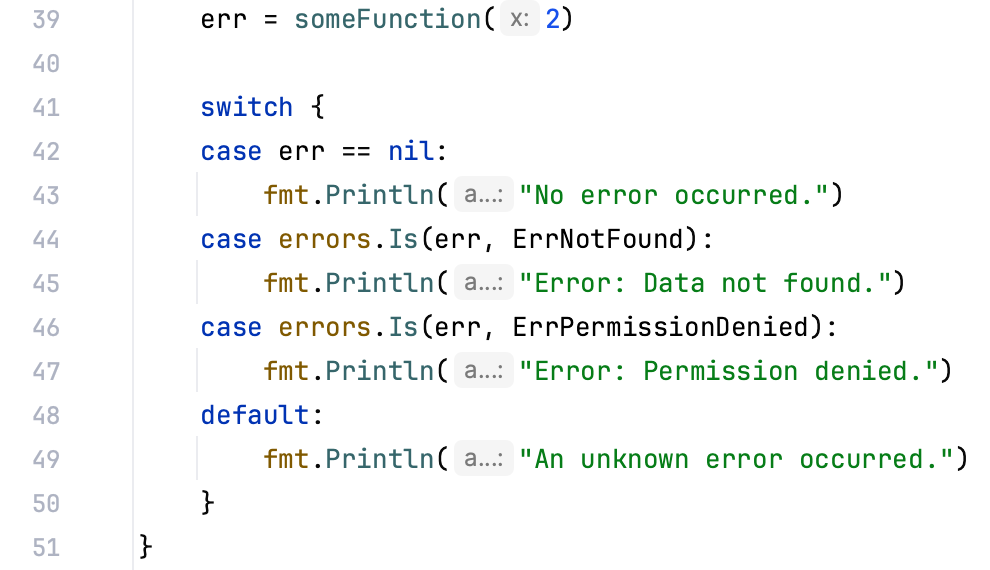
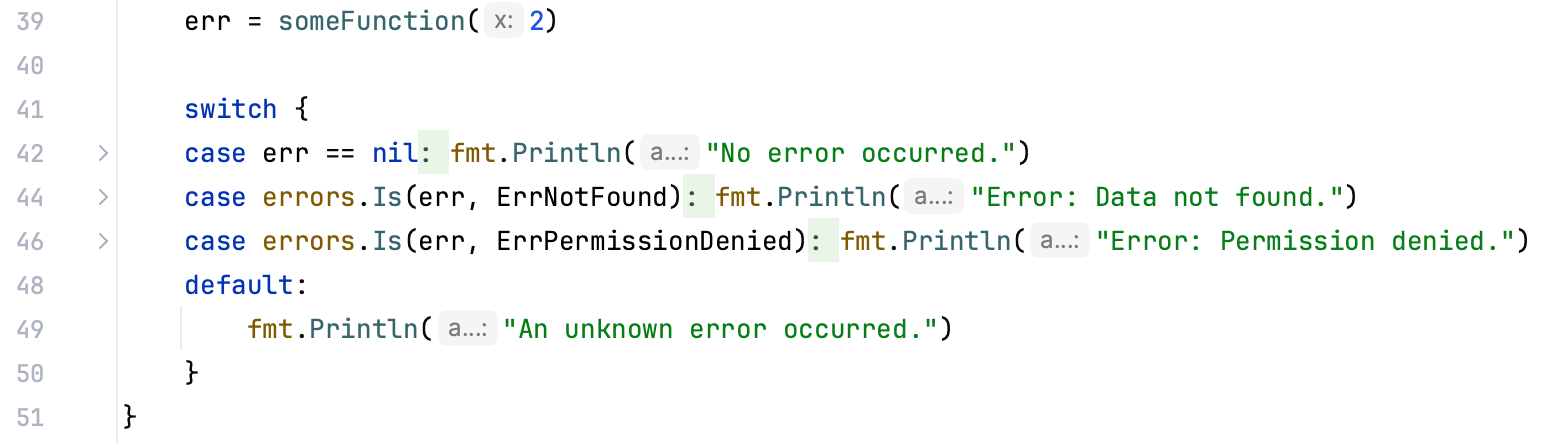
| One-line case clauses | ![Code folding options: Single-line error handling case clauses](https://resources.jetbrains.com/help/img/idea/2026.3/go_code_folding_options_single_line_error_handling_case_clauses_unfolded.png) | ![Code folding options: Single-line error handling case clauses](https://resources.jetbrains.com/help/img/idea/2026.3/go_code_folding_options_single_line_error_handling_case_clauses.png) |
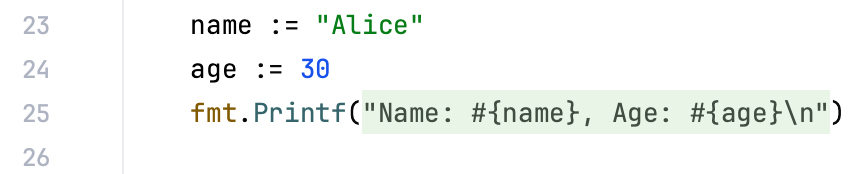
| Formatted strings | ![Code folding options: Format strings](https://resources.jetbrains.com/help/img/idea/2026.3/go_code_folding_options_format_strings_unfolded.png) | ![Code folding options: Format strings](https://resources.jetbrains.com/help/img/idea/2026.3/go_code_folding_options_format_strings.png) |

### JavaScript

| Option | Unfolded code | Folded code |
| --- | --- | --- |
| One-line functions in JavaScript and TypeScript |     ![One-line functions in JavaScript and TypeScript⋖](https://resources.jetbrains.com/help/img/idea/2026.3/go_one_line_functions_in_java_script_and_type_script_unfolded.png)  |     ![One-line functions in JavaScript and TypeScript⋖](https://resources.jetbrains.com/help/img/idea/2026.3/go_one_line_functions_in_java_script_and_type_script.png)  |
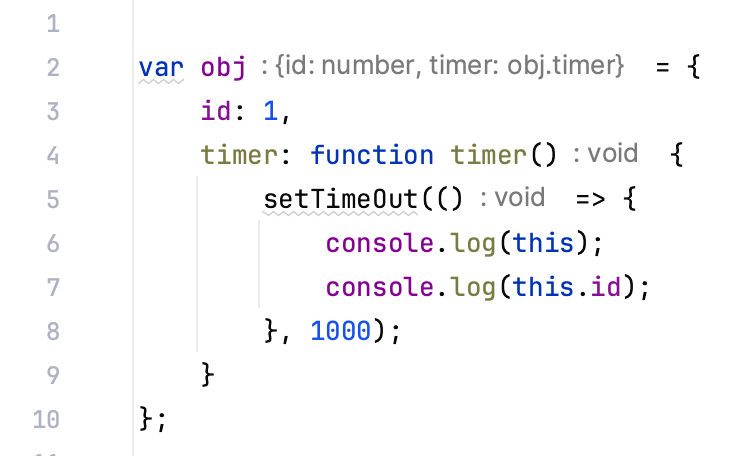
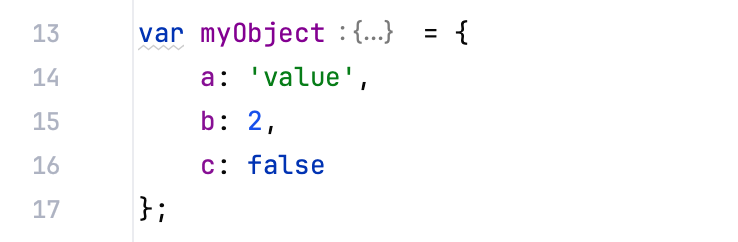
| Object literals |     ![Object literals](https://resources.jetbrains.com/help/img/idea/2026.3/go_object_literals_unfolded.png)  |     ![Object literals](https://resources.jetbrains.com/help/img/idea/2026.3/go_object_literals.png)  |
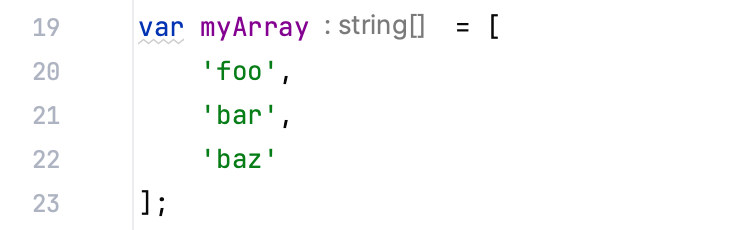
| Array literals |     ![Array literals](https://resources.jetbrains.com/help/img/idea/2026.3/go_array_literals_unfolded.png)  |     ![Array literals](https://resources.jetbrains.com/help/img/idea/2026.3/go_array_literals.png)  |
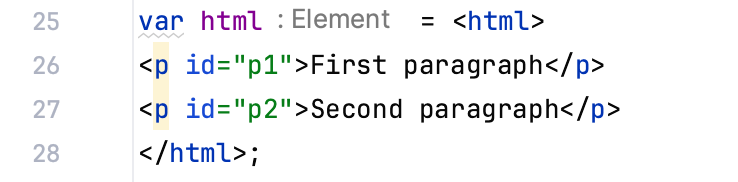
| XML literals |     ![XML literals](https://resources.jetbrains.com/help/img/idea/2026.3/go_xml_literals_unfolded.png)  |     ![XML literals](https://resources.jetbrains.com/help/img/idea/2026.3/go_xml_literals.png)  |

### SQL

| Option | Unfolded code | Folded code |
| --- | --- | --- |
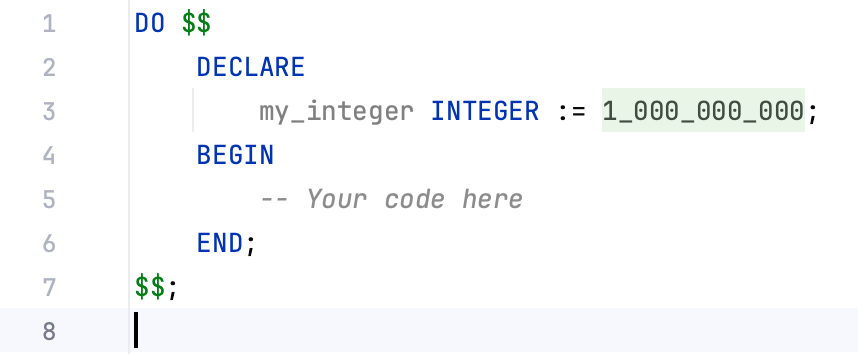
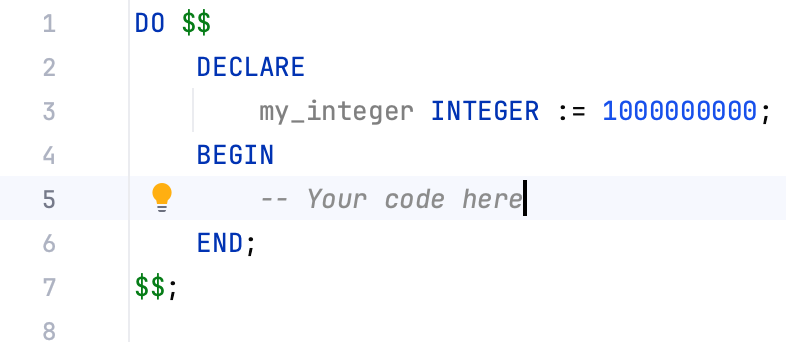
|  Put underscores inside numeric literals (6-digit or longer)  |     ![Put underscores inside numeric literals (6-digit or longer)](https://resources.jetbrains.com/help/img/idea/2026.3/go_put_underscores_inside_numeric_literals_6_digit_or_longer_unfolded.png)  |     ![Put underscores inside numeric literals (6-digit or longer)](https://resources.jetbrains.com/help/img/idea/2026.3/go_put_underscores_inside_numeric_literals_6_digit_or_longer.png)  |
### XML

| Option | Unfolded code | Folded code |
| --- | --- | --- |
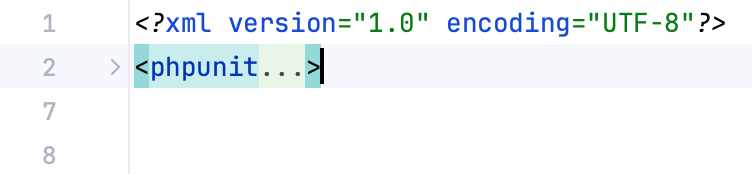
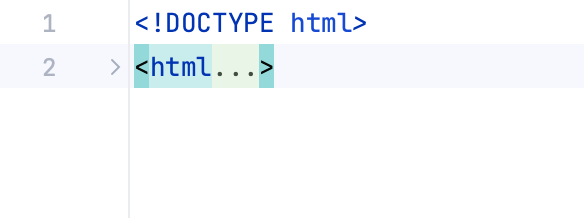
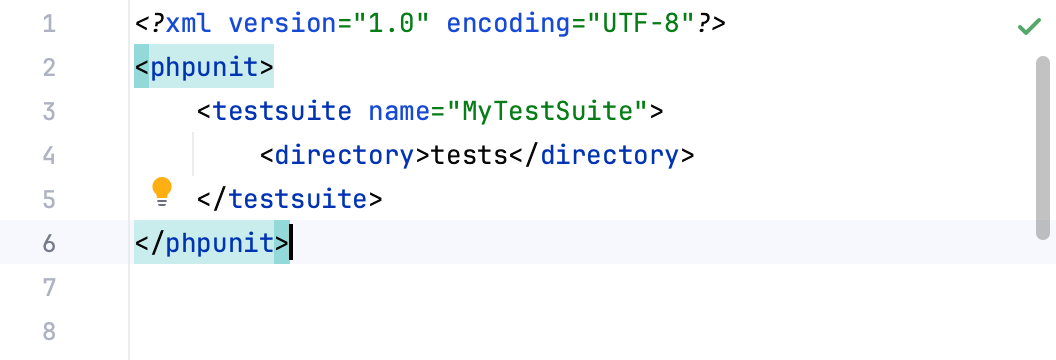
|  XML Tags  |     ![XML Tags](https://resources.jetbrains.com/help/img/idea/2026.3/go_xml_tags_unfolded.png)  |     ![XML Tags](https://resources.jetbrains.com/help/img/idea/2026.3/go_xml_tags.png)  |
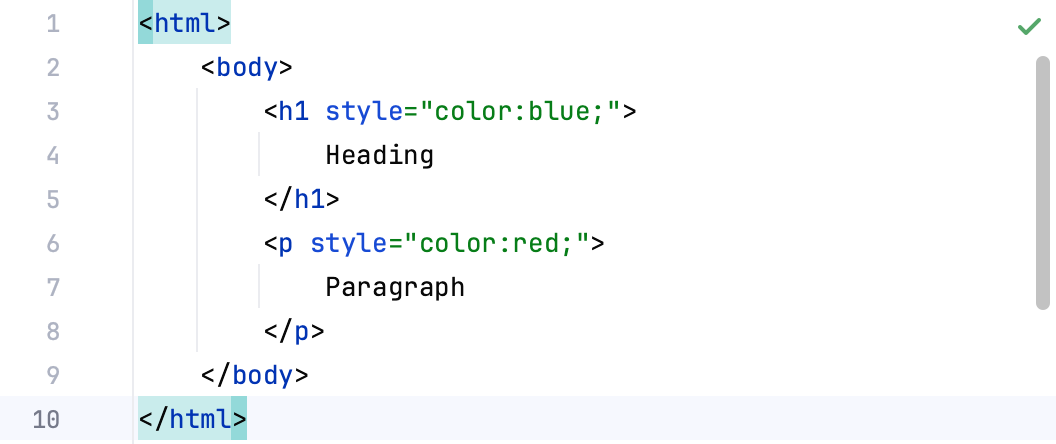
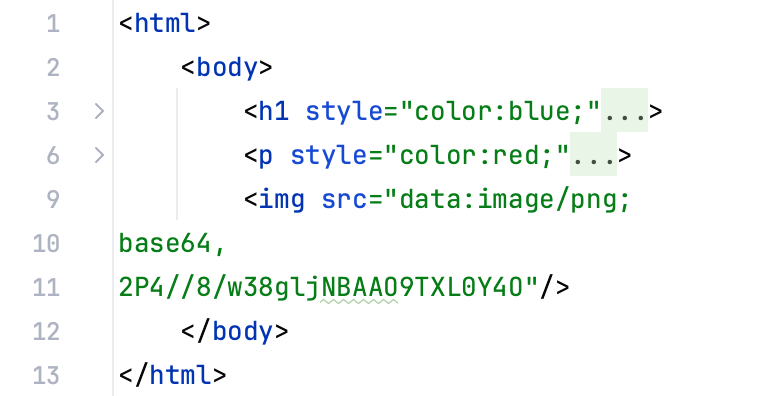
| HTML 'style' attribute |     ![HTML 'style' attribute](https://resources.jetbrains.com/help/img/idea/2026.3/go_html_style_attribute_unfolded.png)  |     ![HTML 'style' attribute](https://resources.jetbrains.com/help/img/idea/2026.3/go_html_style_attribute.png)  |
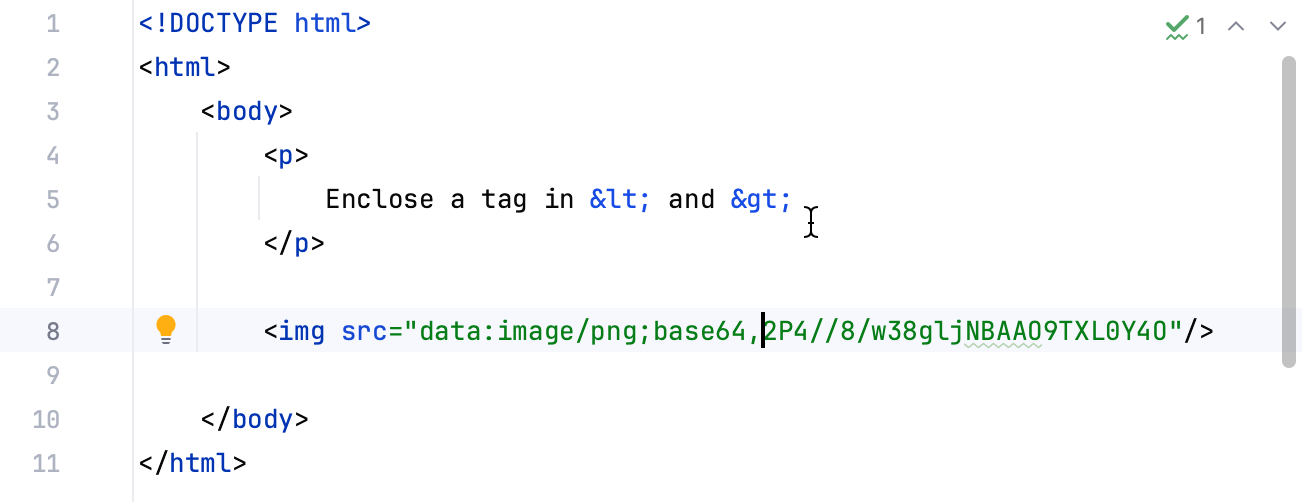
| XML entities |     ![XML entities](https://resources.jetbrains.com/help/img/idea/2026.3/go_xml_entities_unfolded.png)  |     ![XML entities](https://resources.jetbrains.com/help/img/idea/2026.3/go_xml_entities.png)  |
| Data URIs |     ```XML <img src="data:image/png; base64, 2P4//8/w38gljNBAAO9TXL0Y4O"/> ```    |     ```XML <img src="data:"/> ```    |

## See also

### Getting Started

[Editor basics](using-code-editor.html)