When Closure Linter support is enabled, GoLand highlights errors that Closure Linter detects, provides descriptions for them, and suggests quick-fixes where possible.
Descriptions of the errors detected in the current file and quick-fixes for them are available from the editor and from the File tab of the Problems tool window.
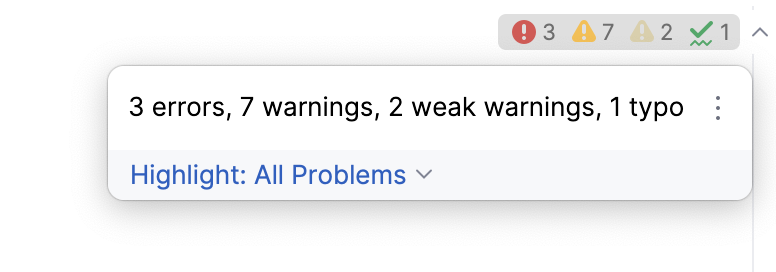
Errors in all previously opened files and quick-fixes for them are shown in the Project Errors tab of the Problems tool window. To open the tool window, click the Inspection widget in the upper-right corner of the editor:
Enable Closure Linter and configure its behavior in GoLand
Open the Settings dialog (Ctrl+Alt+S) , go to Languages & Frameworks | JavaScript | Code Quality Tools | Closure Linter, select the Enable checkbox. After that all the controls on the page become available.
Specify the path to the Closure Linter executable file:
<Python_home>\Scripts\gjslint.exe for Windows
/usr/local/bin/gjslint for Linux and macOS
Specify the path to the previously created configuration file with Closure Linter flags.